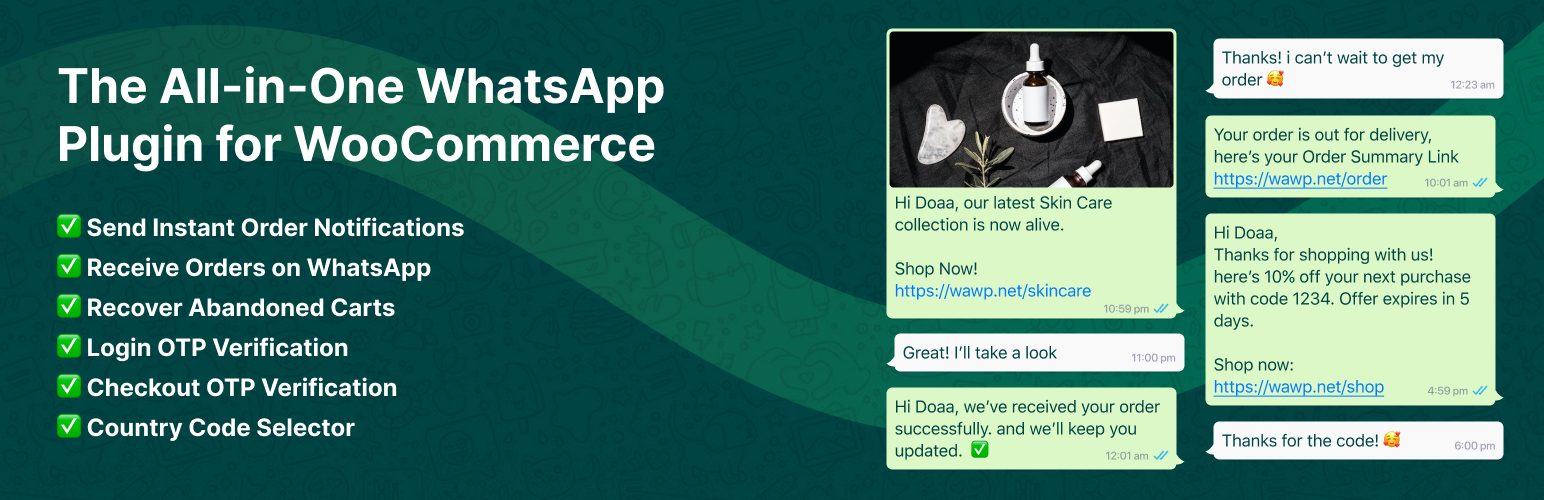
Wawp Country Code & Chat Widget for WooCommerce
| 开发者 | 101Gen |
|---|---|
| 更新时间 | 2026年10月7日 09:59 |
| 捐献地址: | 去捐款 |
| PHP版本: | 7.4 及以上 |
| WordPress版本: | 7.1 |
| 版权: | GPLv3 or later |
| 版权网址: | 版权信息 |
标签
下载
4.0.5
4.0.5.1
2.0.7
4.0.1.10
4.0.1.11
1.1.7
1.2.3
2.0.15
2.0.16
2.0.3
2.0.5
4.0.3.8
2.0.13
2.0.14
2.0.9
4.1
4.1.1
4.2
3.0.0
4.0.3.9
4.8.1
4.0.1.12
4.3
2.0.12
2.0.1
4.0.3.4
4.0.1.5.1
4.0.3.5
4.0.3.6
4.0.3.13
4.8.3
4.0.3.11
4.1.2
5.1.0
4.7.9
4.8.2
3.0.19
4.0.3.10
4.0.3.7
4.0.1
1.1.2
1.1.3
1.1.4
1.1.1
1.1.5
1.1.6
1.2.0
1.2.2
1.2.1
2.0.11
2.0.2
2.0.6
2.0.8
2.1.0
2.1.2
3.0.10
3.0.11
3.0.12
3.0.13
3.0.2
3.0.4
3.0.9
4.8.5
3.0.16
3.0.3
3.0.15
3.0.17
3.0.18
4.0.1.1
4.0.1.2
3.0.5
4.0.1.3
4.0.1.5
4.0.1.4
4.0.1.6
4.0.1.7
4.0
4.0.1.8
4.0.1.9
3.0.1
3.0.8
4.0.2
1.2.4
2.0.0
4.0.3.1
4.0.3.2
2.1.1
4.0.3.3
4.0.3.12
4.4
4.6.1
4.6.2
4.5
4.6.3
4.6
4.7.5
4.8.4
5.0.0
详情介绍:
Wawp Country Code & Chat Widget for WooCommerce provides a practical solution to add country flags, dial codes, and phone number validation to your WooCommerce checkout and forms.
Help customers enter valid phone numbers with an interactive phone input field featuring national flags, automatic country detection by IP, and standardized international formatting.
🌟 Key Features
🌍 Country Code & Phone Validation
- Interactive Country Flag Dropdown: International telephone input with country flags and dial codes.
- Auto-Detection: Automatically detect the customer's country via IP or WooCommerce billing country to pre-select the dial code.
- WooCommerce Checkout Integration: Attaches to the Billing and Shipping Phone fields in Classic and WooCommerce Block checkouts.
- Standardized Formatting: Formats phone numbers using libphonenumber standards (E.164 and National formats).
- Phone Validation: Verifies phone number length and structure before submission.
- Country Filtering: Restrict or configure dropdown lists to display only the countries your store ships to.
- Custom Field Selectors: Bind international phone input to any custom CSS selector on your site.
- RTL & LTR Support: Responsive design with support for both Right-to-Left and Left-to-Right languages.
- Multi-Agent Support: Assign contact cards for Support, Sales, or Billing lines.
- Custom Avatars & Starting Messages: Set individual agent names, roles, avatars, and customized starting messages.
- Social Channels: Connect your Facebook, Instagram, Telegram, TikTok, LinkedIn, and YouTube profiles inside the widget.
- QR Code Scanner: QR code mapping for desktop traffic to scan with their phone and chat directly.
- Display Conditions: Control widget visibility based on device type (Desktop/Mobile) or targeted site pages.
- Local Engagement Analytics: Track impressions, widget opens, agent clicks, and social clicks locally without third-party tracking.
- Fast & Optimized: Clean code structure without redundant dependencies.
- WAWP Ecosystem Integration: Connect with the WAWP Platform for order notifications, OTP verification, and marketing automations.
安装:
- Install using the WordPress built-in Plugin installer, or extract the zip file and drop the contents into the
wp-content/plugins/directory of your WordPress installation. - Activate the plugin through the ‘Plugins’ menu in WordPress.
- Navigate to WAWP in the WordPress admin menu to configure your Country Code and Chat Widget settings.
屏幕截图:
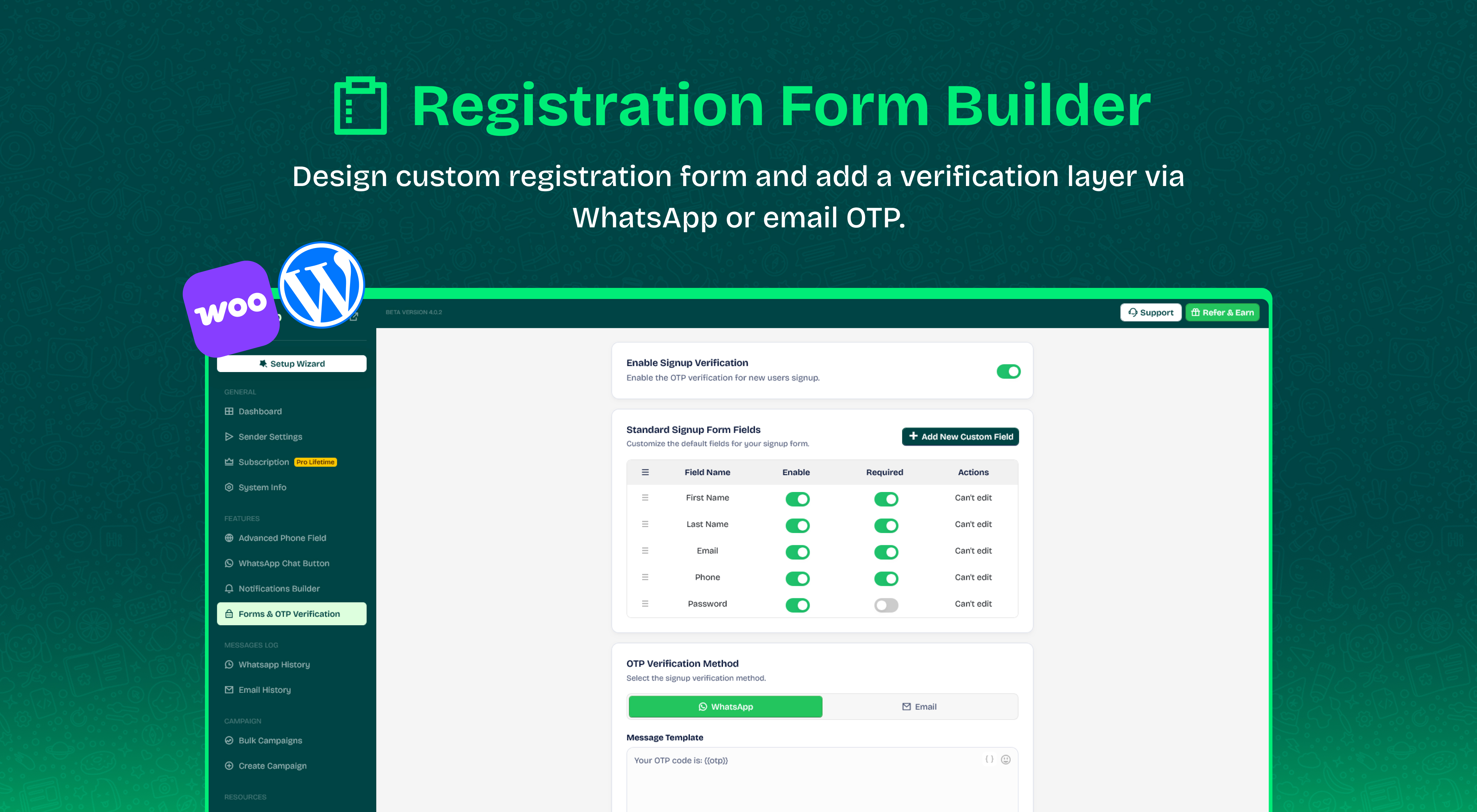
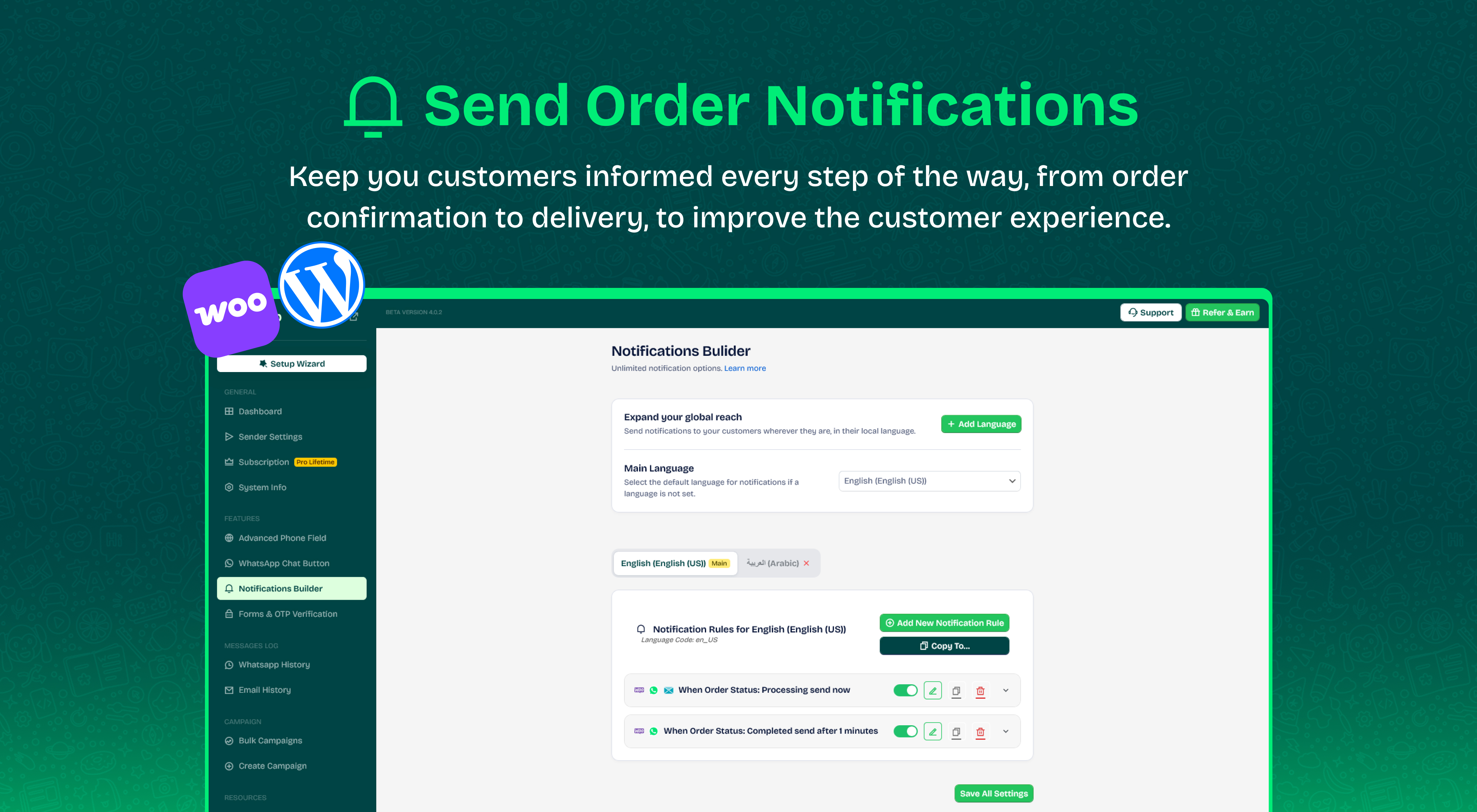
更新日志:
Version: 5.1.0 – Date: 07-10-2026
- Compliance: Updated plugin display name to "Wawp Country Code & Chat Widget for WooCommerce" in compliance with WordPress.org trademark guidelines.
- Compliance: Refined description, feature lists, and external service notices to ensure strict adherence to directory standards.
- Source Code & Open Source Compliance: Included complete unminified source code (
app/src/,app/package.json,app/vite.config.ts,composer.json) and documented build instructions inreadme.txtper WordPress.org human-readable code guidelines. - Privacy & Security: Replaced external emoji dependency with a lightweight Native Emoji Picker, eliminating all third-party CDN requests.
- Security & Integrity: Enhanced settings sanitization for
register_settinghandling nested country and phone field structures recursively. - Security: Hardened REST API settings controller with an explicit allowlist for WooCommerce options modification.
- Bug Fix: Fixed fatal error during frontend script localization in
WAWP_CountryCode::add_frontend_global_vars().
- Major Overhaul: Streamlined the plugin core to focus on Country Code & Phone Number validation and Chat Widget for WooCommerce and WordPress.
- Enhancement: International flag dropdown with auto-detection for WooCommerce checkout and registration forms.
- Enhancement: Multi-agent chat widget with custom avatars, pre-filled messages, and social media links.
- Enhancement: Enhanced RTL/LTR display and phone number normalization.
- Optimization: Cleaned up redundant legacy modules and dependencies for performance and security.
- Security: Hardened token verification routines and security boundaries.
- Optimization: Performance optimizations and cleanup of deprecated routines.
- Fix: Resolved a potential conflict during plugin activation and improved system checks.
- Optimization: Code optimization and cleanup of deprecated helper methods.
- Performance: Improved admin asset loading and rendering performance.
- Optimization: Core performance optimization and asset enqueuing improvements.
- Tested up to WordPress 7.0.
- Removed unused files and assets.
- Security: Resolved non-validated inputs by implementing strict WordPress-standard nonce and capability checks across all API handlers.
- Compliance: Updated third-party libraries (including libphonenumber-for-php) to the latest stable versions for enhanced security.
- Compliance: Replaced remote assets with local alternatives to ensure 100% compliance with WordPress repository policies.
- Refinement: Standardized granular sanitization for nested settings arrays to ensure robust data integrity.
- Compliance Update: Unlocked all core functionalities for standalone deployment.
- Enhancement: Cleaned up translation components and refined string domains.
- New Architecture: Major refactoring to a trait-based modular system for better performance and maintainability.
- Security: Standardized AJAX and REST security with centralized nonce and capability checks.
- UI Optimization: Centralized all SVG assets and UI helpers to reduce plugin footprint and improve load speed.
- Standardization: Unified phone number sanitization and formatting using the new global Phone Helper Trait.
- Compliance: Standardized all module behaviors to align with WordPress.org security and privacy guidelines.
- New: Live real-time preview for the WhatsApp Chat Widget in backend settings.
- Enhancement: Advanced Phone Field settings upgraded with modern toggles and instant status indicators.
- Enhancement: Added a mobile sidebar toggle button for better responsiveness.
- Fix: Resolve country flag image loading issues and plugin conflicts by using unique asset handles and absolute paths.
- Performance: Optimized Block Manager to lazy-load phone dependencies (intl-tel-input) only when accessed.
- New: Added Country Code direction Auto / Right / Left (or based on site language).
- New: Added Country Code +972 for Palestine 48 Lands.
- Enhancement: Code optimization.
- Enhancement: Code optimization.
- Bug Fixes: get_page_by_title() replaced with WP_Query for WordPress 6.2+ compatibility.
- Enhancement: Removed unused assets CSS/JS files.
- Enhancement: Updated international phone number input library to latest local version.
- Enhancement: Code optimization.
- Bug Fixes: Remix icons loading improvements.
- Enhancement: Phone Fields support for WooCommerce Gutenberg Block checkout.
- Enhancement: Redesigned administration interface with faster loading times.
- Enhancement: Updated intl-tel-input library.
- Enhancement: Improved all translation files associated with the plugin.
- New: Added dual action buttons in chat widget (direct WhatsApp and QR code scan).
- Enhancement: UI & UX design improvements across the settings panel.
- Enhancement: Code optimization.
- Enhancement: Code optimization.
- Enhancement: Code optimization.
- Enhancement: Translations updated for all languages.
- Enhancement: Improved system status information.
- Enhancement: Code optimization.
- Enhancement: Updated system info data.
- Enhancement: Code optimization.
- Enhancement: Code optimization.
- Enhancement: Improve form display compatibility with third-party themes.
- Enhancement: Code optimization.
- Enhancement: Code optimization.
- New: WhatsApp Chat Widget with multi-agent support and social channels.
- Enhancement: Auto country-code detection and selection.
- Enhancement: Setup Wizard performance and UX improvements.
- Misc: Minor improvements and refinements throughout the plugin.
- Enhancement: Updated WhatsApp number display for the chat button in the admin panel.
- Enhancement: Code optimization.
- Enhancement: Added auto load to make plugin load faster.
- Enhancement: Improved Arabic translation.
- Enhancement: Code optimization.
- Enhancement: Code optimization.
- Enhancement: Code optimization.
- Fix: Country code loading fix on checkout forms.
- New: WooCommerce Gutenberg Block support for country code phone fields.
- New: Added Spanish translation.
- Enhancement: Improved country code flag selector and RTL/LTR alignment options.
- Enhancement: Added support for Palestine 48 Lands (+972).
- Enhancement: WhatsApp Chat Button feature with contact list and hiding when empty.
- Enhancement: Phone number normalization and formatting improvements.
- Enhancement: Code optimization.
- Added: Translations (Portuguese, French, Hindi, Italian, Spanish).
- Enhancement: Country code entry and flag display improvements.
- Enhancement: Code optimization.
- Added: Arabic translation with full RTL support.
- Enhancement: Code optimization.
- Enhancement: Option to automatically detect country code via IP.
- New: WhatsApp Chat Widget supporting multiple numbers, avatars, roles, QR code scanner, and social media links.
- New: Advanced Country Code selector with flags and WooCommerce checkout integration.
- Enhancement: Performance and code optimization.
- Enhancement: Complete code optimization.