Automind Toolkit
| 开发者 | undercode |
|---|---|
| 更新时间 | 2026年3月23日 04:07 |
| PHP版本: | 7.4 及以上 |
| WordPress版本: | 6.9 |
| 版权: | GPLv2 or later |
| 版权网址: | 版权信息 |
详情介绍:
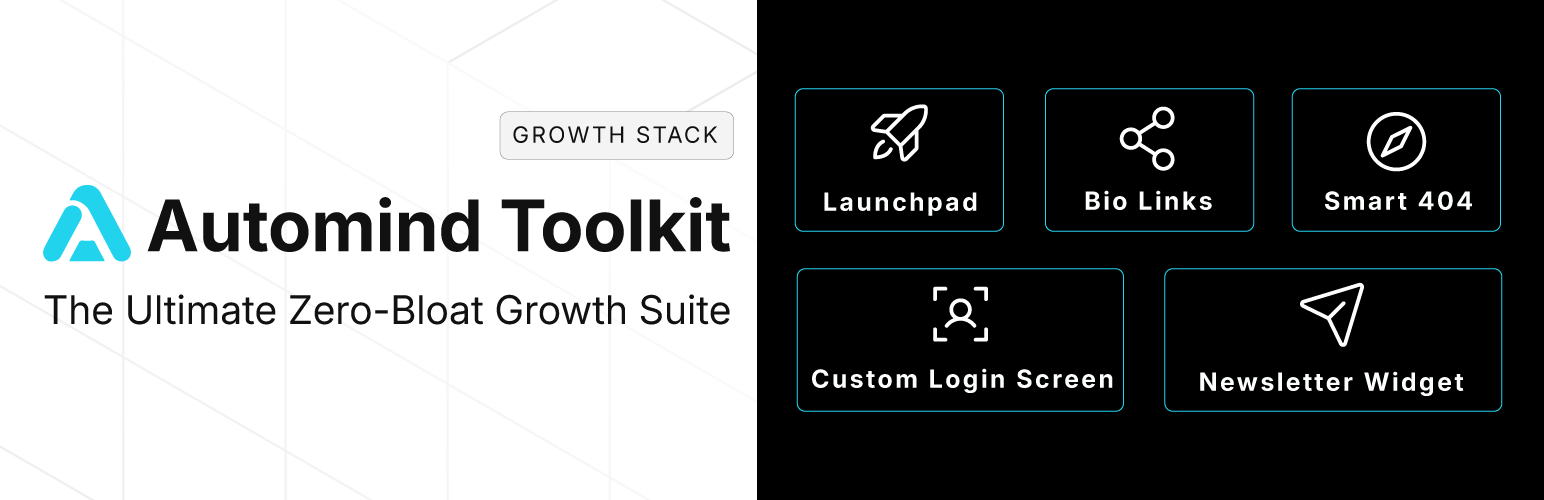
Automind Toolkit is a lightweight, all-in-one growth suite designed for agencies, creators, and startups who value performance and brand consistency.
Stop installing 5 different plugins for basic features. Automind Toolkit bundles the essential "Launch Stack" into one file, adhering to a strict Zero-Bloat philosophy (No frameworks, no jQuery, minimal CSS).
🚀 Key Features:
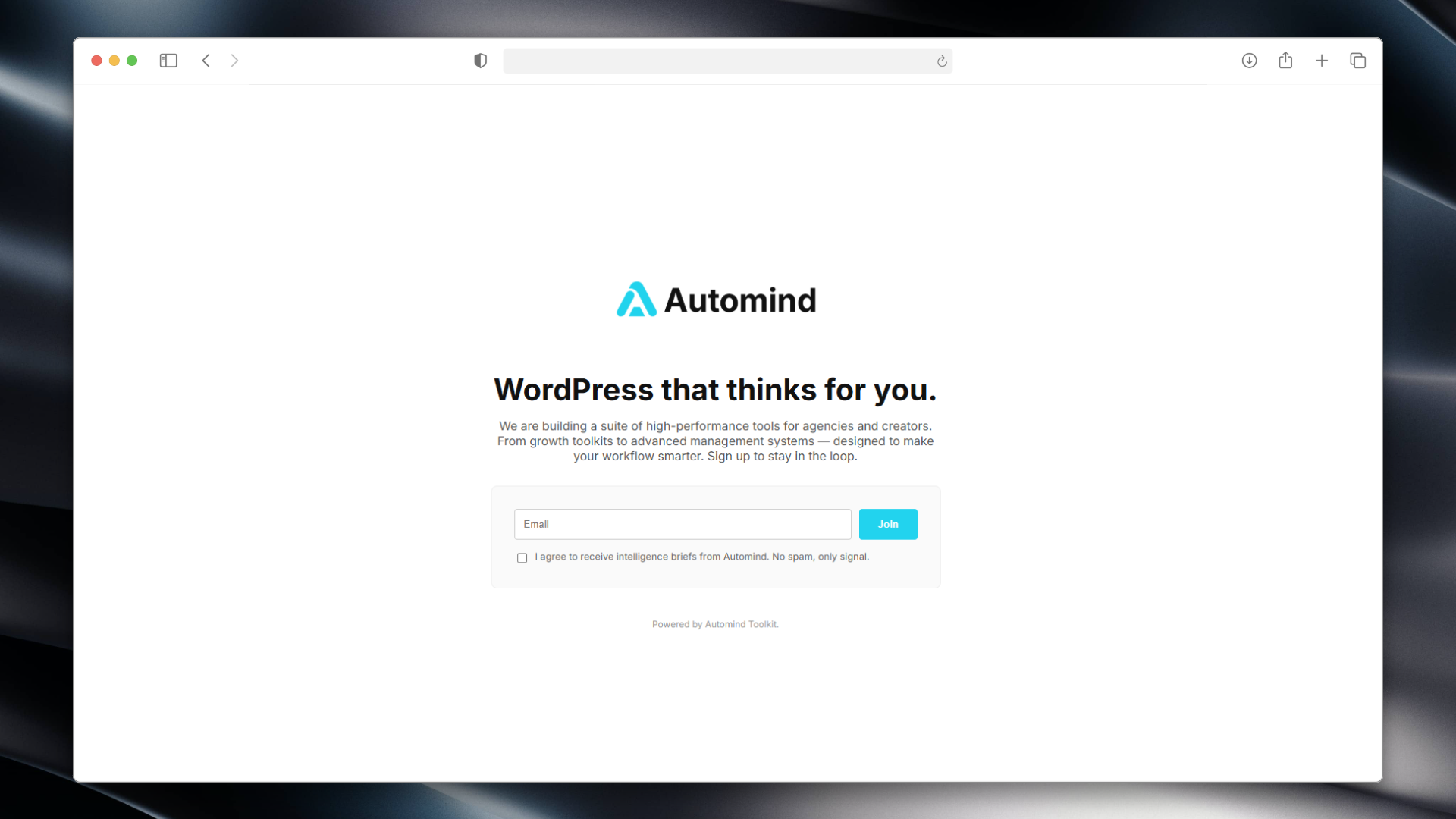
- Launchpad (Maintenance Mode): Beautiful, typography-driven "Coming Soon" page with a countdown timer and email capture.
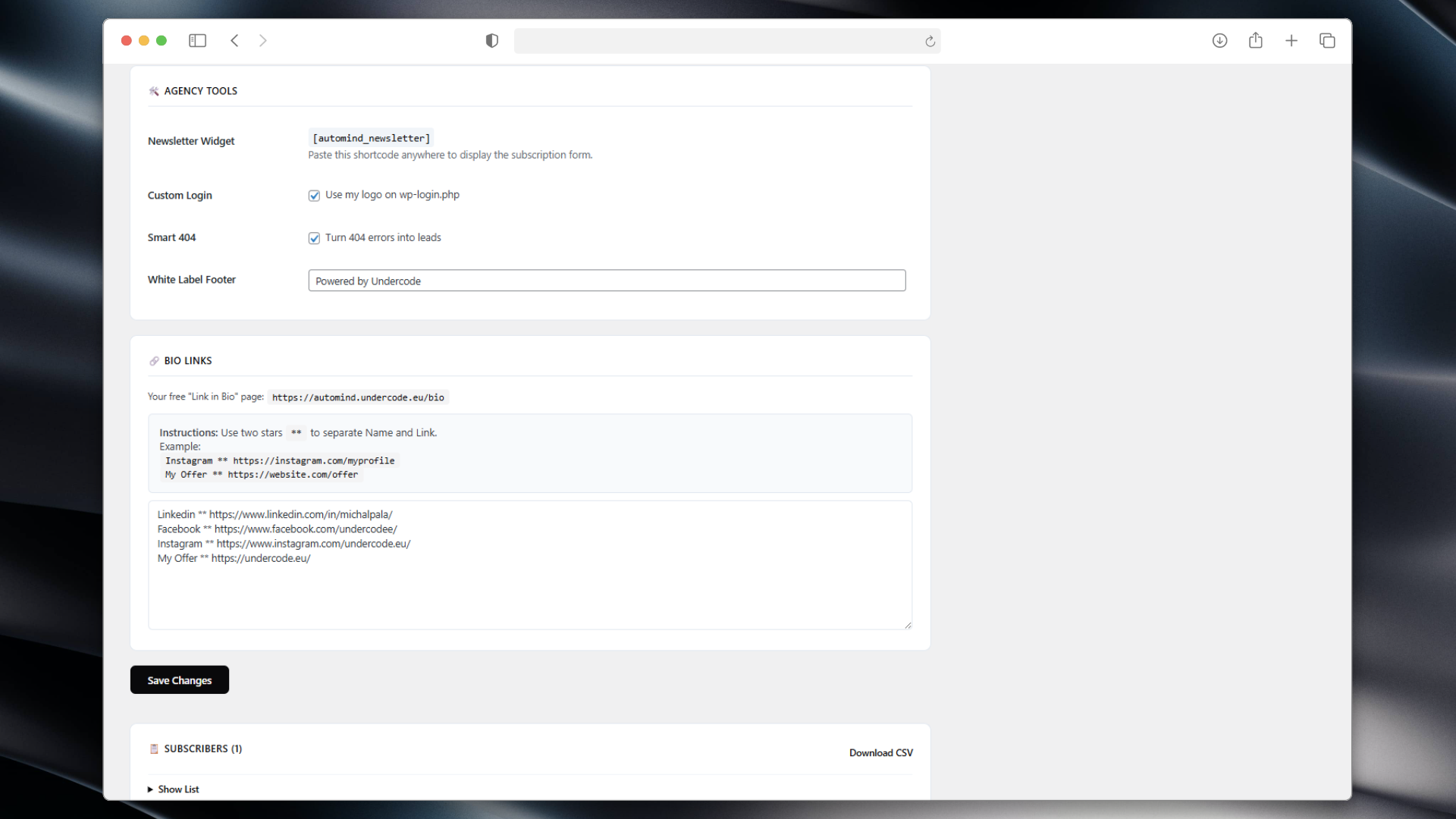
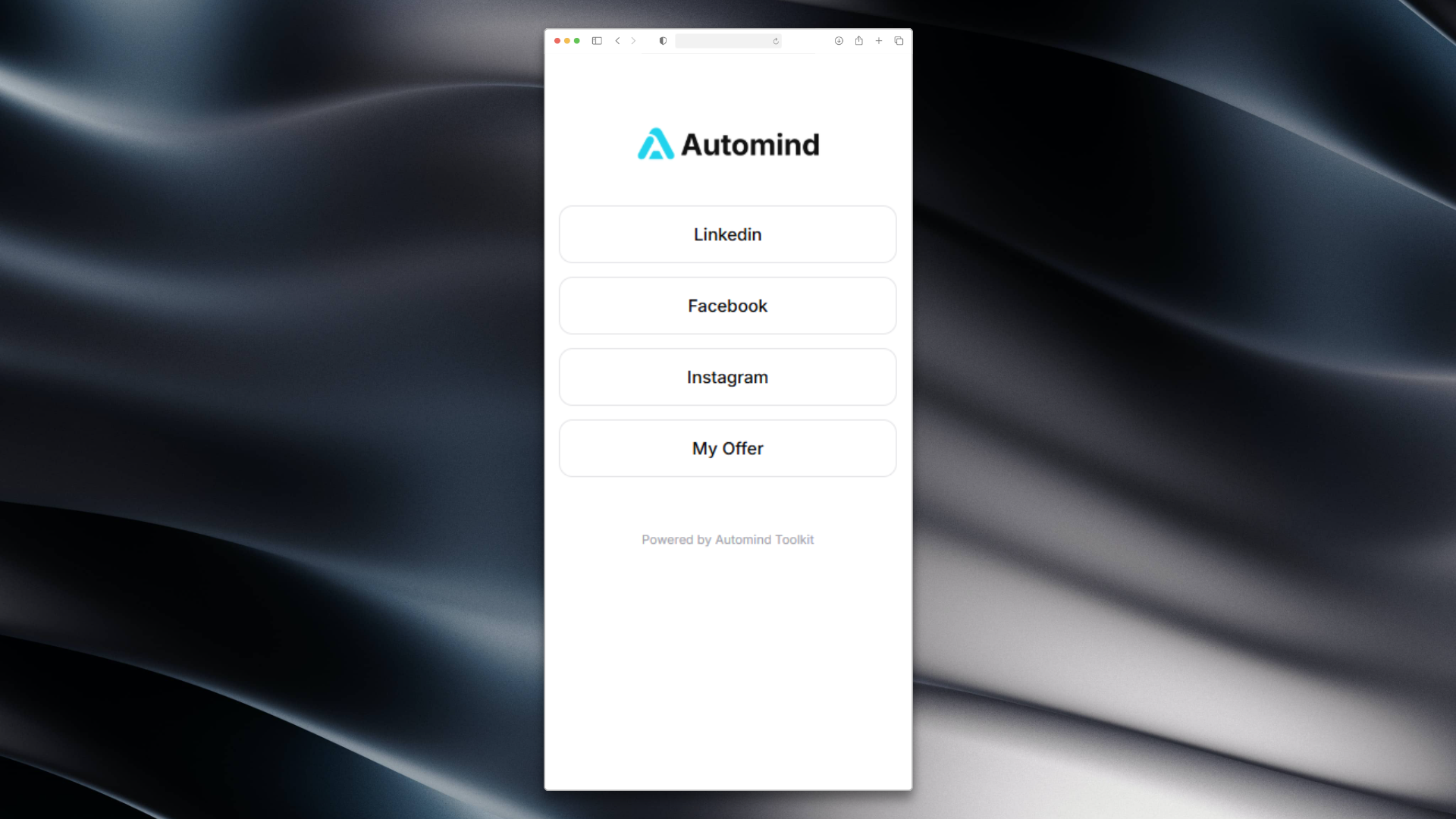
- Bio Links (Linktree Alternative): Create a clean, fast-loading "Link in Bio" page (
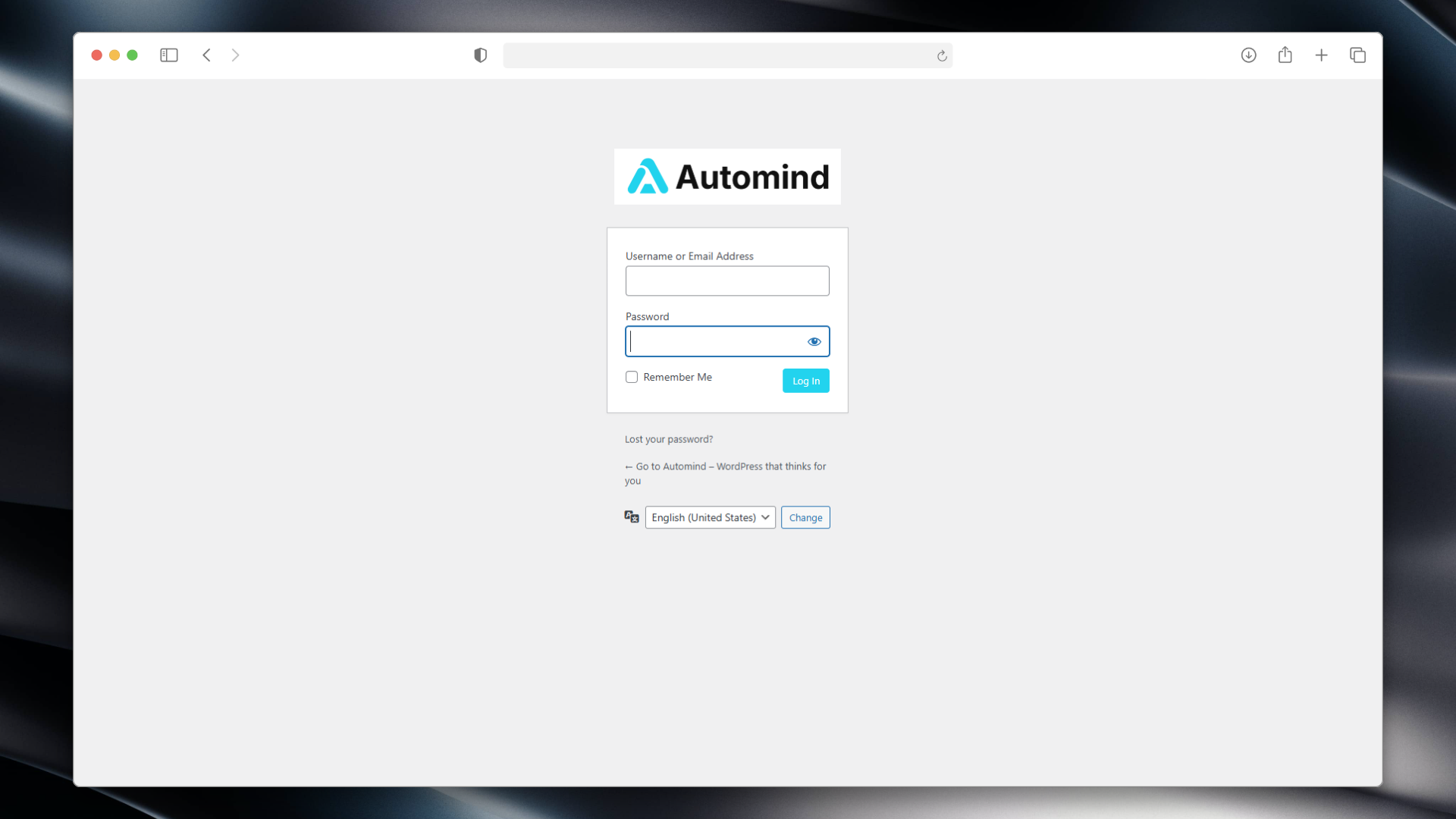
/bio) hosted on your own domain. No more paying for basic link tools. - Custom Login Screen: Rebrand the default WordPress login page (
wp-login.php) with your own Logo and Colors. Great for client handoff. - Smart 404: Automatically turn lost visitors into leads by displaying a newsletter capture form on 404 error pages.
- Newsletter Widget: Use the
[automind_newsletter]shortcode to place a stylish subscription form anywhere (Sidebar, Footer, Posts). - Honeypot Security: Built-in invisible trap blocks bots without annoying CAPTCHAs.
- White Label: Customize the admin footer text to remove WordPress branding (e.g., "Powered by Your Agency").
- CSV Export: Download your subscriber list with one click.
安装:
- Upload the plugin files to the
/wp-content/plugins/automind-toolkitdirectory. - Activate the plugin through the 'Plugins' screen in WordPress.
- Go to the "Automind Toolkit" menu in your dashboard.
- Configure your colors, logo, and enable the modules you need.
屏幕截图:
常见问题:
How do I add links to my Bio Page?
Go to the "Bio Links" section in the plugin settings.
Enter your links in the format: Name ** URL (one per line). Example: Instagram ** https://instagram.com.
Where is the subscriber data stored?
Emails are stored locally in your WordPress database. We do not send data to any external servers. You can export the list as a CSV file.
Can I give clients access while Maintenance Mode is on?
Yes! Use the "Secret Key" feature.
The plugin generates a special link (e.g., /?access_key=vip) that allows clients to bypass the lock screen without logging in.
更新日志:
2.6.5
- Updated codebase to meet the latest WordPress.org repository guidelines (prefixes, output escaping, Guideline 10 compliance).
- UX Improvement: Bio Links now accept
**as a separator for easier typing. - Updated Admin UI with clearer instructions.
- Added "Smart 404" module.
- Added Custom Login Branding.
- Added
[automind_newsletter]shortcode. - Added Secret Key bypass link.
- Initial release (formerly Automind Launchpad).