Awesome Login Customizer
| 开发者 | mdripon |
|---|---|
| 更新时间 | 2025年5月25日 20:57 |
| 捐献地址: | 去捐款 |
| PHP版本: | 7.4 及以上 |
| WordPress版本: | 6.6 |
| 版权: | GPLv2 or later |
| 版权网址: | 版权信息 |
详情介绍:
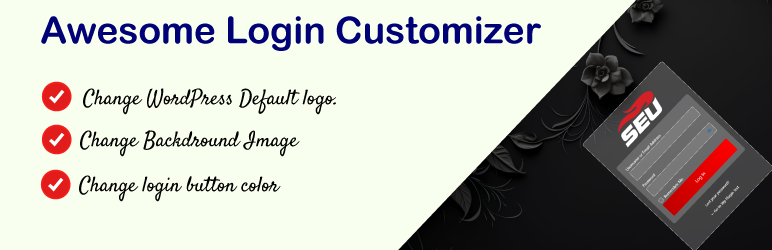
Awesome Login Customizer is a lightweight WordPress plugin that lets you personalize the default WordPress login page (
wp-login.php). Transform your login page to reflect your site’s branding and enhance user experience with just a few clicks.
Key Features
- Custom Logo: Replace the default WordPress logo with your own.
- Background Image: Add a custom background image to the login page.
- Login Button Styling: Change the color of the login button to match your brand.
- Simple and intuitive interface.
- Lightweight and performance-optimized.
- No coding skills required. We’d love to hear your feedback! Please leave a review on WordPress.org to help us improve and let others know about your experience.
- Need Help?
- About Author
安装:
- Upload the
awesome-login-customizerfolder to the/wp-content/plugins/directory, or install it directly from the WordPress plugin repository. - Activate the plugin through the 'Plugins' menu in WordPress.
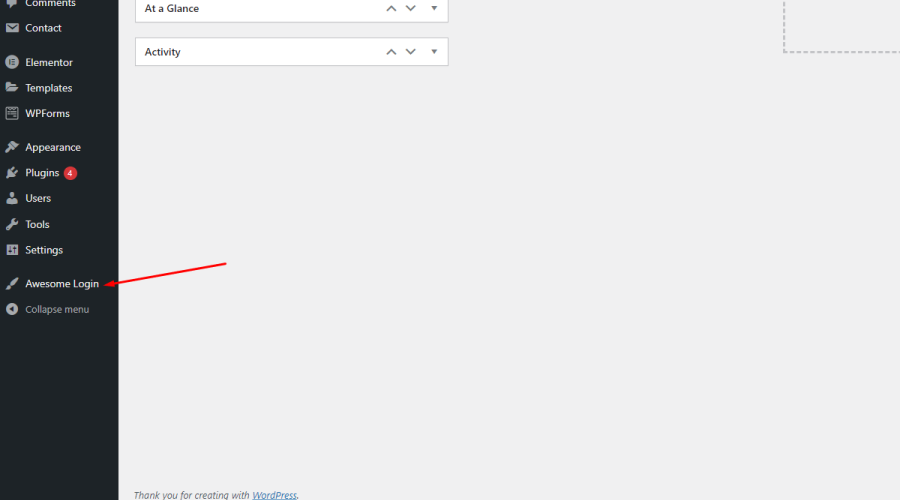
- Navigate to Settings > Awesome Login in the WordPress admin dashboard to start customizing your login page.
屏幕截图:
常见问题:
How do I upload a custom logo?
Navigate to Settings > Awesome Login, where you’ll find an option to upload your custom logo.
Can I revert to the default login page settings?
Yes, simply deactivate the plugin to revert to the default WordPress login page.
Does this plugin affect performance?
No, Awesome Login Customizer is lightweight and optimized for performance.
更新日志:
1.0.1
- Tested and confirmed compatibility with WordPress 6.6.
- Updated minimum requirements to WordPress 5.6 and PHP 7.4 for better security and performance.
- Improved documentation and added a feedback link to encourage user reviews.
- Initial version.