
bChart - Interactive Data Charts
| 开发者 |
abuhayat
srabonr bplugins shehabulislam tomorbplugins himur98 shihabshamim |
|---|---|
| 更新时间 | 2026年10月19日 11:10 |
| 捐献地址: | 去捐款 |
| PHP版本: | 7.4 及以上 |
| WordPress版本: | 7.1 |
| 版权: | GPLv2 or later |
| 版权网址: | 版权信息 |
详情介绍:
Create and display a Data Chart on your site within a few clicks. Easily visualize your data! bChart is a powerful and flexible chart plugin for WordPress that transforms your data into beautiful, interactive visualizations.
bChart Block | Live Demo | Support
安装:
This section describes how to install the plugin and get it working.
e.g.
- Upload
plugin-directoryto the/wp-content/plugins/directory - Activate the plugin through the 'Plugins' menu in WordPress
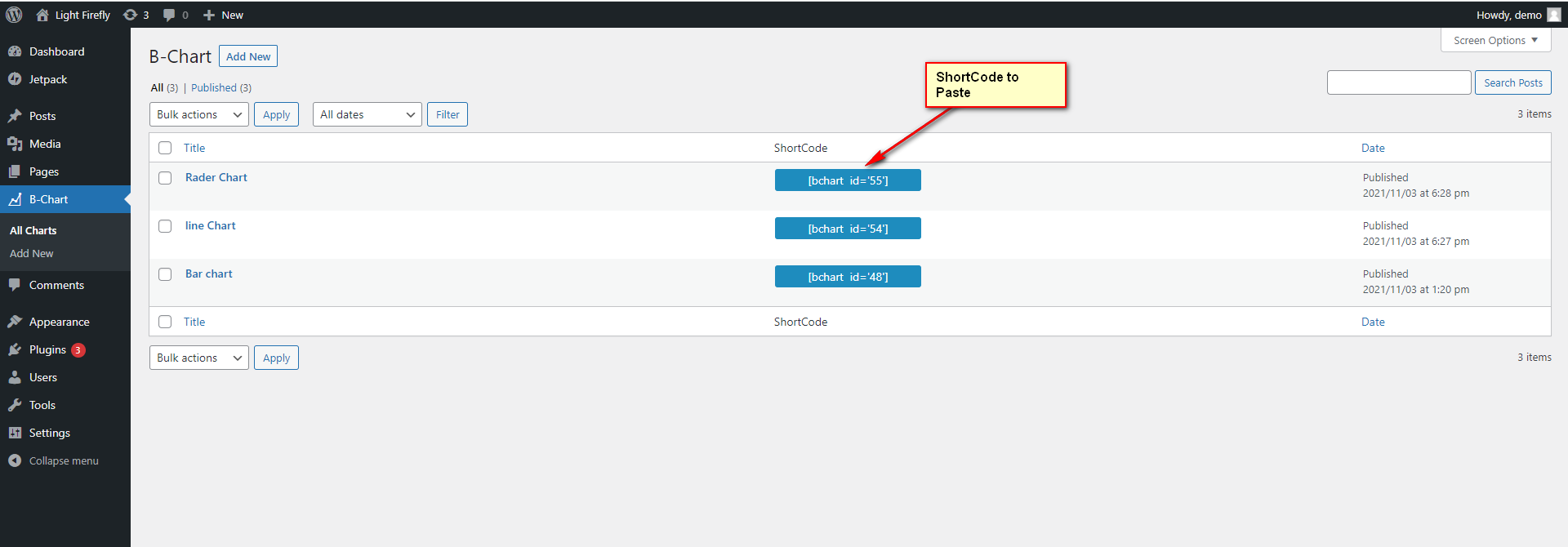
- Use shortcode in page, post or in widgets.
- If you want player in your theme php, Place
<?php echo do_shortcode('YOUR_SHORTCODE'); ?>in your templates
屏幕截图:






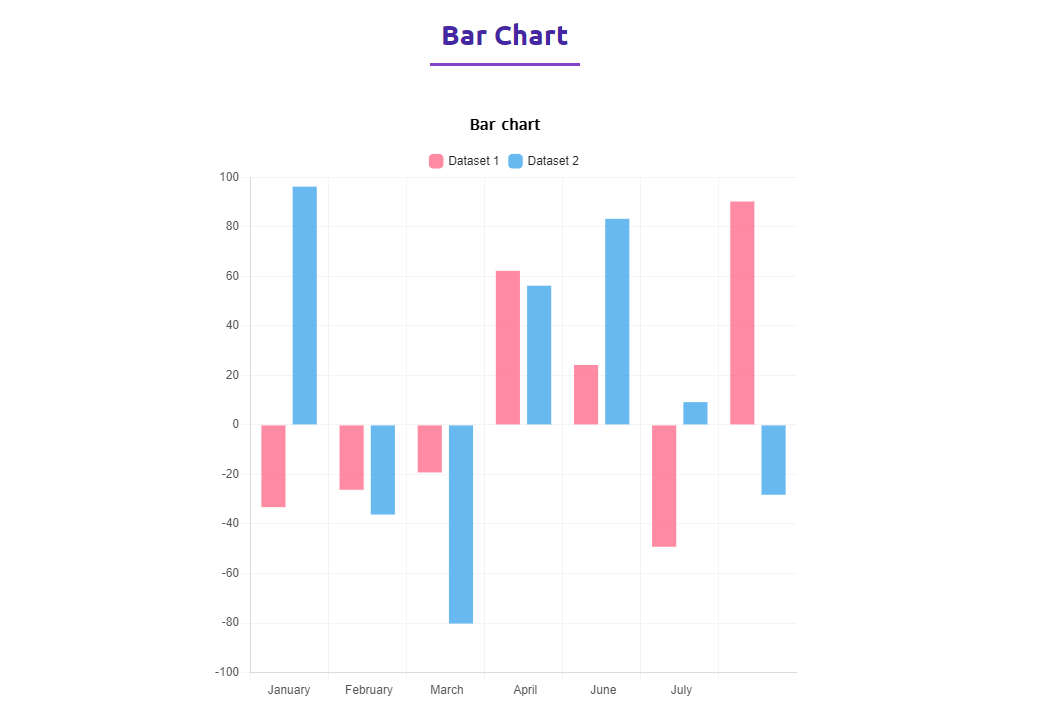
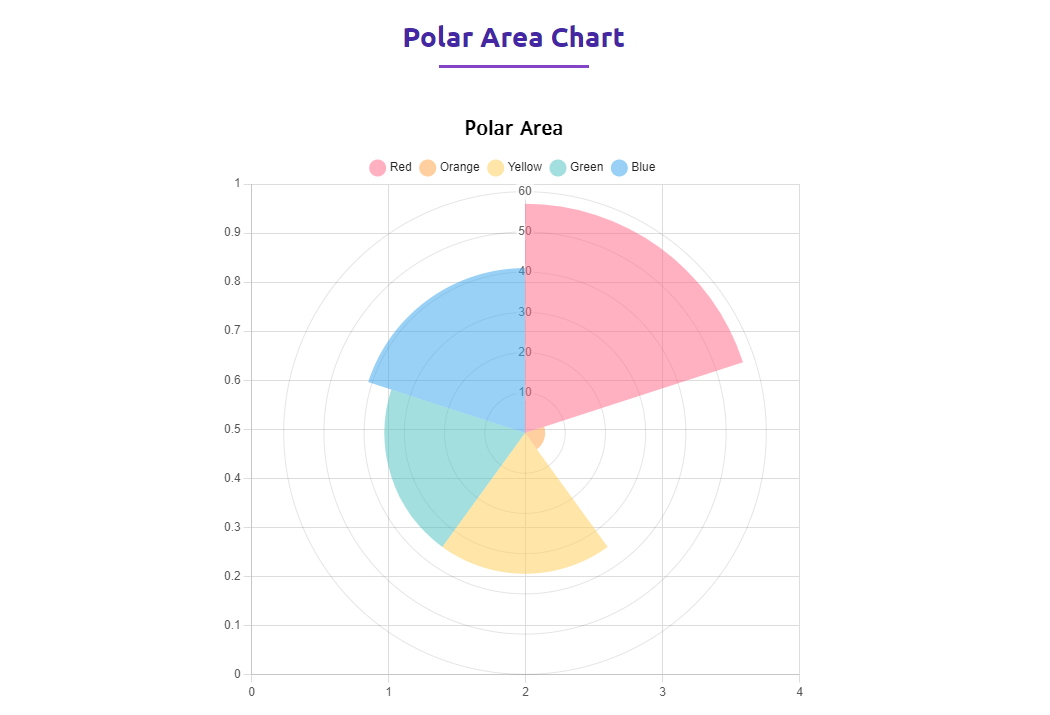
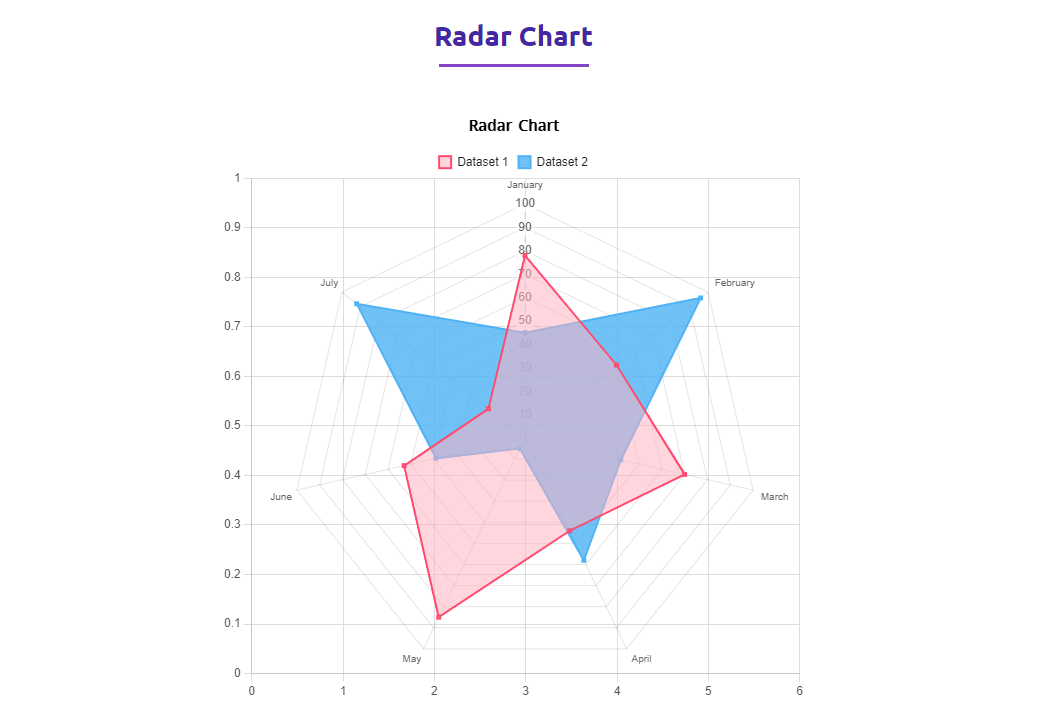
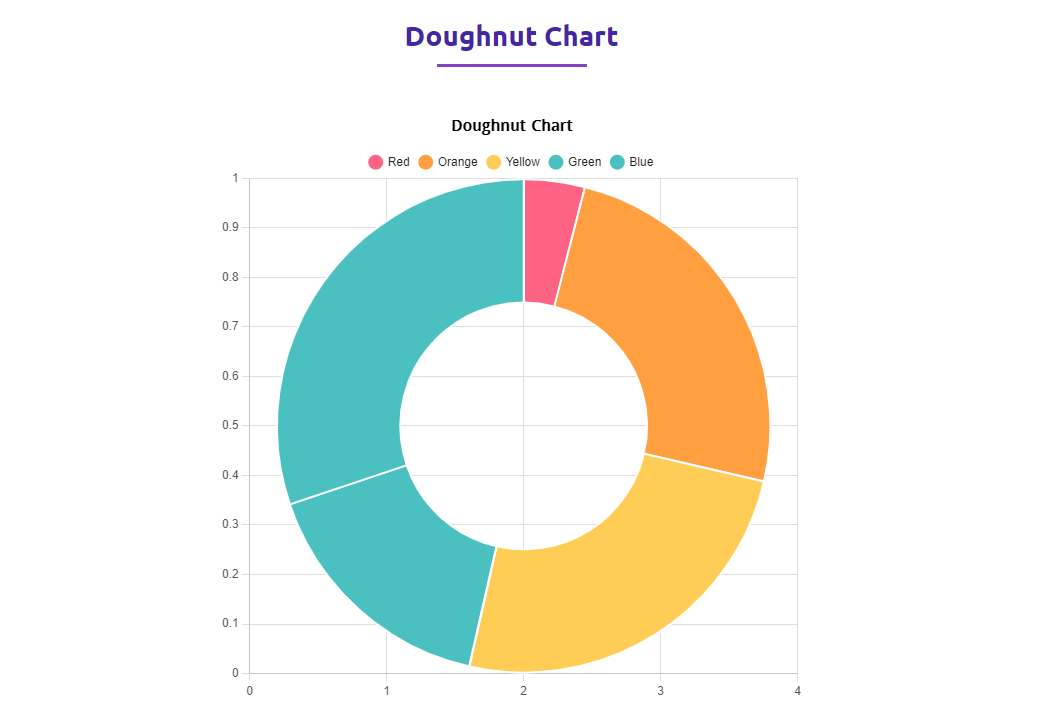
常见问题:
Is bChart free to use?
Yes, bChart offers a powerful free version with essential chart types. We also have a Pro version with advanced styles and features.
Does it work with the Gutenberg block editor?
Absolutely! bChart is built specifically for the Gutenberg editor, allowing you to create and customize charts visually.
Are the charts responsive?
Yes, all charts generated by bChart are fully responsive and will adapt to any screen size, including mobile and tablets.
How do I add a chart to my page?
You can simply search for the "bChart" block in the Gutenberg editor or use the generated shortcode in any post or page.
更新日志:
= 1.0.3 = August 9 2026
- Fixed: Block styles could load from cache after an update — stylesheets now version with the build.
- Fixed: Chart type switcher alignment and style conflict inside the block toolbar.
- Improved: Shortcodes now preview unpublished charts for editors, and the list table flags a shortcode that is not live yet.
- Improved: Clearer shortcode messages for a missing or wrong ID, shown to editors only. = 1.0.3 = June 13 2026
- Improved the admin dashboard experience and performance. = 1.0.2 = May 11 2026
- Added New 9 Premium bChart Styles
- Added ShortCode
- Added Admin Dashboard
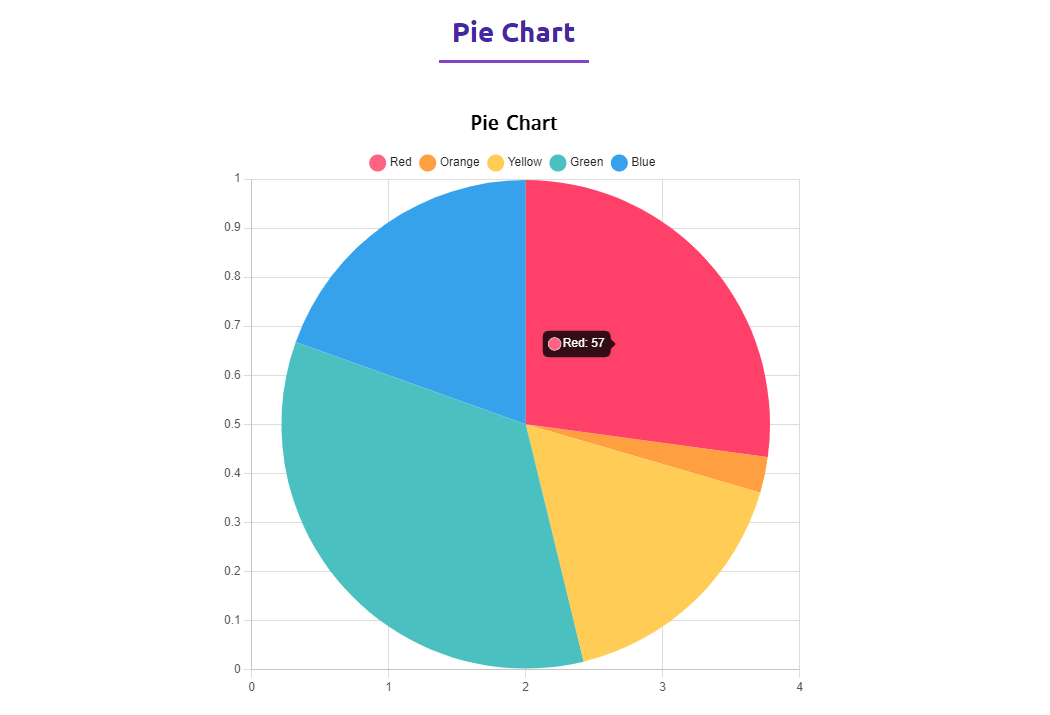
- Added Pie Chart Option
- Improved Settings Panel
- More organized Options
- Added new Screenshots
- Fix mirror issues
- Initial Release.