
Social Share Block – Social Sharing Buttons for Posts and Pages
| 开发者 |
abuhayat
charlescormier bplugins prosanta10 freemius |
|---|---|
| 更新时间 | 2026年4月23日 16:13 |
| 捐献地址: | 去捐款 |
| PHP版本: | 7.1 及以上 |
| WordPress版本: | 6.9 |
| 版权: | GPLv3 or later |
| 版权网址: | 版权信息 |
详情介绍:
Share your website or pages on social networks and messaging apps. Social Share Block is a lightweight, Gutenberg-native solution designed to boost your social signals without slowing down your site.
Forget bulky scripts that bloat your page. Our block is built specifically for the modern WordPress editor, giving you full control over how your share buttons look—from colors and sizes to layouts and shadows. Whether you need a simple row of icons or a vertical sidebar, you can set it up in seconds.
Live Demos | Pricing | Support | Social Share
Features
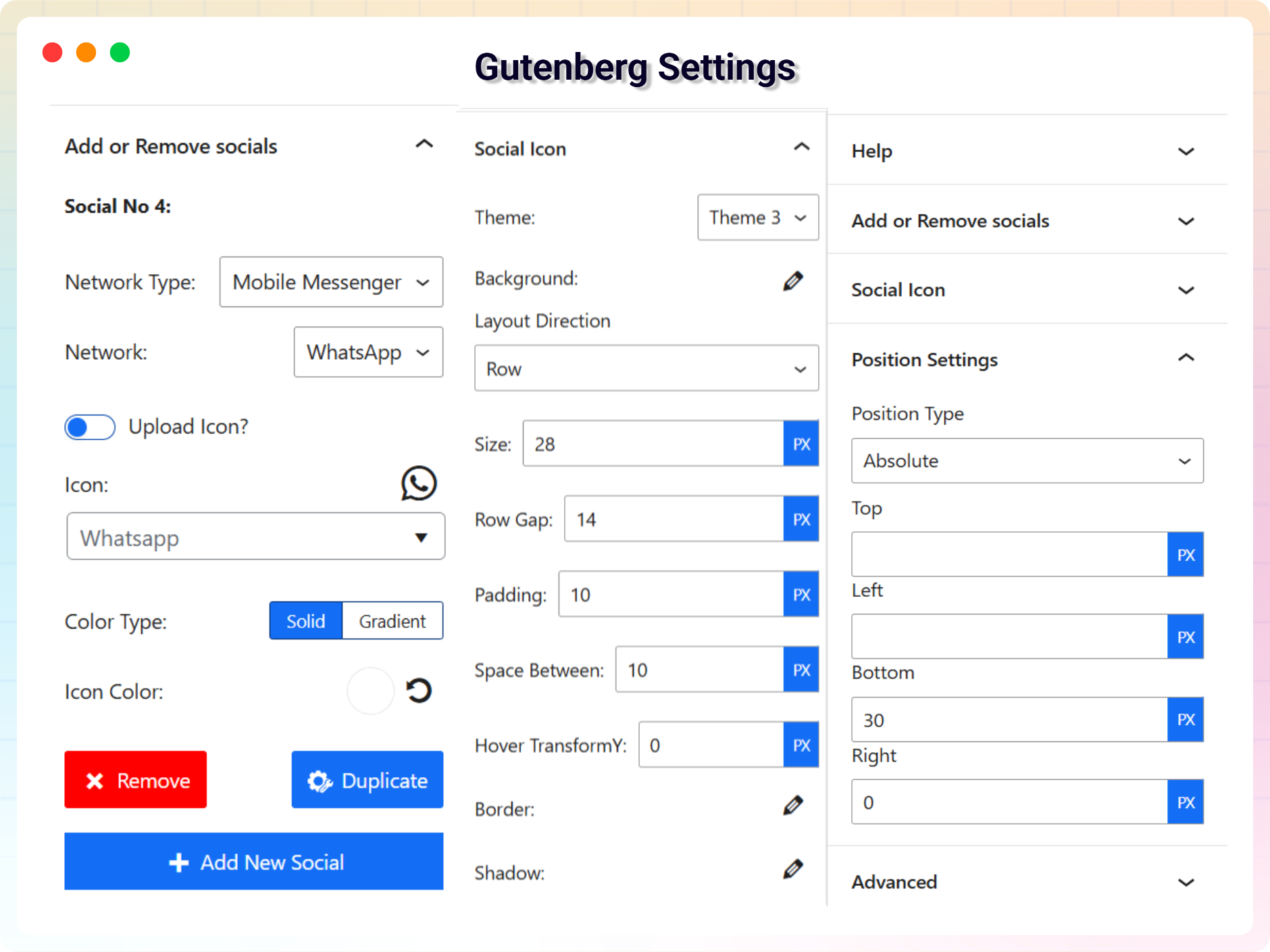
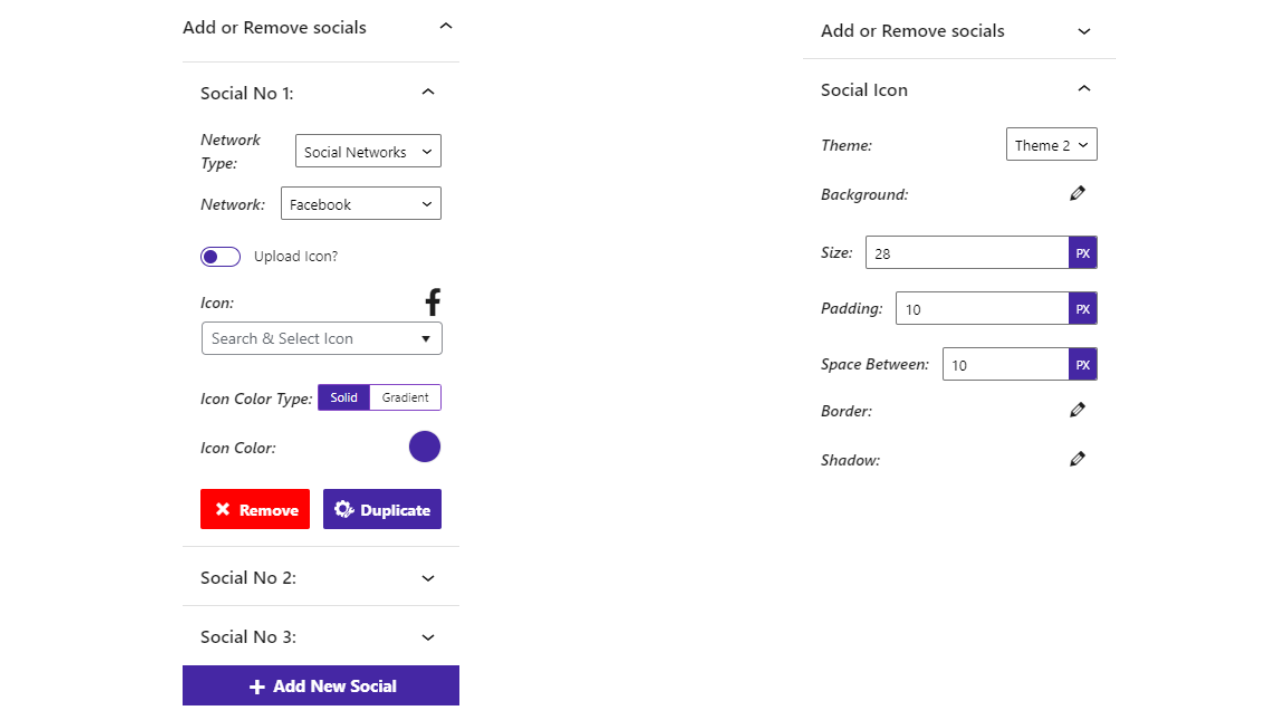
- Fully Customizable: All the options you need to arrange the showcase to your liking are available here.
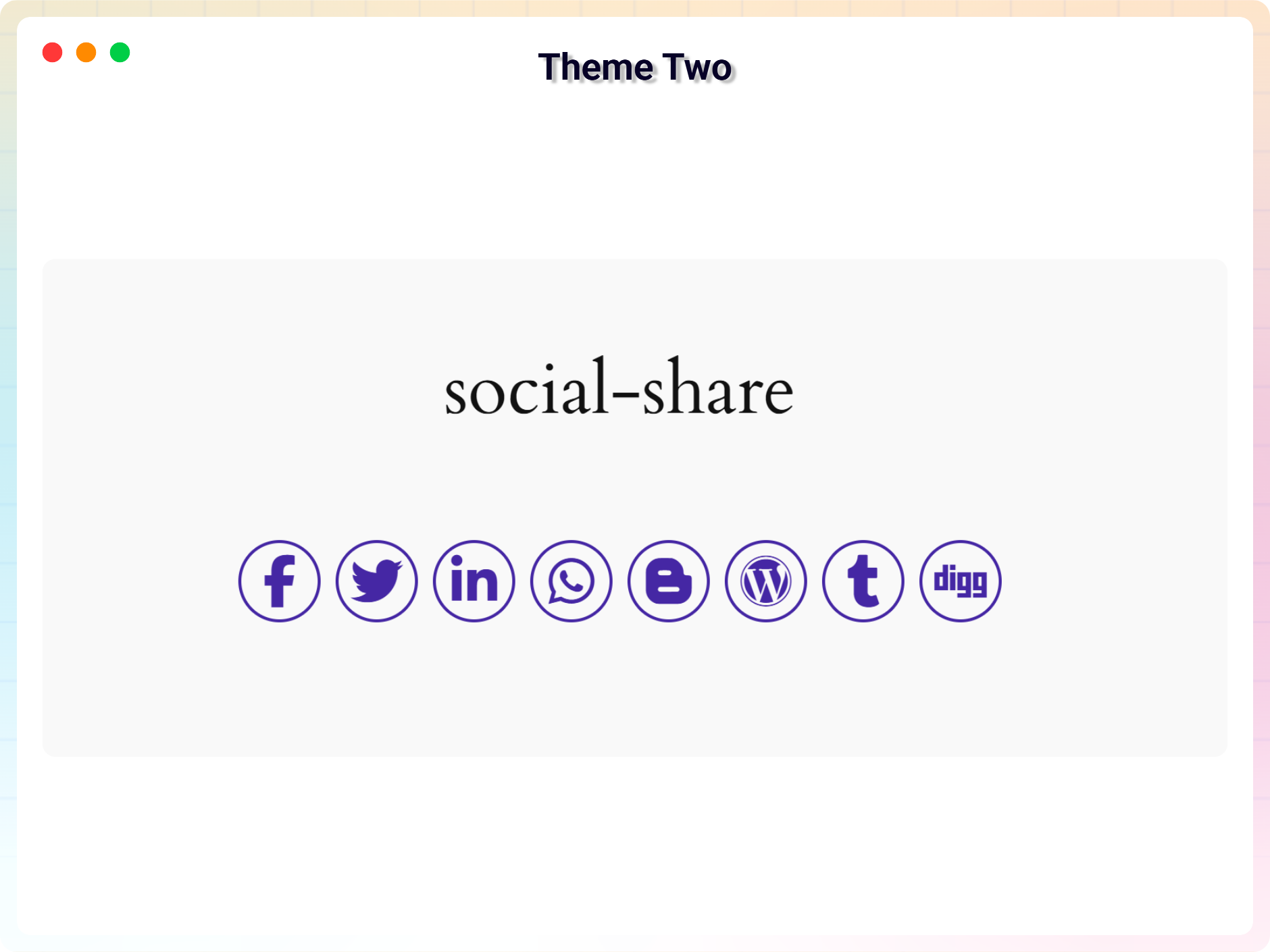
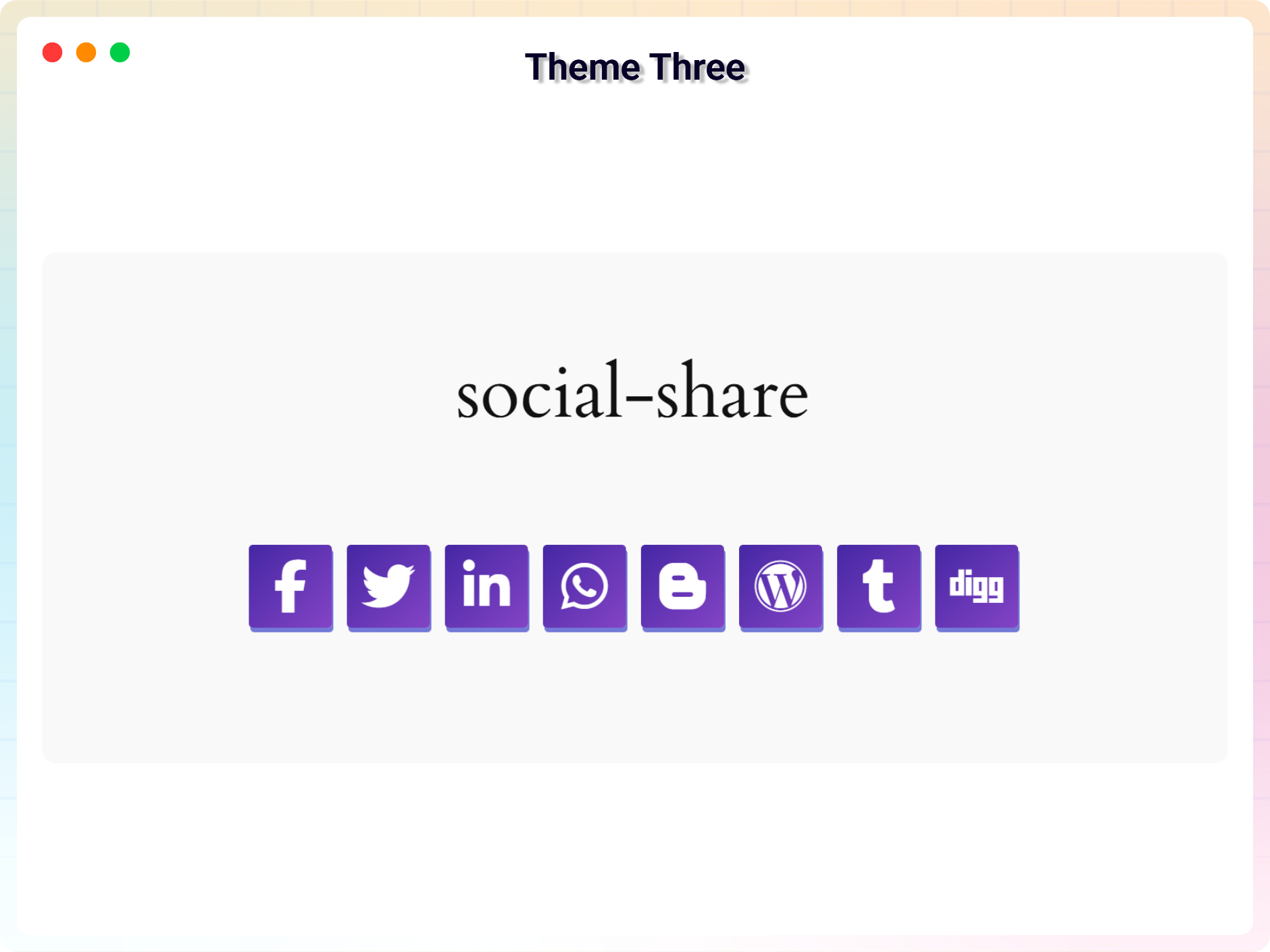
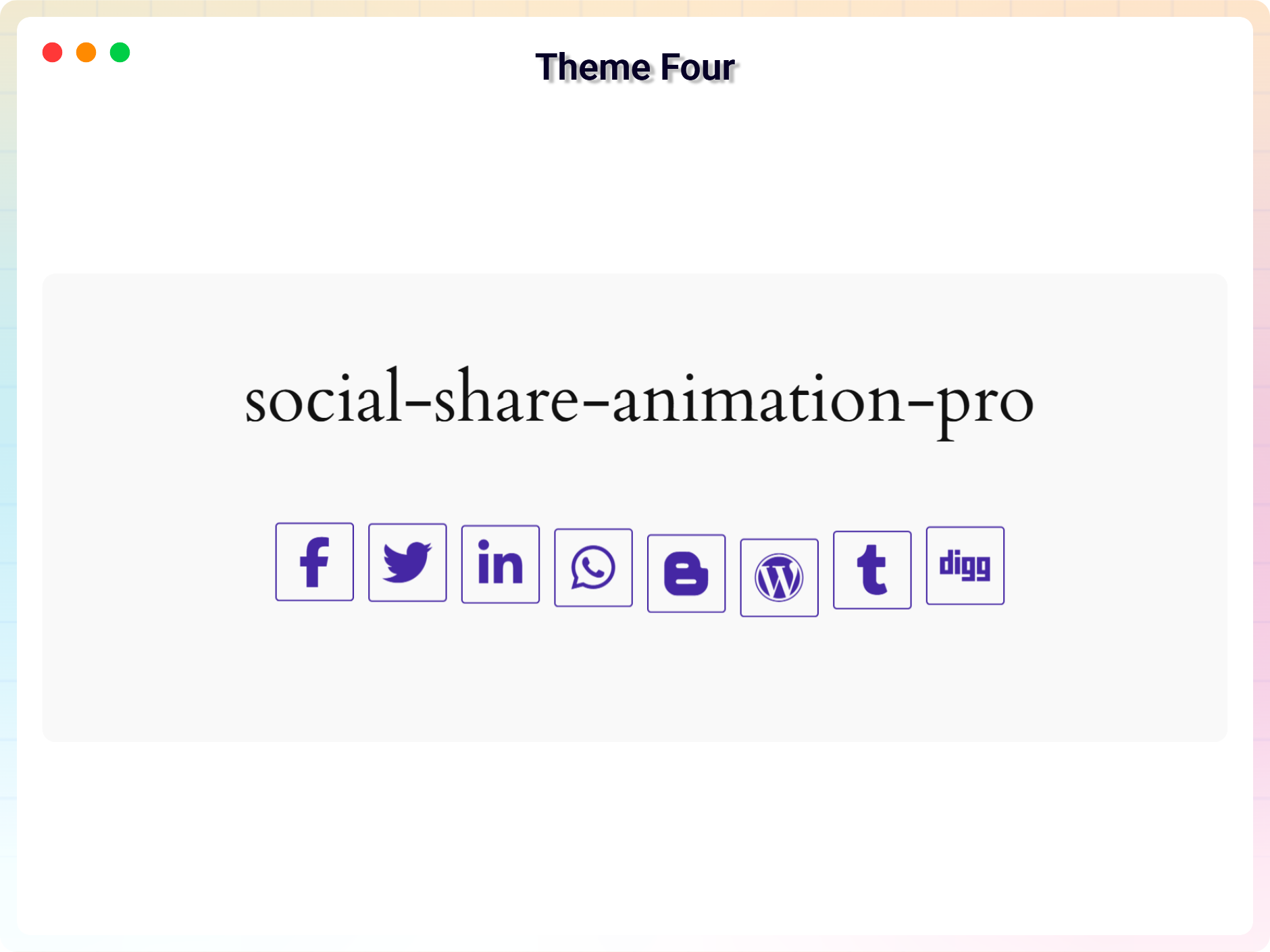
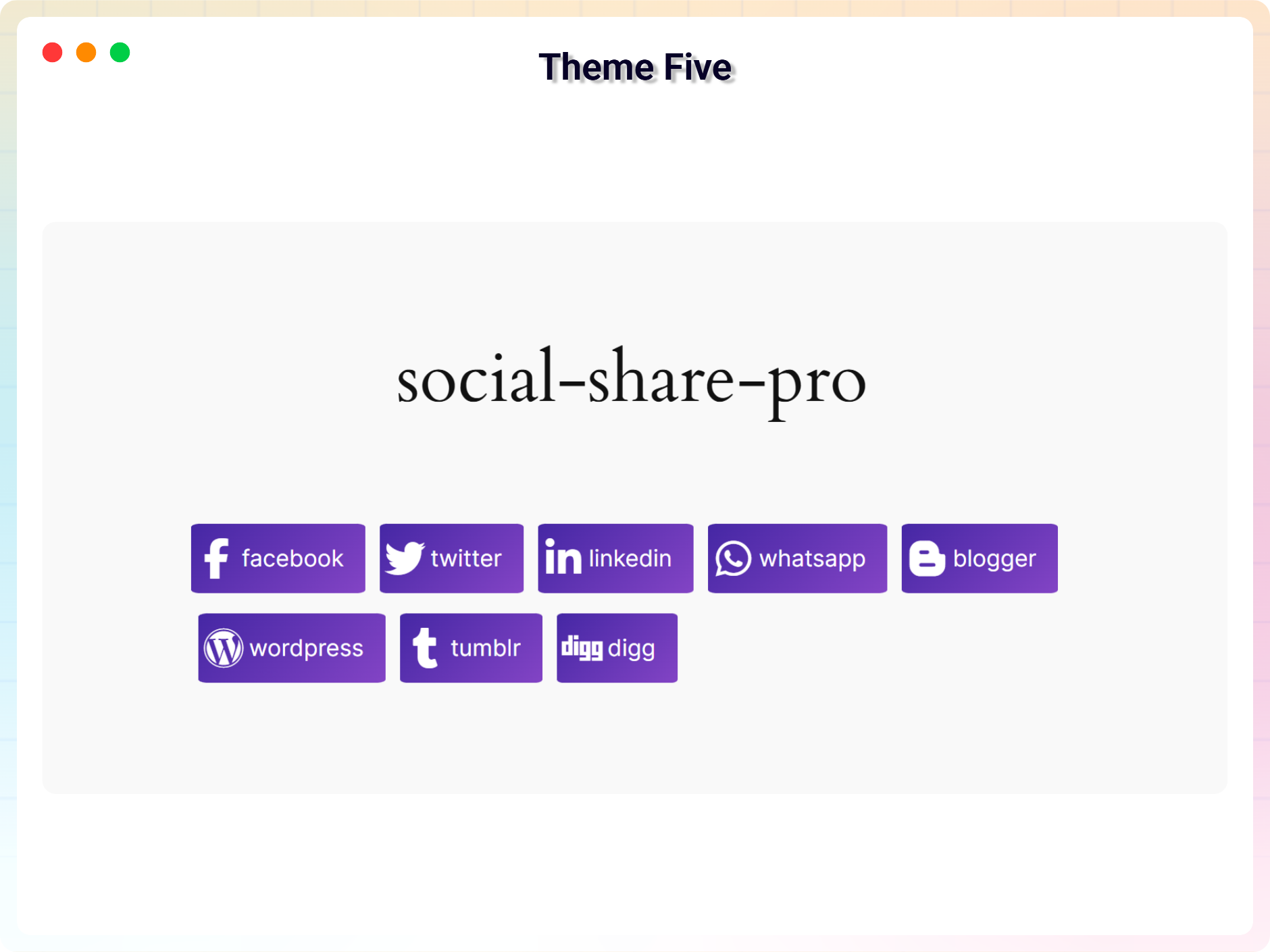
- 4 Free Social Share themes
- 2 Premium Social Share themes in Pro
- Popular Social Networks Support
- Layout Direction – Row , Column
- Lightweight & Fast – Optimized for speed and performance
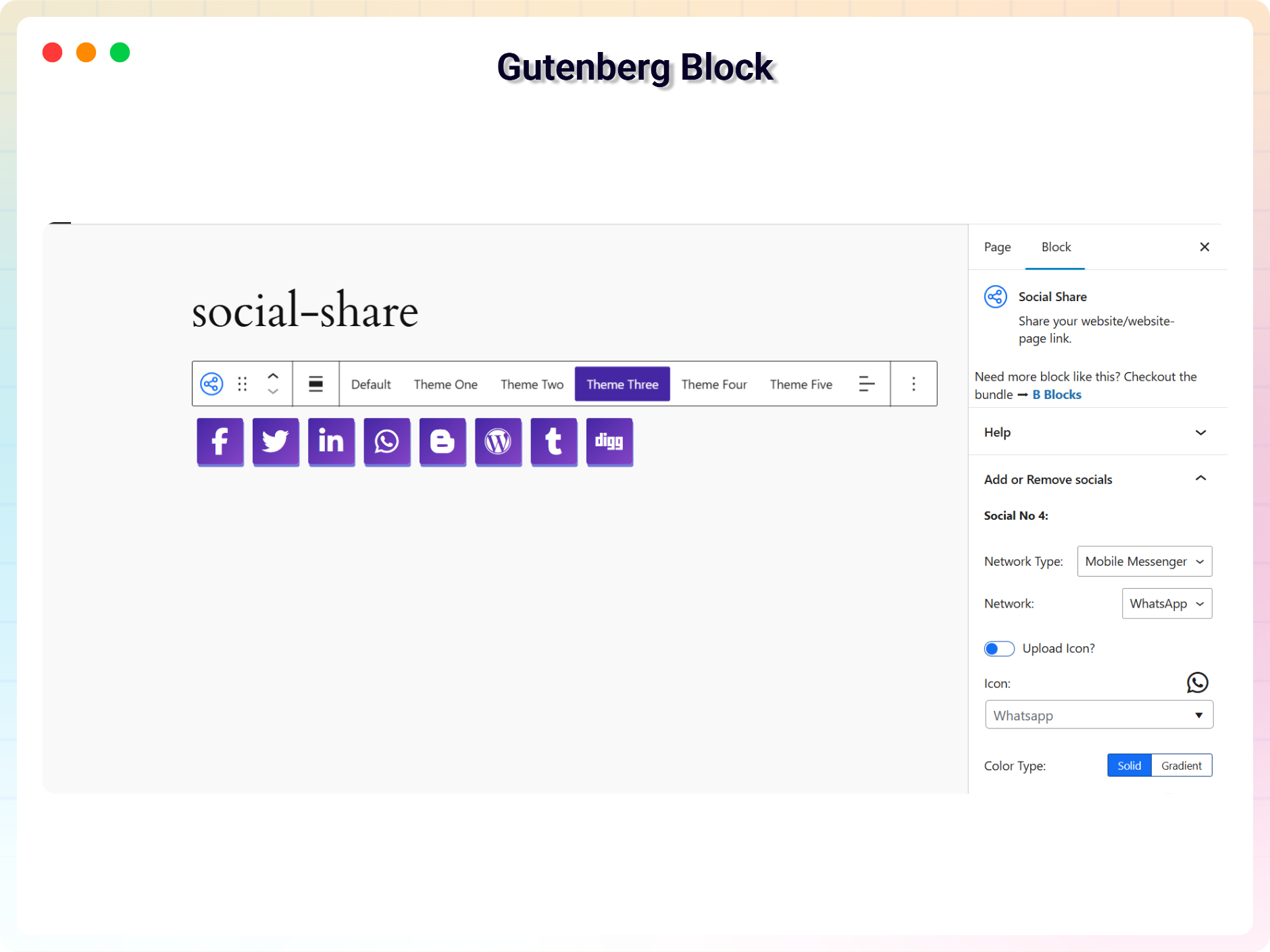
- Gutenberg Block support
- Icon Size , Color , background-color customization option
- Box-shadow & border customization
- Shortcode support for any page or widget
安装:
From Gutenberg Editor:
- Go to the WordPress Block/Gutenberg Editor.
- Search For B Social Share.
- Click on the Social Share to add the block.
- Download the B Social Share plugin (.zip file).
- In your admin area, go to the Plugins menu and click on Add New.
- Click on Upload Plugin and choose the
b-social-share.zipfile and click on Install Now. - Activate the plugin and Enjoy!
- Download and upload the B Social Share plugin to the
/wp-content/plugins/directory - Activate the plugin through the Plugins menu in WordPress
屏幕截图:


常见问题:
Is B Social Share Block free?
Yes, B Social Share Block is a free Gutenberg block plugin.
Does it work with any WordPress theme?
Yes, it will work with any standard WordPress theme.
Can I change block settings?
Yes, you can change block settings from the Gutenberg block editor's right sidebar.
How many times can I reuse a block?
You can use unlimited times as you want.
Where can I get support?
You can post your questions on the support forum here
更新日志:
2.2.0 - 2026-03-29
- Update: Improved block sidebar user interface for better usability
- Update: Added new style customization options
- Update: Minor UI improvements and code optimization
- Add New Dashboard
- Updated with new a lot features and major updates of the plugin
- Add translate feature
- Add translate feature
- Social Item Overflow fix
- Reduce PHP Code
- Performance improvement
- Reduce PHP Code.
- Performance improvement.
- Initial Release.