
BabyLoveGrowth Integration
| 开发者 |
tilensavnik
meetcpatel8850 |
|---|---|
| 更新时间 | 2026年10月3日 04:22 |
| PHP版本: | 7.4 及以上 |
| WordPress版本: | 7.0 |
| 版权: | GPLv2 or later |
| 版权网址: | 版权信息 |
详情介绍:
- Improved Authorization
- Endpoints:
GET /wp-json/babylovegrowth/v1/ping,POST /wp-json/babylovegrowth/v1/publish - Accepts
title,slug,content_htmlorcontent_markdown, optionalmetaDescription,heroImageUrl,status - Sets/updates posts by slug; supports
publish,draft,pending
安装:
- Upload the plugin files to the
/wp-content/plugins/babylovegrowth-integrationdirectory, or upload the ZIP via Plugins → Add New → Upload Plugin. - Activate the plugin through the 'Plugins' screen in WordPress.
- Go to Settings → BabyLoveGrowth Integration. Copy the API Key.
- In BabyLoveGrowth, configure the Webhook Integration with the Bearer token. Endpoint base is your site URL, e.g.
https://example.com/wp-json/babylovegrowth/v1/publish.
屏幕截图:
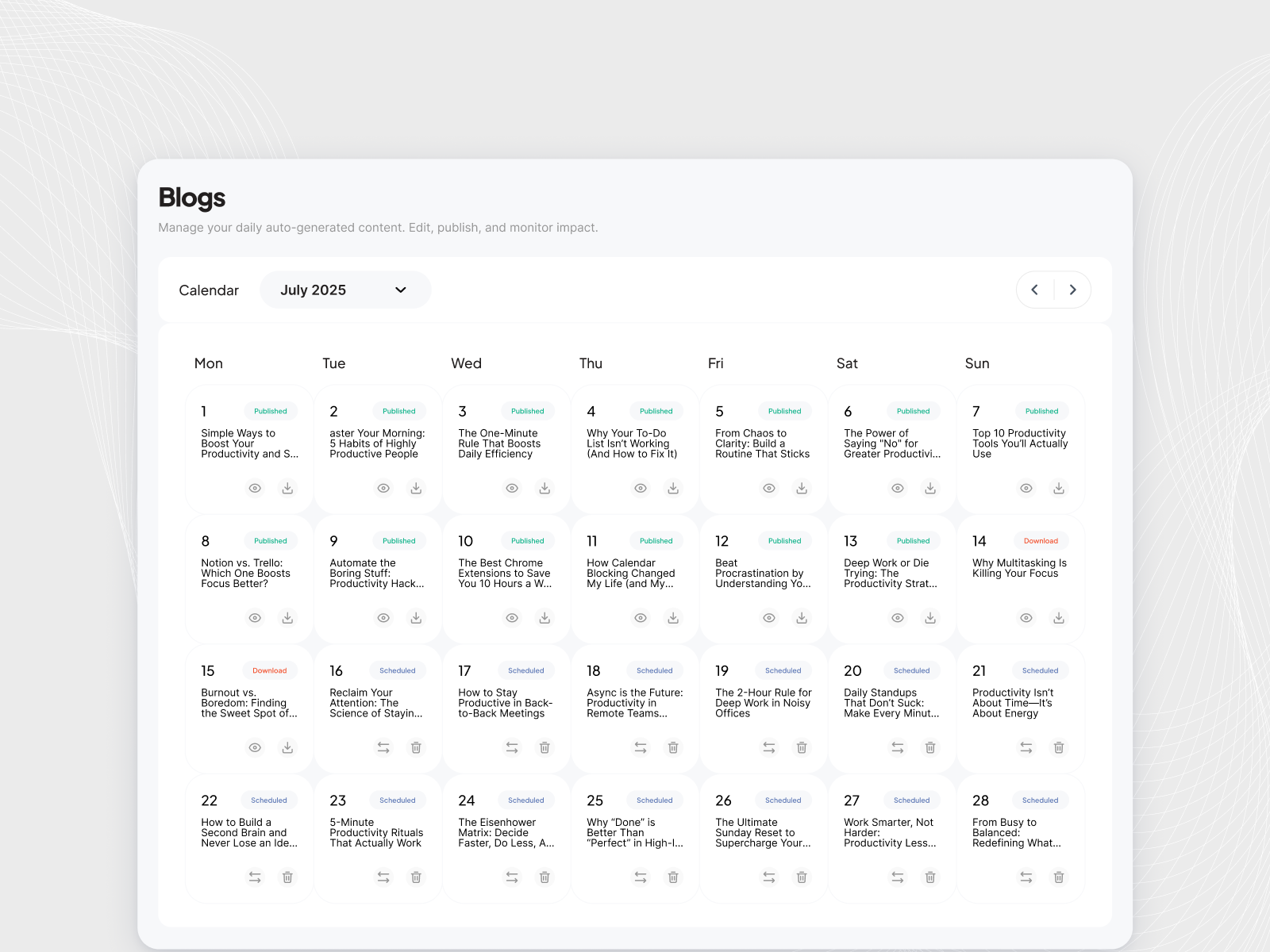
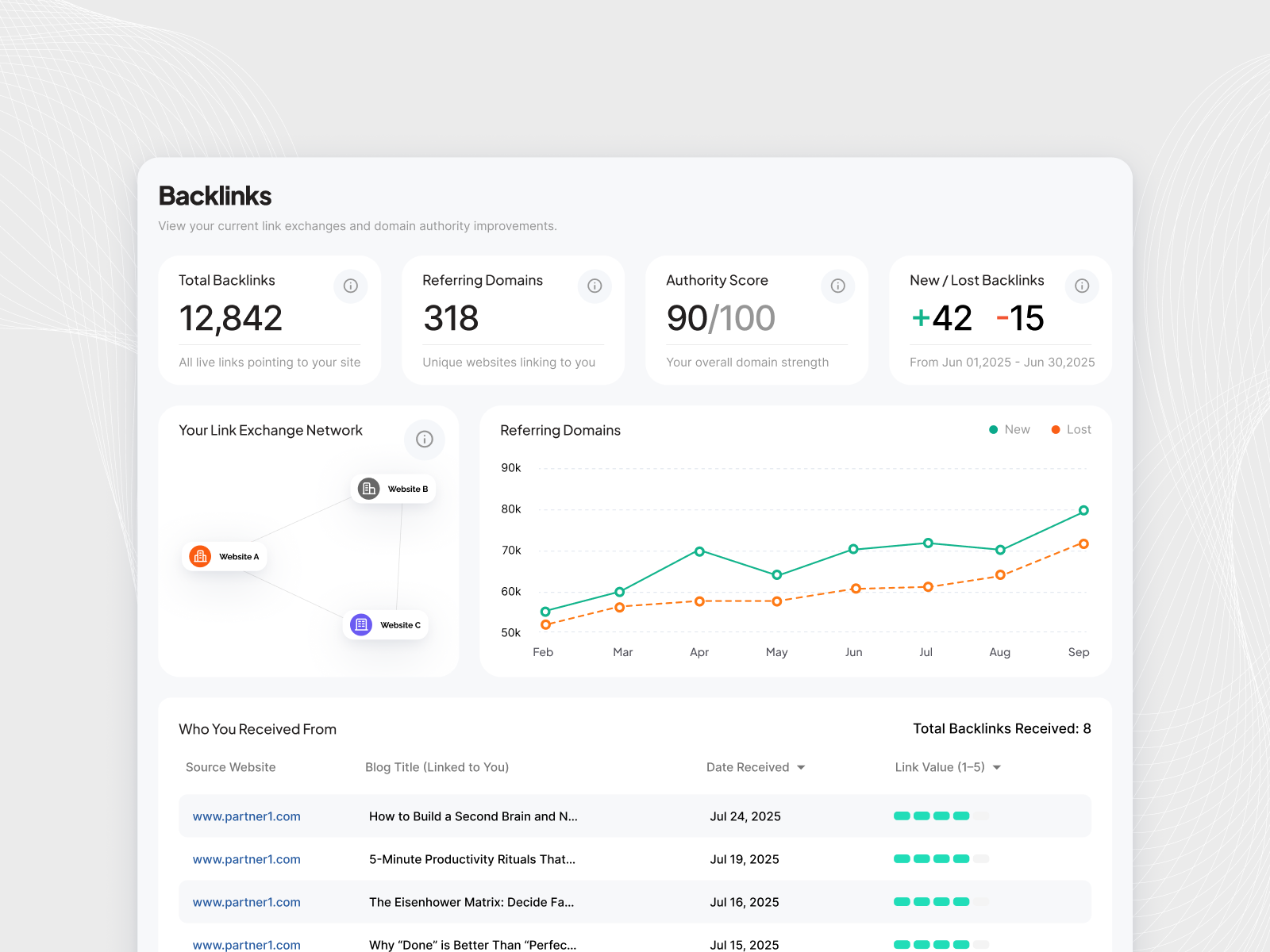
常见问题:
How do I regenerate the Integration Key?
On the Babylovegrowth settings page, click "Generate New Key". The previous key stops working immediately, so paste the new one into your BabyLoveGrowth dashboard to resume publishing. Do this whenever the key may have been exposed — after a security incident, a database leak, or when someone with access leaves.
Why can't I see my Integration Key any more?
The key is stored as a one-way fingerprint rather than in readable form, so a stolen copy of your database does not reveal a working key. It is shown once when generated, then hidden after your first article arrives (or after seven days if the plugin is never connected). If you no longer have it, generate a new one.
How do I check whether a post came from BabyLoveGrowth?
The settings page has a Recent Activity list showing every request this plugin received — accepted or rejected — with the time, the result and the article. No visitor IP addresses are recorded.
What is the endpoint URL?
/wp-json/babylovegrowth/v1/publish on your site. Test connectivity with /wp-json/babylovegrowth/v1/ping.
What permissions are required?
Requests are authorized with the API key only. No user login is required.
更新日志:
- Improved: Internal improvements to how published articles are kept in sync.
- Added: "Allow forms, quizzes and custom styling" — an optional setting that keeps forms, quizzes and booking widgets working in your articles instead of letting WordPress strip them out. Off by default. Only an administrator or editor can turn it on, and the author you publish as must be one too. Sites on a WordPress network, or using DISALLOW_UNFILTERED_HTML, are unaffected.
- Fixed: The "BabyLoveGrowth dashboard" link on the settings page now opens the integration settings page directly, instead of the dashboard home.
- Added: "Generate New Key" — you can now replace your Integration Key at any time. The old key is revoked immediately. Previously a key could only be changed by deleting and reinstalling the plugin.
- Added: Integration Keys are now stored as a one-way fingerprint instead of readable text, so a copy of your database no longer reveals a working key. Existing keys keep working and move to the new storage the first time you generate a new key.
- Added: Recent Activity log on the settings page, listing every request the publish endpoint received — accepted or rejected — with time, result and article. No IP addresses are recorded.
- Security: Fixed an issue where structured data (JSON-LD) supplied with an article was written to the page without validation. A caller holding a valid Integration Key could have used it to place scripts on published articles. Stored data is now re-encoded and anything that is not valid structured data is discarded.
- Security: The publish endpoint now authorises the request before it reaches any post-writing code, and repeated failed key attempts from one address are rate limited.
- Fixed: Posts could be published without their featured image on slower sites. The featured image is now imported before the rest of the article's images, publishing keeps running if the connection drops, and a background check sets the image if the request is cut short.
- Added: Inline content images (not just the featured image) are now imported into the WordPress media library and served from your own domain instead of being hotlinked from external storage. Images are deduplicated across re-publishes, and any image that cannot be imported keeps its original URL so posts never show a broken image.
- Fixed: Posts published through the integration now automatically refresh the Rank Math and Yoast sitemap cache, so new posts appear in the sitemap without needing a manual re-save.
- Compatibility: Tested and confirmed compatible with WordPress 7.0.
- Removed: Webhook URL field from plugin settings.
- Updated: Refreshed integration tutorial video in settings page.
- Removed: Webhook URL from plugin settings.
- Added: Alt text for hero image.
- Added: Default author selection in settings; published posts use the selected author (same as category).
- Improved: Improved Authorization
- Added: SEO Meta integration support for Yoast SEO, Rank Math, SEOPress, and All in One SEO
- Improved: Automatically maps meta title, description, and keywords to installed SEO plugins
- Improved: Redesigned admin interface with clearer two-step setup process
- Improved: Better visual separation between BLG Dashboard settings and WordPress settings
- Improved: Simplified language throughout settings page for non-technical users
- Fixed: Integration Key now properly preserved when saving other WordPress settings
- Enhanced: Added helpful section headers and instructions to guide users through setup
- Enhanced: Improved copy-to-clipboard functionality with clearer labels
- Fixed: YouTube/Vimeo embeds not rendering when HTML contained wrappers
- Added: Allowlist for in post context (KSES) so embeds persist safely
- Changed: Keep KSES enabled for security; removed temporary KSES disable during save
- Note: If you programmatically send embeds, avoid wrapping a block inside a
- Added: Default Post Status setting - Choose between "Publish" or "Draft" as default status for new posts
- New: Posts can now be automatically created as drafts for review before publishing
- Improved: More flexible post publishing workflow with configurable default status
- Enhanced: Webhook requests can still override default status by providing explicit status parameter
- Fixed: Critical issue - JSON-LD structured data scripts displaying as plain text on posts
- Improved: JSON-LD scripts now properly injected into HTML head section for SEO
- Enhanced: Automatic extraction and storage of JSON-LD scripts separate from post content
- Performance: Cleaner post content without visible script tags
- Fixed: Critical issue - Empty content when publishing posts with non-English languages (de, fr, es, etc.)
- Fixed: 404 permalink errors for non-English posts with various permalink structures
- Improved: Direct database language assignment for WPML (more reliable, prevents content loss)
- Improved: Automatic content verification and restoration after language assignment
- Improved: Permalink regeneration to ensure compatibility with all permalink structures (Plain, Post name, Day and name, etc.)
- Performance: Faster language assignment by bypassing unnecessary WordPress hooks
- Added: WPML and Polylang multilingual plugin support
- Added: Language assignment for posts via lang parameter
- Added: Featured Image setting - Enable/disable featured image with automatic first H1 and image removal
- Fixed: Language context now properly set before post creation for correct language view visibility
- Improved: Posts now correctly appear in language-specific post views
- Added: Multi-select tags support in settings
- New: Automatically assign selected tags to published posts
- Improved: Enhanced taxonomy management for webhook-published posts
- Added: Default category selection in settings
- New: Automatically assign published posts to selected category
- Improved: Category management for webhook-published posts
- Fixed: JSON-LD structured data now renders properly instead of displaying as plain text
- Added: Script tag support for JSON-LD in post content
- Fixed: Critical error when uploading featured images via webhook
- Added: Required WordPress admin dependencies for media sideload
- Improved: Error logging for failed image uploads