Firebase Integration – Firestore & Auth
| 开发者 |
jrosro4
jrosalesdev |
|---|---|
| 更新时间 | 2026年8月6日 22:00 |
| PHP版本: | 8.0 及以上 |
| WordPress版本: | 7.0.2 |
| 版权: | GPLv2 or later |
| 版权网址: | 版权信息 |
详情介绍:
- Browse Firestore collections.
- View documents in a sortable table.
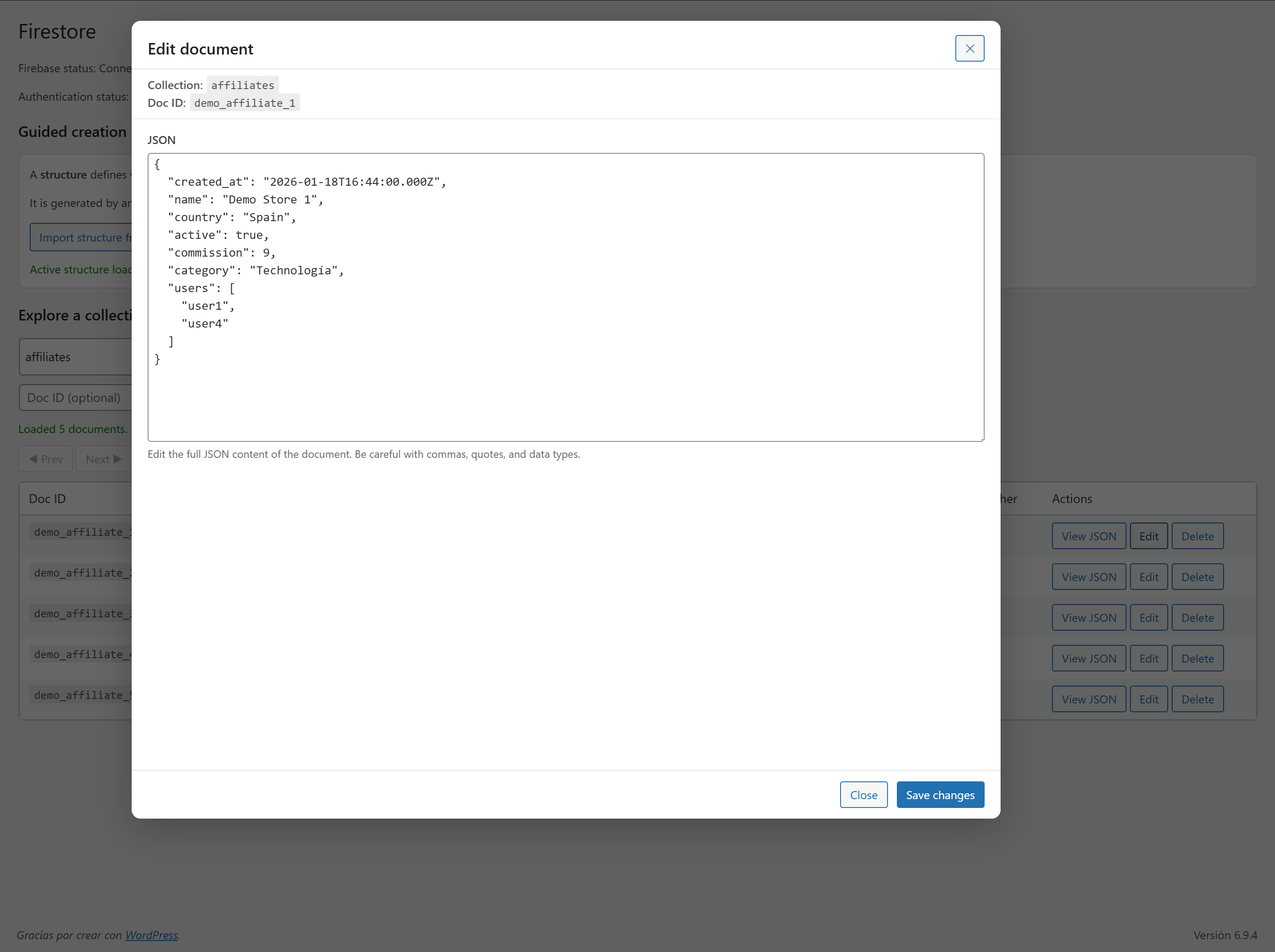
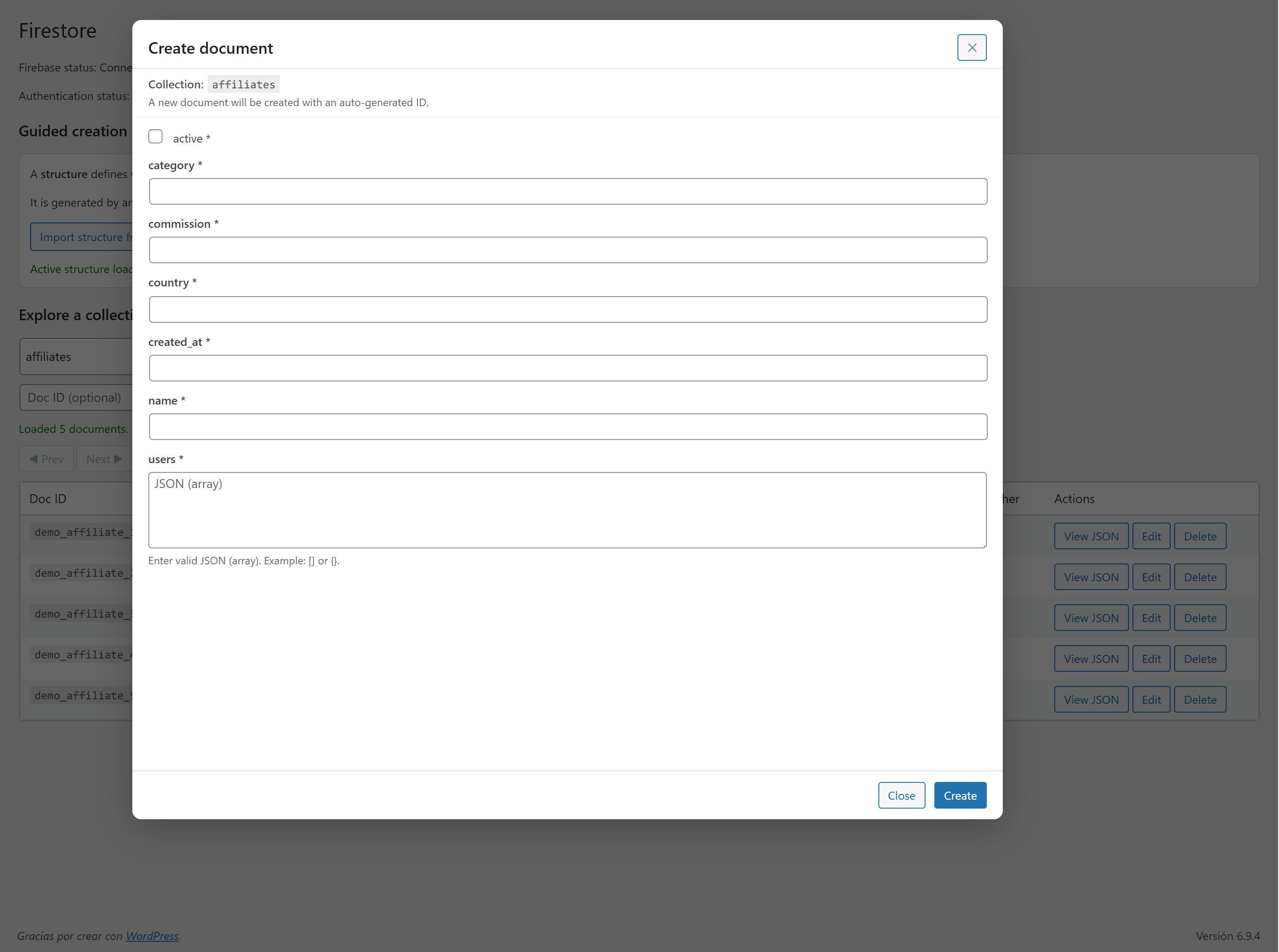
- Create, edit, duplicate and delete documents.
- Guided document creation.
- Import structures from existing collections.
- Inline editing.
- JSON editor.
- Collection history.
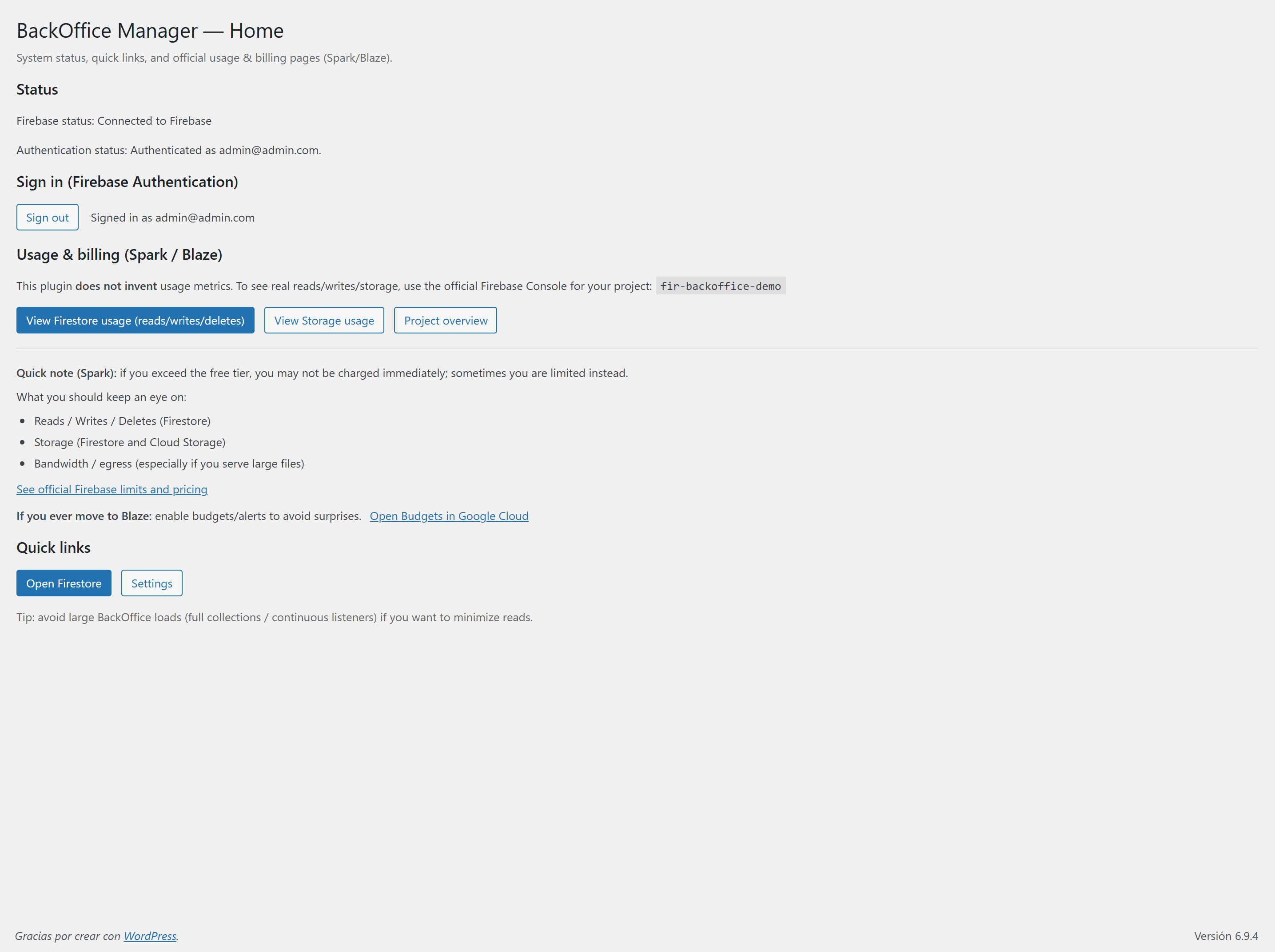
- Browse Authentication users.
- Search by email, UID or display name.
- View providers, verification status and account details.
- Review creation and last sign-in dates.
- Manage Authentication users directly from WordPress.
- Explore the plugin without Firebase.
- Realistic Firestore sample collections.
- Sample Authentication users.
- Isolated per-user demo data.
- Perfect for evaluating the plugin safely.
- Native WordPress interface.
- No custom admin panel required.
- No coding required for everyday administration.
- Secure Service Account authentication.
- Designed specifically for Firebase administration.
安装:
- Upload the plugin or install it from the WordPress Plugins screen.
- Activate the plugin.
- Open Firebase Integration → Settings.
- Upload your Firebase Service Account JSON file.
- Start managing your Firebase project.
屏幕截图:

常见问题:
Can I try the plugin without Firebase?
Yes. Demo Mode lets you explore Firestore collections, Authentication users and the complete interface without connecting a Firebase project.
Does Demo Mode modify my Firebase project?
No. Demo Mode is completely isolated and never communicates with Firebase.
How do I connect Firebase?
Upload your Firebase Service Account JSON file from Firebase Console → Project Settings → Service Accounts.
Does the plugin modify Firebase Security Rules?
No. The plugin respects your existing Firebase configuration and only performs the actions you explicitly execute.
Does it support Firebase Authentication?
Yes. Browse Authentication users, inspect account details and search by email or UID.
Does it support Realtime Database?
Not yet. Current versions support Cloud Firestore and Firebase Authentication.
Is this plugin production-ready?
Yes. It is suitable for production administration. As every Firebase project has its own data model, always test new workflows before using them in critical environments.
更新日志:
- Public branding updated to Firebase Integration – Firestore & Auth.
- Added Firebase Authentication management.
- Improved Authentication user details and provider labels.
- Hardened Service Account JSON uploads.
- Improved admin security and sanitization.
- Improved packaging for WordPress.org.
- Various UI and usability improvements.
- Added Demo Mode.
- Added isolated per-user demo data.
- Added onboarding wizard.
- Added demo collections.
- Improved Firestore AJAX handling.
- Added document duplication.
- Added guided document creation.
- Added structure import.
- Added collection history.
- Added inline editing.
- Improved array editing.
- Improved table actions.
- Initial public release.