bbPress WP Tweaks
| 开发者 | veppa |
|---|---|
| 更新时间 | 2026年9月16日 01:15 |
| 捐献地址: | 去捐款 |
| PHP版本: | 4.7 及以上 |
| WordPress版本: | 6.9 |
详情介绍:
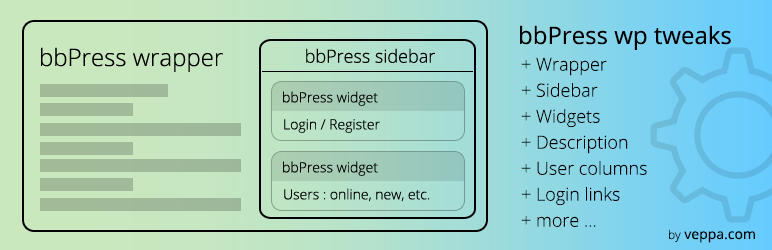
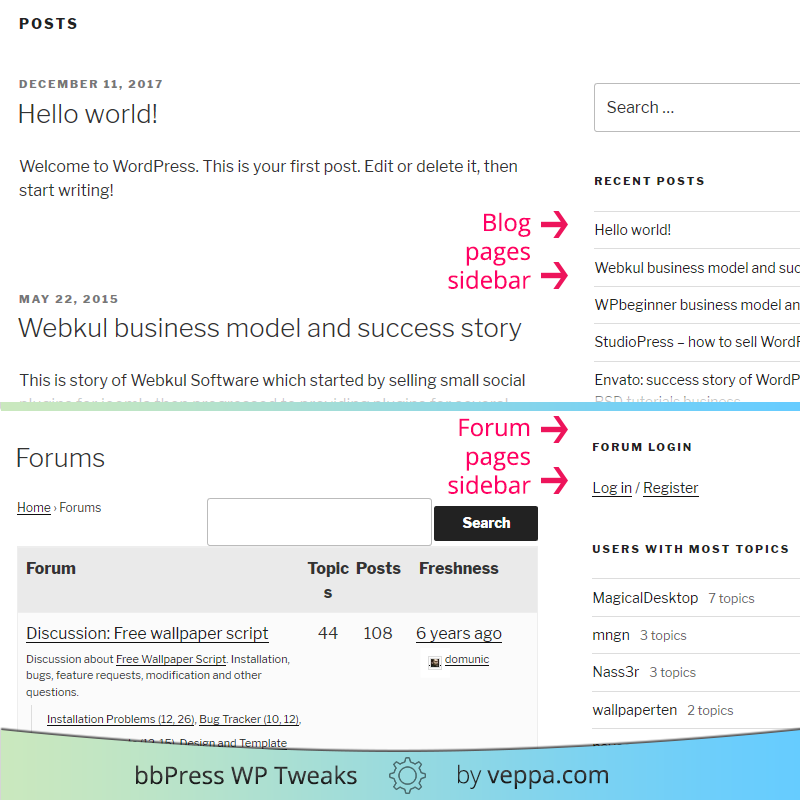
bbPress WP Tweaks replaces regular sidebar with forum specific "bbPress sidebar".
https://youtu.be/7LVt41oLscs
Watch plugin overview on YouTube
To setup forum specific sidebar you should first select correct forum wrapper file which has sidebar. Then select what action perform with existing sidebar: replace, prepend or append. Then select which sidebar to target with this action. You can also choose "none" option for target sidebar, in that case no bbPress sidebar will not be added to wordpress.
If nothing in forum sidebar then regular sidebar will be shown.
You can choose which forum wrapper template to use in plugin settings page or specify other custom wrapper file that exists in your theme.
Plugin tested with PHP version 5.6, 7.x and up to 8.4.
Features:
- bbPress specific sidebar instead of default blog sidebar.
- Change default wrapper for forum pages
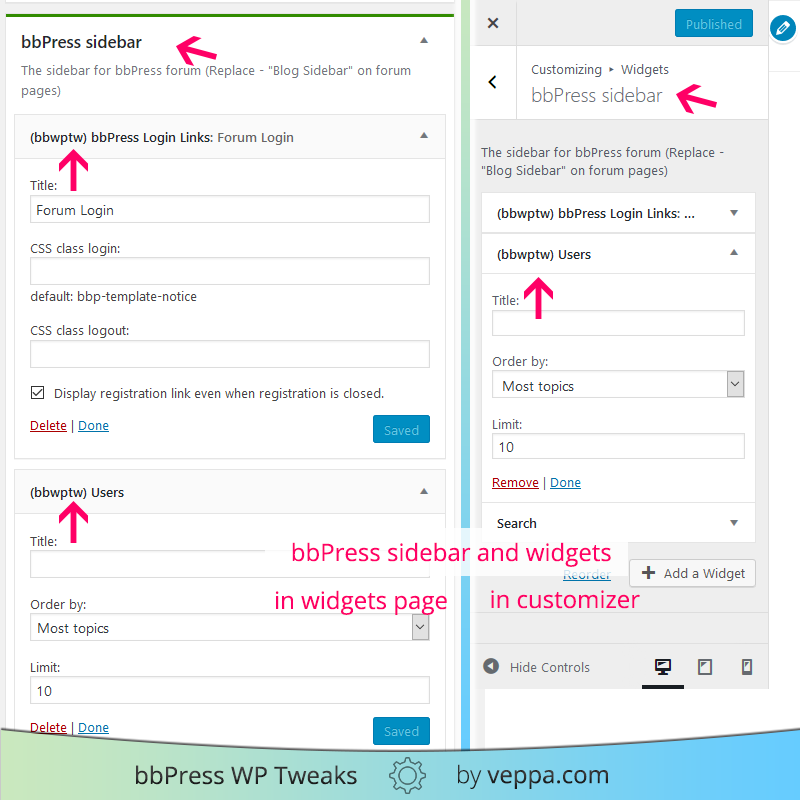
- bbPress login links widget
- bbPress users widget
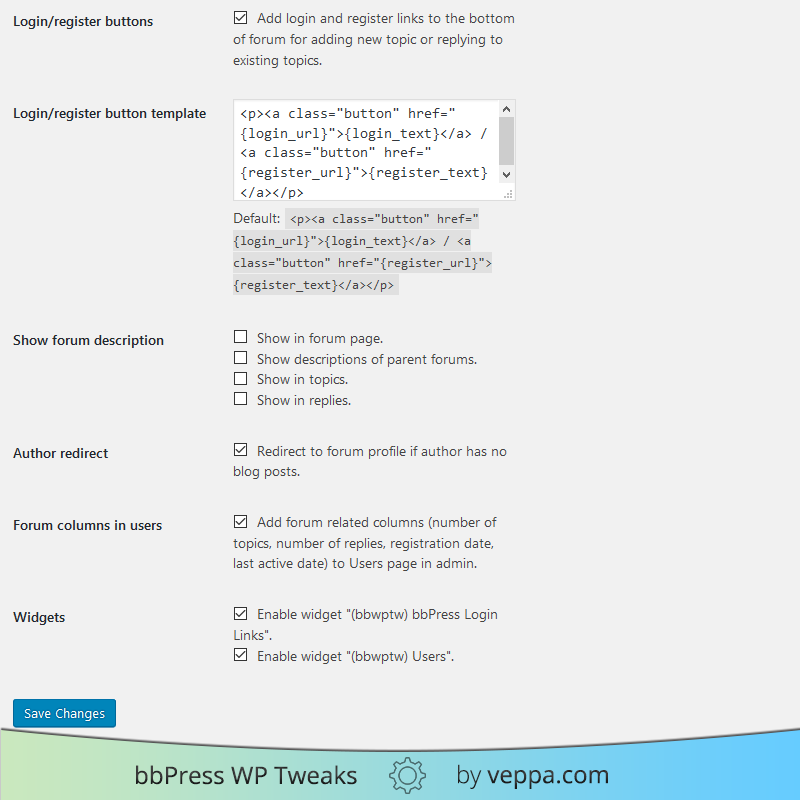
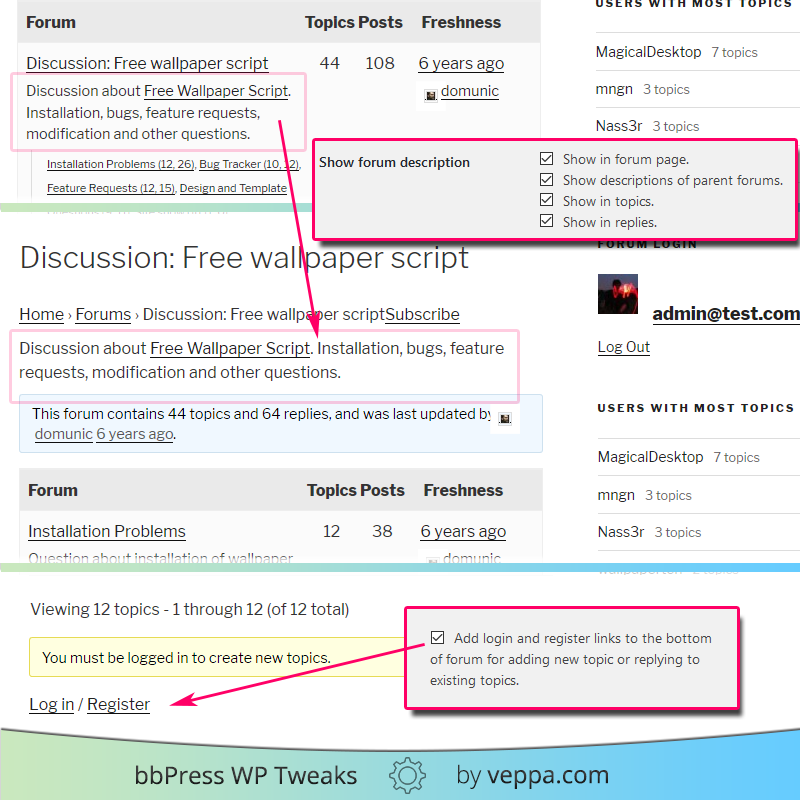
- Login and register links under forum
- Show forum description
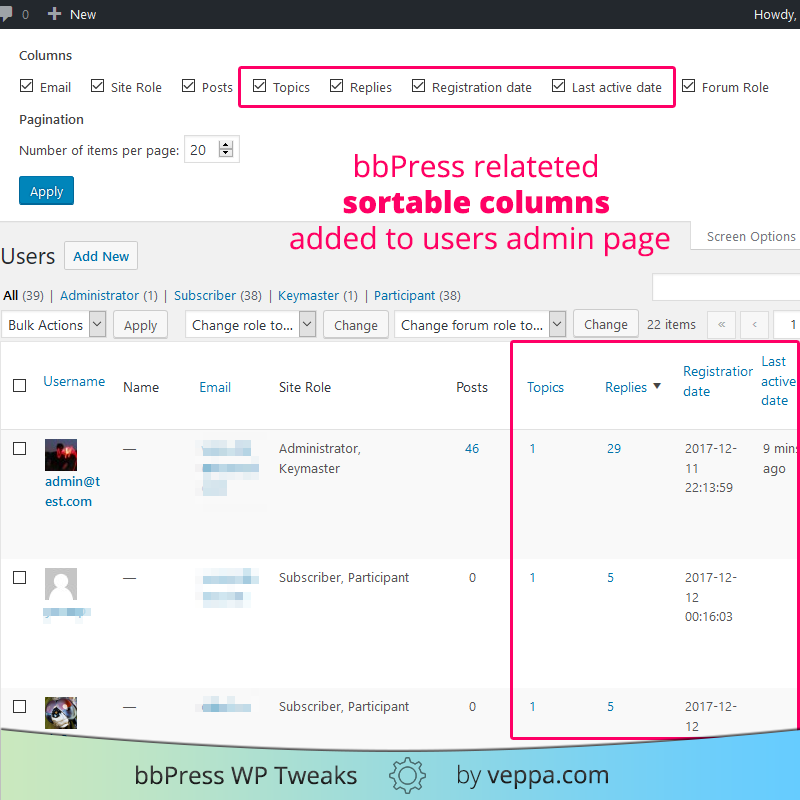
- Forum related columns for users view in admin area
- most topics with count
- most replies with count
- recently active with time
- online users with time
- new users with registration time
- old users with registration time Login and register links under forum — will add login and register links where "You must be logged in to create new topics." and "You must be logged in to reply to this topic." messages shown. By default you will see above mentioned messages with no login or register links. With this options selected you will see under those messages login links and will be redirected back to that topic or forum after logging in using those links. Login and register links can be customized with custom HTML code to match your website design.
安装:
Updgrading From A Previous Version
To upgrade from a previous version of this plugin, delete the entire folder and files from the previous version of the plugin and then follow the installation instructions below.
Installing The Plugin
Extract all files from the ZIP file, making sure to keep the file structure intact, and then upload it to
/wp-content/plugins/.
This should result in the following file structure:
`- wp-content
- plugins
- bbpress-wp-tweaks | bbpress-wp-tweaks.php` | readme.txt | style.css Then just visit your admin area and activate the plugin.
- Add bbPress login links and other bbPress related widgets to bbPress sidebar in "Appearence" -> "Widgets" page
- Select forum wrapper file in plugin settings page ("Settings" -> "bbPress WP Tweaks")
- Check other options for tweaking your forum
屏幕截图:
常见问题:
Does bbPRess sidebar work with FSE (Full Site Editing, Block) themes?
No, it does not. Because there is no sidebar or widgets in FSE themes.
"bbPRess sidebar" only works with Classic Themes.
Even if you can see and edit widgets in admin area, FSE themes does not support sidebars and widgets.
How to fix "white screen" error on bbPress Forum page while using FSE themes?
Use "Enable bbPress for Block Themes" plugin to fix "white screen" error for bbPRess forums in FSE themes. Important: This fix will not enable "bbPress sidebar" for your forums.
How to know if I am using Classic or FSE (Full Site Editing) theme?
Navigate to "Settings" → "bbPRess WP Tweaks" page. You will see one of following messages:
- You are using: ✓ Classic theme.
- You are using: FSE (Full Site Editing) theme.
Does this plugin support other languages?
Yes, it does. See the WordPress Codex for details on how to make a translation file. Then just place the translation file, named bbpress-wp-tweaks-[value in wp-config].mo, into the plugin's /languages/ folder.
更新日志:
Version 1.5.1 (release date: 28.06.2025)
- Added: Shows current theme type,
ClassicorFSE (Full Site Editing, Block)theme. - Fixed: TypeError when calculating users' last login date. Changed meta_key to unique value for avoiding conflicts. (Thank you for reporting)
- Added: Detection use of FSE theme. Shows instruction to fix theme compatibility.
- Added: Fixing bbPress font size option.
- Checks if current post variable exists before using its ID
- Plugin compatible with php8.
- Removed merging empty array
- Removed deprecated create_function directive
- Removed setting default value to forum wrapper. It was breaking forum for some themes that was generating excerpts when called index.php file.
- Fixed error related to some php versions used in users widget
- Translated plugin to Russian and Turkish.
- Chaneged sidebar auto detection to selecting in admin area
- Added more forum wrappers and admin definable custom wrapper
- Added Forum users widget
- Fixed login links widget
- Added login links to places where login required for adding new topic and reply. Added option formating those links.
- Added option to show forum description
- Added forum related columns to users table in admin area
- Added last activity time usermeta value
- Added option to disable not used widgets offered by this plugin
- Added option to redirect 404 page for authors to related forum profile page
- Changed minimum requred version WP 4.7, bbPress 2.5
- Made plugin php7 ready
- Minor bugfixes
- Added compatability to Wordpress version 3.5 and greater
- Added compatability to bbPress version 2.1 and greater
- Displaying existing forum wrappers in bold in plugin settings.
- Changed how main sidebar is detected. This adds compatability to more themes.
- Initial release of my edition of the plugin.