BCodeCraft Submissions for Contact Form 7
| 开发者 | mrboydwp |
|---|---|
| 更新时间 | 2026年1月26日 12:00 |
| 捐献地址: | 去捐款 |
| PHP版本: | 8.0 及以上 |
| WordPress版本: | 6.9 |
| 版权: | GPLv2 or later |
| 版权网址: | 版权信息 |
详情介绍:
- Secure Storage - All form submissions stored securely with proper sanitization and validation
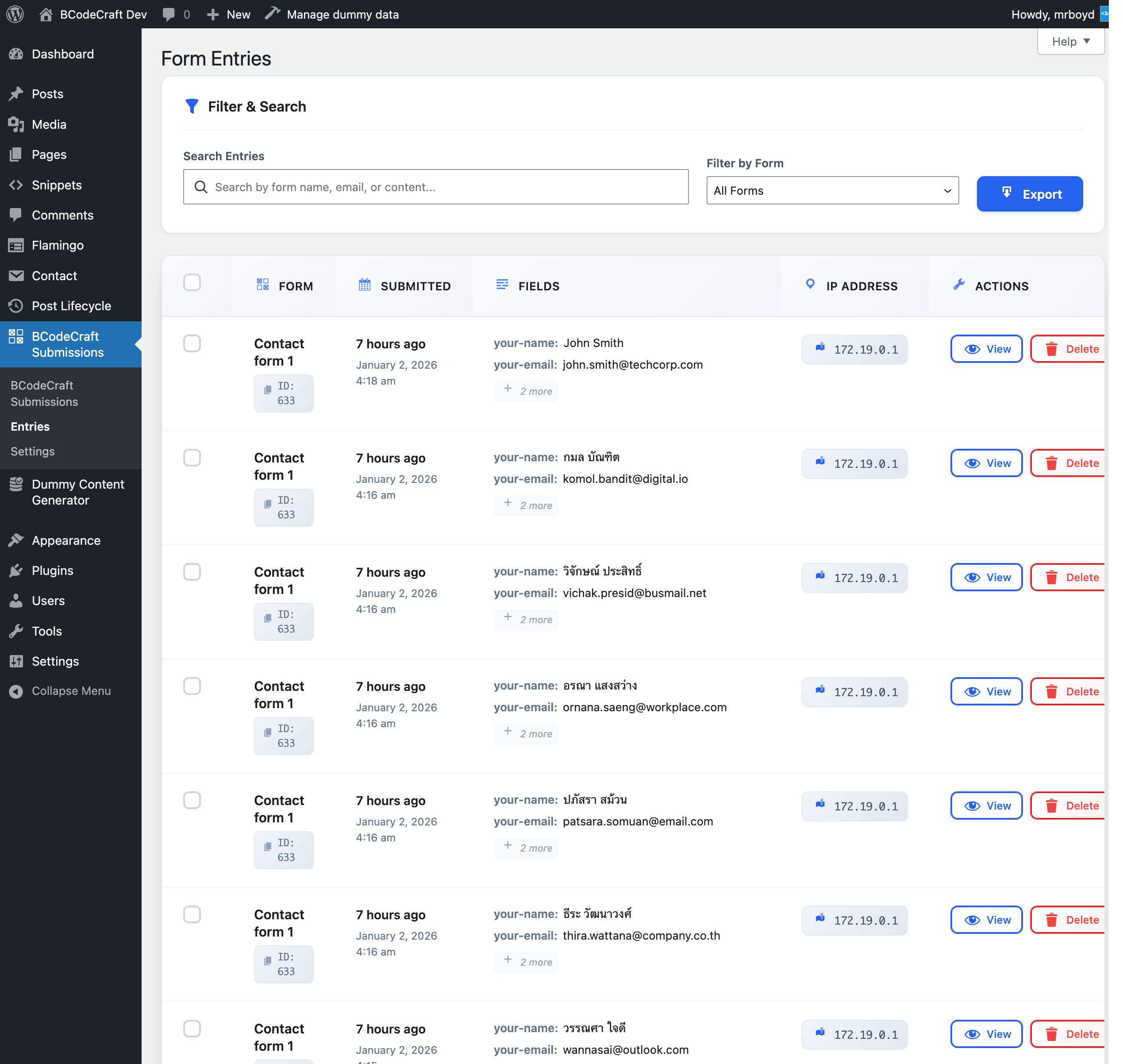
- Fast & Intuitive Interface - Clean, responsive admin interface that's easy to use
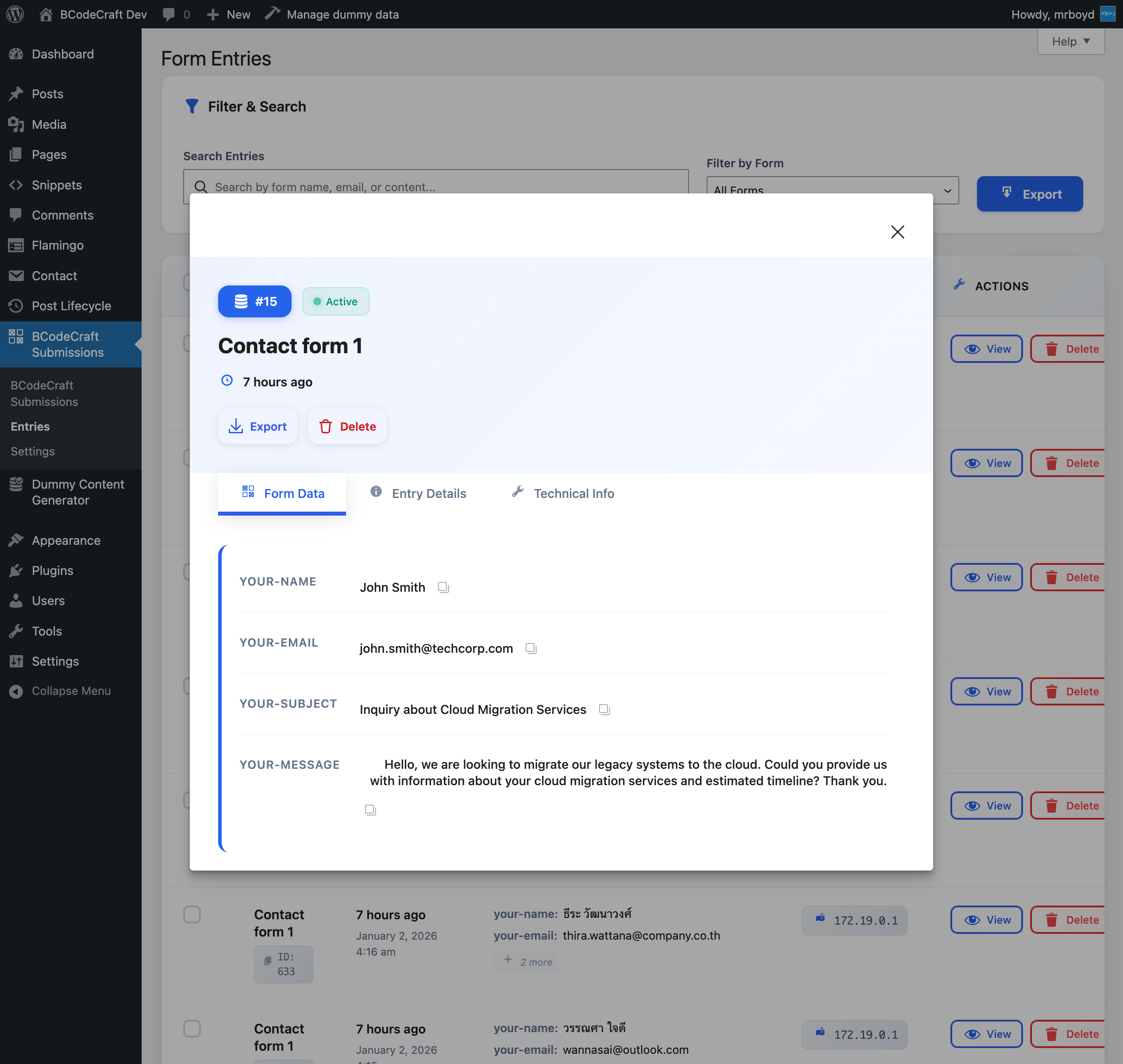
- Comprehensive Metadata - Capture IP address, user agent, page URL, submission time, and more
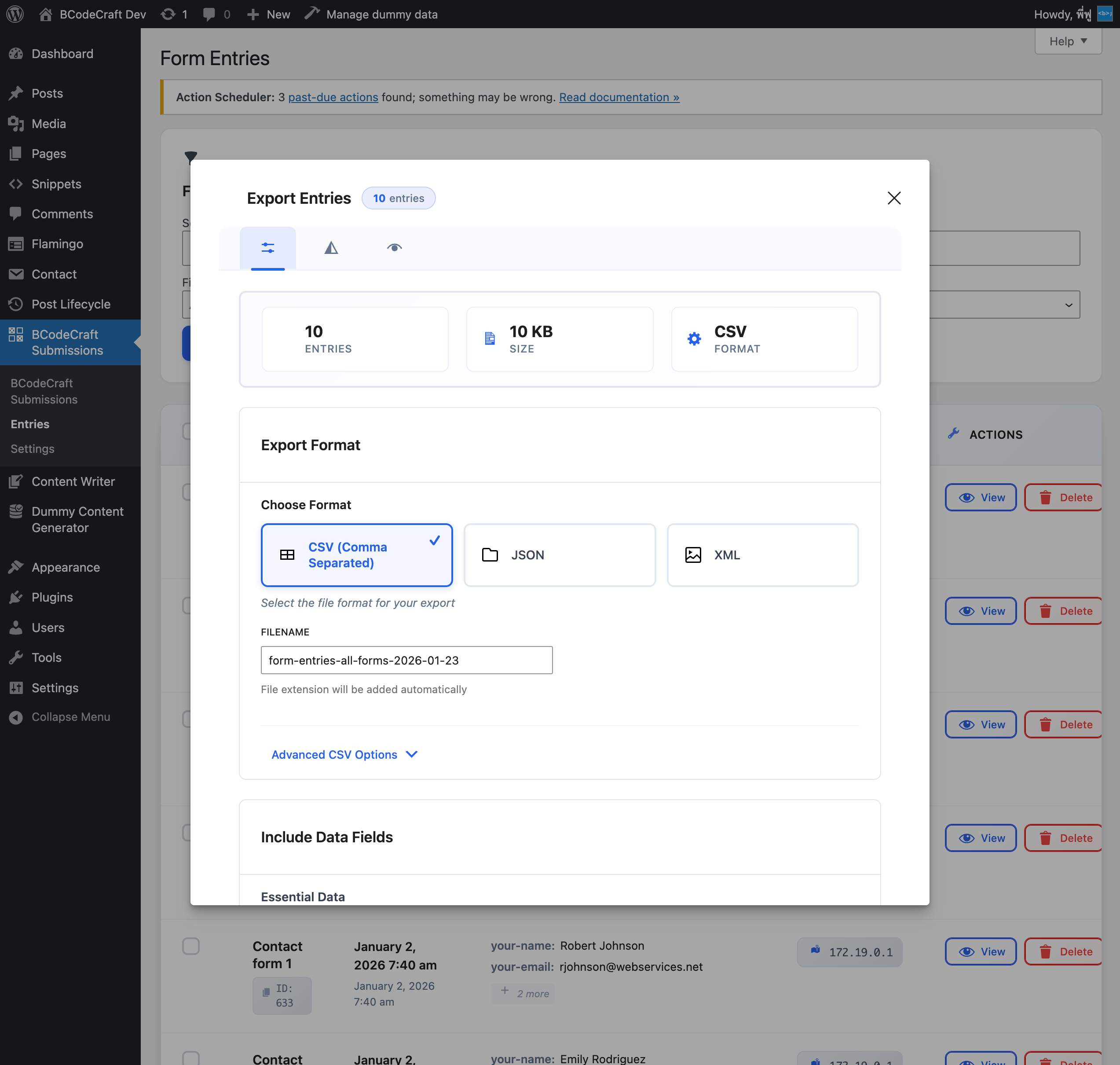
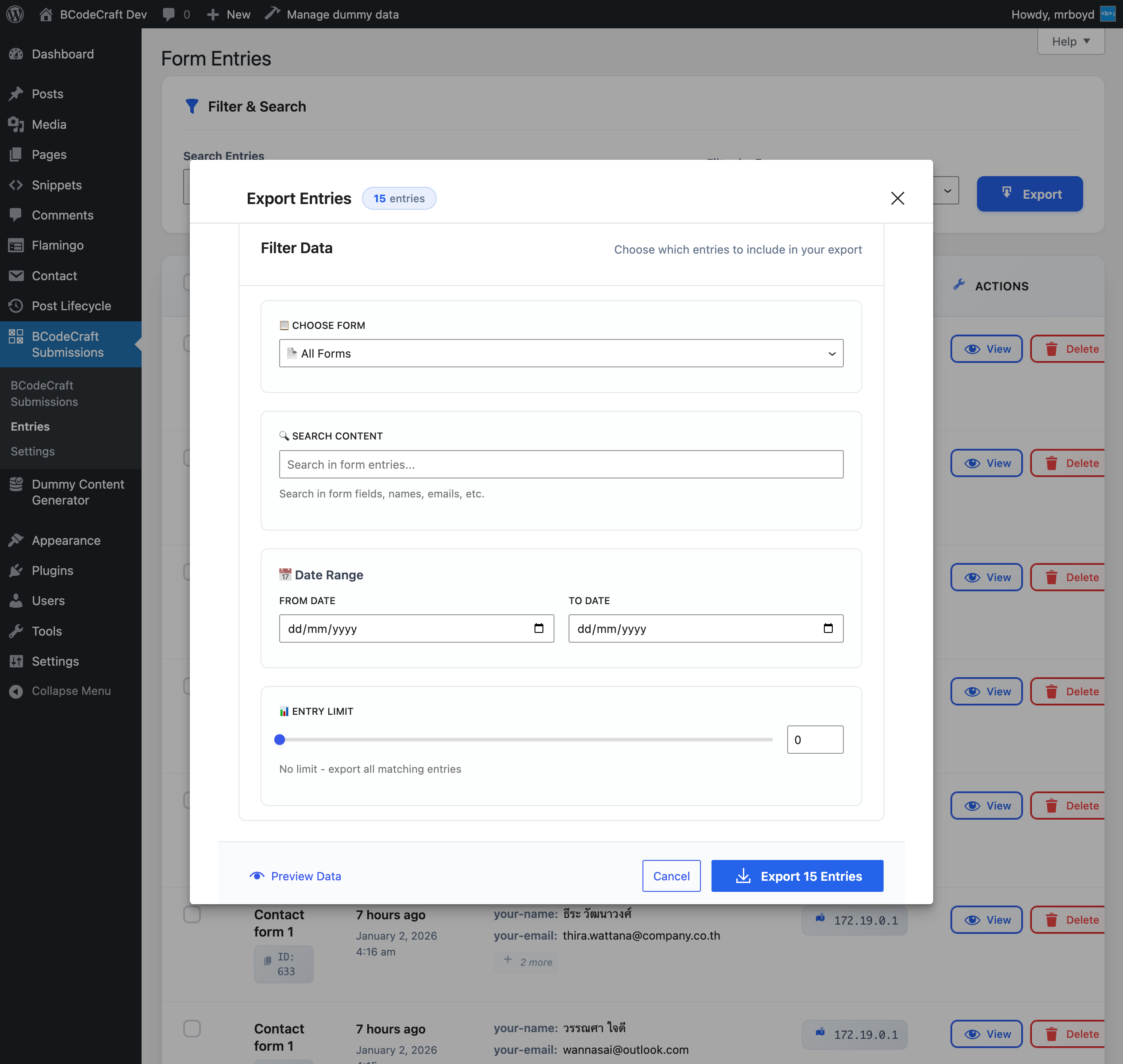
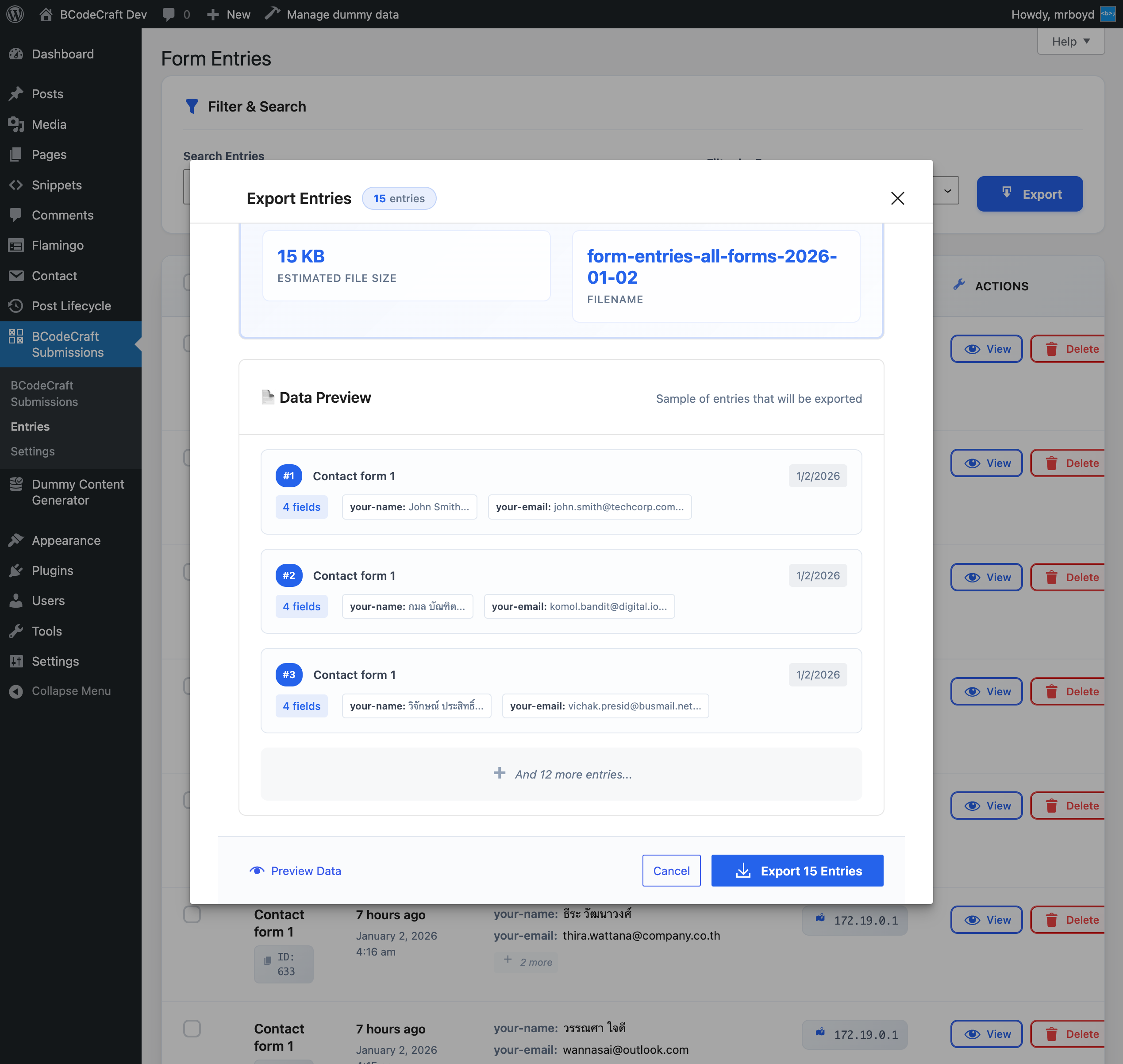
- Export to CSV - Export entries with Flamingo-compatible format for easy importing
- Advanced Search & Filter - Real-time search and filtering by form, date, content
- Bulk Actions - Delete or export multiple entries at once
- Detailed Entry View - View all submission data and metadata in a clean modal
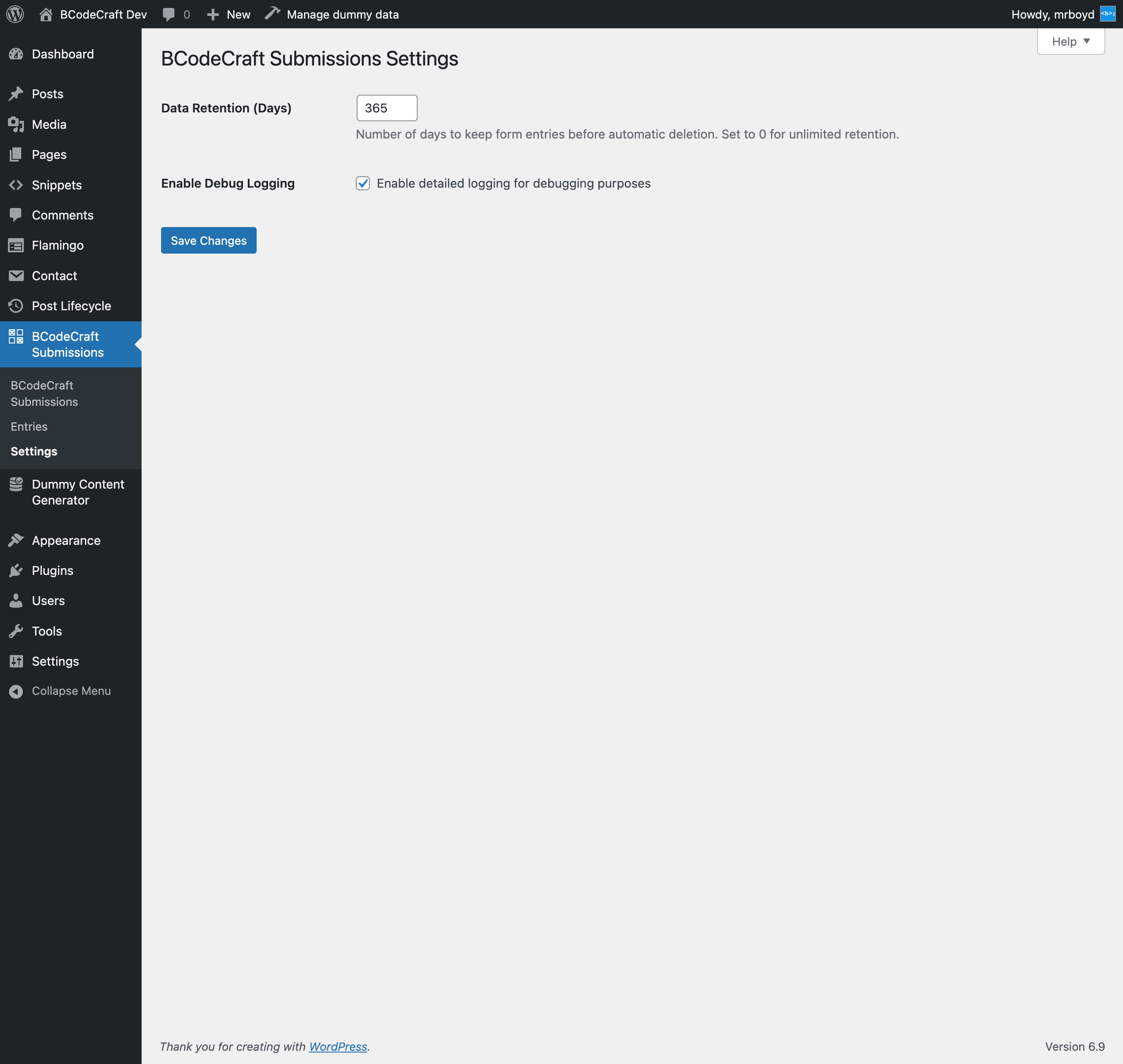
- Data Retention Settings - Configure automatic cleanup or keep entries forever
- Security First - Built following WordPress security best practices
- CF7 Integration - Seamless integration with Contact Form 7
- Business owners who need to keep records of all form submissions
- Developers who want a reliable form data backup solution
- Marketing teams who need to export leads to external tools
- Anyone concerned about losing important form submissions
- Support on Ko-fi Source Code & Build Information:
src/ directory of this plugin. This includes:
- React/JavaScript components in
src/components/ - SCSS stylesheets in
src/directory - All source files needed to rebuild the compressed assets To rebuild from source:
-
Run
npm installto install dependencies - Run
npm run build:prodto build production assets - Run
composer install --no-devto install PHP dependencies
安装:
- Upload the plugin files to the
/wp-content/plugins/bcodecraft-submissions-for-contact-form-7directory, or install the plugin through the WordPress plugins screen directly. - Activate the plugin through the 'Plugins' screen in WordPress.
- Make sure Contact Form 7 is installed and activated.
- Go to BCodeCraft Submissions in your WordPress admin menu to start managing form entries.
屏幕截图:
常见问题:
Does this plugin require Contact Form 7?
Yes, this plugin is designed specifically to work with Contact Form 7 and requires it to be installed and activated.
Is this plugin secure?
Yes, BCodeCraft Submissions is built with security-first principles, including proper input sanitization, output escaping, and database security practices.
Can I export form entries?
Yes, you can export form entries to CSV, JSON, or XML format. The CSV export is compatible with Flamingo's format for easy migration. CSV files can be opened directly in Excel or Google Sheets.
How long are entries stored?
By default, entries are kept for 365 days. You can change this in Settings > BCodeCraft Submissions. Set to 0 for unlimited retention (entries are kept forever).
Is this plugin compatible with Flamingo?
Yes! BCodeCraft Submissions captures similar metadata to Flamingo and exports in a compatible format, making it easy to switch or use alongside Flamingo.
更新日志:
- Initial release
- Secure form entry storage with comprehensive metadata collection
- Fast and intuitive admin interface
- CSV/JSON/XML export with Flamingo-compatible format
- Real-time search and filtering capabilities
- Bulk actions for entry management
- Detailed entry modal view with tabbed interface
- Dashboard with statistics and quick actions
- Configurable data retention settings