Beautiful Product Offers for WooCommerce
| 开发者 | GnKapps |
|---|---|
| 更新时间 | 2026年7月6日 19:05 |
| PHP版本: | 7.2 及以上 |
| WordPress版本: | 7.0 |
| 版权: | GNU General Public License v2.0 or later |
| 版权网址: | 版权信息 |
详情介绍:
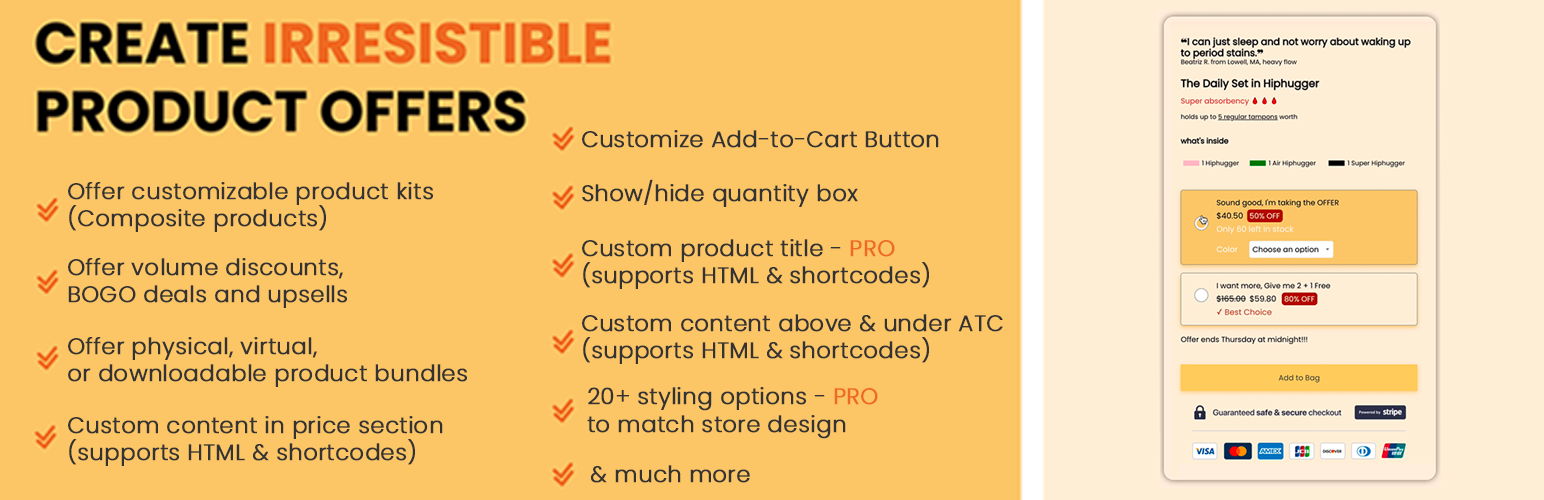
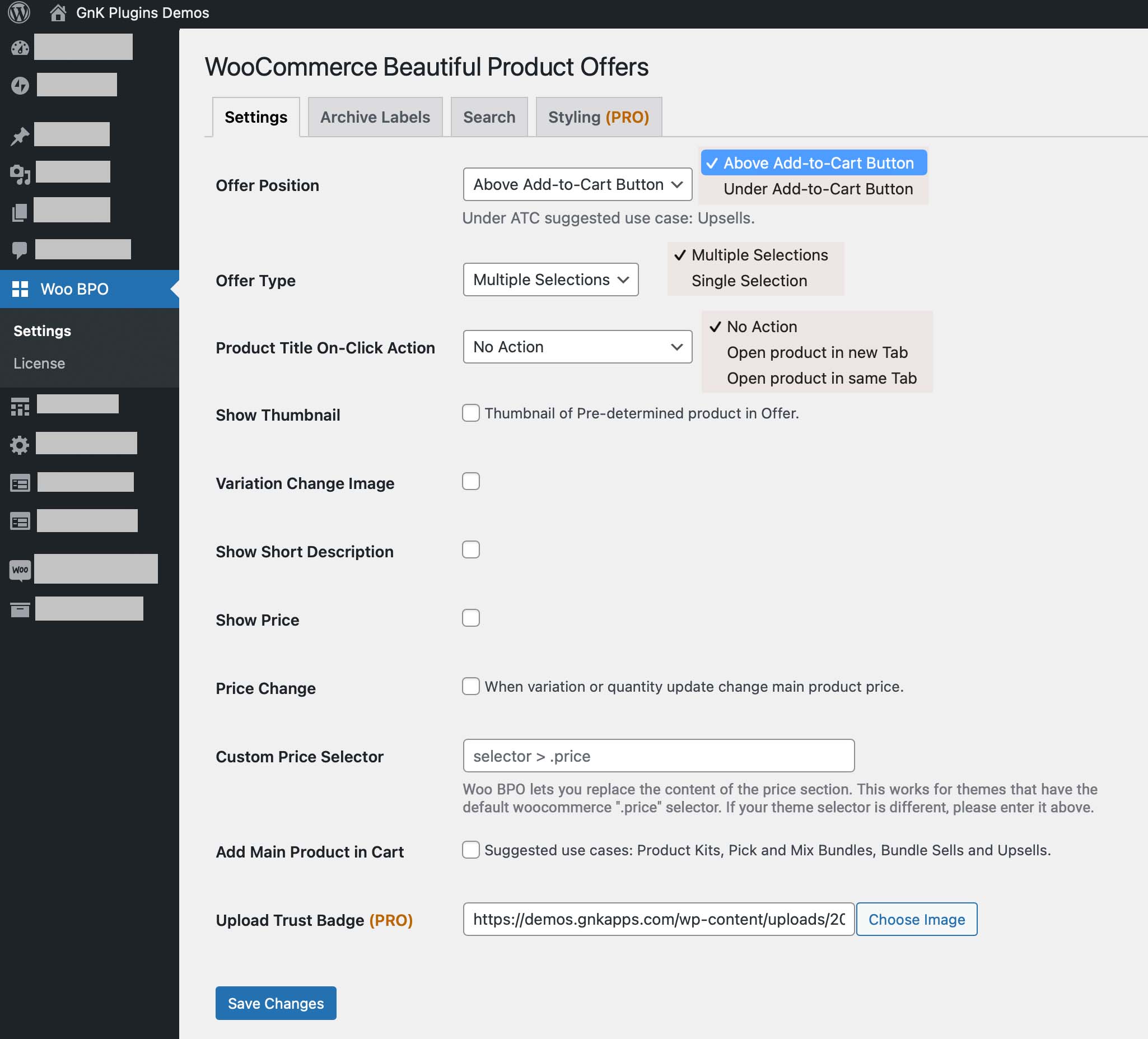
- Entice your customers to buy more: Offer pre-defined bundles – single selection with radio button or let your customers build their own bundles/kits with your products, exactly how they’d like them – Checkbox for multiple selections.
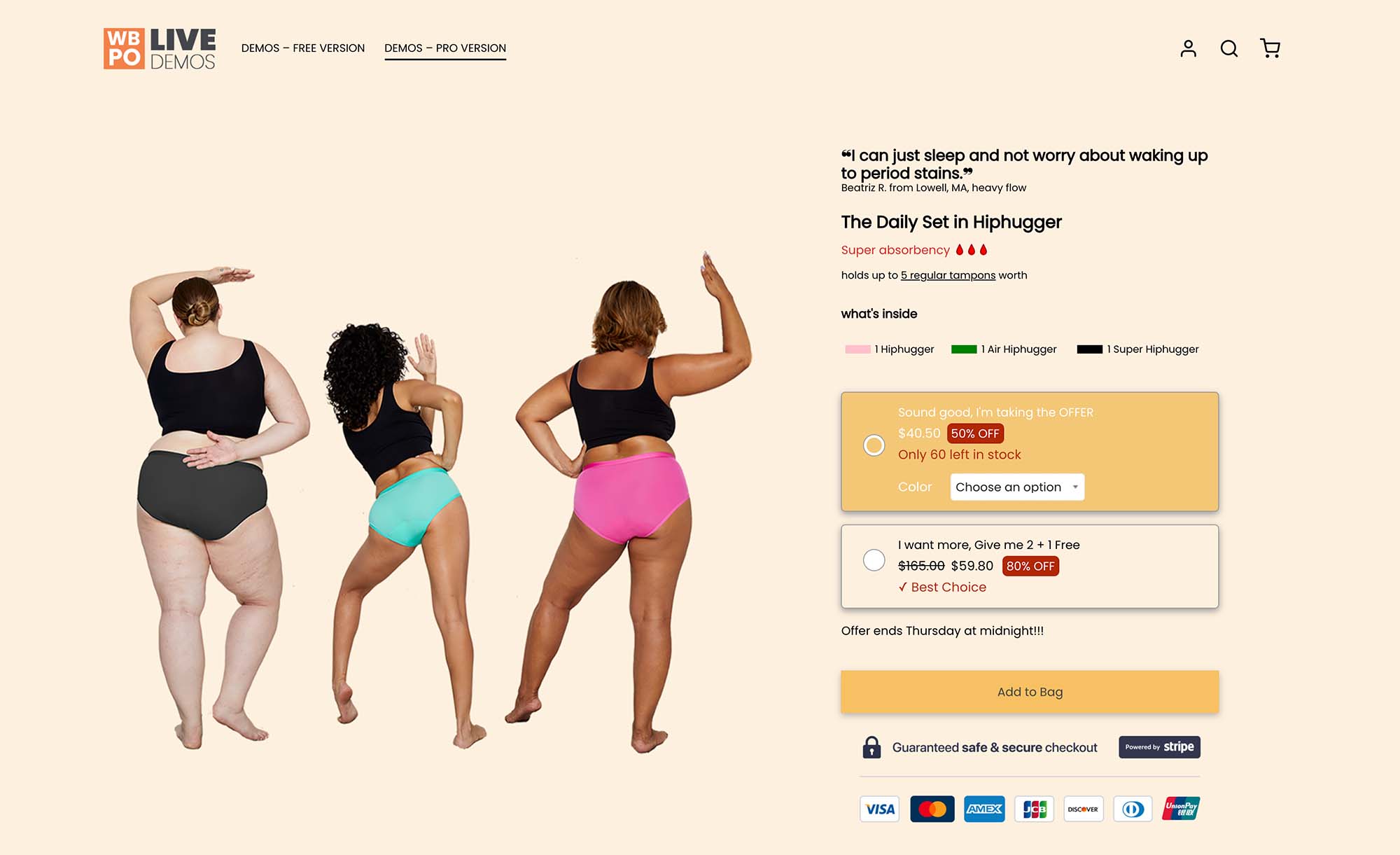
- Offer Discounts & different variants: Your customers can take an offer “Buy 1 and get 2nd at -50%” and add 2 different variants in the offer by clicking only once on the add to cart button (for example 1 blue product and 1 red product)
- Beautifully create irresistible offers and deals
- Offer physical, virtual, or downloadable bundles
- Offer customizable product kits (Composite products)
- Offer volume discounts, BOGO deals and upsells
- Support unlimited variants
- Show/hide quantity box
- Replace Add-To-Cart text
- Customize price section with HTML and shortcodes
- Add custom content with HTML & Shortcodes above the ATC
- Enforced offer discounts: make your advertised deals real at checkout — percentage off, fixed price per unit, and BOGO / "Buy X get Y free" (true "2 + 1 Free"). No more hand-maintaining sale prices to match your marketing.
- Multi-variant offers: let shoppers pick a different variant for each unit of a line ("Choose Color 1 / 2 / 3") and add them all in one click.
- 20+ styling and layout options: fully customize colors, fonts, designs and layouts so your offers look professionally designed.
- Offer analytics: see impressions, orders, conversion rate, revenue and Average Order Value for each offer.
- Customize your product title with HTML and shortcodes.
- Upload a trust badge and add custom content under the Add-To-Cart button.
- One-click demo offers to see everything in action.
屏幕截图:


常见问题:
How to install Beautiful Product Offers for WooCommerce (free version)?
The easiest way to install WBPO is via your site’s Dashboard. Please follow these instructions to install and activate WBPO: Log in to your site’s Dashboard (e.g. http://www.yourdomain.com/wp-admin) Click on the “Plugins” tab in the left panel, then click “Add New”. Search for “Beautiful Product Offers for WooCommerce” and the latest version will appear at the top of the list of results. Install it by clicking the “Install Now” link. When installation finishes, click “Activate Plugin”. You’re done!
Do I need any coding skills to use WBPO?
Absolutely not! You can configure your offers without any coding knowledge.
Does It Work With Any WordPress Theme?
Yes, it will work with any WordPress theme as long as you are using WooCommerce plugin as your eCommerce platform.
Do I Need to Have The Free Version Installed On My Website?
Yes, Woo BPO Pro is an extension of the WooCommerce Beautiful Product Offers plugin, so you need to have the free version installed to get the PRO features.