Better Post Formats
| 开发者 | rgblab |
|---|---|
| 更新时间 | 2026年9月23日 13:43 |
| 捐献地址: | 去捐款 |
| PHP版本: | 7.4 及以上 |
| WordPress版本: | 7.1 |
| 版权: | GPLv2 or later |
| 版权网址: | 版权信息 |
详情介绍:
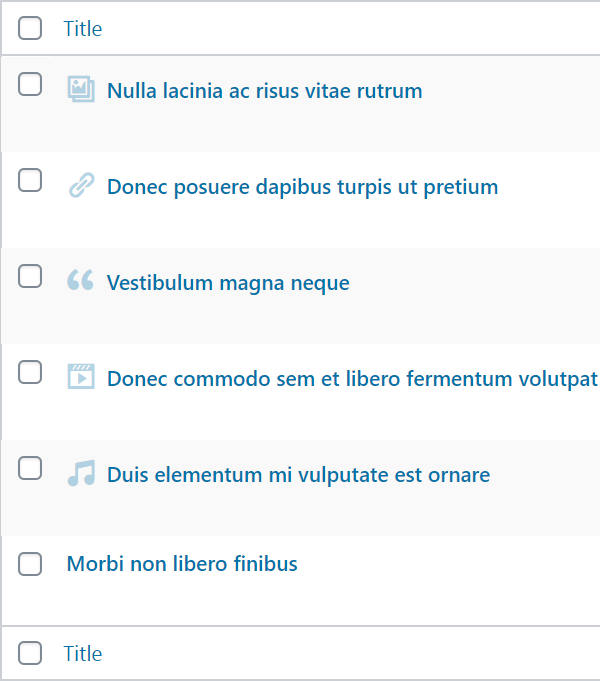
- Any WordPress supported oEmbed site content for your audio post formats
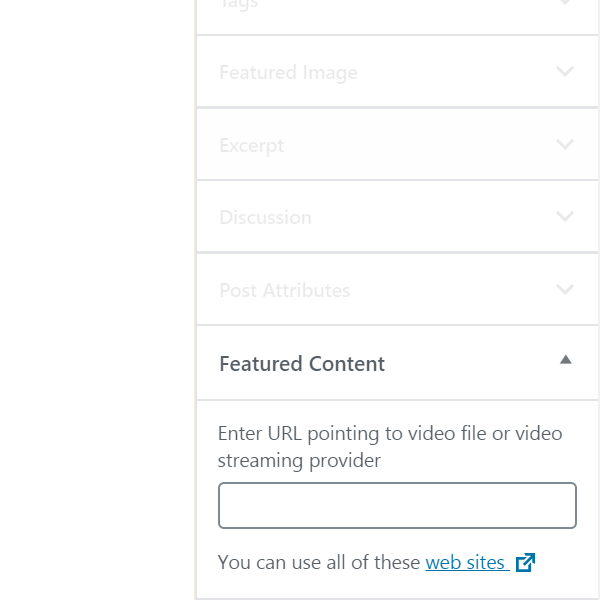
- Any WordPress supported oEmbed site content for your video post formats
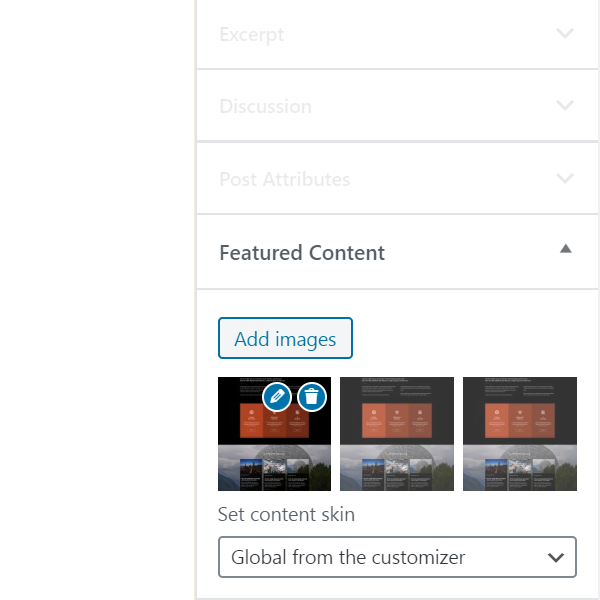
- Slider with multiple images for your gallery post formats
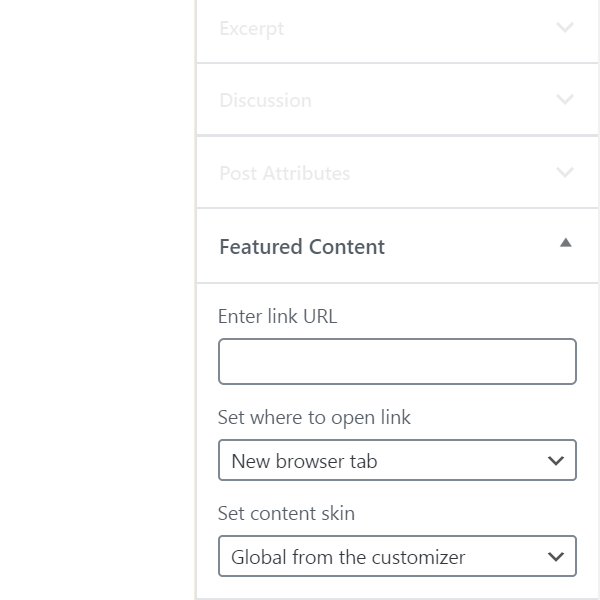
- Real links for link post formats
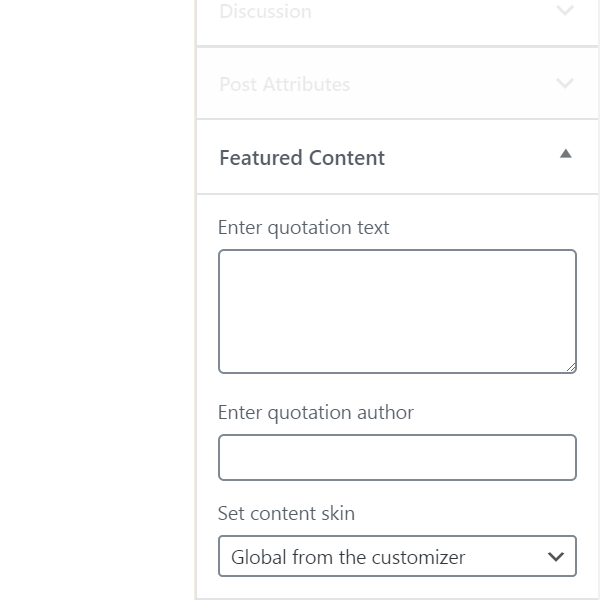
- Real quotations with author reference for your quote post formats
- In classic themes featured content replaces the themes featured image output
- In block themes featured content replaces the core Post Featured Image block, in single templates and in query loops
- Featured content is set in the "Featured Content" post sidebar panel, in both the block editor and the Classic editor
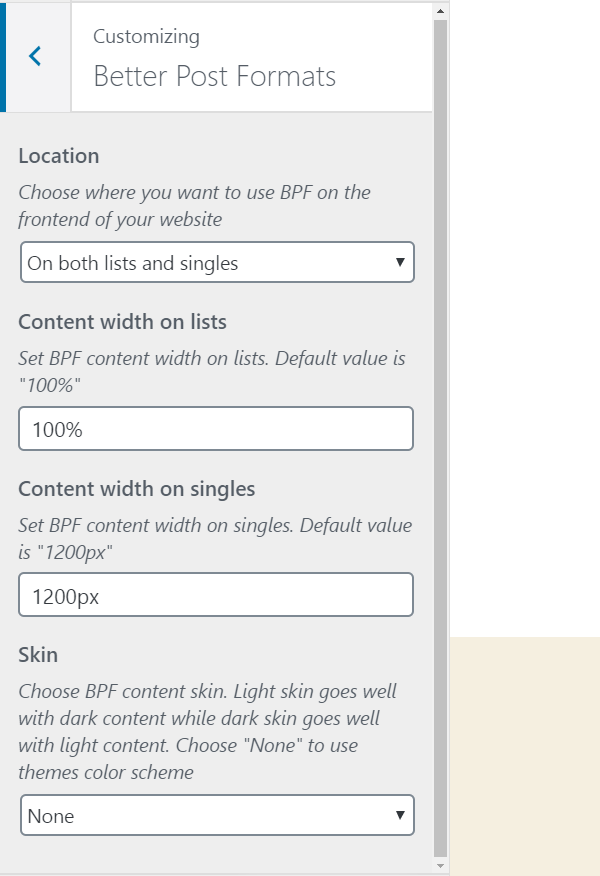
- Location, choose where you want to use plugin on the frontend of your website
- Content width on lists, set plugin content width on lists
- Content width on singles, set plugin content width on singles
- Skin, choose plugin content skin. Light skin goes well with dark content, dark skin goes well with light content, or choose "None" to inherit your themes color scheme
安装:
屏幕截图:
常见问题:
Should I use Gutenberg or Classic editor?
Short answer - you can use both. Better Post Formats plugin works with both Gutenberg or Classic editor.
My current theme does not support post formats, can I use Better Post Formats plugin?
Yes of course, even if your theme does not support post formats, Better Post Formats plugin will add support for audio, video, gallery, link and quote post formats.
I use a block theme, where do I set featured content and where are the global options?
Featured content is set per post, in the "Featured Content" panel in the post sidebar, exactly as with a classic theme. Only the four global options - location, content width on lists, content width on singles and skin - live in the WordPress Customizer, under Appearance > Customize > Better Post Formats. Block themes normally hide the Customizer, but WordPress keeps it available for plugins that register settings there, so the link stays in place while Better Post Formats is active.
How does the skin option work?
Skin is set globally, with a per post override. Gallery, link and quote featured content starts as "Global from the customizer", which follows Appearance > Customize > Better Post Formats > Skin, and choosing Light or Dark on the post itself overrides the global value for that post only. The global "None" value renders no skin at all, so your themes own colors stay in place. Audio and video featured content carries no skin control and always uses your themes colors.
I have set featured content, can I switch theme?
Yes of course, plugin does not depend on themes, data related to plugin content is saved in database independently.
I have set featured content, but I can not see it on my website?
Please try to switch to any default WordPress theme (TwentyX). If content appears on your website, most likely your previous theme displays featured image in its own way, instead of using get_the_post_thumbnail WordPress function (classic themes) or the post featured image block (block themes).
更新日志:
- Added block theme support, featured content now replaces the core post featured image block
- Added WordPress Playground setup and links
- Added missing strings to translation template
- Fixed featured content overflowing its box in themes that do not set border box sizing globally
- Fixed empty skin class rendered on audio and video featured content
- Fixed browsers keeping old plugin styles and scripts after update, assets now carry plugin version
- Fixed theme post title showing twice on link and quote posts in block themes
- Fixed audio featured content players stretched to several times their height on Spotify, Mixcloud and SoundCloud
- Code maintenance
- Added PHP 7.2 compatibility
- Fixed fatal error on the frontend for posts whose format has no featured content saved
- Fixed warnings in the post format meta boxes on posts with no featured content saved
- Fixed the meta boxes not following the post format in the block editor
- Fixed slider navigation controlling every gallery on archive pages
- Removed the jQuery dependency from the frontend script
- Code maintenance
- Added Twenty Twenty-One theme compatibility
- Fixed warning when options from customizer don't exist in database
- Code maintenance
- Initial release