
Bindl - Photo Book Editor for WooCommerce
| 开发者 | easzy |
|---|---|
| 更新时间 | 2026年10月6日 22:59 |
| PHP版本: | 7.4 及以上 |
| WordPress版本: | 7.1 |
| 版权: | GPLv2 or later |
| 版权网址: | 版权信息 |
详情介绍:
- Connects your store to Bindl from your WordPress admin, with no redirect.
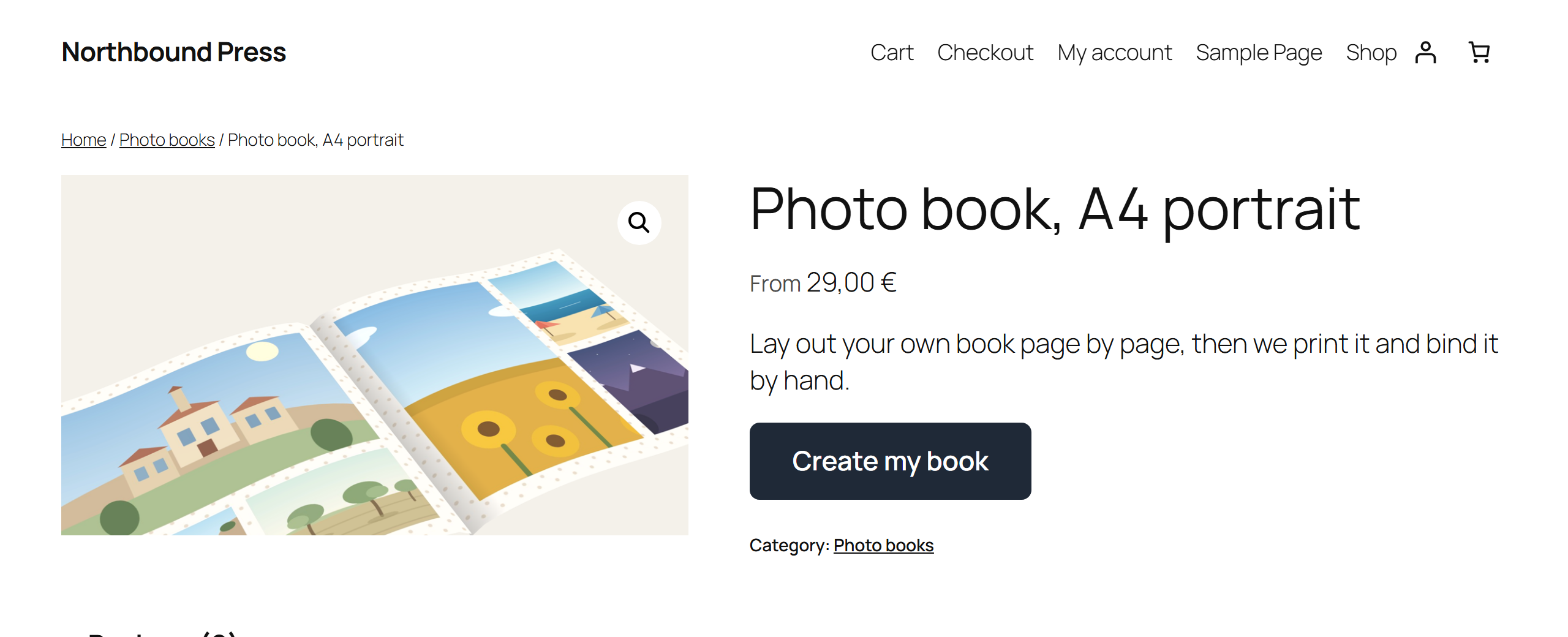
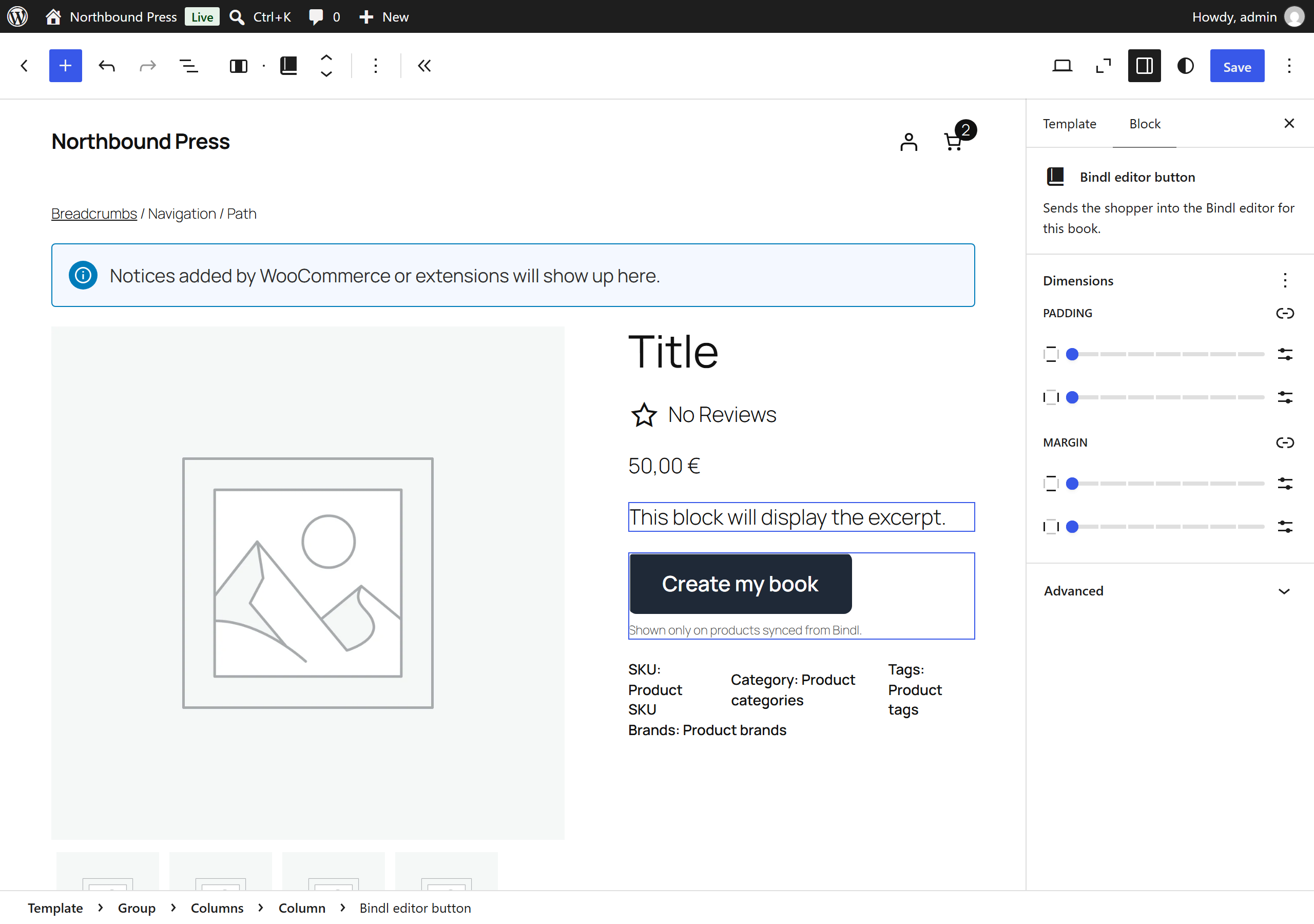
- Puts the editor button on your book products, in classic themes, block themes, or wherever you place the shortcode.
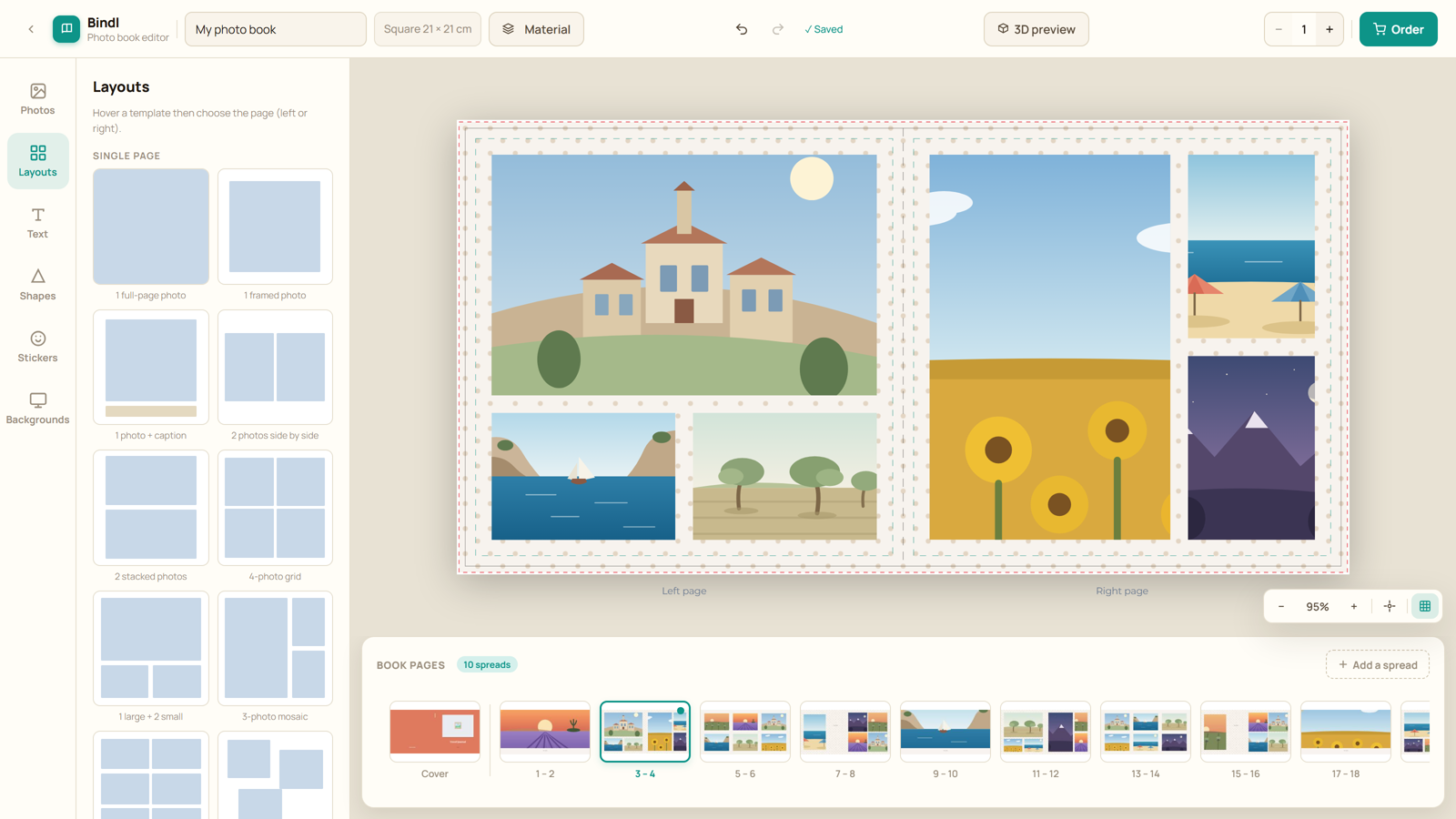
- Opens the editor over your product page rather than sending the shopper away, so your header, your cart and your brand stay on screen. One click closes it.
- Shows a book's price as a starting price, because a book has no final price until it is configured.
- Registers the two order notifications Bindl needs, checks them daily, and repairs them by itself when WooCommerce turns them off.
安装:
- Install and activate the plugin.
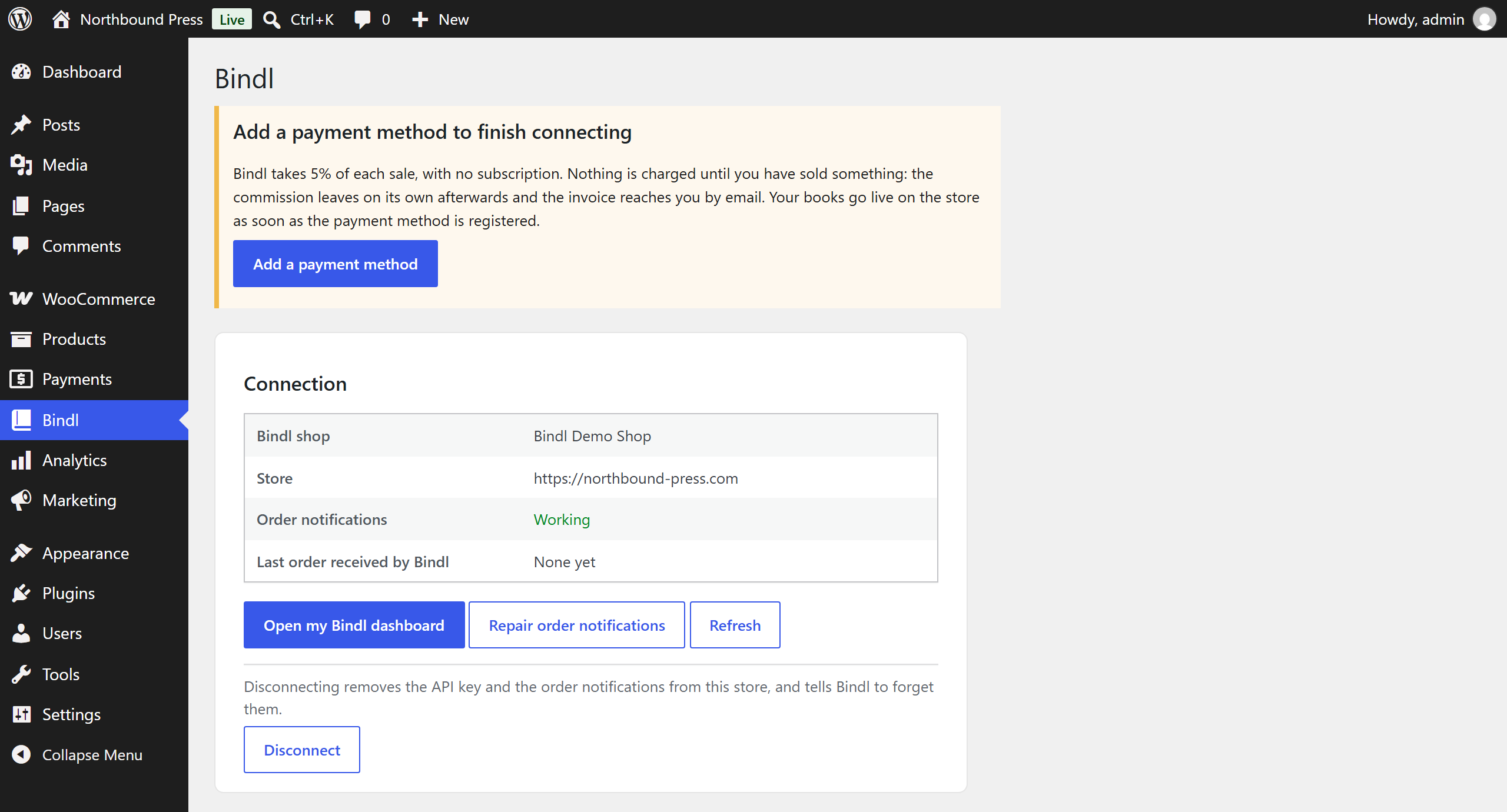
- Open your Bindl admin, go to E-commerce, choose WooCommerce, and generate a pairing code.
- In WordPress, open Bindl in the menu, paste the code, and click Connect.
屏幕截图:
常见问题:
Do I need a Bindl account?
Yes. The editor, the book formats and the print files come from Bindl. This plugin is the bridge between that and your store.
Does the plugin send anything anywhere before I connect it?
No. An installed but unconnected plugin makes no outbound request at all. The first call happens when you press Connect.
Where does the customer edit their book?
On bindl.app, in your shop's own space, with your branding, shown over your own product page. They never leave your store, and they check out in it. If their browser refuses the overlay, the button behaves like the plain link it has always been and opens the editor in the same tab. Nothing is lost either way: the book is saved on Bindl, not in the browser. You can turn the overlay off under Bindl > Storefront if you would rather send shoppers straight to the editor.
My theme does not show the button.
Block themes assemble the product page from blocks, so there is no hook to
attach to. Add the Bindl editor button block to your single product
template, or drop the [bindl_cta] shortcode where you want it.
Orders stopped arriving in Bindl.
WooCommerce turns a webhook off by itself after repeated delivery failures, which usually means the site was unreachable for a while. Open Bindl in the menu and press Repair order notifications. The plugin also checks this once a day on its own.
What happens when I uninstall?
The API key and the order notifications are removed from this store, and Bindl is told to forget the credentials it holds for it.
更新日志:
- The cover colour can be a product option of its own, when the shop moves to it in Bindl. The product page then shows the colours as swatches, only those the chosen cover and theme offer, adds the picked colour's surcharge to the estimated price and carries the colour to the editor. Shops that have not moved keep their colour menu as before.
- Each call to Bindl now says which plugin version the store runs, so Bindl only sends the new menu to a plugin that can show it.
- A book product the Bindl sync no longer updates, such as a copy made with Duplicate or a product put back on sale by hand, no longer shows options and prices that may be out of date. Its editor button still works. The admin lists these products, with a button that moves them all to drafts.
- A duplicated book product starts without the options of the original.
- An endpaper colour can now cost more, when the shop sets a surcharge on it in Bindl. The colour menu then says what each colour adds, "Black (+ 3.00)" or "(included)" for a free one, like the other options, and the estimated price follows the colour picked. A menu of free colours keeps bare names, as before. The amount charged is always Bindl's, at checkout.
- A hard cover book can offer its endpaper colour on the product page, when the shop puts it there in Bindl. The menu shows only while the cover picked, or the cover the product stands for, has endpaper colours, opens on the first one, and carries the colour to the editor. The colours are free, so no price follows them.
- Each option on the product page (paper, finish, cover, foil, the shop's own) now says what it adds to the price, after its name and in the words of the Bindl editor: "Matte lamination (+ 5.00)", "Silk paper (+ 0.10/page)", or "(included)" when it adds nothing. The amount follows the chosen format when the shop prices an option per format.
- The listing button of a book opens the editor again. Coming from a listing, where nothing was chosen, the editor now asks for every choice the product page offers instead of starting on the defaults.
- On shop, category, search and related product listings, the button of a book whose product page offers choices (format, paper, finish, theme) now leads to that page, where it used to open the editor on the defaults.
- The blank book tile keeps its drawn page on themes that centre the content of every choice label, where it used to shrink to nothing.
- The option buttons and the option lists on the product page now share one height, text size and corner shape, the theme's own size for form controls where it declares one. The buttons used to stand taller than the lists.
- A shopper who picks the blank book on the product page now goes straight into the editor too, instead of being asked for a theme again.
- The choices on the product page now come before the button that opens the editor, instead of after it: a shopper chooses, then clicks. The class names are unchanged, so a stylesheet that already reordered them keeps working.
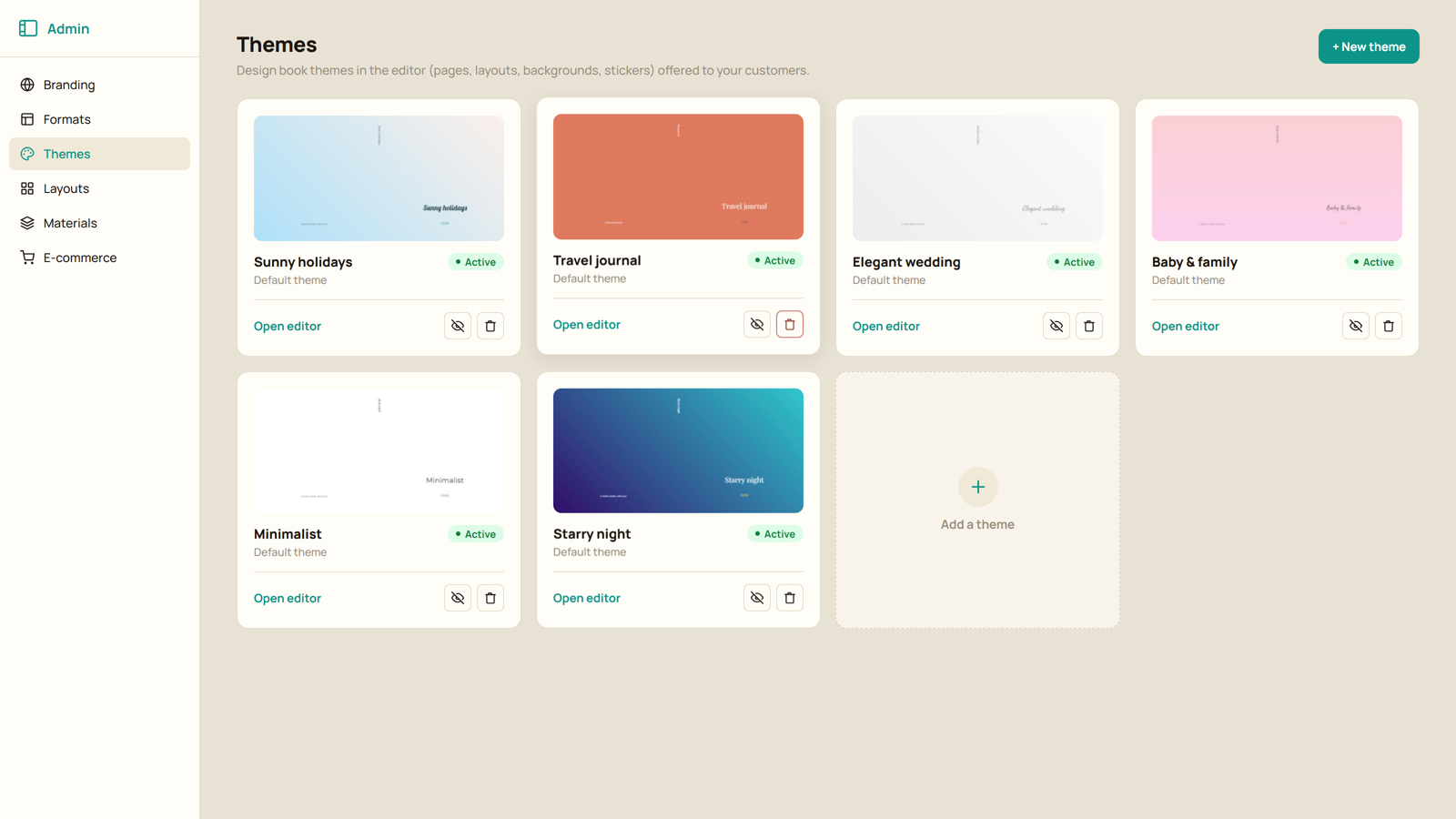
- Shoppers can now pick the theme of their book on the product page, from picture tiles, when the shop sells its themes that way. A theme only offers the formats and cover colours it is sold in, and the blank book stays one of the choices.
- A product that stands for one value, such as a given paper, prices it and carries it to the editor without asking for it again.
- An option value a format does not sell is now hidden rather than greyed out.
- Clicking the name of a row of choices no longer picks its first choice.
- An option the shop sells as optional, such as foiling, now opens empty on the product page with a "none" choice of its own. It used to preselect its cheapest value, which added that option to the estimated price and to the book the shopper started.
- Setting an option back to none also takes it out of the link to the editor, instead of leaving the previous choice in it.
- Shoppers can now choose the format, the cover colour and the shop's own options on the product page, before the editor opens, with the price moving as they choose. The choices travel to the editor in the link.
- A shop that has not set any of this up sees no change: the button and the price behave exactly as before.
- The estimated price is a separate line from the catalogue price, so the two never contradict each other: one is the cheapest book, the other the one being configured.
- Fixed: a colour swatch the shop does not sell on the chosen format stayed selected once greyed out, so the price stopped charging for it while the editor link still carried it.
- Fixed: the "From" label was being added in front of the estimated price, which is the configured book rather than the cheapest one.
- French, German, Spanish, Italian and Portuguese ship with the plugin again. 1.0.1 removed them in favour of language packs, but no pack existed, so every site has been English since. A language pack still wins when there is one.
- The block editor reads its translations too, which it never did.
- The overlay now also catches the buttons a block theme draws itself (product grids, related products), which linked straight to the editor in a new tab, and it loads on every storefront page of a shop that sells Bindl books.
- The editor overlay now opens on iOS Safari too: the tap on the button text was read as a plain link and navigated away instead.
- The close button over the editor becomes a bar above it that reads "Back to ", so nothing sits on top of the editor's own controls.
- Translations now come from translate.wordpress.org as language packs instead of files bundled in the plugin.
- The order-notification error is shown on the shop's admin screens only.
- First release: pairing without a redirect, self-repairing order notifications, storefront button for classic themes, block themes and shortcodes, and the editor opening over the product page instead of navigating away.