
BirchToad - Accessibility Toolbar
| 开发者 | miotix |
|---|---|
| 更新时间 | 2026年11月4日 19:17 |
| PHP版本: | 7.4 及以上 |
| WordPress版本: | 7.1 |
| 版权: | GPLv2 or later |
| 版权网址: | 版权信息 |
详情介绍:
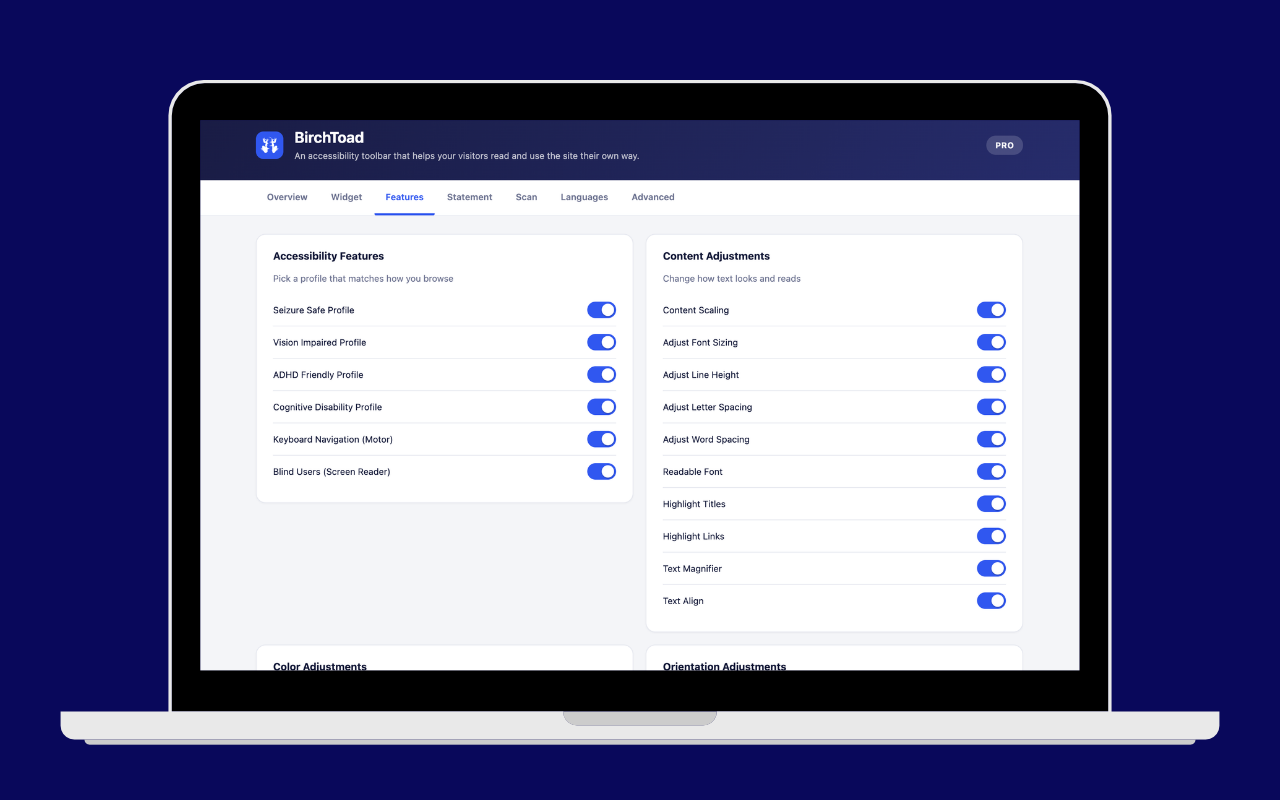
- Content scaling, font size, line height, letter spacing and word spacing, each with a reset to default
- A readable font
- Highlighted links and highlighted headings
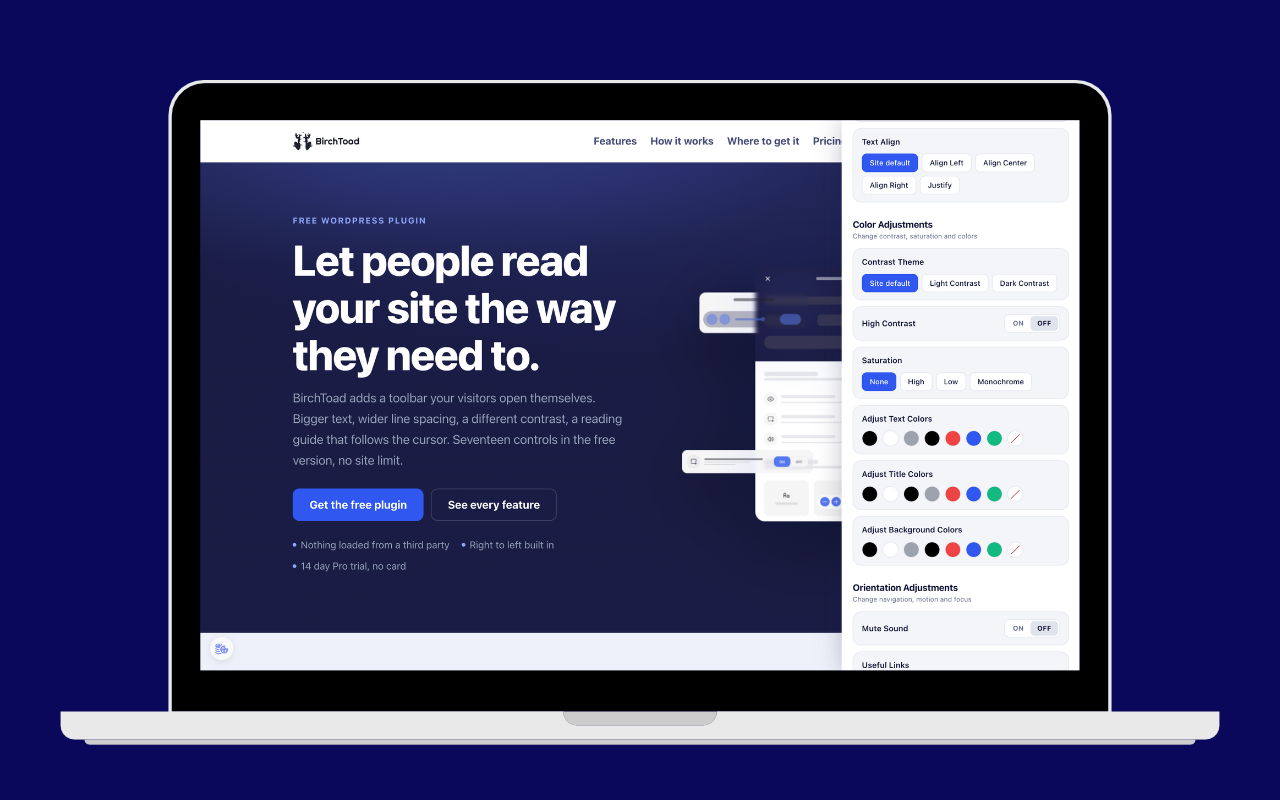
- Text alignment
- Light, dark and high contrast
- Saturation: high, low or monochrome
- A big black or white cursor
- Highlighted focus and highlighted hover
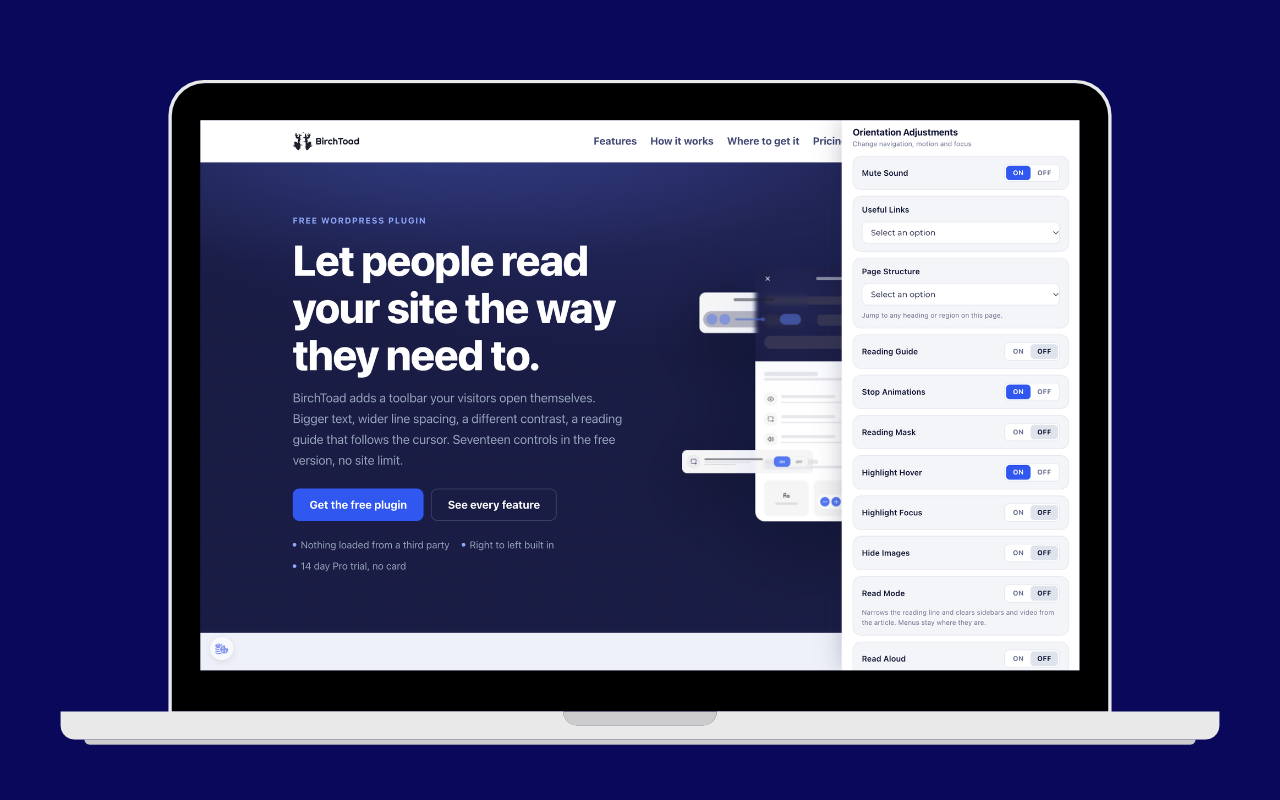
- A reading guide
- Animations stopped
- Images hidden
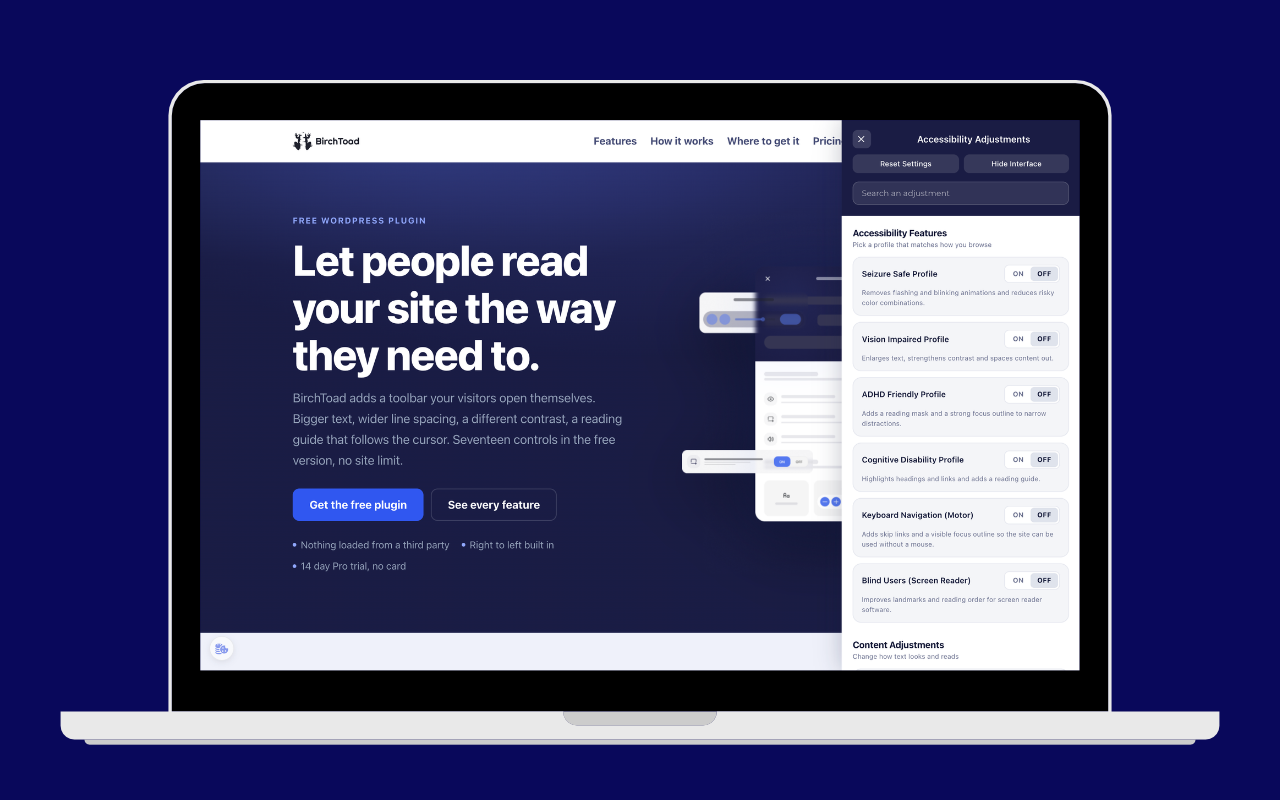
- Six profiles: seizure safe, vision impaired, ADHD friendly, cognitive disability, keyboard navigation and screen reader support
- Custom text, heading and background colors
- Text magnifier, reading mask and read mode
- Mute sound and a useful links jump menu
- Page structure: a jump menu of every heading and region on the page
- Read aloud, using the browser's own speech, with nothing sent to a service
- An accessibility statement generator
- An on-page accessibility check that lists what the toolbar cannot fix
- Your own logo and name in the panel header
- Per-page visibility rules
安装:
- Install and activate the plugin.
- Open BirchToad in the admin menu.
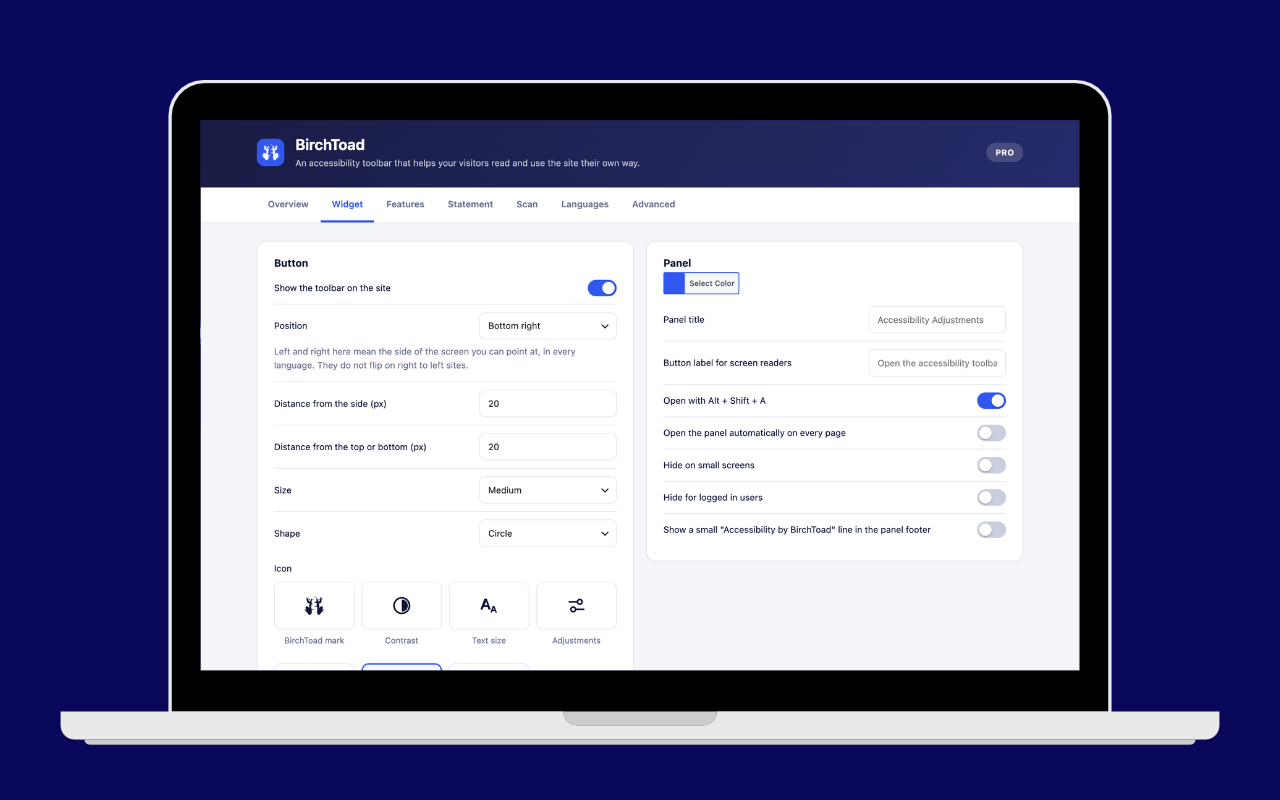
- Choose where the button sits and which adjustments you want to offer. That is the whole setup.
屏幕截图:
常见问题:
Does this make my site compliant?
No, and be careful with any plugin that says it does. The United States Federal Trade Commission fined an overlay vendor one million dollars in 2025 over that claim, and the European Commission has said overlays do not satisfy the European Accessibility Act. BirchToad gives your visitors useful controls and helps you find real problems. Fixing those problems is still work on the site.
Does it slow my site down?
The stylesheet and the script are small, served from your own server, and load in the footer. The pages your visitors see fetch nothing from anywhere else.
Does it collect anything about my visitors?
No. A visitor's choices live in their own browser storage. The plugin stores one settings row in your database and nothing about visitors at all. No analytics, no visitor data, no profiling.
Does anything leave my site?
Only what you agree to, and only in the admin. The plugin includes Freemius, the service that licenses and updates the paid version. On activation it asks once whether to connect. Skip that screen and nothing is sent. Connect, and it receives your site address and title, your WordPress, PHP and plugin versions, your site language, and the name and email address on your WordPress account. Full detail is under External services below.
Does it work on right to left sites?
Yes, and without a translation file present. Direction comes from your site.
Will it clash with my theme?
The panel's own controls are hardened against theme and page builder styles. A theme that marks its button rules as important can still reach them, which is the one known limit.
What happens to my settings if I delete the plugin?
They are kept. Deleting BirchToad removes nothing unless you first switch on "Delete all BirchToad settings" on the Advanced tab.
更新日志:
- The color settings no longer break fixed elements on the page. Saturation and contrast are applied with a CSS filter, and a filter on an element changes how anything pinned to the screen inside it is positioned. Applied the way it was, it moved the site's own sticky header off the top of the screen, and sent cookie banners, chat widgets and back-to-top buttons to the bottom of the page. The filter now goes on the page as a whole, which the CSS rules exempt, so nothing moves. One consequence to expect: the toolbar panel is filtered along with the page now, where before it kept its own colors.
- Stop animations now stops animated GIFs. It only ever stopped CSS animations and transitions, which left the most eye-catching moving thing on a typical page running. It now also freezes animated GIFs, pauses autoplaying video, SVG animation and anything driven by the Web Animations API. Switching it back off restores everything exactly as it was.
- The plus and minus buttons beside each slider stayed round on themes that set a minimum height on every button. They were being stretched into ovals.
- The search box at the top of the panel no longer overflows the panel edge on themes that ship the normalize.css rule for search fields.
- The Default button beside each slider is now 28px tall rather than 23px, so every control in the panel meets the 24 by 24 minimum target size in WCAG 2.5.8.
- Updated the bundled Freemius SDK to 2.13.5, which adds output escaping in its site clone handling. The download is also about a third smaller, because the SDK no longer ships its own development files.
- The Blind Users (Screen Reader) profile now turns on the skip link itself, rather than relying on the Keyboard Navigation profile to do it. Switching Keyboard Navigation off by hand used to leave Blind Users switched on without the skip link its own description promises.
- Each profile now provides everything it describes on its own. Switching one profile off never takes away something another enabled profile still offers.
- A profile switch now turns itself off when you change one of the adjustments it applied. A profile that is on means those adjustments are on, so leaving it on after you had changed one of them by hand made the panel say something that was not true. Your adjustment is kept exactly as you set it; only the profile stops claiming it.
- Switching the Blind Users (Screen Reader) profile off now also switches off the Keyboard Navigation profile it switched on, and takes the skip link with it. Previously the skip link stayed on the page after the profile that created it was switched off.
- Switching off one of that pair no longer clears the focus outline while the other one is still on. An adjustment another active profile still asks for is left alone.
- Either profile can still be switched off on its own. Only the one that was switched on automatically is switched off automatically.
- Reset Settings now clears the skip link as well.
- Read mode no longer throws an error on pages that have an article, a main element or an entry content wrapper, which is most pages.
- The readme listed seventeen visitor controls and left out word spacing, and its Pro list left out Page Structure. The free version has eighteen and Pro adds sixteen more.
- The Blind Users (Screen Reader) profile no longer changes your page's markup. It previously added an empty alt attribute to images that had none, and landmark roles to header, nav, main, footer and aside elements. A missing alt attribute does not mean an image is decorative, and marking it so hides that image from screen readers entirely. Neither change was undone when the profile was switched off. Both have been removed.
- The profile now turns on a skip link and a visible focus outline, and takes both back when it is switched off. Its description says so, and says that it does not alter your markup.
- The keyboard profile now also removes the id it borrows from your main element, if it had none of its own, when the profile is switched off.
- The accessibility scanner only accepts addresses on your own site. A browser will not let it read a page on another domain, so those addresses now get an explanation instead of a failed scan.
- First release.