
Bizify.me
| 开发者 | bizifyme |
|---|---|
| 更新时间 | 2026年11月2日 22:47 |
| PHP版本: | 7.4 及以上 |
| WordPress版本: | 7.1 |
| 版权: | GPLv2 or later |
| 版权网址: | 版权信息 |
详情介绍:
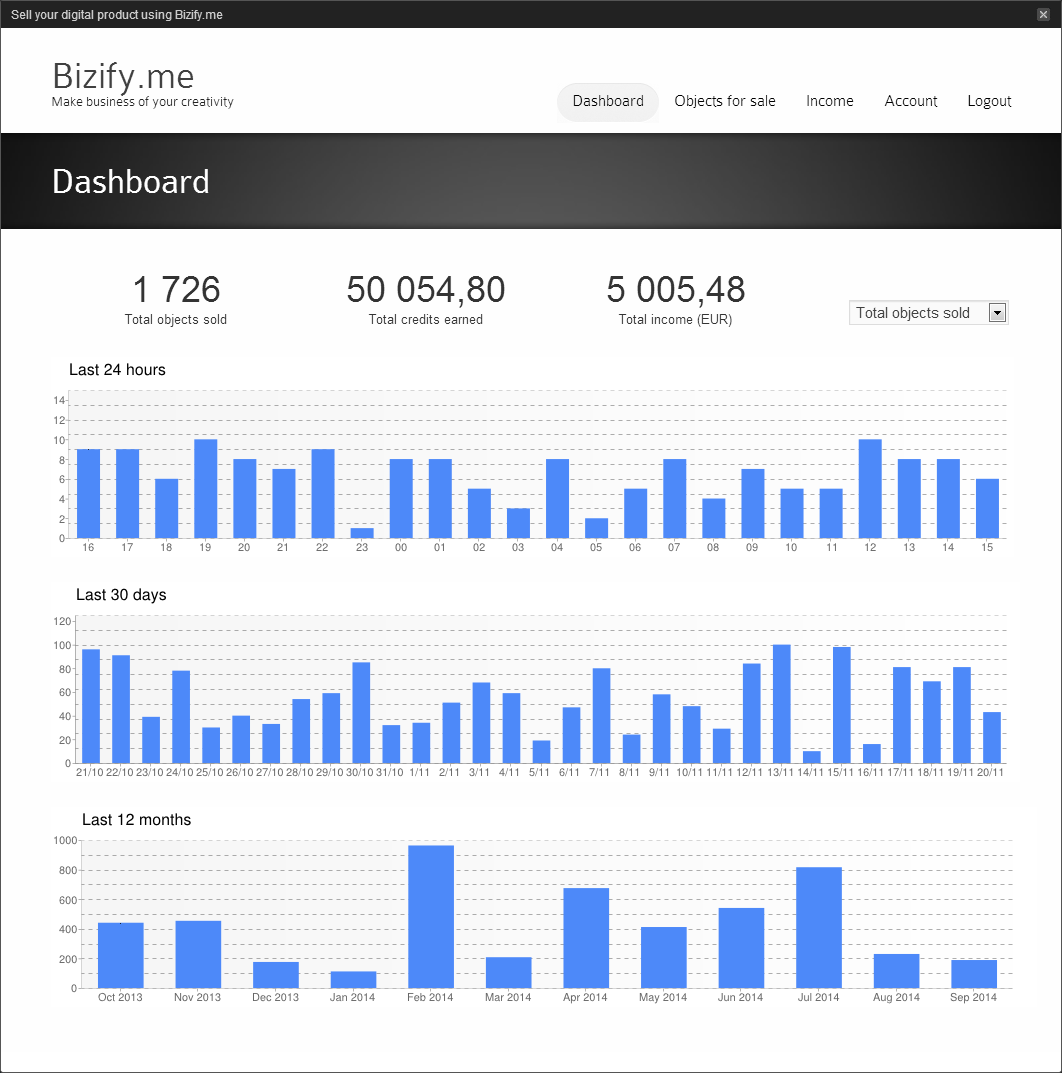
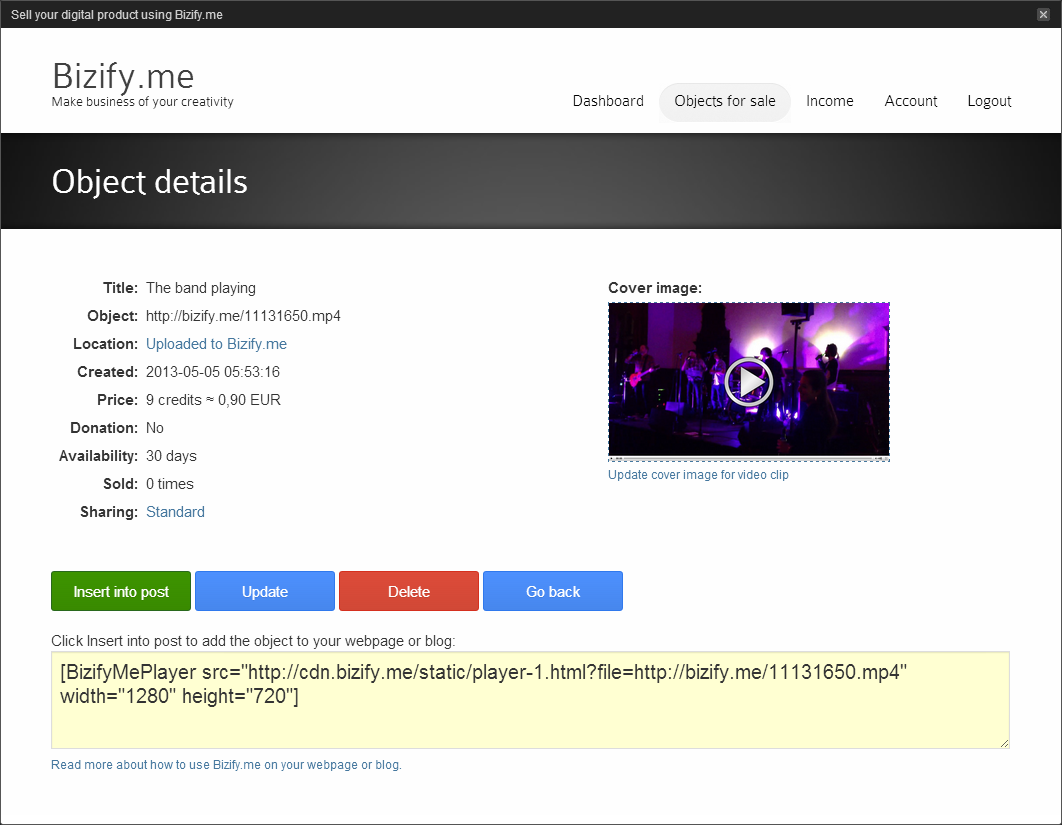
Choose content from Bizify.me and publish it in your WordPress posts and pages, using your own theme and layout.
- Add content with the block editor or Classic Editor.
- Automatically create posts from new uploads, including content created with the Bizify.me app.
- Choose the category, author and post status for imported posts.
- Create WordPress posts from previously uploaded content with Start import.
- Use separate account and import settings for each site in a multisite network.
安装:
- Install and activate Bizify.me in WordPress.
- Add the Bizify.me block, or click Add Bizify.me content in Classic Editor.
- Sign in or create an account, then choose the content to insert.
屏幕截图:
更新日志:
1.7.1
- Fix content frame height and close button placement in account connection and block editor dialogs on older WordPress versions.
- Preserve image alternative text containing special characters in both editors.
- Add block editor support while retaining Classic Editor and existing shortcodes.
- Simplify account connection and add per-site multisite settings.
- Improve imports, duplicate checks, progress reporting and error handling.
- Improve compatibility, responsive media, fullscreen playback, security and translations. Full release notes are preserved in changelog.txt.