
Block Ledger
| 开发者 | blademp119 |
|---|---|
| 更新时间 | 2026年11月5日 07:26 |
| PHP版本: | 7.4 及以上 |
| WordPress版本: | 7.1 |
| 版权: | GPLv2 or later |
| 版权网址: | 版权信息 |
详情介绍:
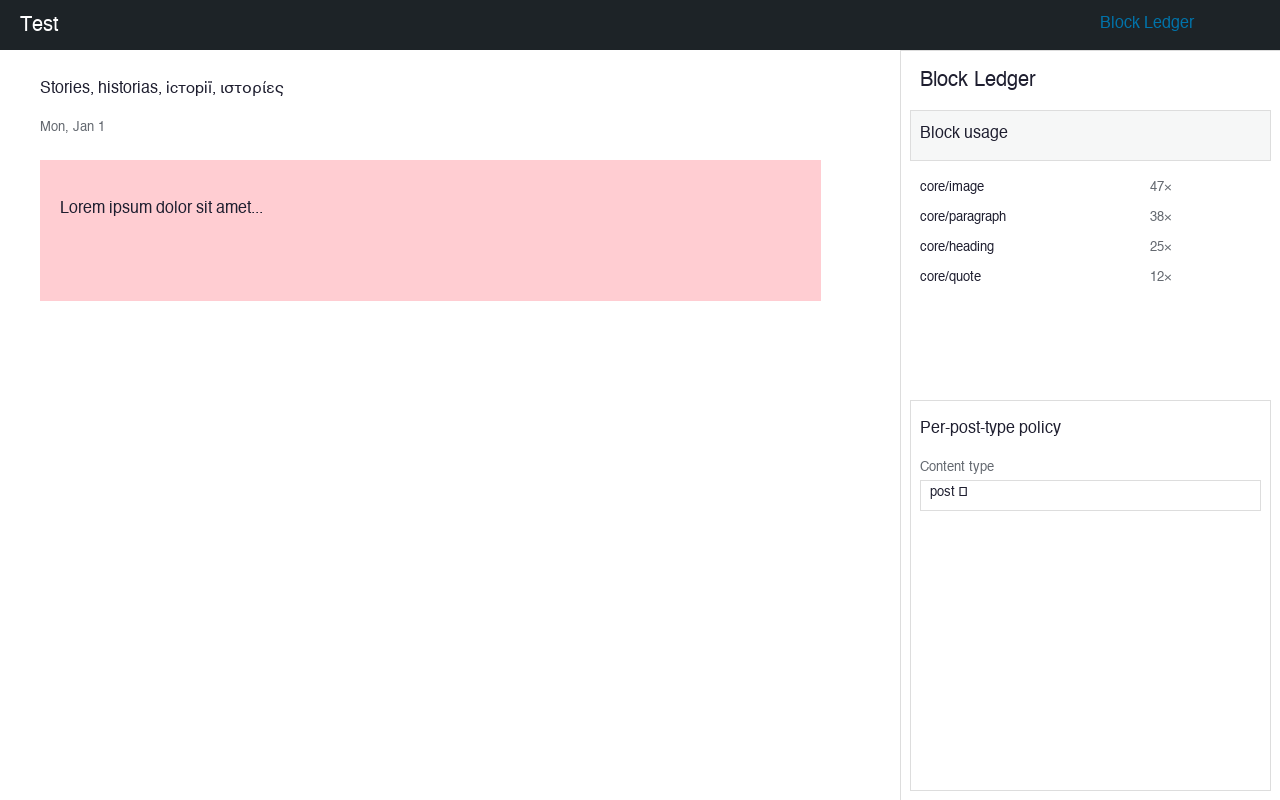
Block Ledger is a control plane over the block editor — not another block library. It answers three questions content plugins never touch:
- What is in my editor, and where is it used? A usage index built from
parse_blocks()across posts, reusable blocks, and Full Site Editing templates. - What am I allowed to add? Allow/deny blocks globally or per post-type, and lock editor settings per role.
- If I remove or update something, what breaks — and can I undo it? Retire a block type by rendering every in-use instance to portable static HTML, with a one-click restore snapshot.
安装:
- From your WordPress admin, go to Plugins > Add New.
- Search for Block Ledger, click Install Now, then Activate.
- Open any post in the block editor; the Block Ledger panel opens from the "+" more menu on the top bar.
npm install && npm run build to compile the editor assets into build/.屏幕截图:
常见问题:
Does Block Ledger add content blocks?
No. It is a control panel, not a block library. It adds no content blocks of its own.
Will hiding a block delete existing content?
No. Hiding a block removes it from the inserter only. Existing content that uses that block is untouched.
What does "retire" do?
Retire converts every instance of a block to plain static HTML and snapshots the original. This lets you remove a block plugin without breaking pages. Restore brings the original back.
Is the Pro tier a paywall inside the free plugin?
No. The free plugin is 100% GPL with no feature gates. Pro is a separate plugin or external purchase flow only.
Can I use this on multisite?
Yes. The usage index and policy settings are stored as site options. Network admins can manage policies from Tools → Block Ledger.
更新日志:
0.1.0
- Initial release.
- Site-wide block usage index with counts.
- Hide/show blocks from inserter (global + per post-type).
- Safe retire/restore with snapshot.
- Tools → Block Ledger admin dashboard.
- Editor sidebar panel fallback.
- Initial release: usage ledger, inserter allow/deny policy, safe block retirement with restore.