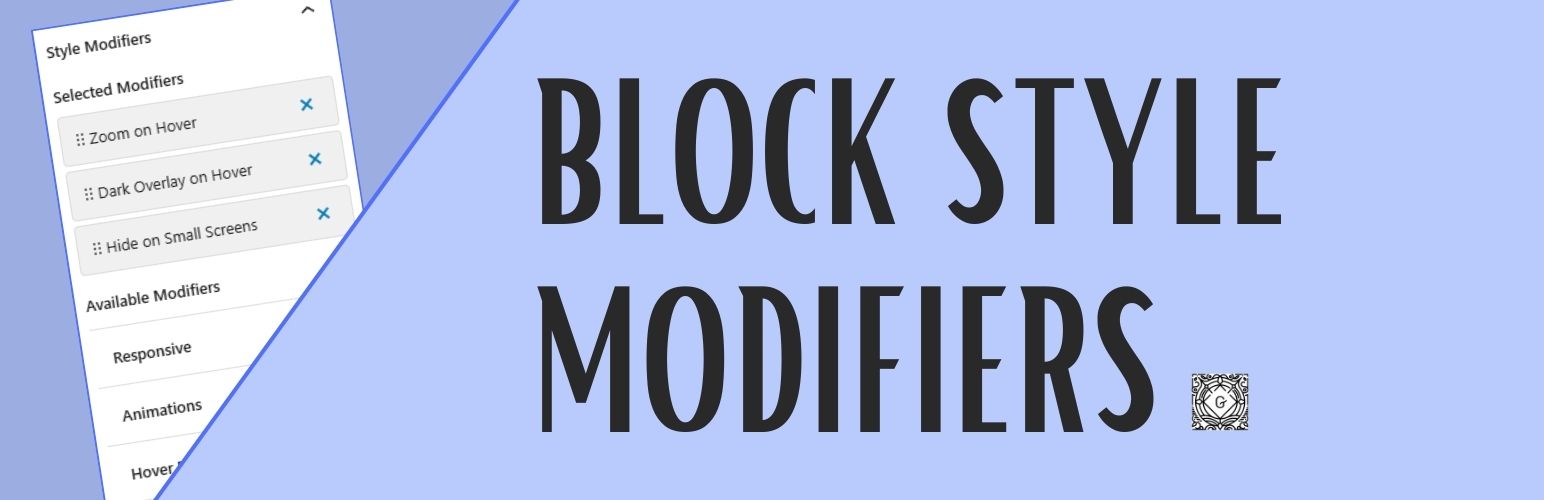
Block Style Modifiers
| 开发者 | arkenon |
|---|---|
| 更新时间 | 2026年5月26日 03:52 |
| PHP版本: | 7.4 及以上 |
| WordPress版本: | 7.0 |
| 版权: | GPLv2 or later |
| 版权网址: | 版权信息 |
详情介绍:
Block Style Modifiers is a simple WordPress plugin that allows you to add multiple block styles to Gutenberg blocks.
Style Modifiers are additive CSS classes that:
- Can be applied in addition to a Block Style
- Can be selected multiple at the same time
- Support both checkbox (non-exclusive) and radio (exclusive) behavior per category
- Are predefined and documented by themes or plugins
- Preserve class order, allowing advanced CSS control
- Non-exclusive categories (checkbox): Multiple modifiers can be selected simultaneously (default:
exclusive: false) - Exclusive categories (radio): Only one modifier from the category can be selected at a time (
exclusive: true)
block_style_modifiers_register_category() before any modifiers that belong to them. Modifiers then reference the category by its slug (string).
block_style_modifiers_register_category( $slug, $args )
$slug- Language-independent identifier for grouping (required, first argument)label- Translatable UI label (required)description- Optional category descriptionexclusive- Boolean flag for radio behavior (default: false)
安装:
- You have a couple options:
- Go to Plugins -> Add New and search for "Block Style Modifiers". Once found, click "Install".
- Download the Block Style Modifiers from wordpress.org and make sure the folder us zipped. Then upload via Plugins -> Add New -> Upload.
- Activate the plugin through the 'Plugins' screen in WordPress.
- Add your custom style modifiers using the
register_block_style_modifierfunction in your theme'sfunctions.phpfile or a custom plugin.
更新日志:
1.0.9
- Updated: Tested up to WordPress 7.0
- Added:
block_style_modifiers_register_category()function for registering categories independently - Added: Custom categories and custom modifiers can now be saved and loaded from the database
- Changed: Category registration is now a two-step process — register the category first, then reference it by slug string in
block_style_modifiers_register_style() - Breaking: Category field in
block_style_modifiers_register_style()is now a slug string, not an object - Updated: Documentation with new two-step registration examples
- Added: 5 new animation types (Slide Down, Slide Left, Slide Right, Rotate In, Flip In X)
- Added: 4 new hover effects (Shake, Brighten, Darken, Blur to Focus)
- Improved: Architecture - Animations now only apply to wrapper blocks (Group, Row, Stack, etc.)
- Improved: Architecture - Hover effects now only apply to content blocks (Image, Cover, Media & Text)
- Fixed: CSS property conflicts between animations and hover effects
- Fixed: Grayscale effect renamed to "Grayscale to Color on Hover" for clarity
- Removed: Overlay hover effect (redundant with Darken effect)
- Performance: Optimized will-change properties for better GPU acceleration
- Accessibility: All new effects respect prefers-reduced-motion
- Added: Structured category object support (slug, label, description, exclusive)
- Added: Exclusive category behavior (radio selection within categories)
- Added: Non-exclusive category behavior (checkbox selection - default)
- Breaking: Category must now be a structured object (string format no longer supported)
- Updated: Documentation with structured category examples
- Added: Default modifiers
- Added: Structured category object support (slug, label, description, exclusive)
- Added: Exclusive category behavior (radio selection within categories)
- Added: Non-exclusive category behavior (checkbox selection - default)
- Breaking: Category must now be a structured object (string format no longer supported)
- Updated: Documentation with structured category examples
- Updated: Block Style Modifier Pack with theme-independent default modifiers
- Improved: Category-based grouping and selection UI
- Added: Source code section in readme.
- Escaped: $inline_style variable to prevent potential security issues.
- Initial release of Block Style Modifiers.