BlockCode Exporter
| 开发者 | georgelz |
|---|---|
| 更新时间 | 2026年9月24日 20:24 |
| PHP版本: | 8.2 及以上 |
| WordPress版本: | 7.1 |
| 版权: | GPLv2 or later |
| 版权网址: | 版权信息 |
详情介绍:
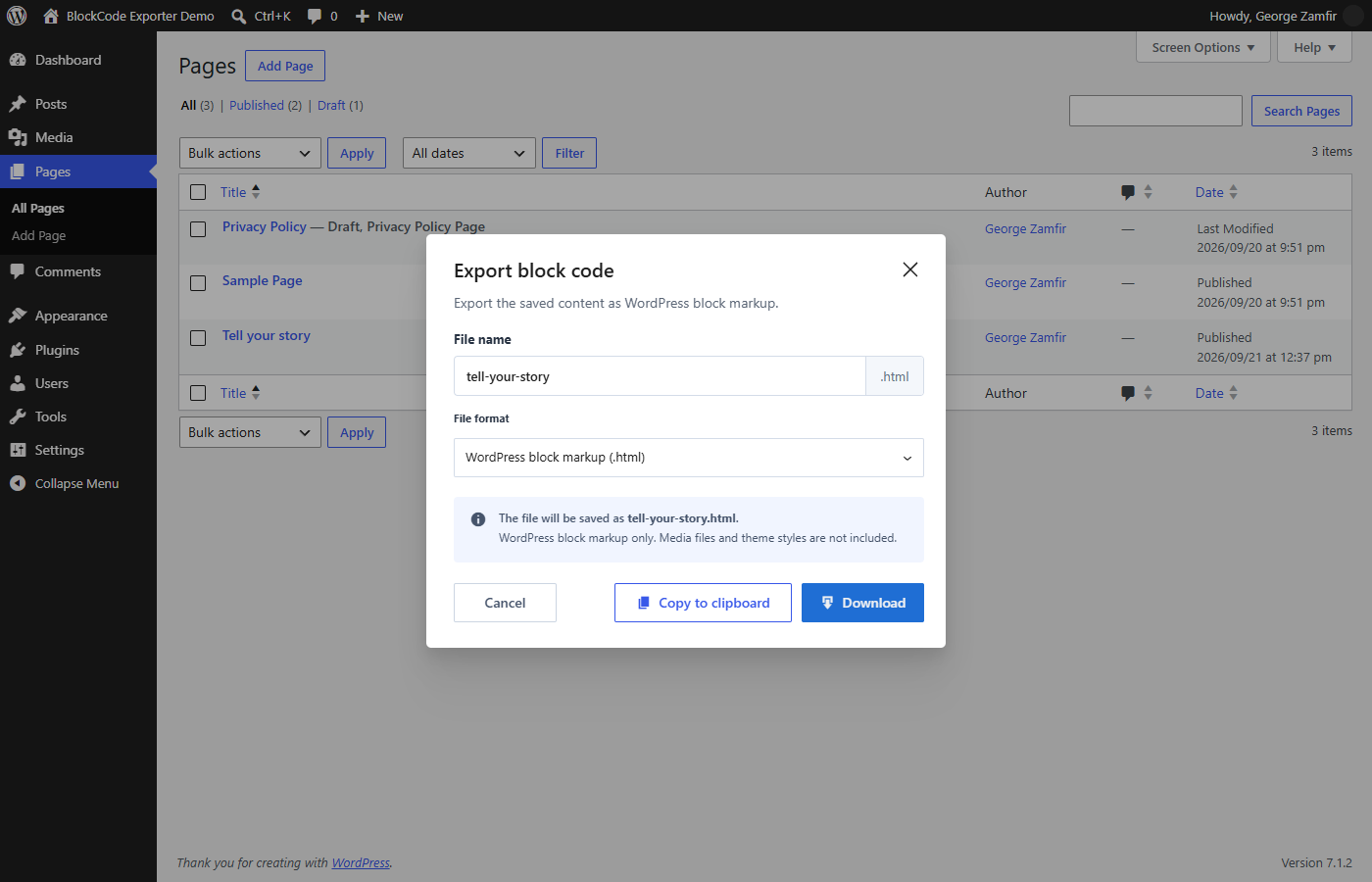
.html by default because WordPress block markup contains HTML. You can choose .md or .txt if those extensions suit your workflow. The content is the same in every format: choosing .md does not convert it to Markdown, and .html is not a complete rendered web page.
The plugin does not change your posts or send their content to another service. Exports include the block markup, not media files, theme styles, custom fields, or the content behind a synced-block reference.
Developed by George Zamfir.
安装:
- In WordPress, go to Plugins > Add New > Upload Plugin and select the BlockCode Exporter ZIP.
- Install and activate the plugin.
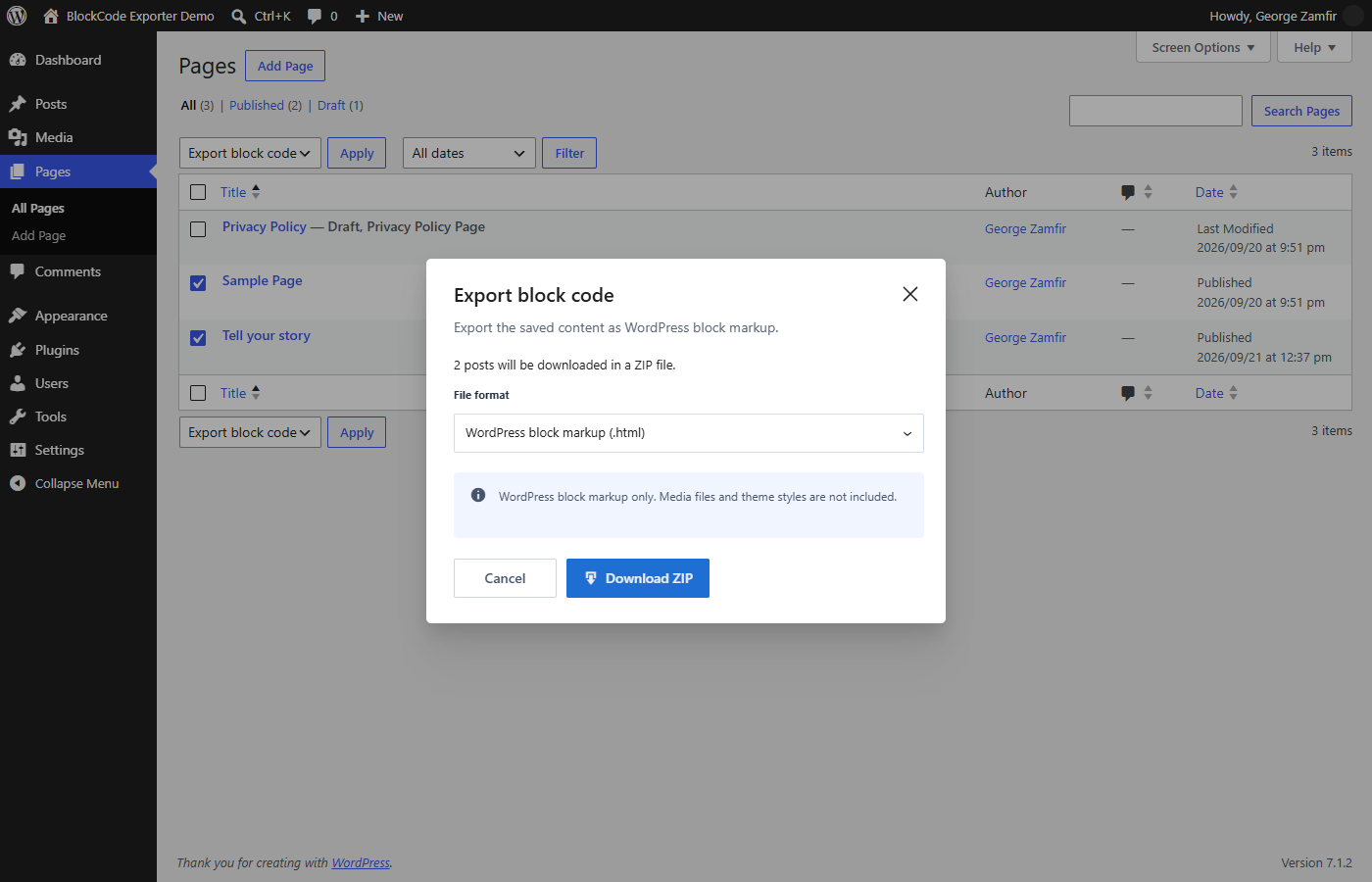
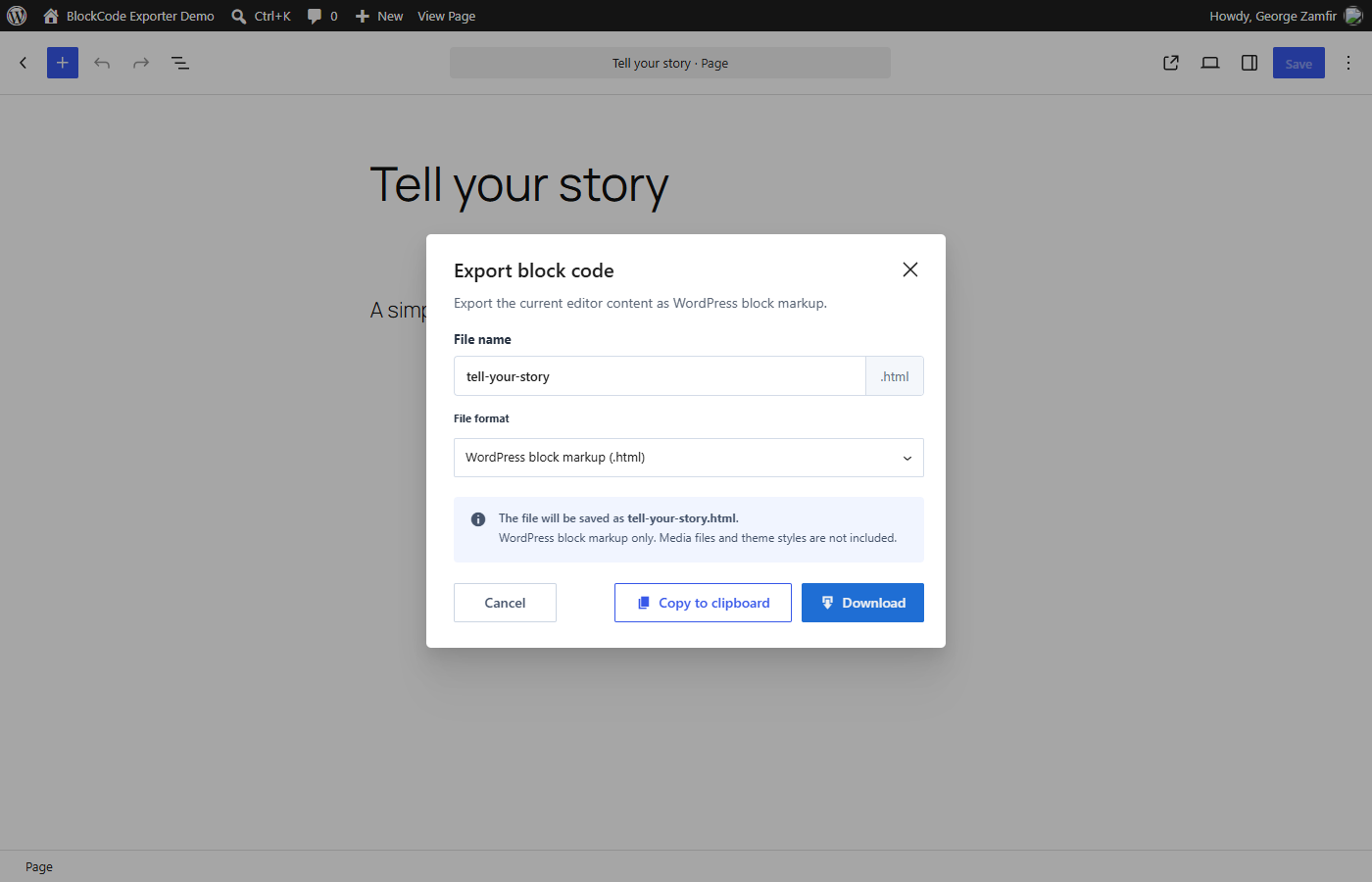
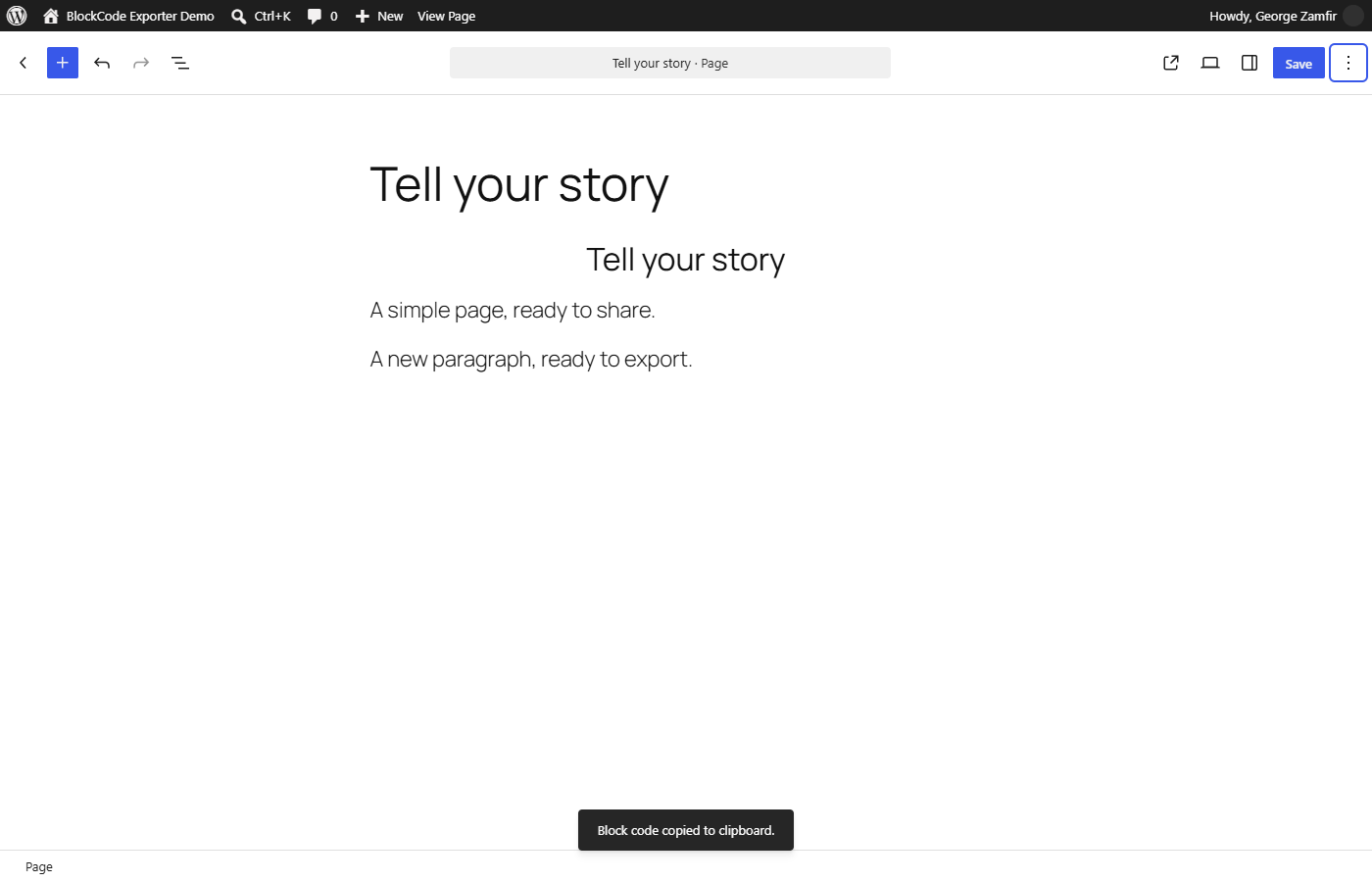
- Open Posts or Pages and choose Export block code beneath an item, or open a post in the block editor and use its three-dot Options menu.
屏幕截图:
常见问题:
What is in the downloaded file?
The file contains WordPress block markup, including block comments and HTML. It is not a rendered page. Open it in a text or code editor to inspect the source.
What is the difference between exporting from a list and from the editor?
The list action downloads the content last saved in WordPress. The editor action uses the content currently open in the editor, so it can include changes you have not saved yet. Bulk exports also use saved content.
Does the .md option create Markdown?
No. .html, .md, and .txt contain the same WordPress block markup. Only the filename extension changes.
Can I use the file on another WordPress site?
You can paste the markup into the Code editor of another post or page. Check the result before saving: the destination site may use different blocks, styles, media URLs, or synced-block IDs. Those dependencies are not included in the file.
Which posts can I export?
Posts, pages, and supported custom post types are available when your account can edit the individual item. This includes drafts and private content you can edit. Attachments, revisions, and navigation items are excluded. A bulk export stops if the selection contains an item you cannot export.
Does the plugin keep a copy of my exports?
No. Downloads are sent to your browser. The plugin does not save an export history, change the original post, or contact an external service.
更新日志:
- Add an export dialog with filename, format, download, and clipboard options.
- Use
.htmlas the default extension;.mdand.txtremain available. - Export current content, including unsaved changes, from the block editor.
- Export several saved posts or pages as a ZIP from Bulk actions.
- Add interface translations for ten WordPress locales.
- First public release: download saved block markup from posts, pages, and supported custom post types.