
Blockish – MCP AI Site Builder for Block Editor
| 开发者 |
bdkoder
mizan42047 |
|---|---|
| 更新时间 | 2026年9月12日 04:14 |
| 捐献地址: | 去捐款 |
| PHP版本: | 7.4 及以上 |
| WordPress版本: | 7.1 |
| 版权: | GPL-2.0-or-later |
| 版权网址: | 版权信息 |
详情介绍:
Blockish connects MCP-compatible AI assistants to the Block Editor so you can design real WordPress layouts with natural language — not just edit posts or run admin tasks.
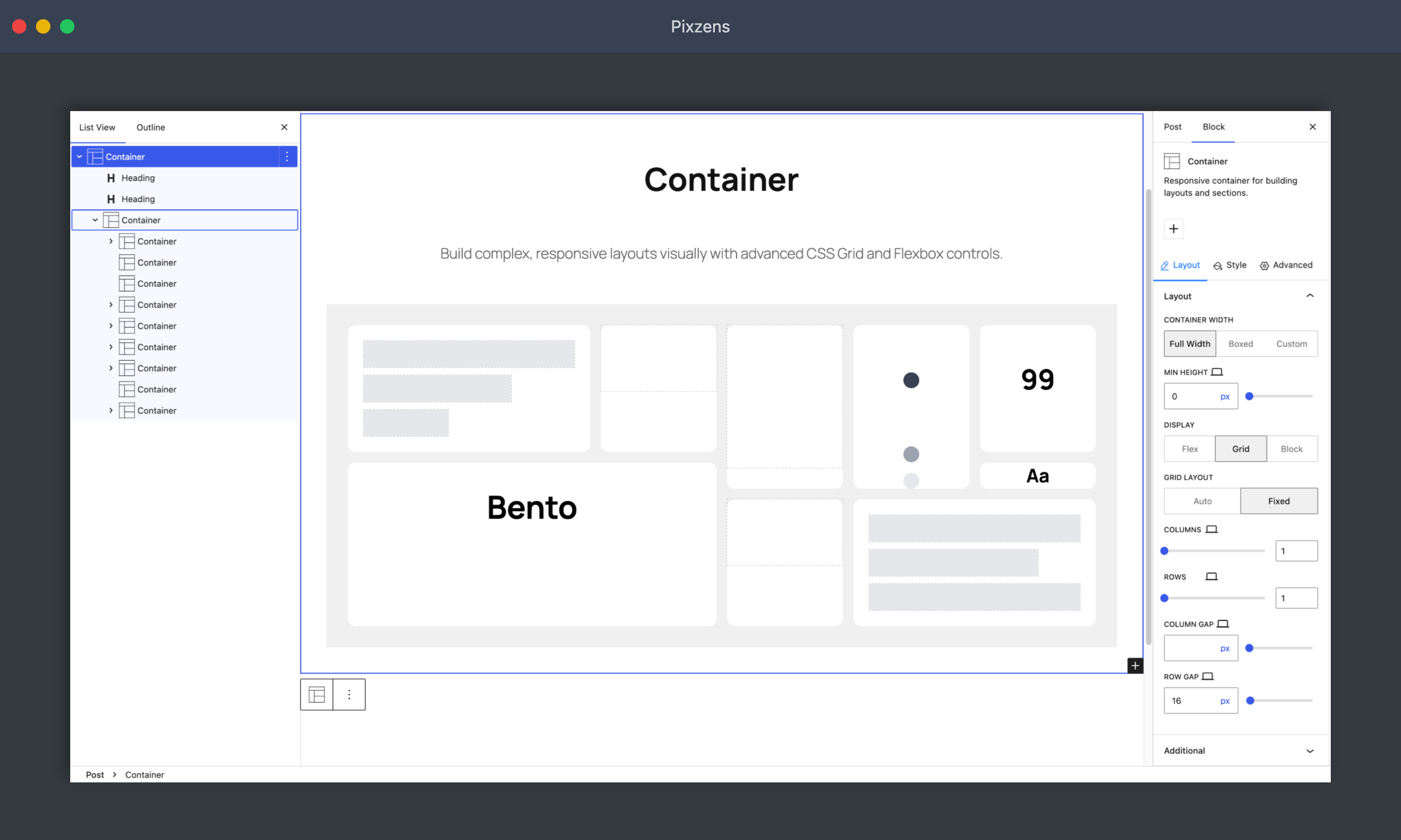
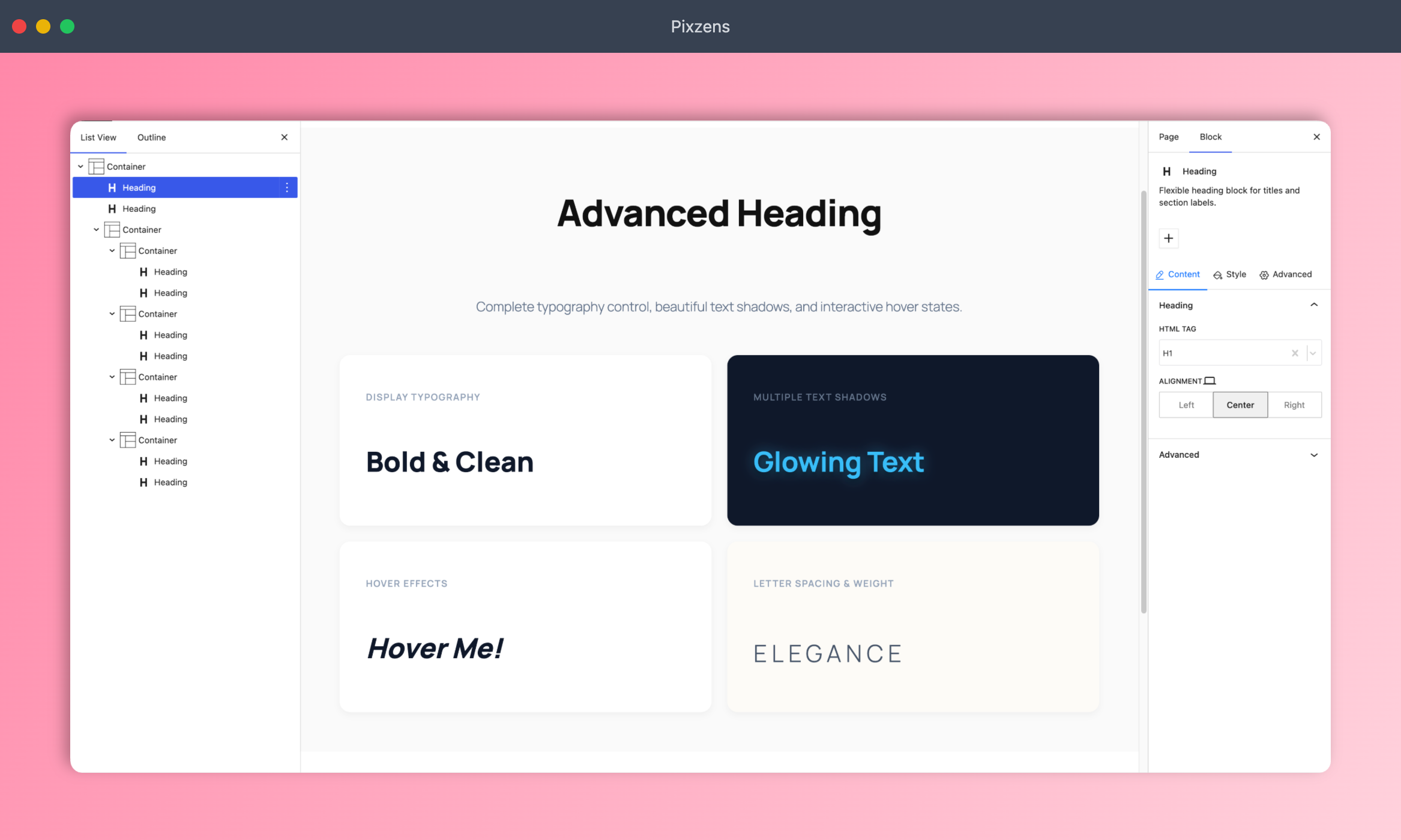
Connect Cursor, Claude Desktop, Windsurf, or another MCP client, then ask for a section or page. Blockish gives the AI 35+ structured Gutenberg blocks and a Class Manager for reusable CSS, so generated layouts stay clean, responsive, and editable in the native block sidebar.
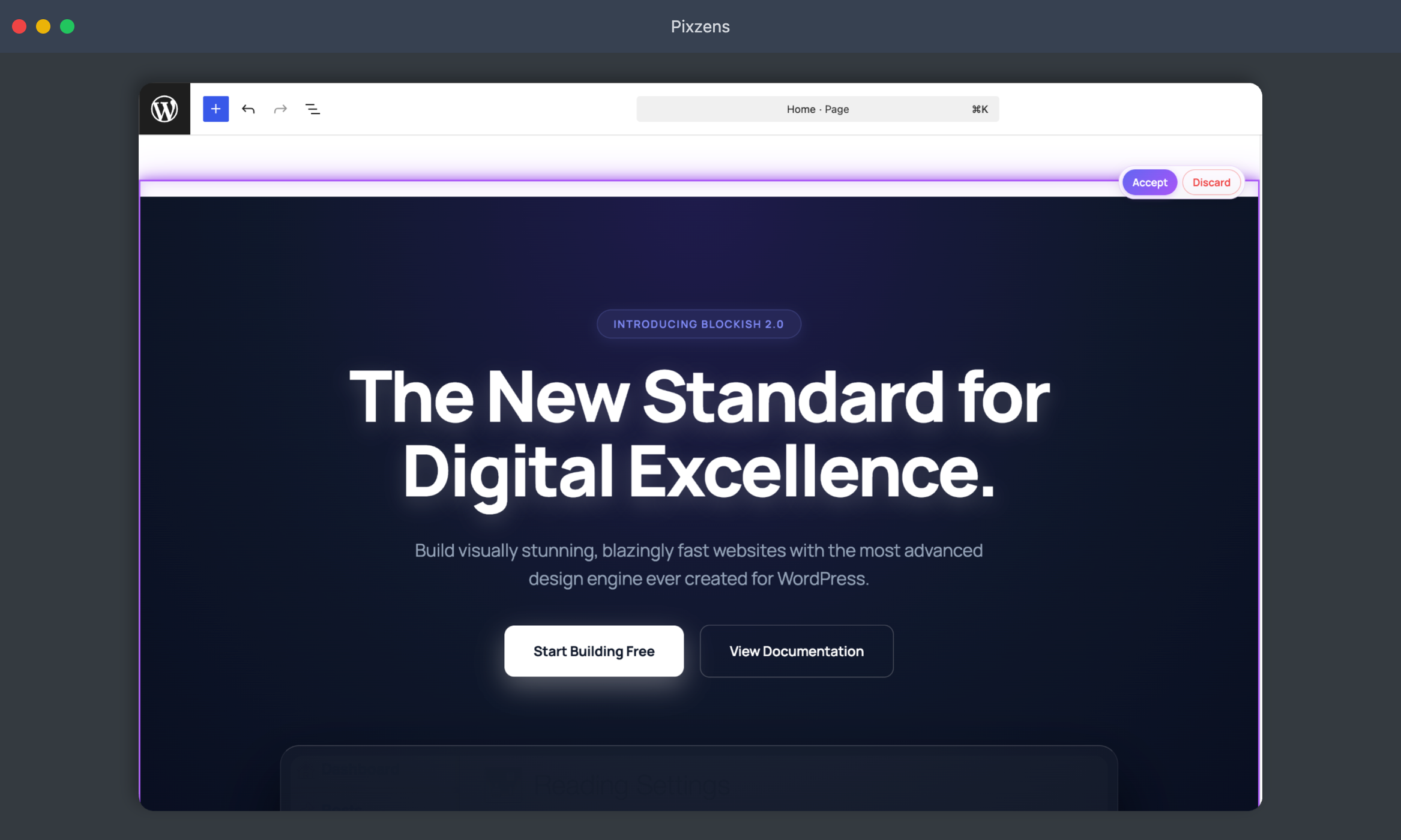
You can still build manually. When AI helps, you review an inline preview and Accept before anything goes live.
AI Site Building Workflow
- Connect: Use the 1-click config wizard to connect your site to an MCP-enabled AI client (Cursor, Claude, Windsurf, etc.).
- Prompt: Tell your AI what kind of page or section you need.
- Generate: The AI builds with Blockish blocks directly in the Gutenberg editor.
- Refine: Review the inline preview and Accept, or ask for tweaks to colors, spacing, and typography.
安装:
- Upload the plugin files to the
/wp-content/plugins/blockishdirectory, or install the plugin through the WordPress plugins screen directly. - Activate the plugin through the 'Plugins' screen in WordPress.
- Navigate to Blockish -> MCP Server in your dashboard to generate your AI connection command!
屏幕截图:

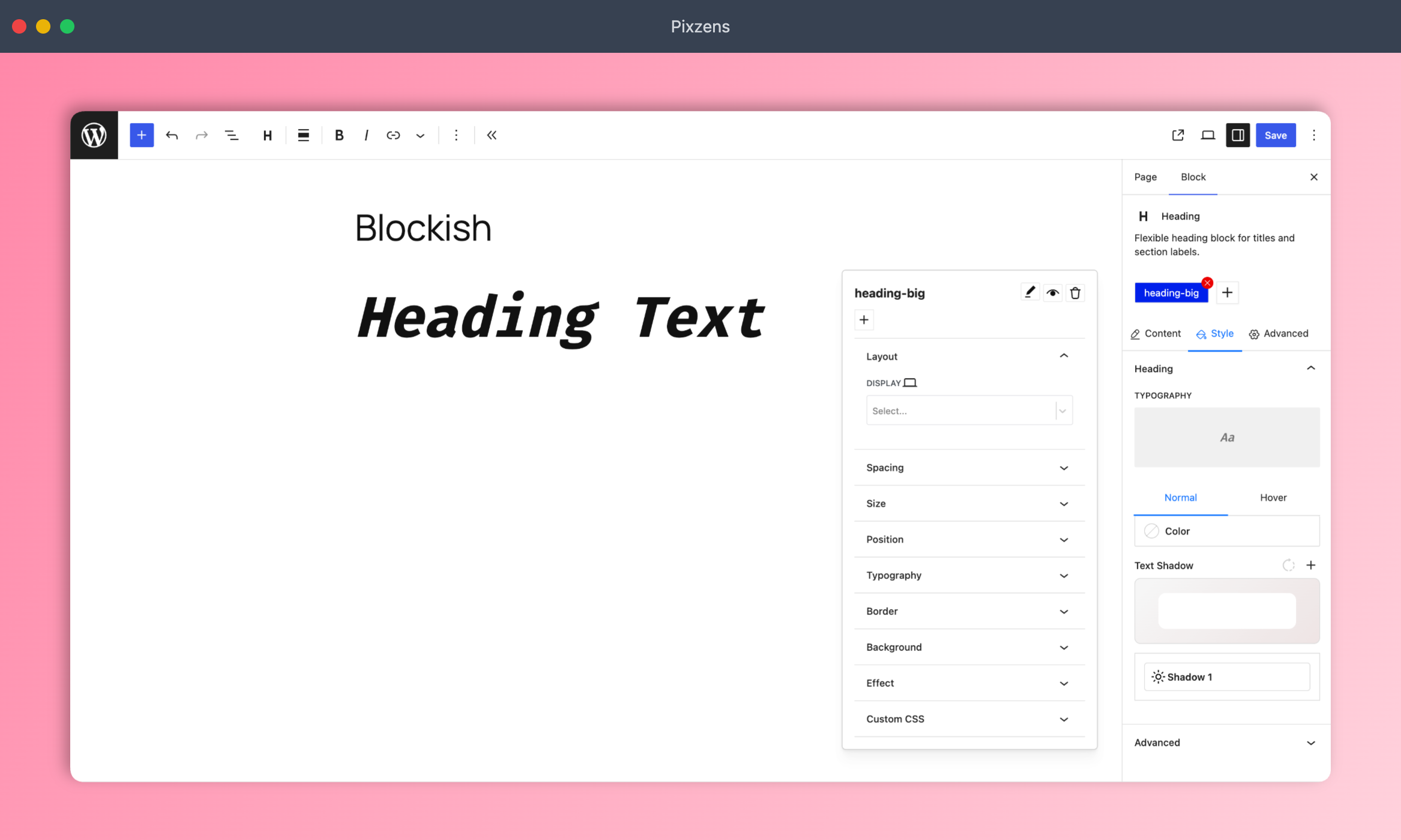
常见问题:
What is the MCP AI Engine?
Blockish includes a native MCP (Model Context Protocol) server. Connect an MCP-compatible AI agent (Claude Desktop, Cursor, Windsurf, and more) to generate and style Gutenberg layouts with natural language.
Do I need a separate page builder?
No. Blockish extends the native Gutenberg editor with layout blocks and styling controls. With an AI assistant connected over MCP, you can design full sections and pages without a third-party page builder.
What is the Class Manager?
The Class Manager lets you (and the AI) create, edit, and apply reusable CSS classes in the editor — a consistent design system without messy one-off styles.
Is this plugin free?
Yes. Core Blockish is free on unlimited personal or client sites. Optional add-ons (such as Forms and Dynamicity) add forms and dynamic query/loop features when you need them.
更新日志:
1.3.0
- Added: Nav Menu Mega Menu and Nav Menu Submenu blocks with responsive alignment, custom offsets, width controls (navigation, full, custom), and offcanvas accordion sync
- Added: Mega Menus management tab in Blockish Settings with live template previews, search, and direct edit shortcuts
- Added: Countdown block with multiple layouts (boxes, inline, stacked, circular ring, and flip-digit clock) and dynamic date binding support
- Added: HTML Wrapper and HTML Child dynamic blocks for custom HTML tag structures and key-value attributes
- Added: Core Interactions CSS motion player and visual builder UI supporting scroll, scrub, and toggle triggers
- Added: Real-time AI preview pending count badge in the admin toolbar and GetAiPreviewPending MCP ability
- Improved: AI Preview resolution pipeline with live Class Manager CSS rendering in Settings preview cards
- Improved: MCP developer documentation and schema definitions for navigation and interactions
- Improved: PHPCS/WPCS configuration — focus on security and compatibility checks; skip formatting-only sniffs
- Fixed: PHP 7.4 compatibility in MCP Json Helper (removed union return type)
- Fixed: Prepared SQL, exception escaping, and empty-code hygiene across MCP callbacks and AI Preview
- Fixed: Magic Login redirect encoding (no double urlencode;
add_query_arghandles encoding) - Improved: Media upload cleanup uses
wp_delete_file(); stricter base64 decode for MCP uploads