
Blockwright Blocks
| 开发者 | markrussellwp |
|---|---|
| 更新时间 | 2026年10月17日 05:42 |
| PHP版本: | 7.4 及以上 |
| WordPress版本: | 7.1 |
| 版权: | GPLv2 or later |
| 版权网址: | 版权信息 |
详情介绍:
- A Design tool for the Blockwright theme (Appearance, then Design), starting with a visual color designer. Pick your brand color and generate a full, accessible color scheme, previewed live in light and dark, then apply it to your site in one click. Start from sixteen one-click presets or dial in your exact brand color; every scheme meets WCAG AA contrast automatically, in both modes, and primary buttons are tuned so a call to action stays crisp and legible. Your scheme stays in place when the theme updates, and every change saves a restore point you can roll back to. No JSON and no guesswork. Typography and spacing controls are coming to the same screen.
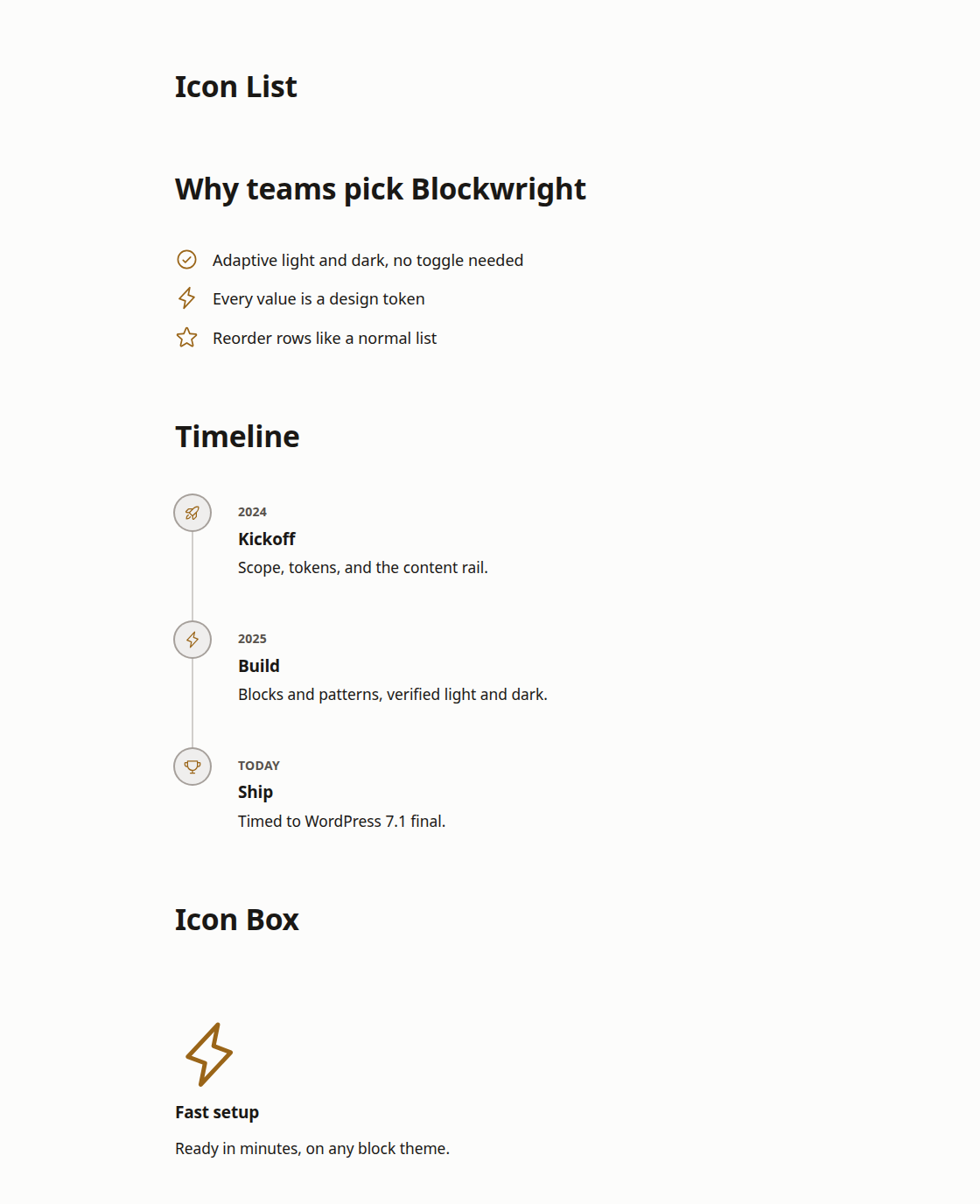
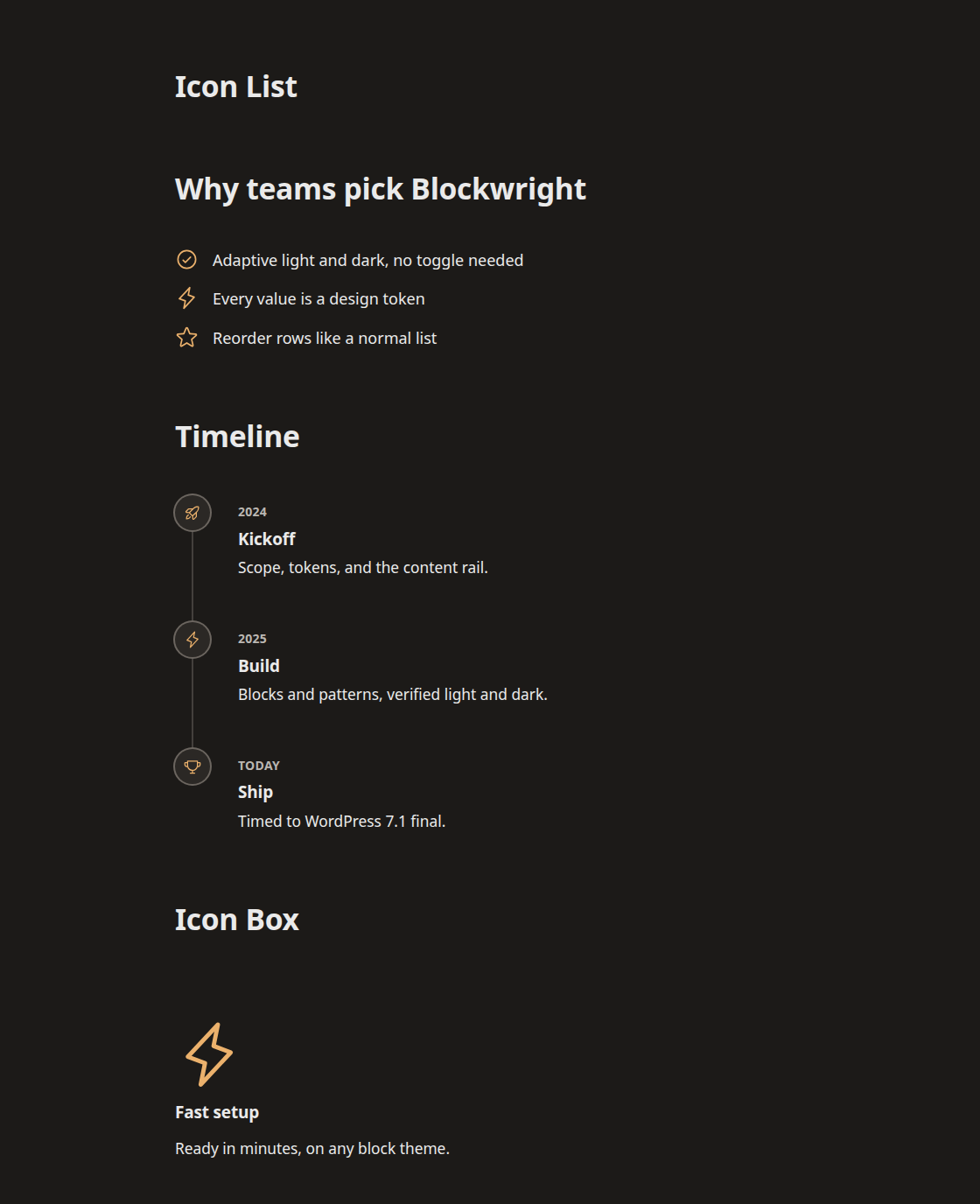
- Four composition blocks. Icon Box (an icon, heading, and text as one feature callout), Icon List (a list where every item leads with an icon), Stat Counter (a large number with a label, for metrics and results), and Timeline (a vertical sequence for steps, process, or history). Each is token-driven, so it inherits your theme's colors and follows its light and dark.
- Stamp block. A rotated corner badge, like a rubber stamp, for pricing tables, cards, and feature callouts. Choose the corner, rotation, border style, color, and offset from the block toolbar and Inspector. It is fully transparent, so the card behind it shows through.
- Dynamic content placeholders. Turn any paragraph, heading, image, or button into a placeholder for post or site data, with no code. Pick a source from the "Dynamic content" panel and it shows the post title, excerpt, date, author, or featured image, or your site title, tagline, or URL. Put one in a template and every post fills it with its own data. It gives WordPress's Block Bindings API a visible control and the everyday fields it was missing.
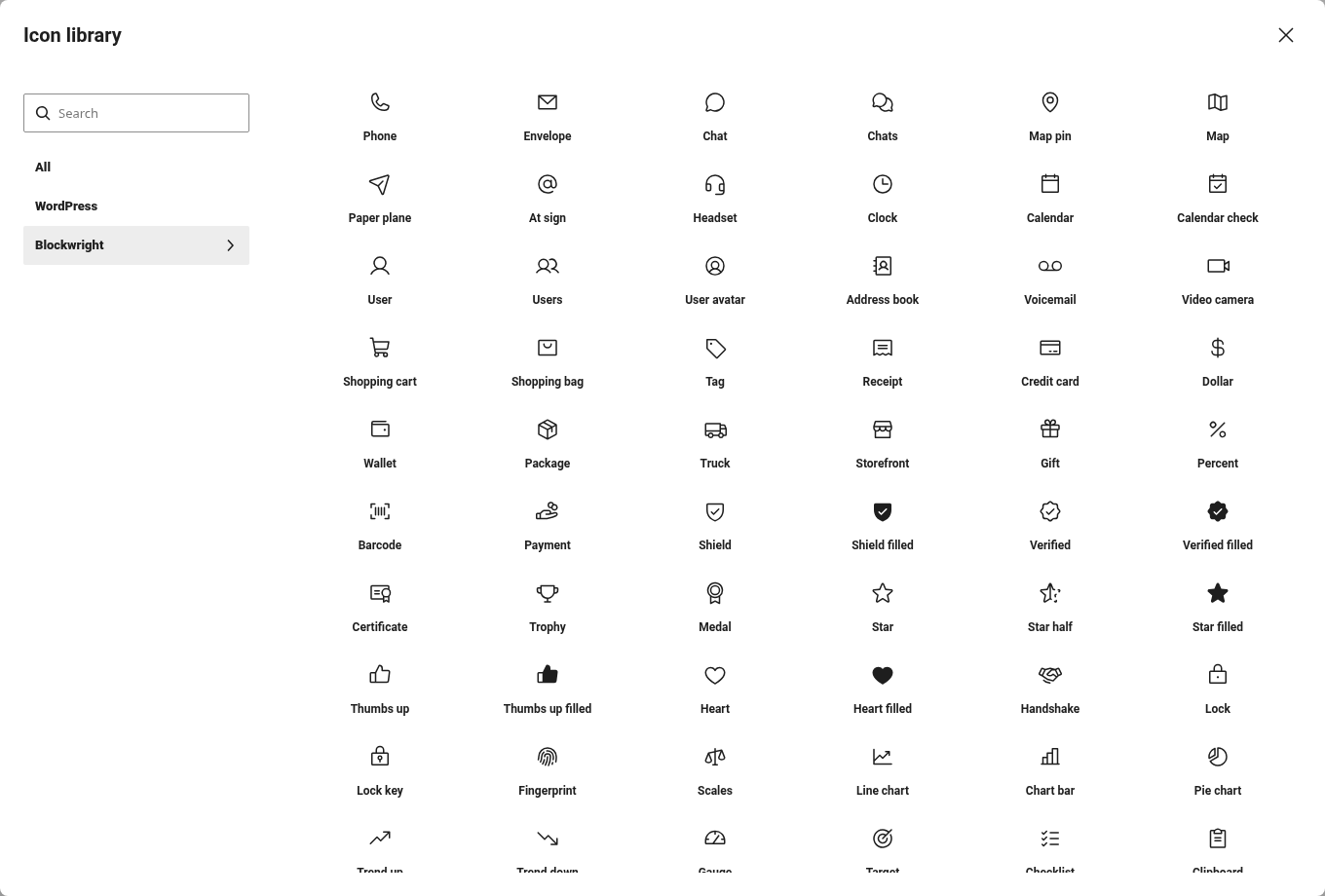
- 298 extra icons, in WordPress's own icon picker. A curated collection that fills the gaps in the default set: contact and location, commerce, trust and proof, charts, workflow, developer, content, and office icons. They appear as their own tab in the Icon block's library, search alongside the built-in icons, and take their color from your theme. Requires WordPress 7.1 or later; on earlier versions the plugin's other features work as normal.
- Light / Dark Toggle. Color is adaptive by default, following each visitor's device on its own, so no toggle is needed. When you want to give people a choice, drop this control in the header: one tap flips between light and dark, and the choice lasts their visit, then returns to their system setting next time. It steers the standard color-scheme setting, so it works with any theme whose colors adapt, Blockwright included.
- Dark mode Site Logo. Add an optional second logo that is shown to visitors whose device is in dark mode. Two ordinary image uploads, swapped automatically with a native
<picture>element. No SVG and no upload plugin required. Leave it empty to use your main logo in both modes.
安装:
- In your dashboard, go to Plugins, then Add New, then Upload Plugin.
- Upload the Blockwright Blocks zip and click Install Now.
- Click Activate.
- The Stamp block is available in the block inserter under Design. The Dark mode logo control appears in the Site Logo block Inspector in the Site Editor. The Dynamic content panel appears in the block settings sidebar when you select a paragraph, heading, image, or button.
屏幕截图:
常见问题:
Do I need the Blockwright theme to use this plugin?
Only for the Design tool. The blocks carry their own fallbacks and work on other modern block themes. The Design tool is built for the free Blockwright theme, so on another theme the Design screen links you to install or activate it.
How does the dark mode logo work?
Upload a second version of your logo in the Site Logo block Inspector, under "Dark mode logo". Visitors whose device is set to dark mode see that version; everyone else sees your main logo. The swap uses a native HTML <picture> element with a prefers-color-scheme media query, so there is no JavaScript and no layout shift.
Where do I find the Stamp block?
Open the block inserter (the plus button) and look under the Design category, or search for "Stamp". Drop it inside a Group or Column and it anchors to that container's corner.
What happens to my typed text when I connect a block to dynamic content?
It is kept. A connected block displays the dynamic value instead, and your original text stays saved underneath as the fallback. Choose "Static (not connected)" and it comes back.
Why does a connected block show a different post in the template editor?
Templates are not tied to one post, so there is nothing to read from. The editor previews with your latest post to show you the shape of real content, and says so under the dropdown. On the front end each post fills the block with its own data.
Will a theme update reset my colors?
No. The color designer keeps your scheme itself, not in the theme's files, so updating or reinstalling the theme leaves it alone. Colors the scheme does not set keep coming from the theme, so theme fixes still reach them.
What happens to my colors if I deactivate or delete the plugin?
Deactivated, the site shows the theme's own colors until you reactivate. To keep your scheme without the plugin, use "Copy to site styles" on the Design screen's Overview first (colors kept there no longer get theme fixes). Deleting the plugin removes its saved scheme and restore points.
Does this replace the custom fields option WordPress already has?
No. WordPress's own Attributes panel connects blocks to registered post meta, and that keeps working exactly as before. This plugin adds the everyday post and site fields that panel does not offer, in a control you do not have to go hunting for.
更新日志:
- Color designer: your scheme was saved inside the theme's files, so a theme update put the default colors back. The plugin now keeps it, and schemes you already applied move over automatically. Colors the scheme does not set keep following the theme.
- New: "Copy to site styles" keeps your colors if you deactivate the plugin.
- The Colorfulness and Chroma limit controls reopen where you left them, and the designer works on hosts that block theme file writes.
- Deleting the plugin now removes the data it saved.
- On a theme other than Blockwright, the Design screen now says it is built for the Blockwright theme and links to it. Older releases are listed in changelog.txt.