Bmnh Add to Cart Text Changer for WooCommerce
| 开发者 | bmnazmul |
|---|---|
| 更新时间 | 2026年5月8日 13:30 |
| PHP版本: | 7.4 及以上 |
| WordPress版本: | 6.9 |
| 版权: | GPLv2 or later |
| 版权网址: | 版权信息 |
详情介绍:
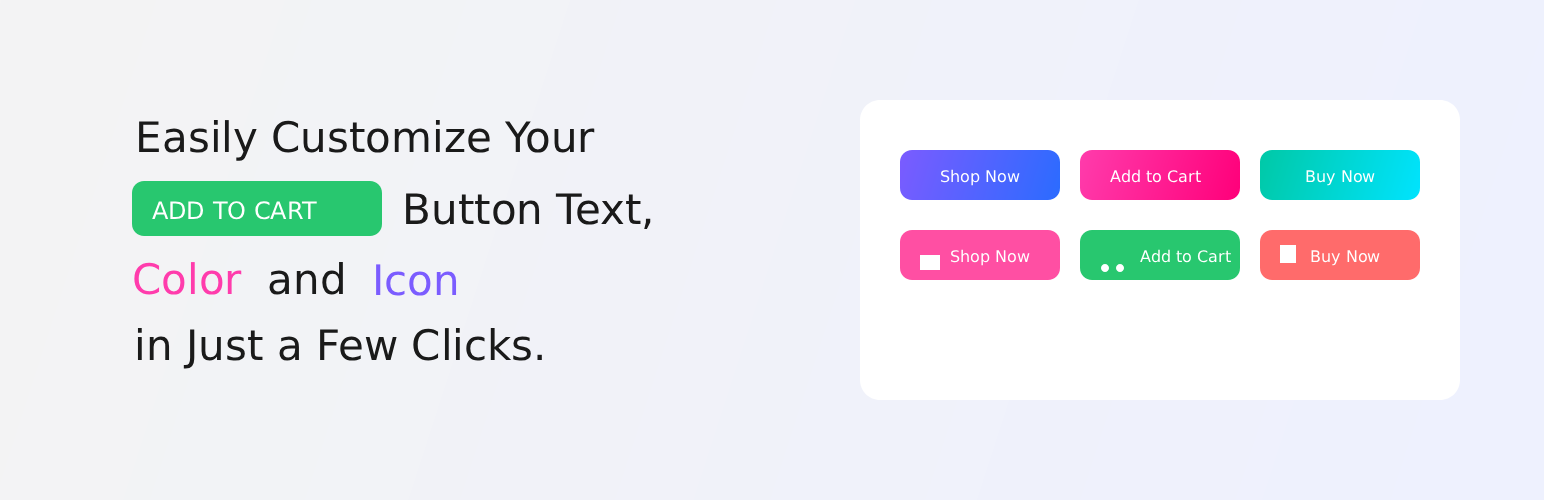
Bmnh Add to Cart Text Changer is the ultimate lightweight solution to customize your WooCommerce "Add to Cart" buttons without writing a single line of code. Whether you want to change the text to "Buy Now," "Order Today," or translate it into your local language, this plugin gives you full control directly from your WordPress dashboard.
Beyond just text, this plugin offers a comprehensive design suite to make your buttons visually striking and perfectly aligned with your brand’s identity.
🚀 Key Features:
Custom Labels by Product Type: Set unique button text for Simple, Variable, External, Grouped, and even Subscription or Bookable products.
Contextual Text Options: Use different button labels for the Shop/Archive pages versus Single Product pages for better conversion.
Complete Styling Control: Easily modify Text Color and Background Color to match your theme.
Interactive Hover Effects: Capture user attention with custom Hover Colors for both text and background.
Professional Typography: Adjust the Font Size (px) to ensure your call-to-action is clear and readable.
Flexible Layouts: Fine-tune your button’s look with Border Radius (for rounded corners) and Padding (for a perfect fit).
Performance Focused: Extremely lightweight and clean code—ensures your site stays lightning-fast.
Beginner Friendly: A dedicated settings panel means no more messing around with functions.php files.
🎯 Why Use This Plugin?
Generic "Add to Cart" buttons can sometimes feel robotic. By using more urgent or descriptive labels like "Grab Yours Now" or "Join the Club," you can significantly improve your click-through rates and store sales.
安装:
- Upload the 'bmnh-add-to-cart-text-change' folder to the '/wp-content/plugins/' directory.
- Activate the plugin through the 'Plugins' menu in WordPress.
- The plugin replaces button text using its built-in defaults. To customize the text, see the FAQ/Usage section below.
常见问题:
How do I change the default button text?
You can change the default text in two ways:
- Add filters in your theme's
functions.php(recommended, upgrade-safe): ```php // Change archive/shop add-to-cart text add_filter( 'woocommerce_product_add_to_cart_text', function() { return 'Buy Now'; } );
- Edit the plugin files directly (not recommended for upgrades).
Can I change the label per product or per category?
Yes — not in a UI, but you can add conditional logic inside the filter callbacks and check product/category to return different labels.
Will this work with my theme and other WooCommerce plugins?
Yes — the plugin uses standard WooCommerce filters. If another plugin or your theme overrides the same filters at a later priority, adjust the priority or add your filter with a later priority.
更新日志:
1.0.4
- Feature: Added Appsero insights integration for better analytics.
- Fix: Improved plugin architecture and internal code cleanup.
- added some new features
- Fix: Internal bug fixes and minor improvements.
- Fix: Compatibility updates and settings framework improvements.
- Initial stable release.