Post Blocks & Tools
| 开发者 | pubudu-malalasekara |
|---|---|
| 更新时间 | 2026年4月8日 01:20 |
| WordPress版本: | 7.0 |
| 版权: | GPL-2.0-or-later |
| 版权网址: | 版权信息 |
详情介绍:
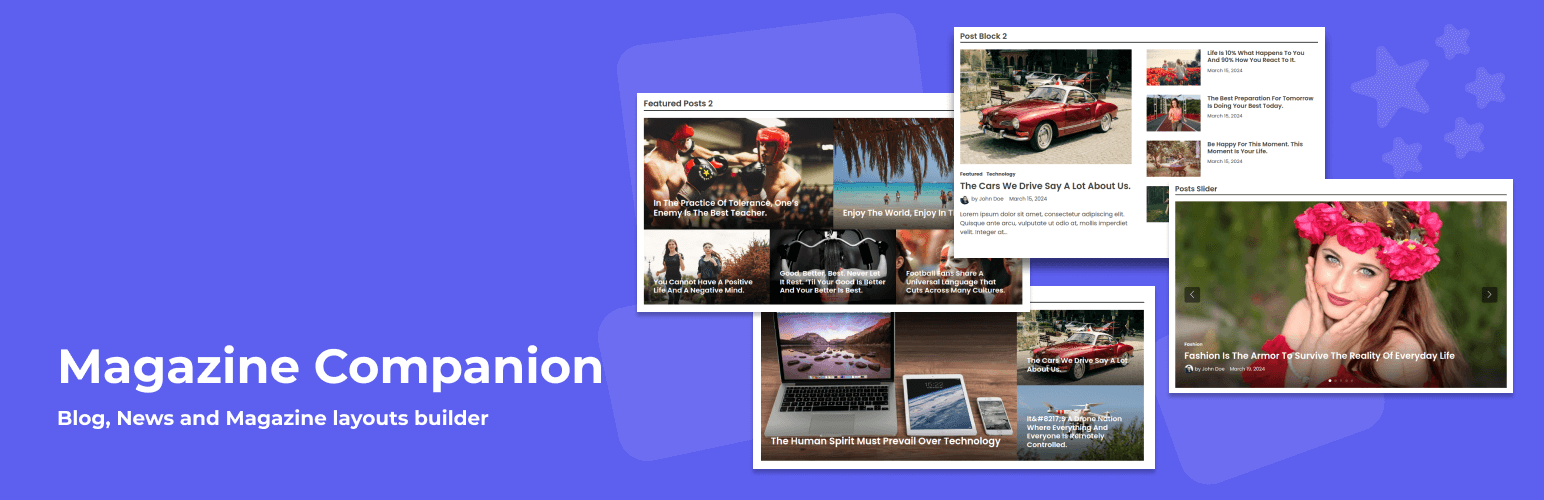
Post Blocks & Tools is a collection of powerful Gutenberg blocks designed to help you create clean, professional post layouts for blogs, news, and magazine websites.
Build beautiful post grids, lists, sliders, and featured sections to organize and showcase your content on the homepage or any page — without writing code. The blocks are lightweight, flexible, and easy to customize, making it simple to create modern publishing layouts that improve readability and user engagement.
Whether you run a personal blog, an online magazine, or a news site, Post Blocks & Tools helps you display your latest, popular, or category posts in visually appealing layouts. The plugin currently includes six essential post blocks, with more features and advanced blocks planned for future updates.
Professional Post Layout Blocks
Create clean and modern post layouts using a collection of purpose-built Gutenberg blocks designed specifically for blogs, news, and magazine websites.
Multiple Post Display Styles
Show your content in different formats including post grids, lists, sliders, and featured sections to highlight important or recent articles.
Designed for Publishing Websites
Built with publishers in mind, the blocks help you organize posts by category, latest posts, or selected content to create structured and readable layouts.
Lightweight and Performance Focused
The plugin is developed with clean, optimized code to ensure fast loading pages and smooth performance without adding unnecessary bloat.
Easy to Use and Customize
Adjust layout settings, spacing, typography, and post display options directly inside the Gutenberg editor without writing any code.
Flexible Placement Anywhere
Insert post blocks on your homepage, inner pages, posts or widget areas to create custom content sections wherever you need them.
Works with Any Well-Coded Theme
Compatible with most properly coded WordPress themes and fully suitable for blog, news, and magazine designs.
Future-Ready and Actively Developed
New blocks, layout options, and advanced features are planned as part of ongoing improvements and future Pro enhancements.
安装:
- Upload the plugin files to the
/wp-content/plugins/bnm-blocksdirectory, or install the plugin through the WordPress plugins screen directly. - Activate the plugin through the 'Plugins' screen in WordPress.
- Go to Dashboard > Pages > Add New.
- Click the + icon to add Blocks to the page.
- Search for the keyword "Post Blocks & Tools" and it will list all the blocks included in the Post Blocks & Tools Plugin.
- Add your preferred Blocks to the page.
更新日志:
1.3.1
- Improved security by fixing potential XSS vulnerabilities.
- Renamed the plugin from "Magazine Companion" to "Post Blocks & Tools".
- Updated block apiVersion from 2 to 3.
- Fixed margin and padding control issues.
- Fixed an authenticated stored XSS vulnerability in the headerHtmlTag and titleHtmlTag attributes by validating tag names.
- Added 3 different layouts for slider.
- Updated swiper library to 12.0.3
- Added block style "Borders" for the core "Columns" block.
- Updated wordpress scripts from 24.0.0 to 30.27
- Added a control to select specific posts for a block.
- Fixed category select control re-render issue.
- Fixed featured image size select not working in Post Block 2
- Improved featured image size select control.
- Added key prop to articles on all blocks.
- Added PHP classes auto loading for demo importer files.
- Changed slider directory.
- Changed default image sizes on blocks.
- Renamed the plugin from "BNM Blocks - Post Blocks and Tools for Blogs, News, and Magazine Websites" to "Magazine Companion".
- Few CSS fixes.
- Removed tab-index from post thumbnails.
- Added demo import functionality.
- Renamed the plugin from "BNM Blocks" to "BNM Blocks - Post Blocks and Tools for Blogs, News, and Magazine Websites".
- Changed css folder.
- Added a common stylesheet.
- New: Removed "Post Block: Style #3" block and added "Posts Ultra" block.
- New: Added section titles for blocks.
- Fix: Fixed undefined value issue in format_value_for_type() function in CSS_Utility class.
- Fix: Fixed duplication issues in Inspector Color Controls.
- Fix: Renamed Classess and function names.
- Fix: Fixed direct file access issues.
- Fix: Fixed escaping issues in template-functions.php
- Initial Release