
BoostLoop
| 开发者 | proxyai |
|---|---|
| 更新时间 | 2026年11月7日 13:59 |
| PHP版本: | 7.4 及以上 |
| WordPress版本: | 7.1 |
| 版权: | GPLv2 or later |
| 版权网址: | 版权信息 |
详情介绍:
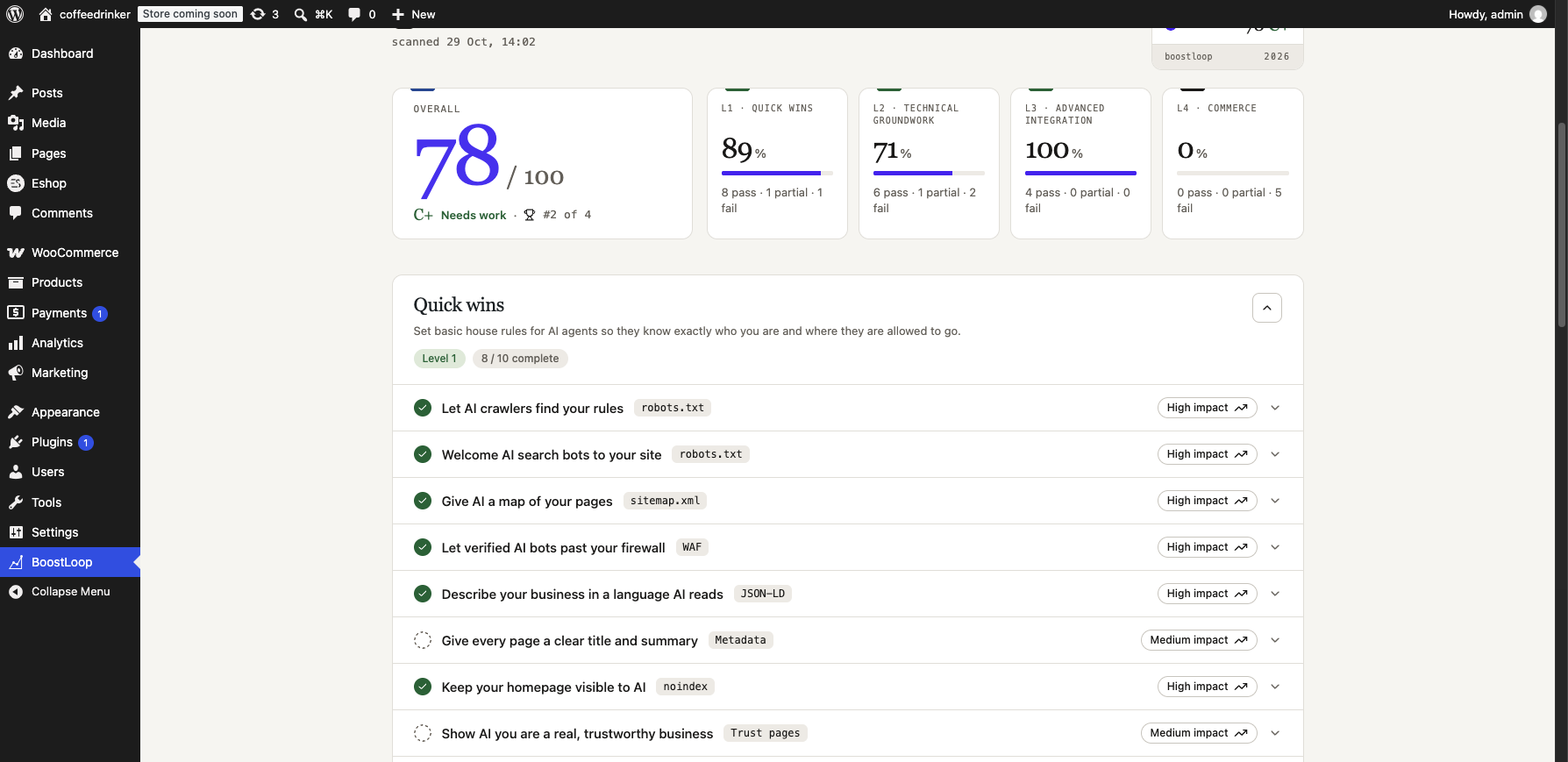
BoostLoop checks whether AI assistants and answer engines can find, read and trust your site, then applies the fixes for
you from the BoostLoop screen in wp-admin.
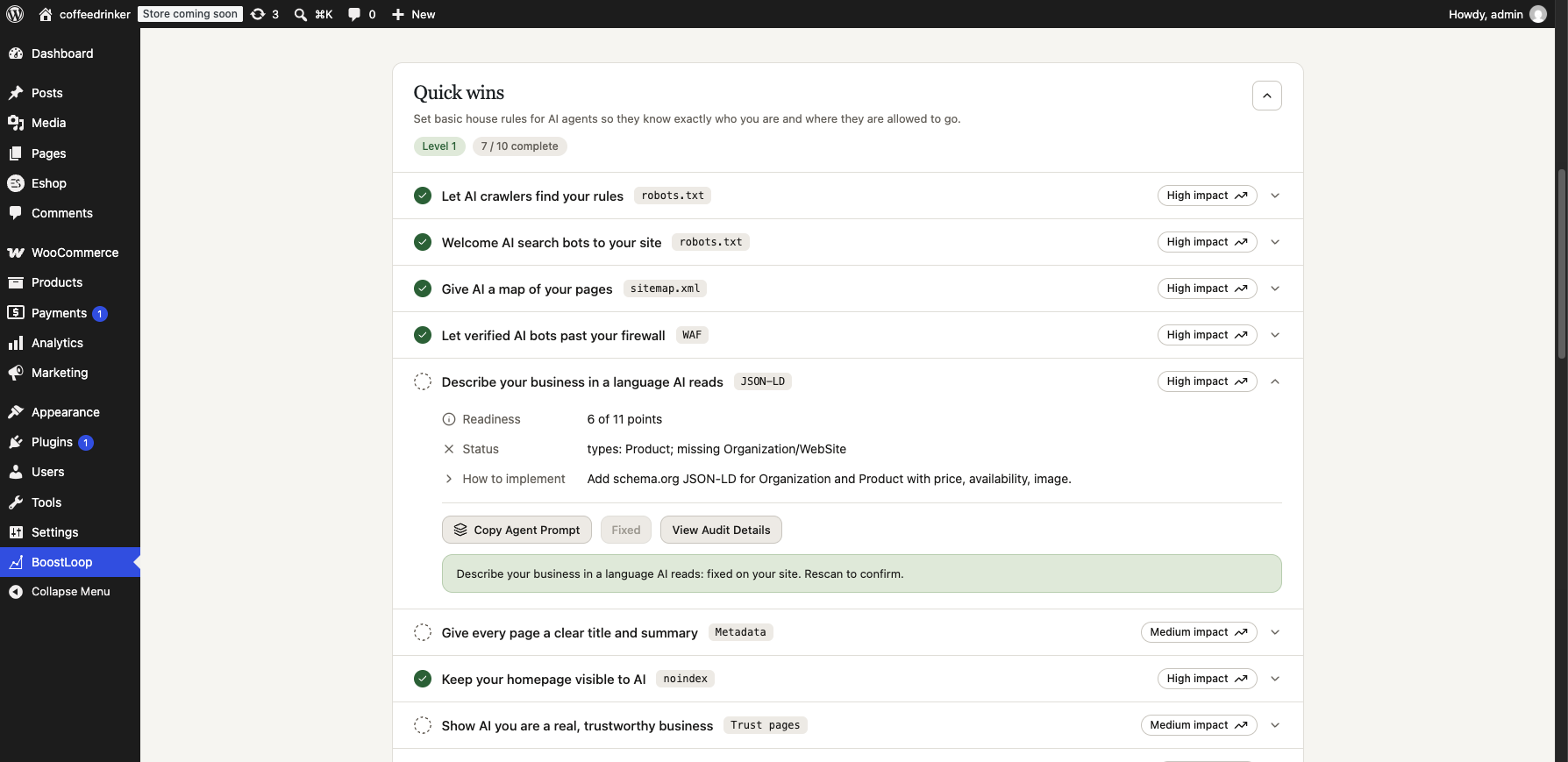
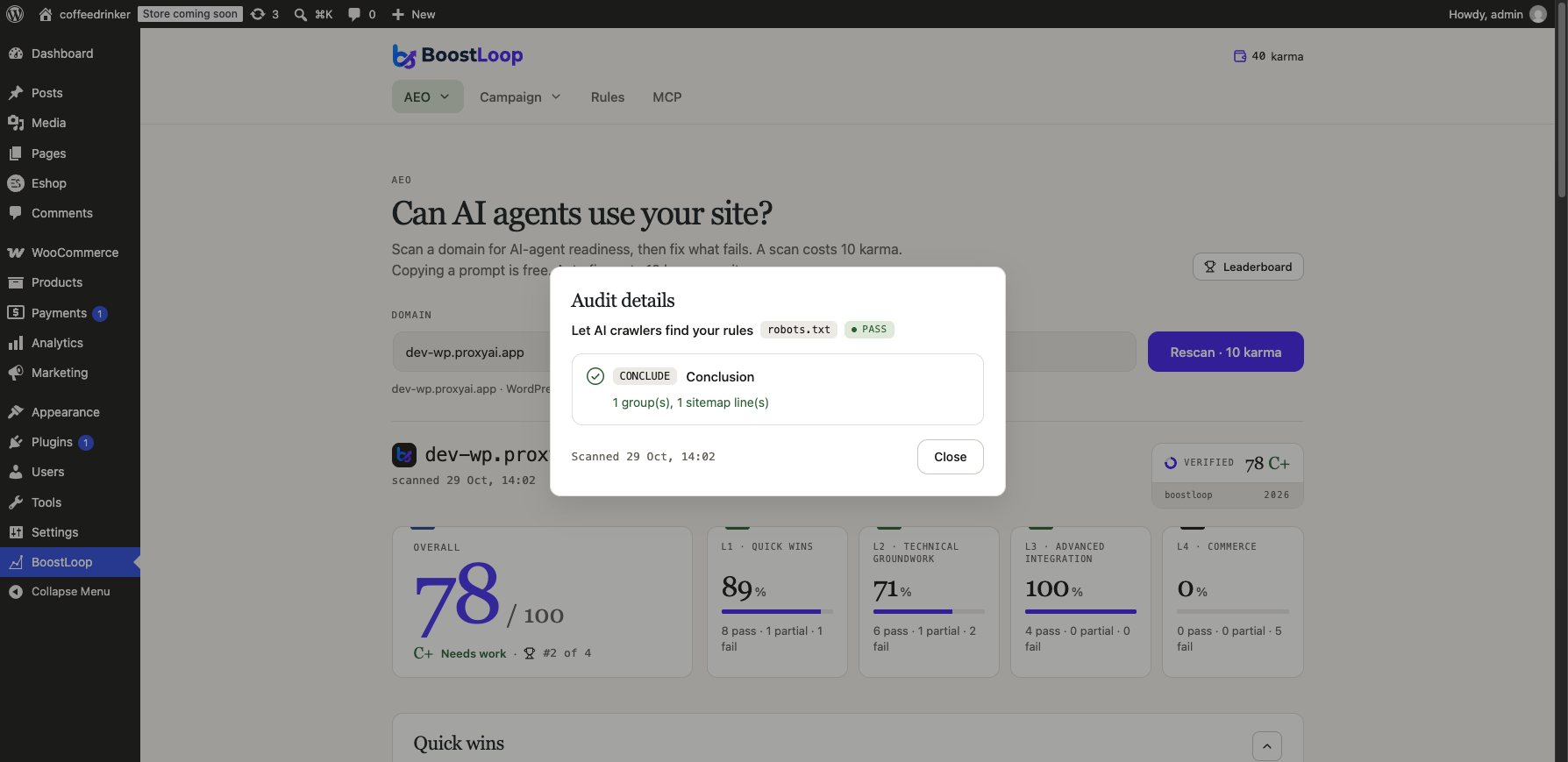
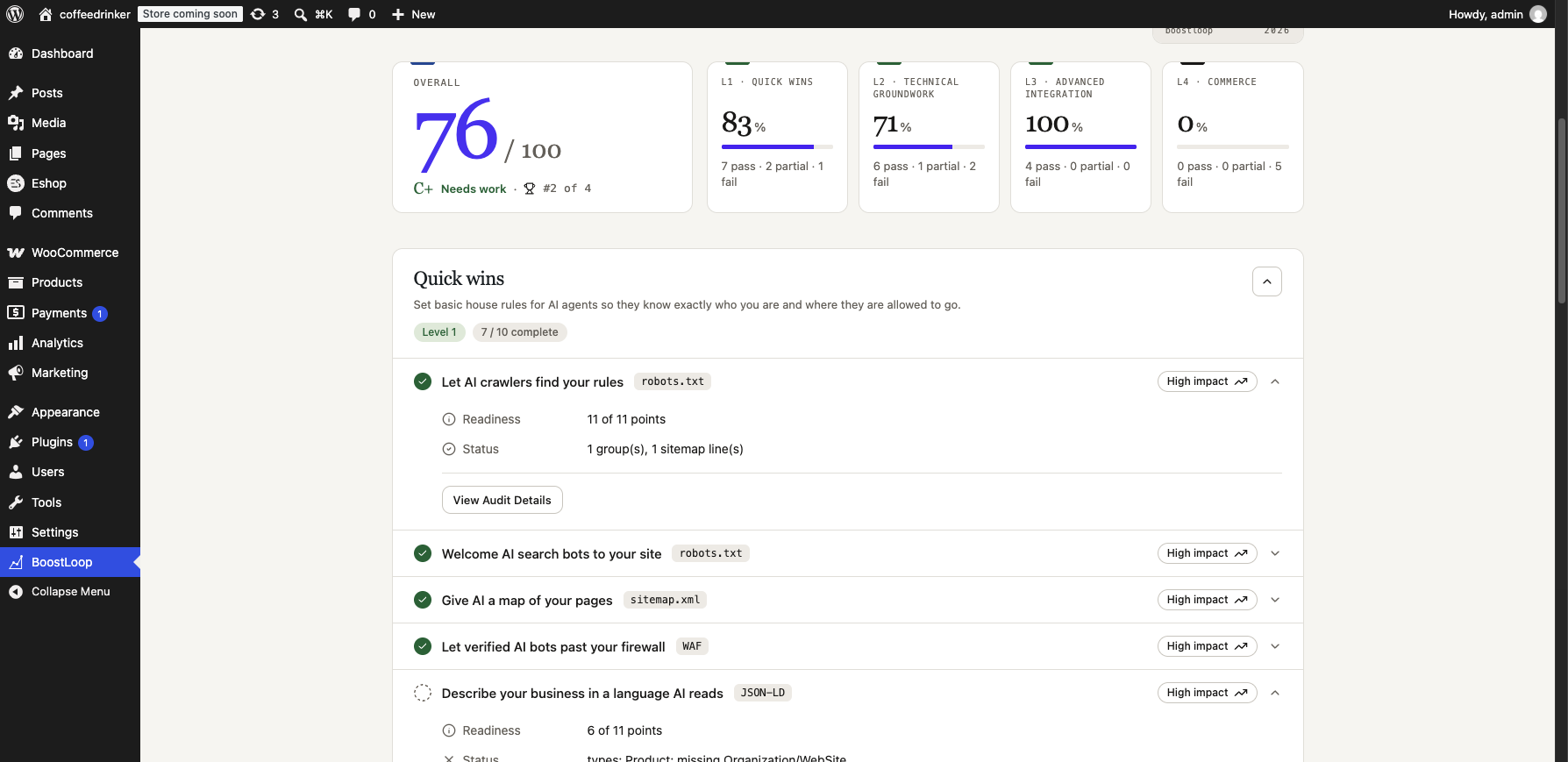
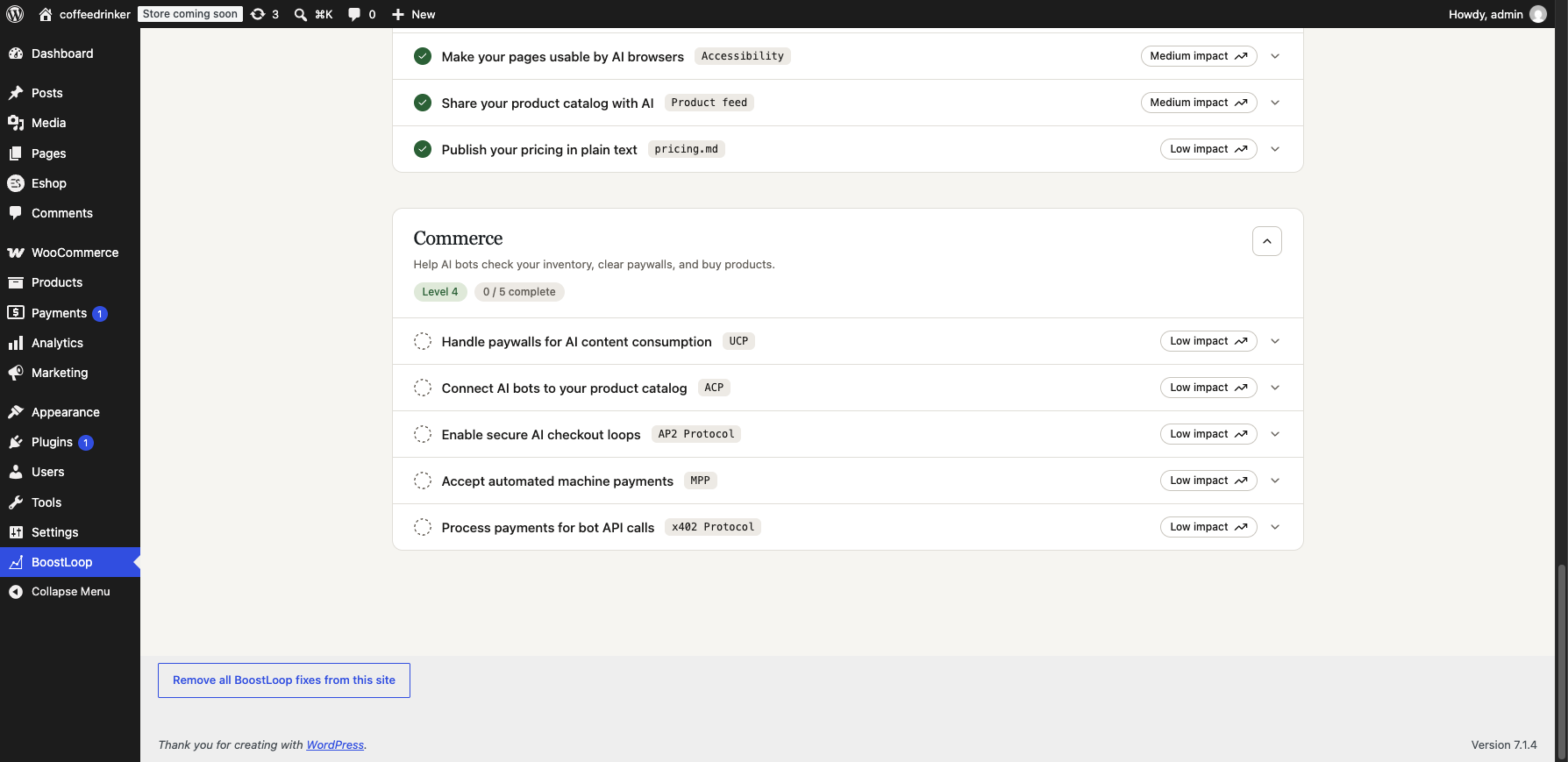
- Scan the site and see which checks pass or fail.
- Apply fixes: robots.txt rules, JSON-LD structured data, meta and link tags,
llms.txt, and markdown versions of pages. - WooCommerce stores can publish a product feed and commerce discovery documents.
- Draft trust pages are created as unpublished WordPress pages. Nothing goes public until you publish it.
- "Remove all BoostLoop fixes from this site" puts everything back, including any physical file the plugin replaced.
安装:
- Upload the plugin to
/wp-content/plugins/, or install it from the Plugins screen. - Activate it.
- Open BoostLoop in the wp-admin menu. Your site is connected automatically.
屏幕截图:
常见问题:
Does it change my site without asking?
Fixes are applied only when you press the button for them. Pages BoostLoop drafts stay unpublished until you publish them.
How do I undo everything?
Press "Remove all BoostLoop fixes from this site" on the BoostLoop screen. Deleting the plugin also restores any
robots.txt or llms.txt file it replaced and removes its options.
Does it replace a real robots.txt file in my site root?
Yes, if one exists. A physical file is served before WordPress runs, so the fix would never show. The original is kept once as
robots.txt.boostloop-bak and put back when you remove the fixes.
Does it work without WooCommerce?
Yes. The product feed and commerce documents are only offered on WooCommerce stores.
更新日志:
0.3.14
- Code tidy-up and added readme.txt.