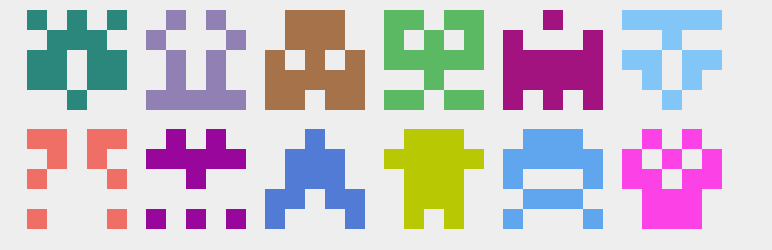
BuddyPress Identicons
| 开发者 | henry.wright |
|---|---|
| 更新时间 | 2016年3月10日 05:00 |
| 捐献地址: | 去捐款 |
| PHP版本: | 3.8 及以上 |
| WordPress版本: | 4.5.0 |
| 版权: | GPLv2 or later |
| 版权网址: | 版权信息 |
详情介绍:
安装:
- Go to Plugins > Add New and search for
buddypress-identicons - Click on Install Now
屏幕截图:
常见问题:
Is the plugin network compatible?
Yes.
I don't like my own identicon. Can I change it?
Yes. Your identicon will change if you change your email address.
Can I change the image used for non-members?
Yes. You can filter the image URL:
function identicons_filter_avatar_url() { $upload_dir = wp_upload_dir(); return trailingslashit( $upload_dir['baseurl'] ) . 'image.png'; } add_filter( 'identicons_get_avatar_url', 'identicons_filter_avatar_url' );
Can I make the image background transparent?
Yes. To set a transparent background go to Settings > BuddyPress and then look for the option under the Settings tab.
Can I change the image size?
Yes. The default is 150px square but you can change that by filtering the "full" width and height settings. For example:
function identicons_filter_avatar_full_width() { return 120; } add_filter( 'bp_core_avatar_full_width', 'identicons_filter_avatar_full_width' );
function identicons_filter_avatar_full_height() { return 120; } add_filter( 'bp_core_avatar_full_height', 'identicons_filter_avatar_full_height' );
Can I change the identicon type?
Yes. To change the identicon type go to Settings > Discussion and select an option under Default Avatar.
Why is it that some members don't have an identicon?
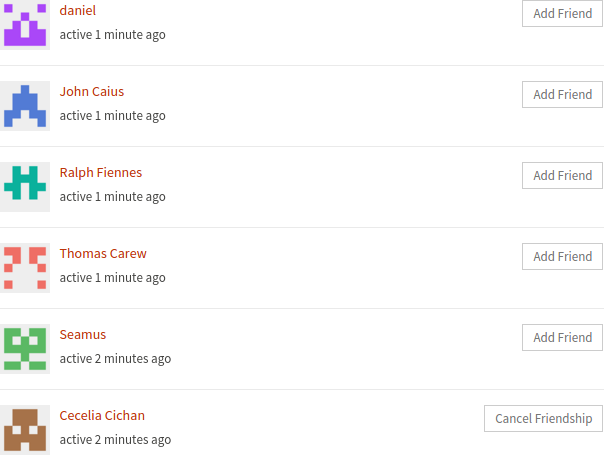
An identicon is used as a member's avatar only if a profile photo hasn't been uploaded.
Where should I submit bug reports?
If you think you've spotted a bug, please open an issue on GitHub.
更新日志:
- Fixed bug relating to the image used for non-members.
- Added language pack support.
- Improve image handling logic.
- Improve documentation.
- Fix bugs.
- Fix bugs.
- Use default image width and height set by BuddyPress.
- Let images uploaded to Gravatar take precedence over identicons.
- Generate identicons from email addresses instead of usernames.
- Text changes.
- Fix minor bugs.
- Fix errors associated with file removal on user account deletion.
- Remove padding option.
- Decrease default image width and height.
- Fix minor bugs.
- Refactor code.
- Add transparent background option.
- Add padding option.
- Add ability to change width and height.
- Fix bugs.
- Generate image when
bp_core_fetch_avatar()is called.
- Remove the need for a CSS border.
- Initial release.