Bulk Fixtures for SportsPress
| 开发者 | savvasha |
|---|---|
| 更新时间 | 2026年10月4日 01:32 |
| PHP版本: | 7.4 及以上 |
| WordPress版本: | 7.1 |
| 版权: | GPLv2 or later |
| 版权网址: | 版权信息 |
详情介绍:
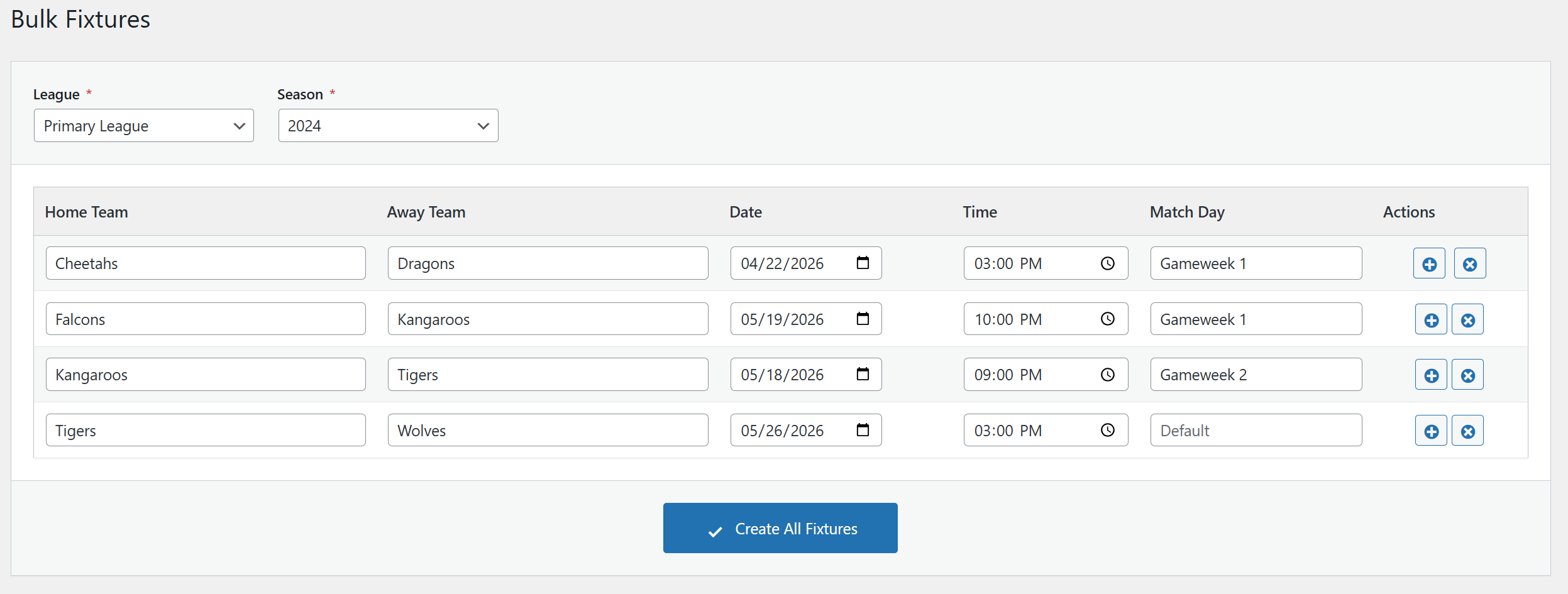
- Grid-Based Interface - Add multiple fixtures in a spreadsheet-like table
- Smart Row Cloning - When adding a new row, Date, Time, and Match Day are automatically copied from the previous row
- Searchable Team Dropdowns - Searchable dropdowns for easy team selection
- Team Filtering - Teams are automatically filtered by the selected League and Season
- Batch Processing - Fixtures are saved in batches for reliable performance
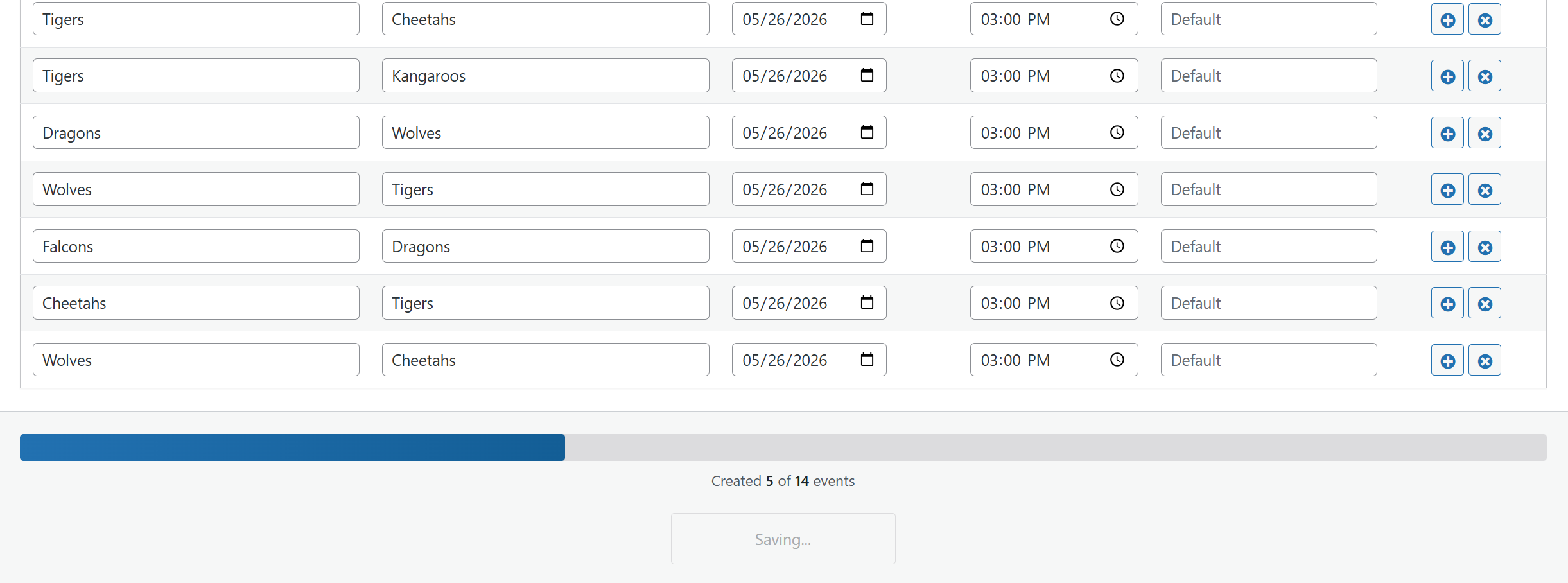
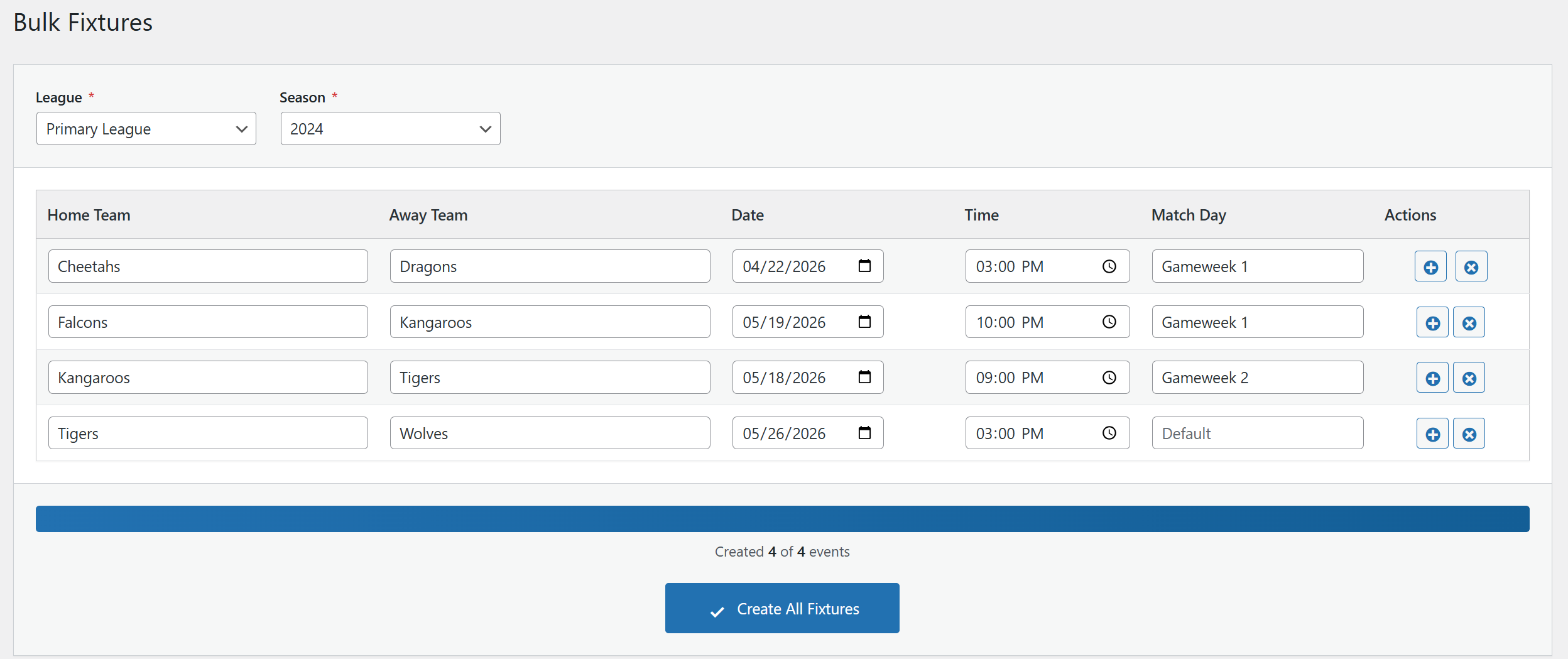
- Progress Tracking - Real-time progress bar shows how many fixtures have been created
- Error Handling - Graceful error handling with detailed feedback
- WordPress 5.6 or higher
- PHP 7.4 or higher
- SportsPress plugin (free or Pro version)
- Go to SportsPress → Events → Bulk Fixtures in your WordPress admin
- Select a League from the dropdown
- Select a Season from the dropdown
- Teams will be automatically loaded based on your selection
- Fill in the fixture details: Home Team, Away Team, Date, Time, and optionally Match Day
- Click the + button to add more rows (values are cloned for faster entry)
- Click Create All Fixtures to create all events
安装:
- Go to Plugins → Add New in your WordPress admin
- Search for "Bulk Fixtures for SportsPress"
- Click Install Now and then Activate
- Make sure SportsPress is installed and activated
- Download the plugin ZIP file
- Go to Plugins → Add New → Upload Plugin
- Upload the ZIP file and click Install Now
- Activate the plugin
- Make sure SportsPress is installed and activated
屏幕截图:
常见问题:
Does this plugin work with SportsPress Pro?
Yes, this plugin works with both the free version of SportsPress and SportsPress Pro.
Can I create fixtures for multiple leagues at once?
Currently, you can only create fixtures for one League/Season combination at a time. This is by design to ensure data accuracy and proper team filtering.
What happens if an error occurs during saving?
The plugin uses batch processing to save fixtures. If an error occurs with one fixture, it will be logged and the remaining fixtures will continue to be processed. You'll see a summary of any errors after the save process completes.
Can I edit fixtures after creating them?
Fixtures are created as standard SportsPress events. After creation, you can edit them like any other event from the Events list in SportsPress.
How are teams filtered?
Teams are filtered based on both the selected League AND Season. Only teams that are assigned to both the chosen League and Season will appear in the dropdowns.
What is the Match Day field?
The Match Day field is a text string (e.g., "Matchday 1", "Week 5", "Round 3") that helps organize fixtures. It's stored as post meta and displayed on the event page. This field is optional.
更新日志:
- Tested up to WordPress 7.1
- DEV: Codebase brought in line with the WordPress Coding Standards (PHPCS, ESLint, Stylelint); no functional changes
- FIX: Action buttons (add/delete row) display and coloring broken after WordPress 7.0 update
- FIX: Dashicon glyphs not centered in action buttons under WordPress 7.0 button styles
- NEW: Venues can be selected per event
- FIX: Dropdown lists are not hidden anymore
- FIX: Leagues and Seasons were not shown hierarchically
- Initial release
- Grid-based fixture creation interface
- League and Season filtering
- Searchable team dropdowns
- Smart row cloning (Date, Time, Match Day)
- Batch processing with progress bar
- Error handling and validation