
Bulkora – Multiple Variation Order for WooCommerce
| 开发者 | xoomcoders |
|---|---|
| 更新时间 | 2026年10月15日 21:59 |
| PHP版本: | 7.4 及以上 |
| WordPress版本: | 7.1 |
| 版权: | GPLv2 or later |
| 版权网址: | 版权信息 |
详情介绍:
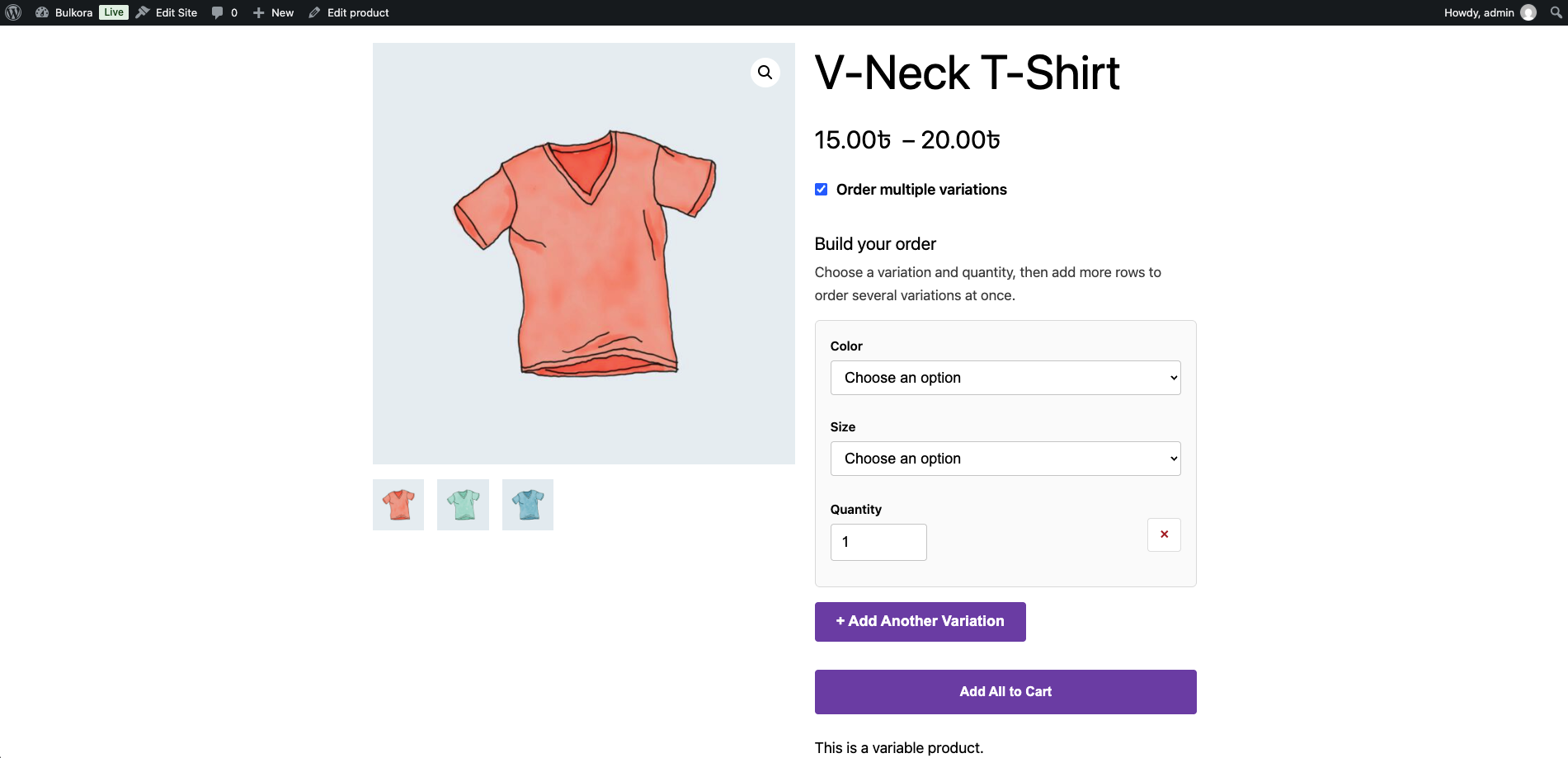
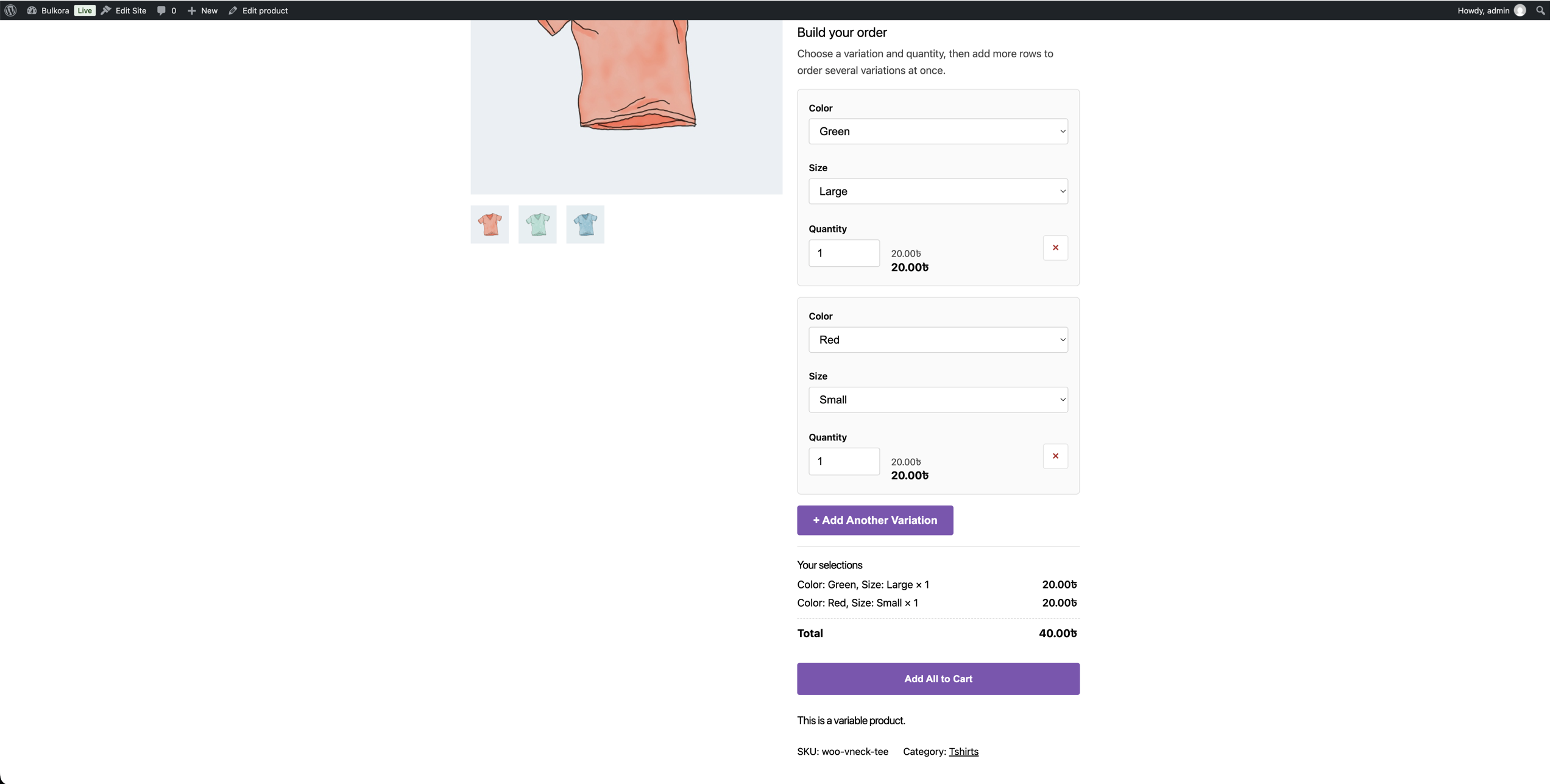
- Select a variation — one dropdown per product attribute, whatever their names or number.
- Add another row — each row has its own attribute combination and quantity.
- Review — every selected variation is listed with its attributes, quantity, price and subtotal.
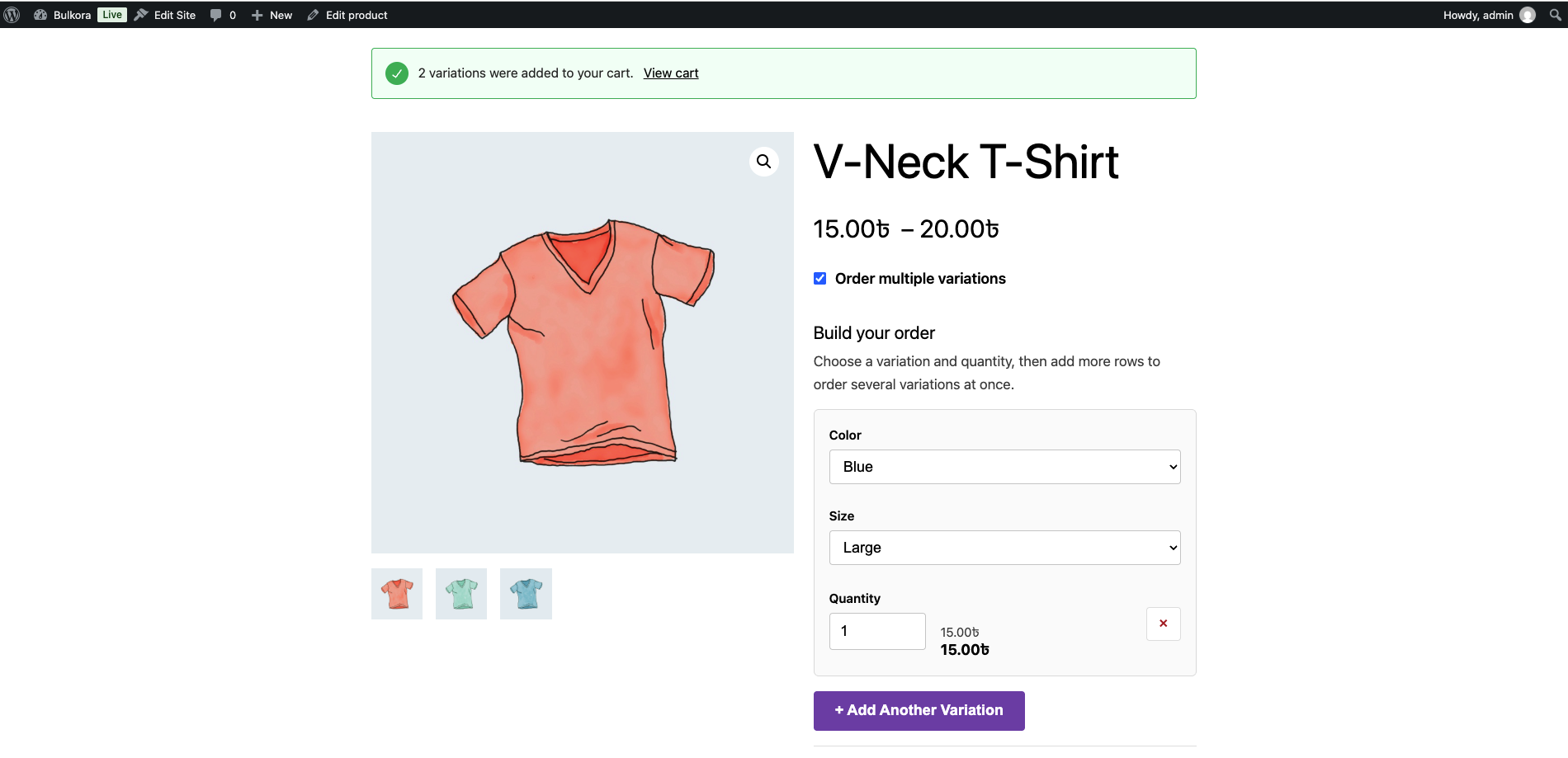
- Add all to cart — all rows are validated on the server and added in one click.
[bulkora_builder] shortcode wherever you want it, or target a specific product with
[bulkora_builder id="123"].
Free vs Pro
The complete row builder and bulk add-to-cart are free. Advanced features are reserved
for a future Pro release and are exposed through documented hooks.
Extending
Developers can extend the plugin without touching its code:
bulkora_loadedbulkora_modulesbulkora_settings_defaultsbulkora_builder_databulkora_builder_template_pathbulkora_variation_rowsbulkora_add_to_cart_argsbulkora_before_add_to_cartbulkora_after_add_to_cart
安装:
- Upload the
bulkora-multiple-variation-orderfolder to/wp-content/plugins/. - Activate the plugin through the Plugins screen in WordPress.
- Make sure WooCommerce is installed and activated.
- Open a variable product and try building an order.
屏幕截图:
常见问题:
Does it work without WooCommerce?
The settings screen stays available, but nothing renders on the frontend until WooCommerce is installed and activated.
Will it work with any variable product?
Yes. The builder reads the product's own attributes and variations, so it supports any number of attributes with any names.
Where does the builder appear?
By default a "Order multiple variations" switch appears on the product page, letting the customer toggle between the standard form and the builder. You can instead have the builder replace the standard form, or appear below it, from the plugin settings.
The builder does not appear with my theme.
Some themes and page builders do not use WooCommerce's standard product template, so the
automatic placement cannot run. Place the [bulkora_builder] shortcode where you want the
builder instead — in an Elementor widget, a Shortcode block, or a template file. Use
[bulkora_builder id="123"] to target a specific product.
更新日志:
- Initial release.
- Row-based multi-variation builder with review list.
- Server-side validation and bulk add-to-cart.
- Lean settings screen with placement and label options.