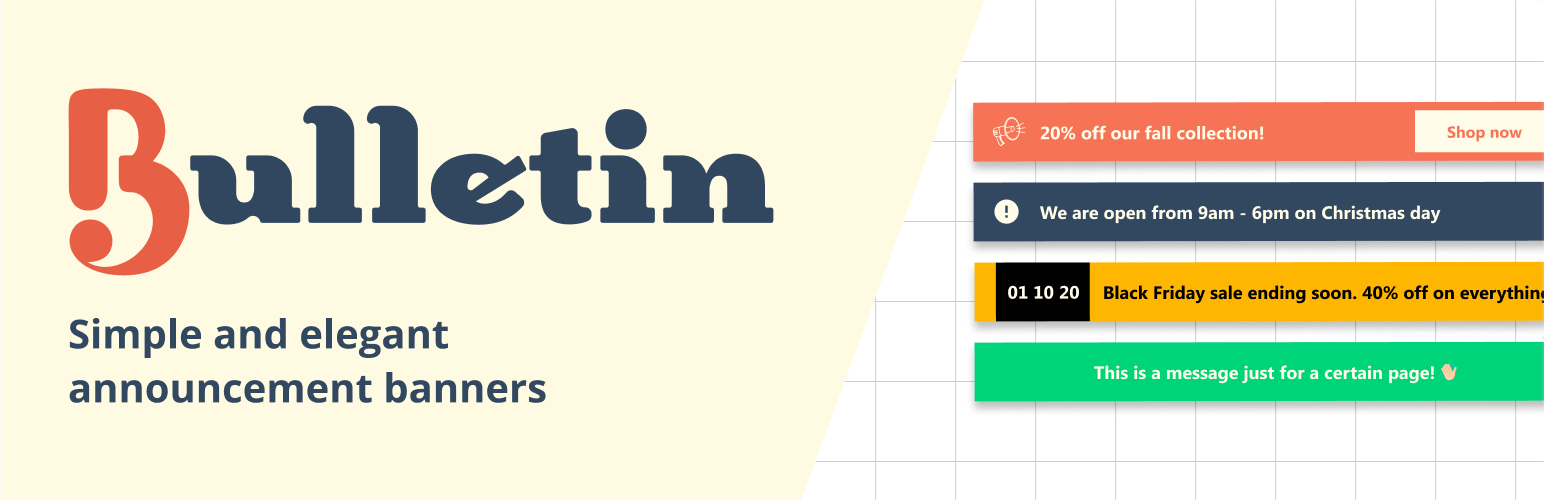
Announcement Bar, Notification Bar & Banner – Bulletin
| 开发者 |
mikewire_rocksolid
freemius |
|---|---|
| 更新时间 | 2026年11月7日 15:54 |
| PHP版本: | 7.2 及以上 |
| WordPress版本: | 7.1 |
| 版权: | GPLv3 |
| 版权网址: | 版权信息 |
标签
下载
详情介绍:
- 🛍️ Sale offers
- ⏳ Countdown to an event
- 🆕 Announcing a new section on your website
- ⚠️ Showing an important notice for logged-in members
- 🚨 Emergency Announcements
- 🍪 Cookie notice
- ✨ Announcing a new feature for your product
- 🎉 And much more!
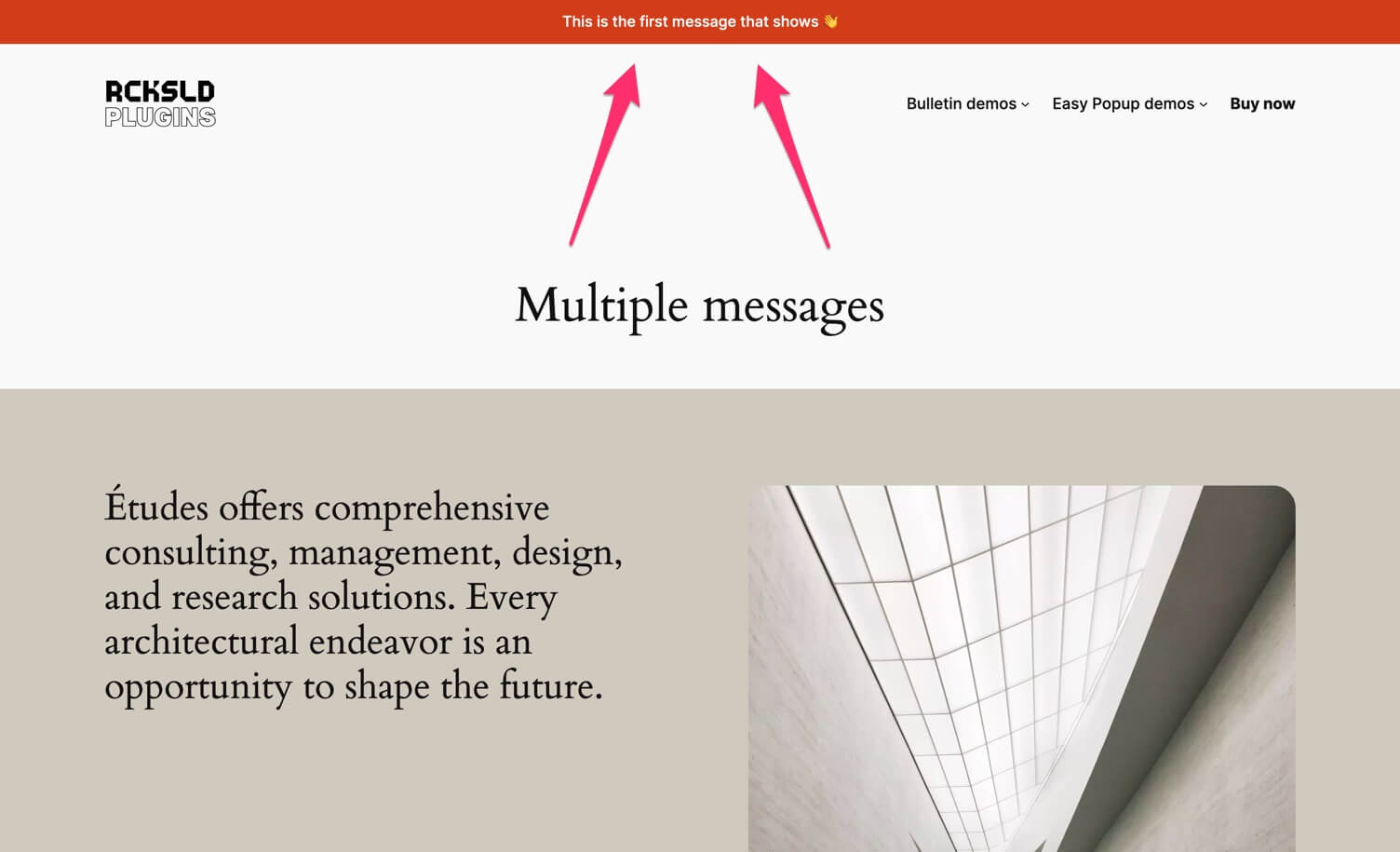
- Header bulletin with multiple messages
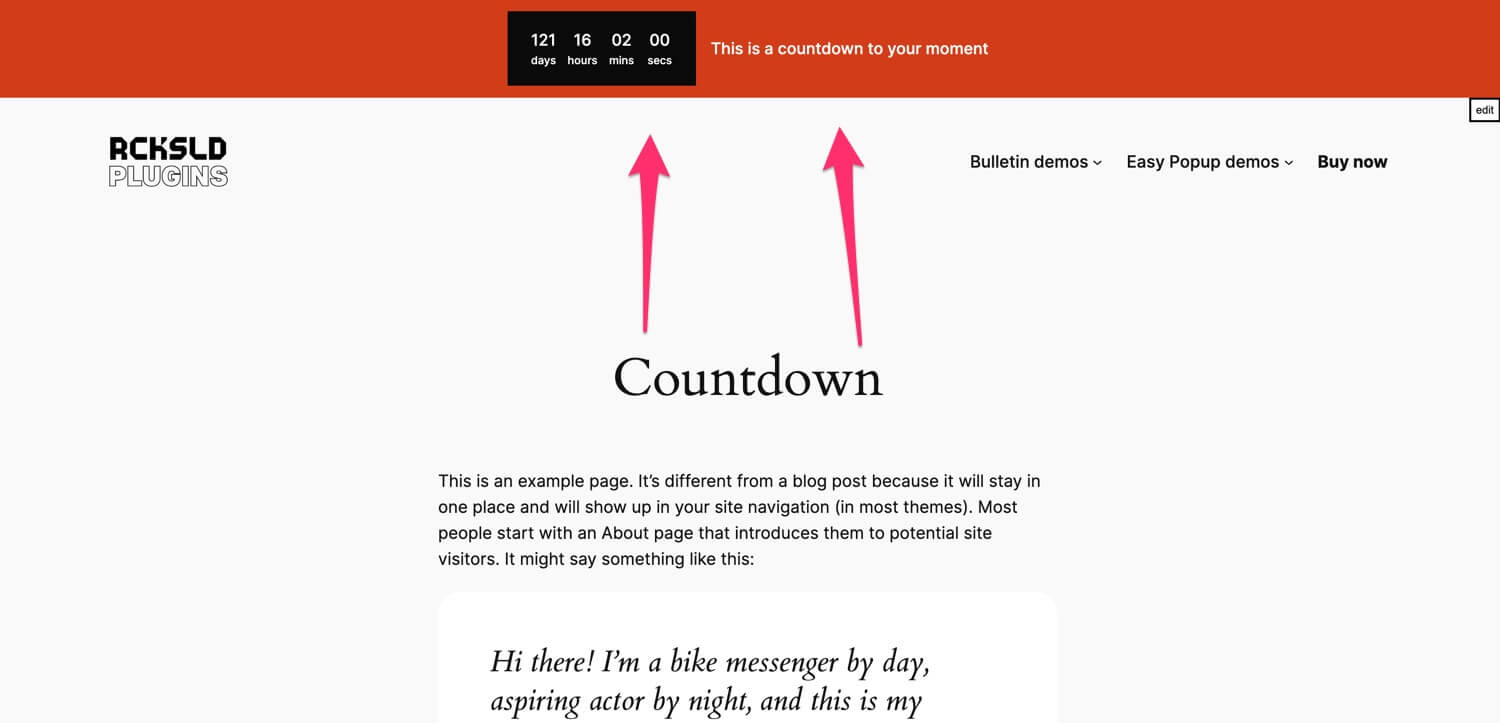
- Header bulletin with countdown
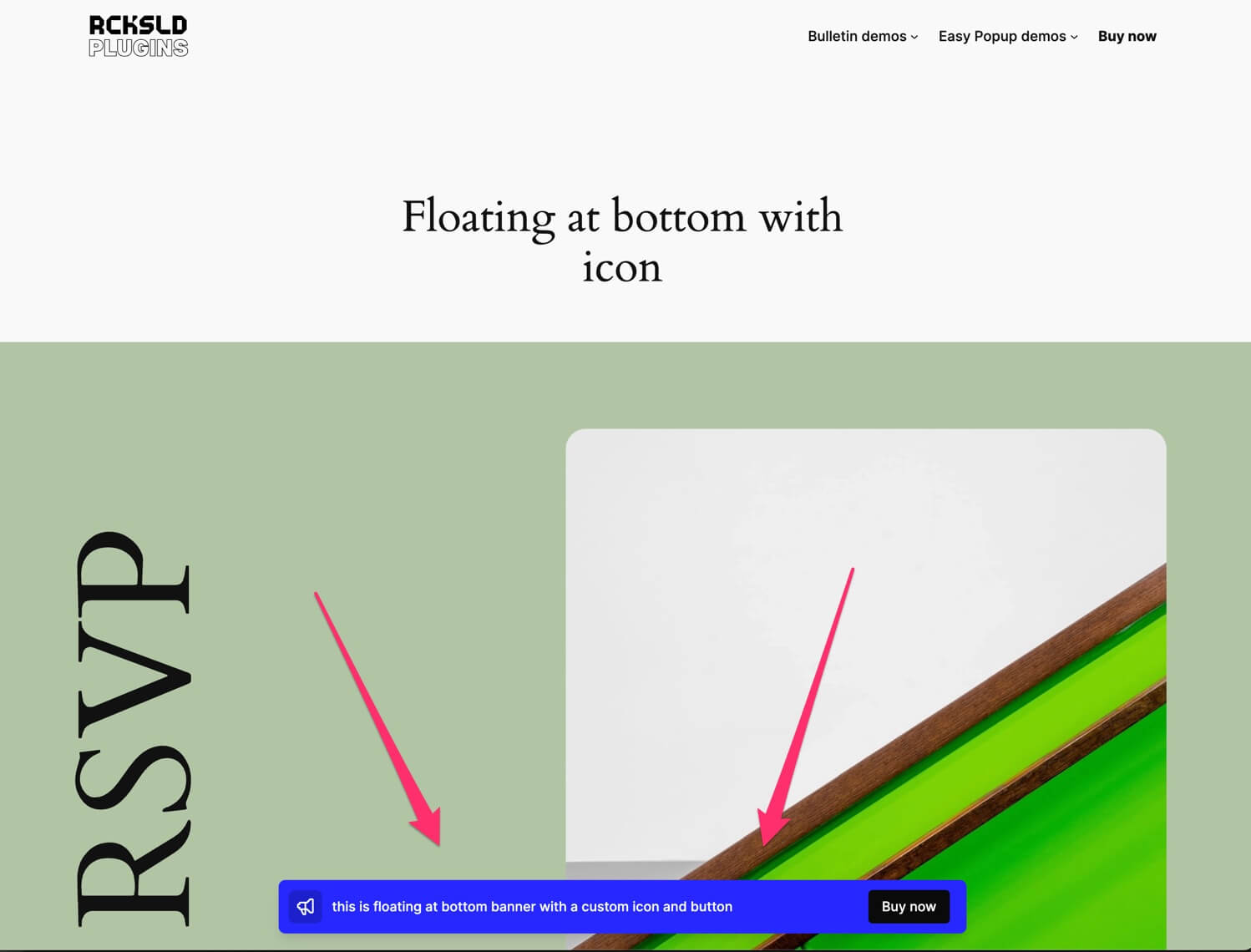
- Floating at bottom with icon
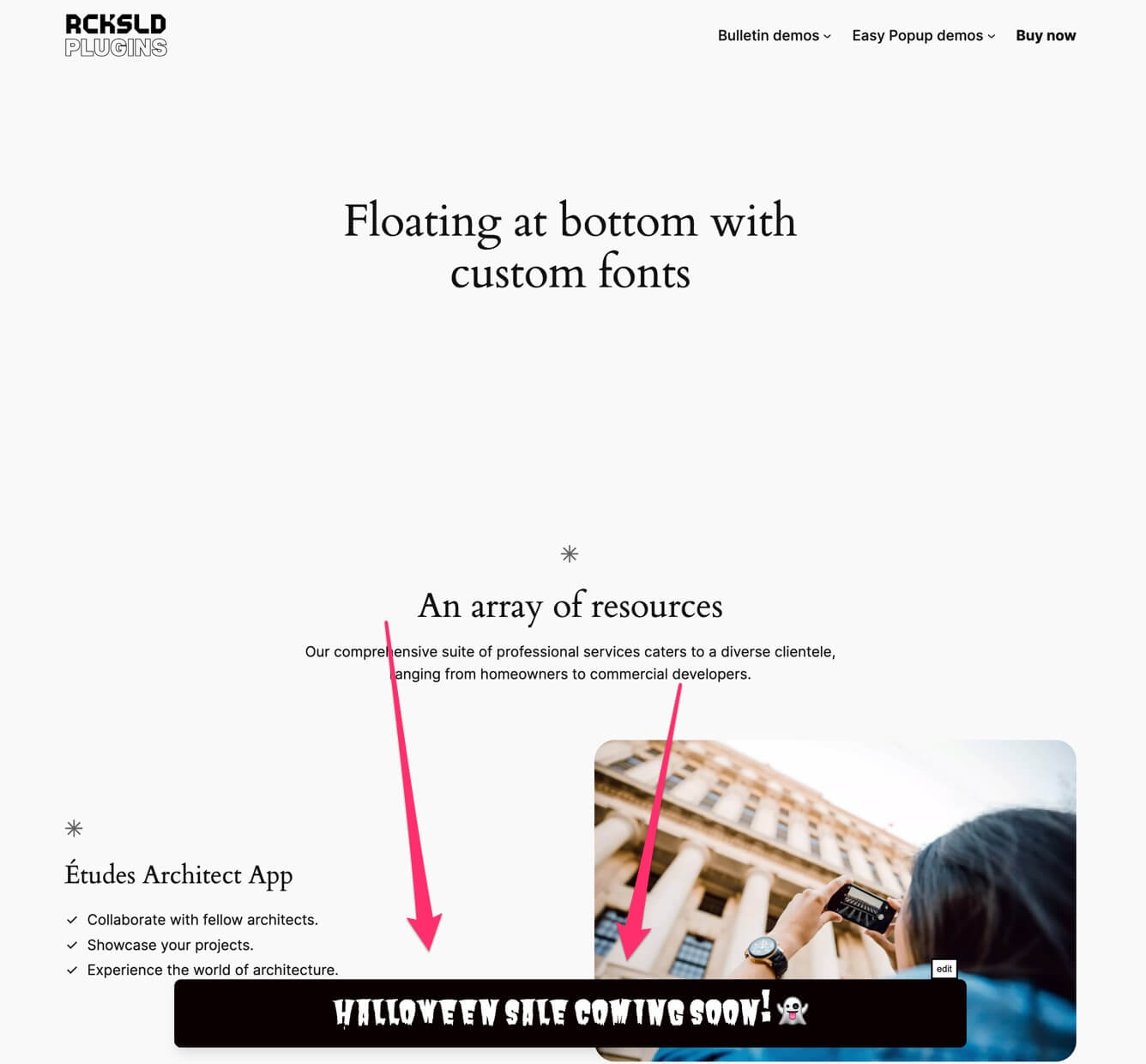
- Floating at bottom with custom fonts
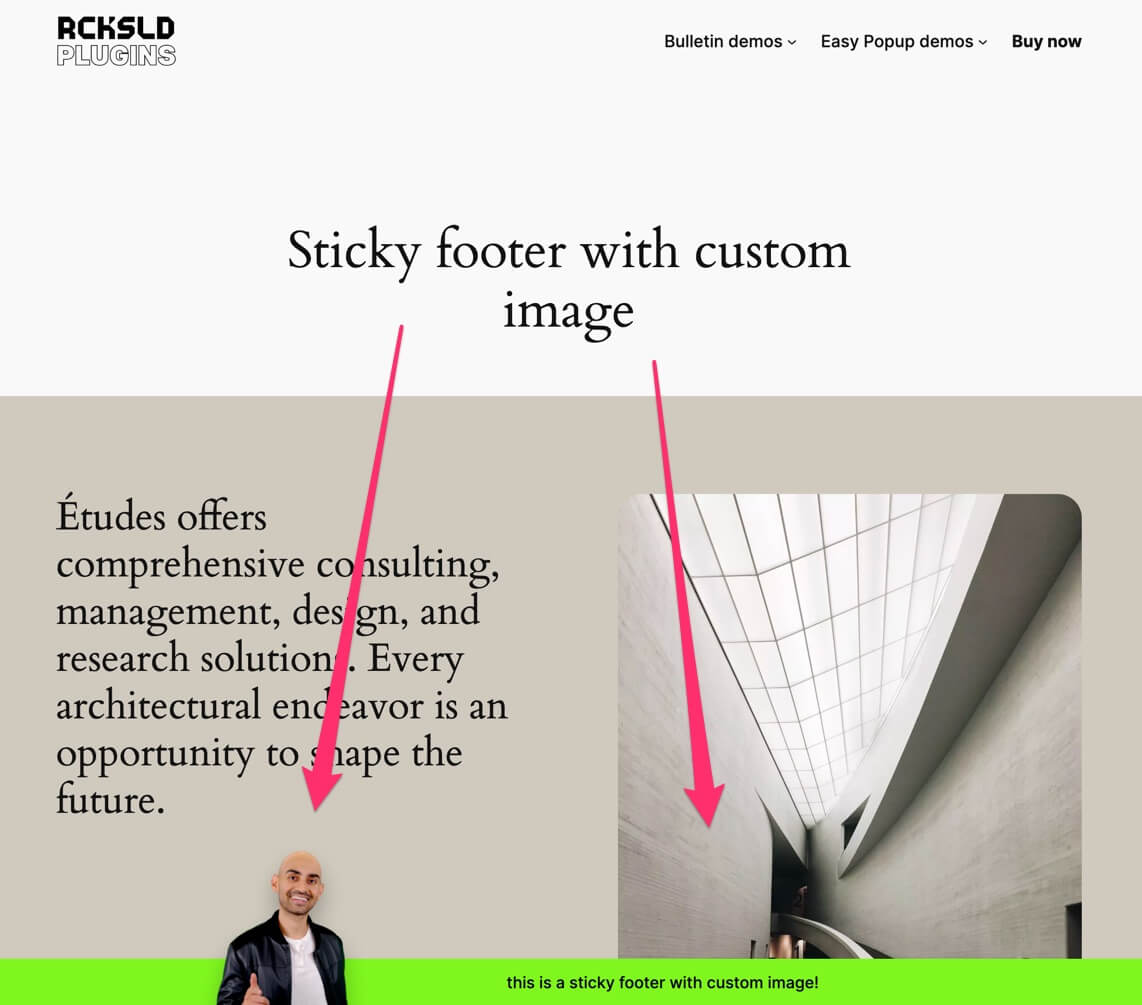
- Sticky footer with custom image
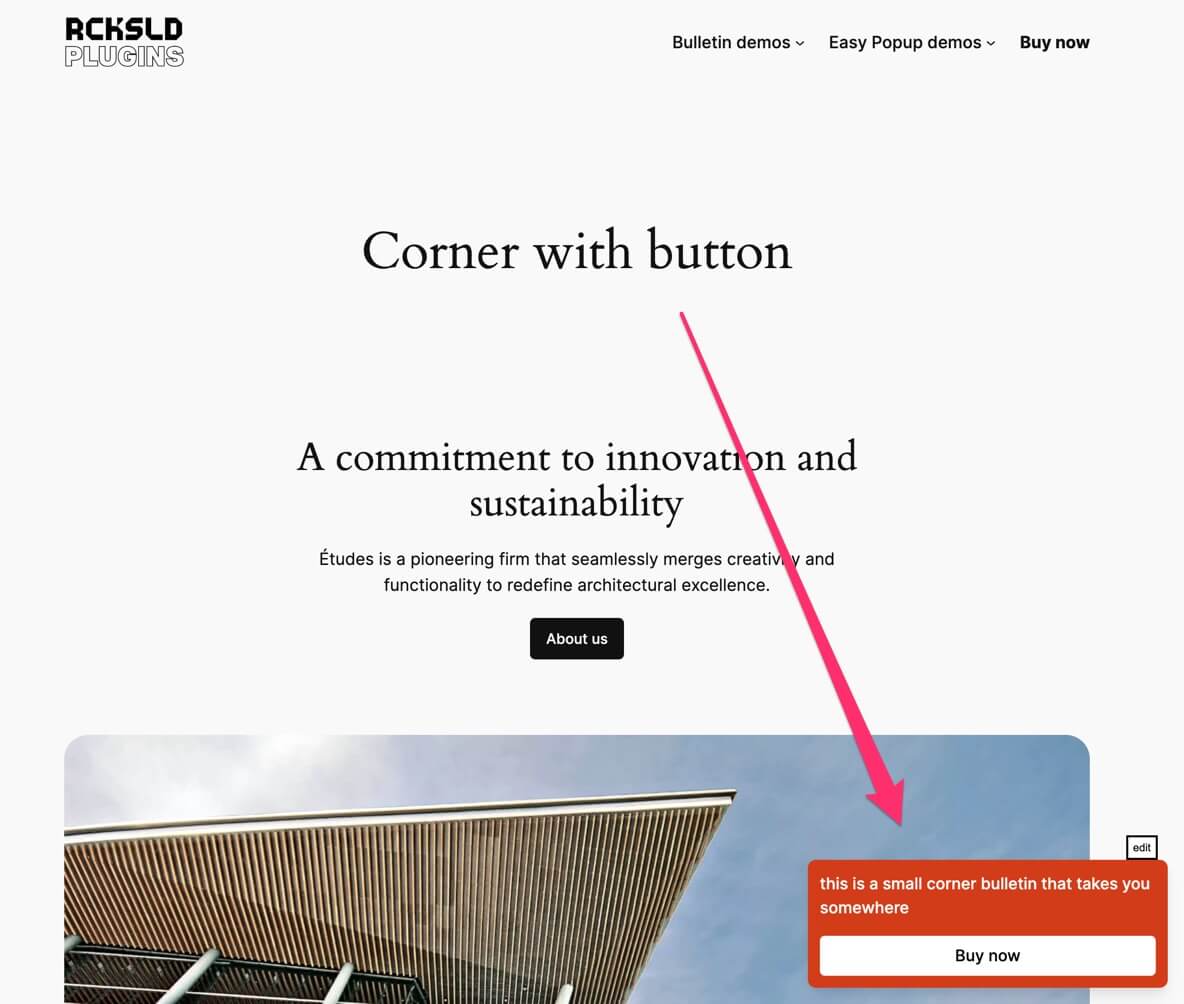
- Corner with button
- Trigger an easy popup
- Animated button to grab attention
- Desktop and mobile messages
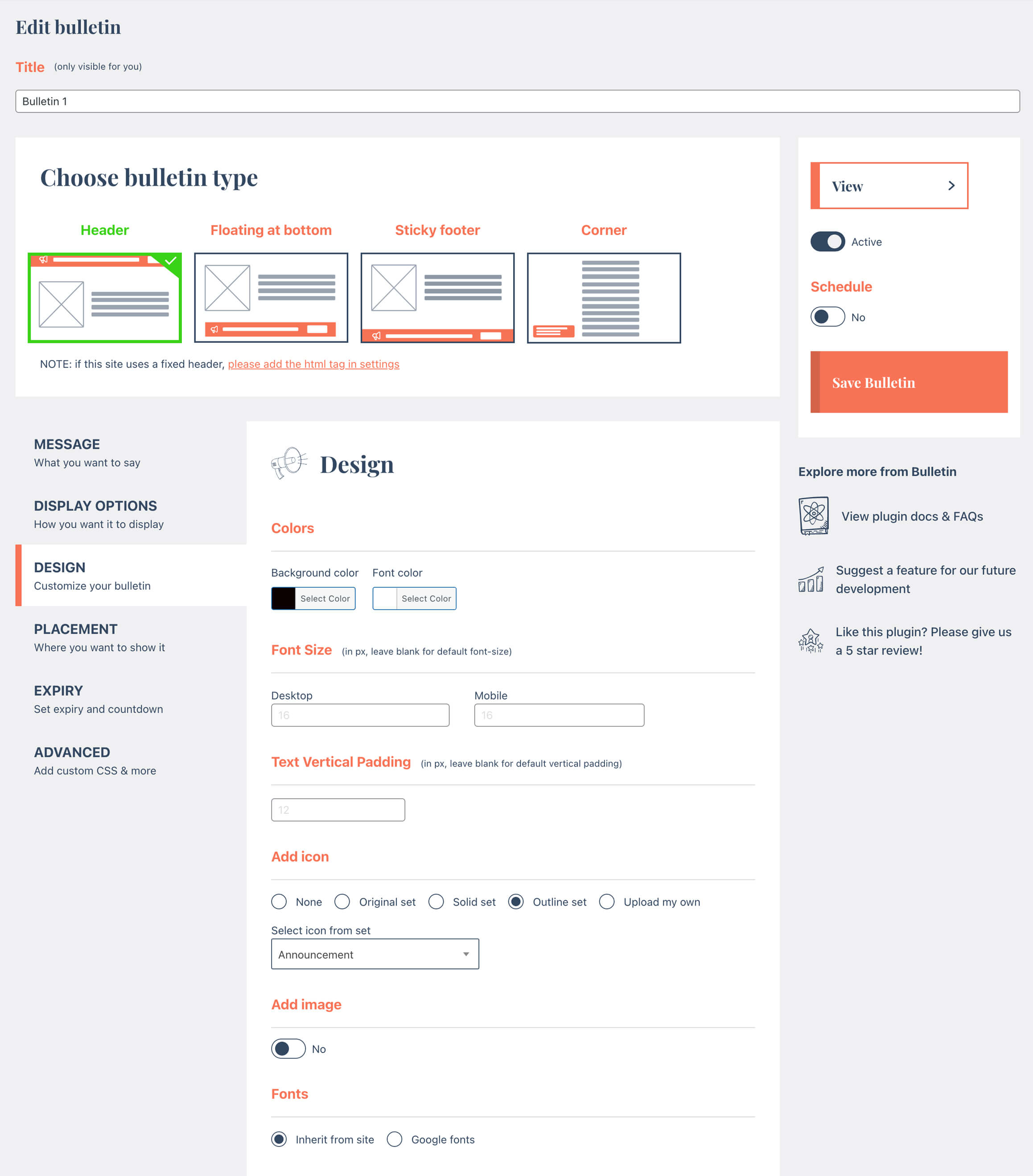
- Background and text colors
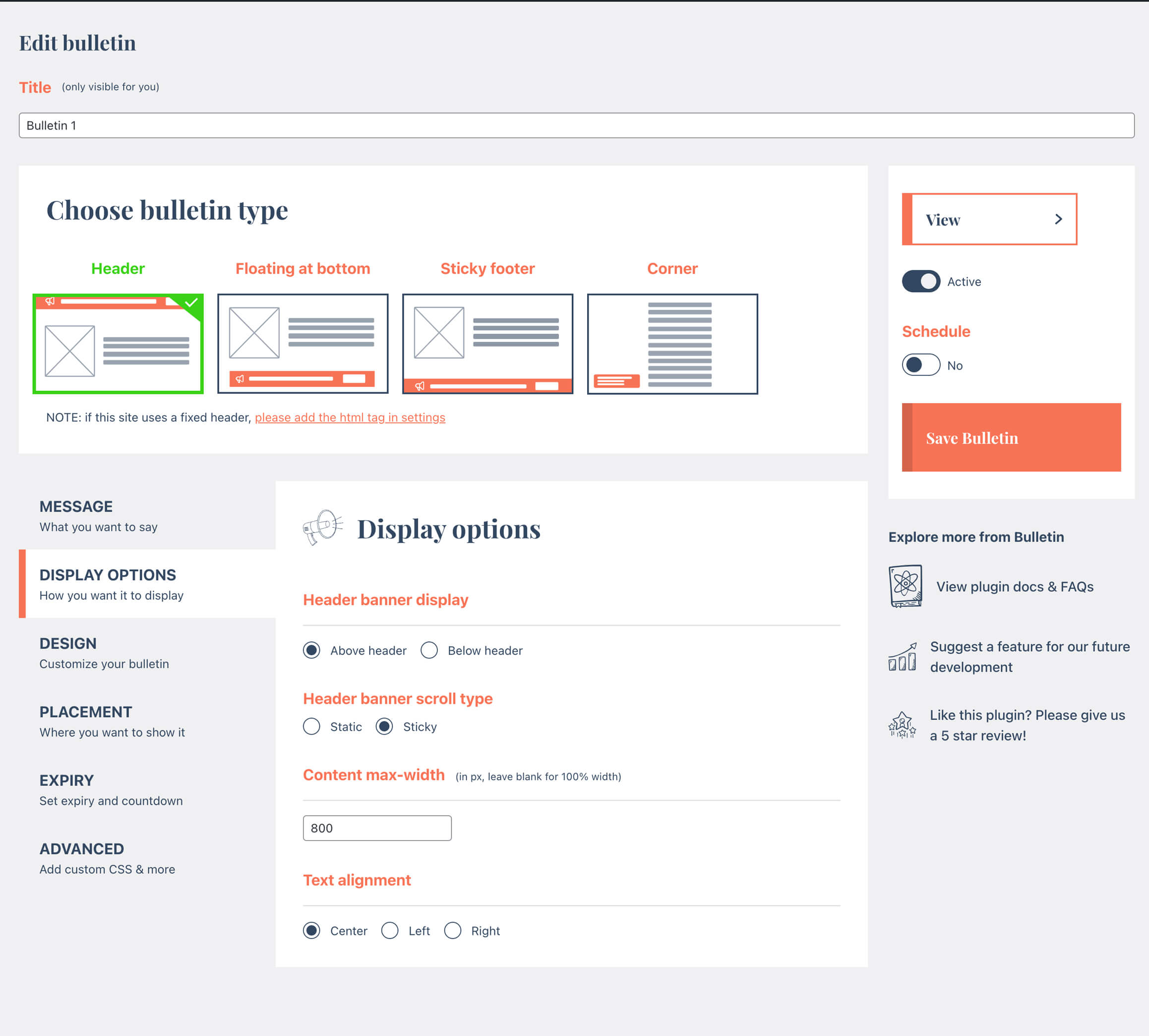
- Header (top bar), floating bar at bottom and sticky footer display types
- Content max-width
- Text alignment and font size
- Corners display type
- Icon
- Font Family
- Multiple messages
- Button
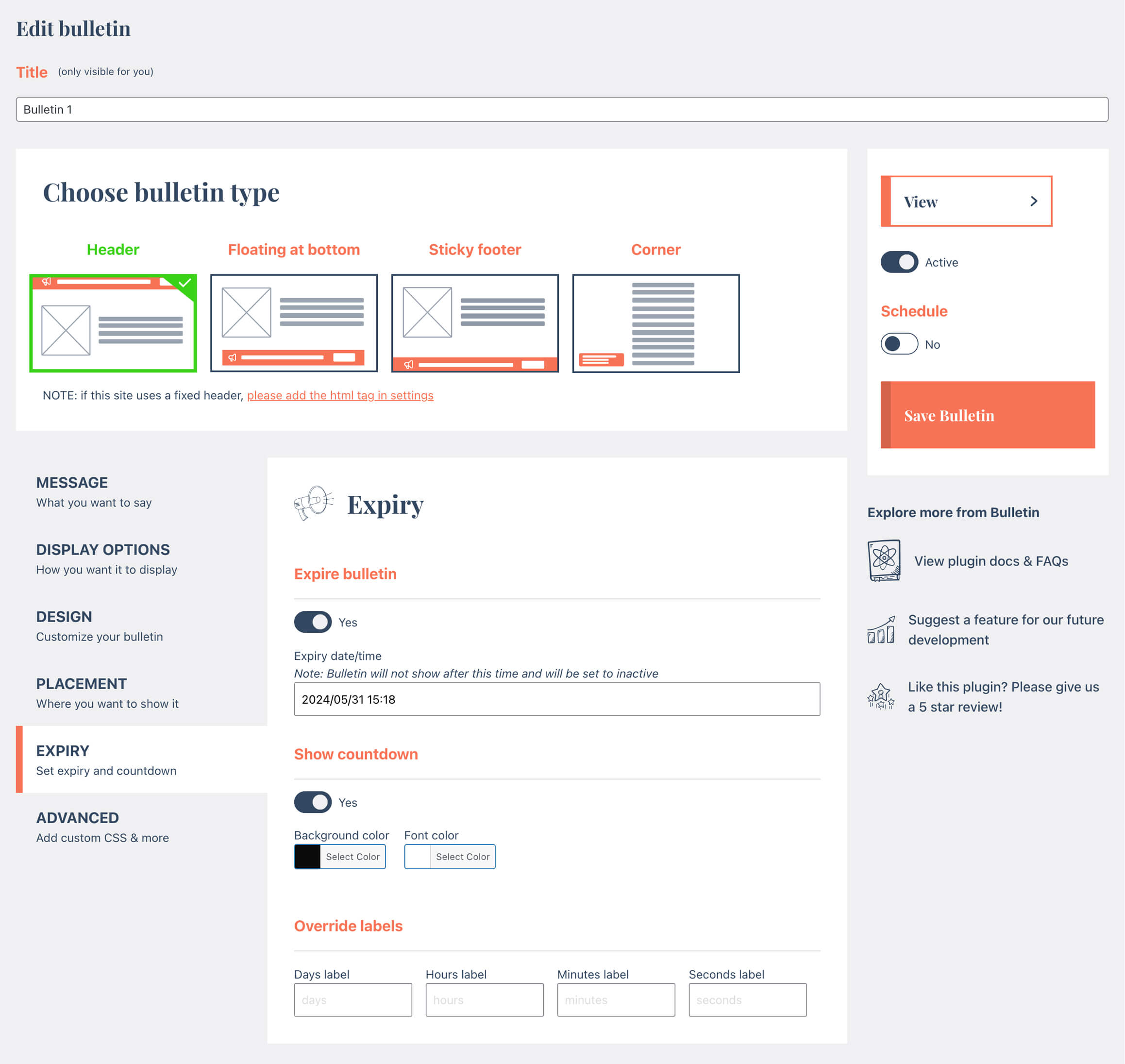
- Countdown
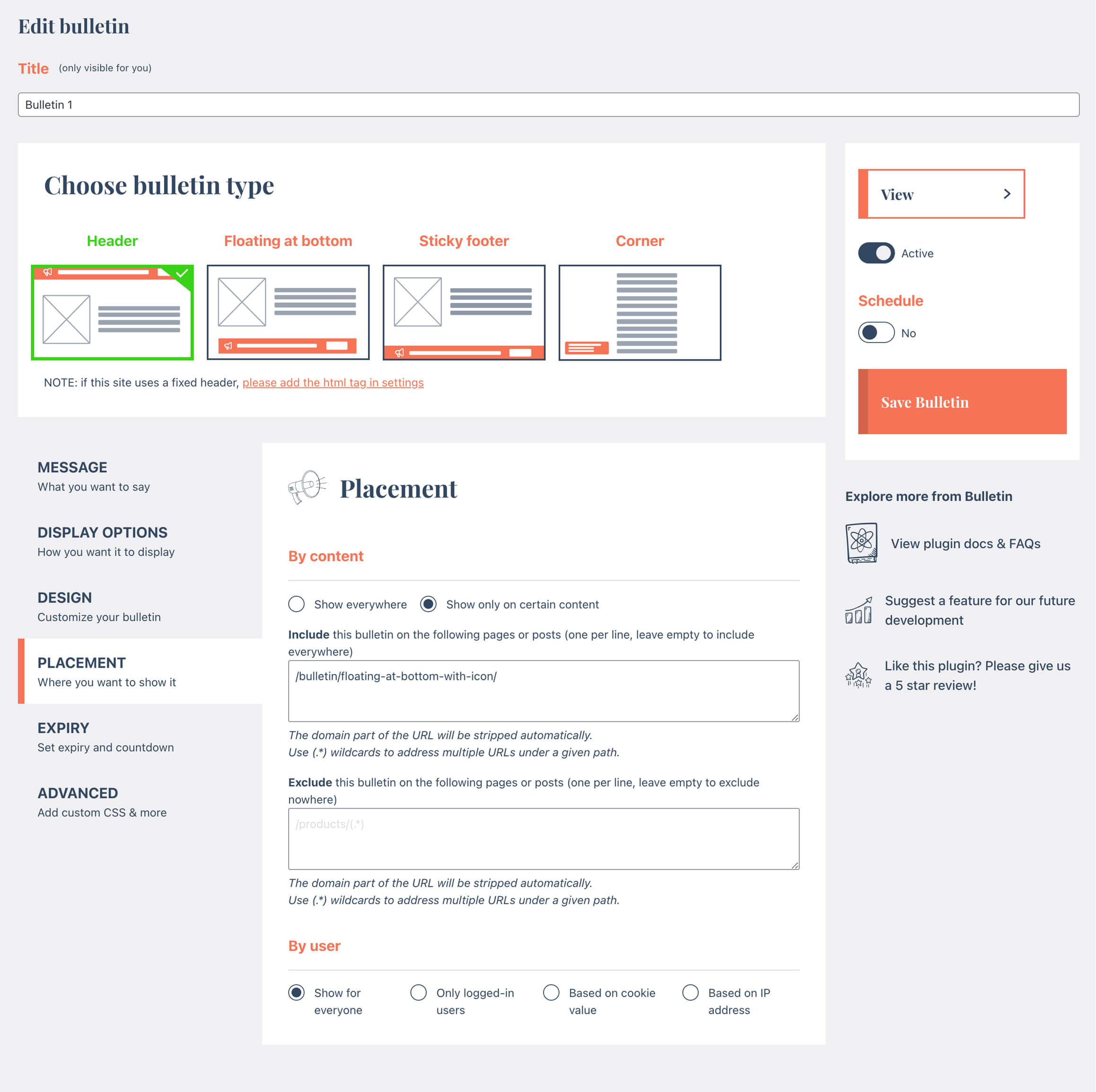
- Display based on the url
- Display based on user
- Dismiss a bulletin
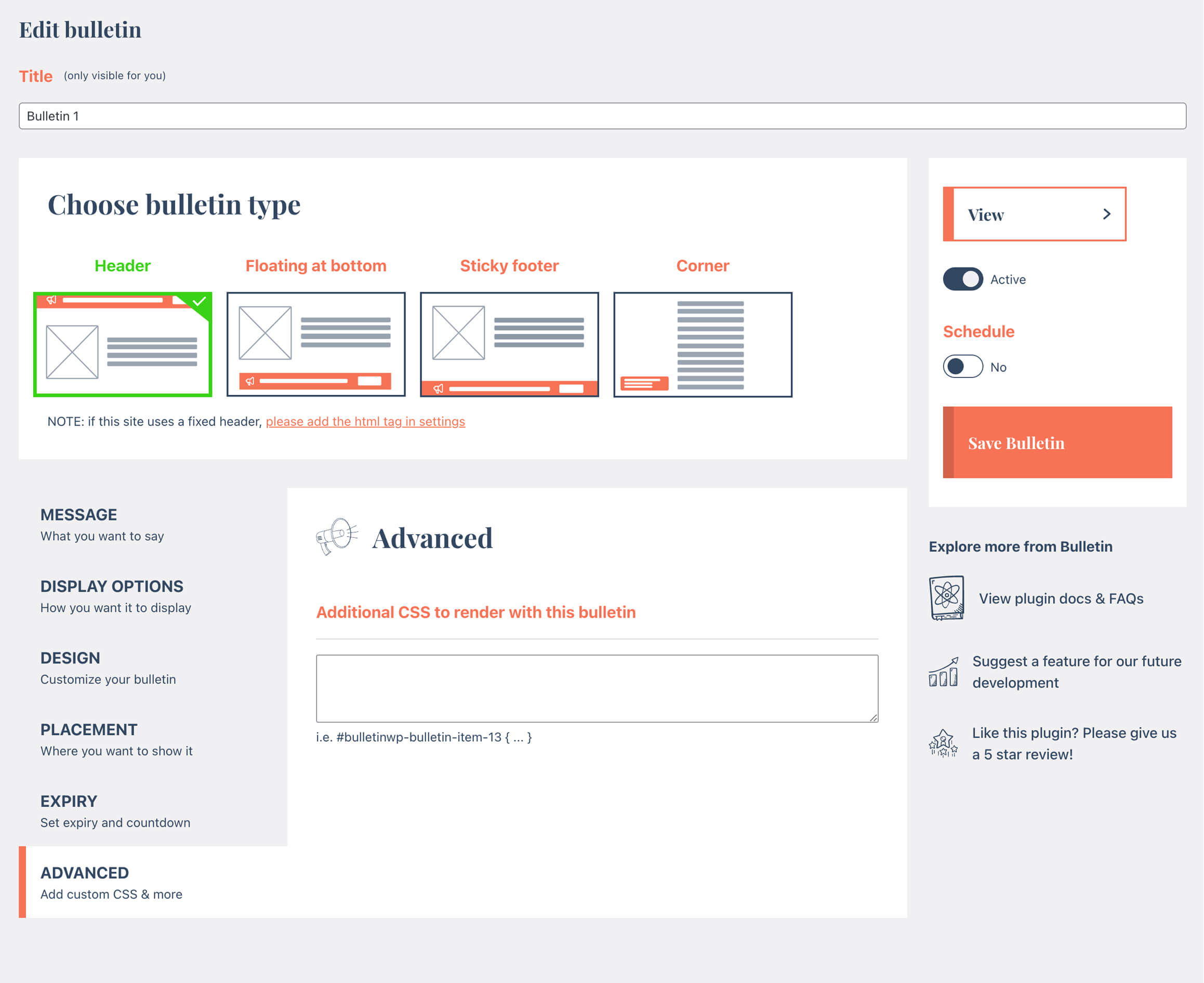
- Additional CSS
- Display to all subsites
安装:
- Install Bulletin either via the WordPress.org plugin repository or by uploading the files to your server.
- Add a new bulletin by adding a simple message, colors, display type and a few other options
- Preview the bulletin on your Website
- If all looks good, publish and you're done!
- For much more advanced options, why not checkout our Pro version! Head over to our website for more info and pricing.
屏幕截图:
常见问题:
For who is Bulletin intended?
Bulletin is perfect for business owners, bloggers, Woocommerce shop owners, developers, photographers, and basically everyone else. If you have a website and you want to make announcements to your users, Bulletin is for you!
Do I need to know how to code to use Bulletin?
Coding skills aren't needed, however there might be instances where a bulletin conflicts with other UI elements in your theme. In this case you may need a developer to add some custom CSS (which is possible in the PRO version).
Can I show the bar at the top or the bottom of the page?
Yes. A bulletin can be a top bar in your header, a floating bar at the bottom of the screen or a sticky footer bar. The Pro version adds a corner display type and lets you show the bar only on selected pages or for logged-in users.
Can I see some examples of actual bulletins on a website?
Take a look at our Demo site
What happens to my bulletins if I delete the plugin?
They are kept. Deleting Bulletin leaves your bulletins and settings in the database, so reinstalling picks up where you left off. To remove everything, go to Bulletin > Settings, turn on the Uninstall option and save before deleting the plugin.
How can I get access to all features?
You can get access to more features and priority support by upgrading to our Pro version. Purchasing a Pro license gets you access to the full version of Bulletin, automatic updates and priority support!
更新日志:
- New: bulletins and settings are kept when you delete the plugin, so you can reinstall later without losing anything. Turn on Settings > Uninstall > "Delete all bulletins and settings" to remove them instead
- Updated plugin description
- New: a small, dismissible prompt in the Bulletin admin pages asking for a review on WordPress.org (shown once you've used Bulletin for two weeks)
- Upgrade Freemius SDK to 2.13.5
- Fix: Bulletin's orange link style no longer applies to admin notices from other plugins on Bulletin pages
- Updated links to rocksolidplugins.com
- Upgrade Freemius SDK to 2.13.4
- Tested with WordPress 7.1
- Fix: plugin tables were not created when activating via WP-CLI
- Fix PHP 8.1+ deprecation notices
- Upgrade Freemius
- Add spacing setting to marquee
- Add markdown option to trigger within the message Easy Popups
- Fix for text alignment in corner option
- added more settings to control countdown
- Upgrade freemius
- Small fixes and optimisations
- NEW: Button animations. Grab the attention of the user by making your button move (in a subtle way)!
- Update to sticky feature
- Small security updates
- Implement cache feature
- Upgrade Freemius
- Fix z-index issue
- fix security issue
- Update framework
- Set bulletins only for logged-out users
- Fix issue with conflicting swiper class
- Fix issue with corner option preview
- Fix issue with closing bulletins
- Bug fixes & improvements
- Bug fix
- Bug fix
- Bug fix
- Optimisation to expiry to work with caching
- tweaks to admin interface
- minor bug fixes
- add offer for Easy Popups
- Small updates
- Update freemius SDK
- Apply stickiness setting on a per-bulletin basis
- Small bug fixes
- Optimisation for showing multiple images only on mobile or desktop
- Small tweaks
- Fix issue with hex value not showing in countdown config
- Fix integration with Easy Popups
- Remove powered by label on popular request
- NEW: ability to override "bulletin" name in WP back-end
- Bug fixes and optimisations
- NEW: show bulletins by IP
- Issue with html being stripped from content
- Minor updates
- Security updates
- Bug fixes
- Updated demo pages
- Optimisations
- Fixed issue where links are stripped in bulletins
- Fixed issue where text after apostrophes is stripped
- Fix for bug with default values not sticking
- Upgrade Freemius SDK
- Various updates to editing bulletins
- Upgrade Freemius SDK
- Fix issues with PHP 8.0
- Fix issues with WP Network
- Further security optimisations
- Address security concerns as raised by WordFence
- Fix for box-sizing for sites that use content-box
- Various other fixes and optimisations
- Bugfix: if html is entered in the message, multi-line support drops off
- general code fixes and optimisations
- Fix issue with tabs hiding because of WooCommerce plugins
- Upgrade Freemius
- Fixed issue with mobile button
- Pro: added ability to included/exclude bulletins based on get params
- Pro: added ability to included/exclude bulletins based on get params
- Fix issue with font-size
- Upgrade Freemius SDK
- More security fixes
- Fix html no longer outputting in bulletins
- Security fixes
- Code cleanup
- Various bug fixes and enhancements
- Fix for hebrew text
- Customizer fixes
- NEW: Import / Export bulletins
- Bug fix
- Add ability to show small image on bulletins (pro only)
- Add translation ability on button labels and urls
- Upgrade Freemius SDK
- Solve issue with Polylang
- Fix issue with WPML
- NEW: Totally revamped admin dashboard interface!!
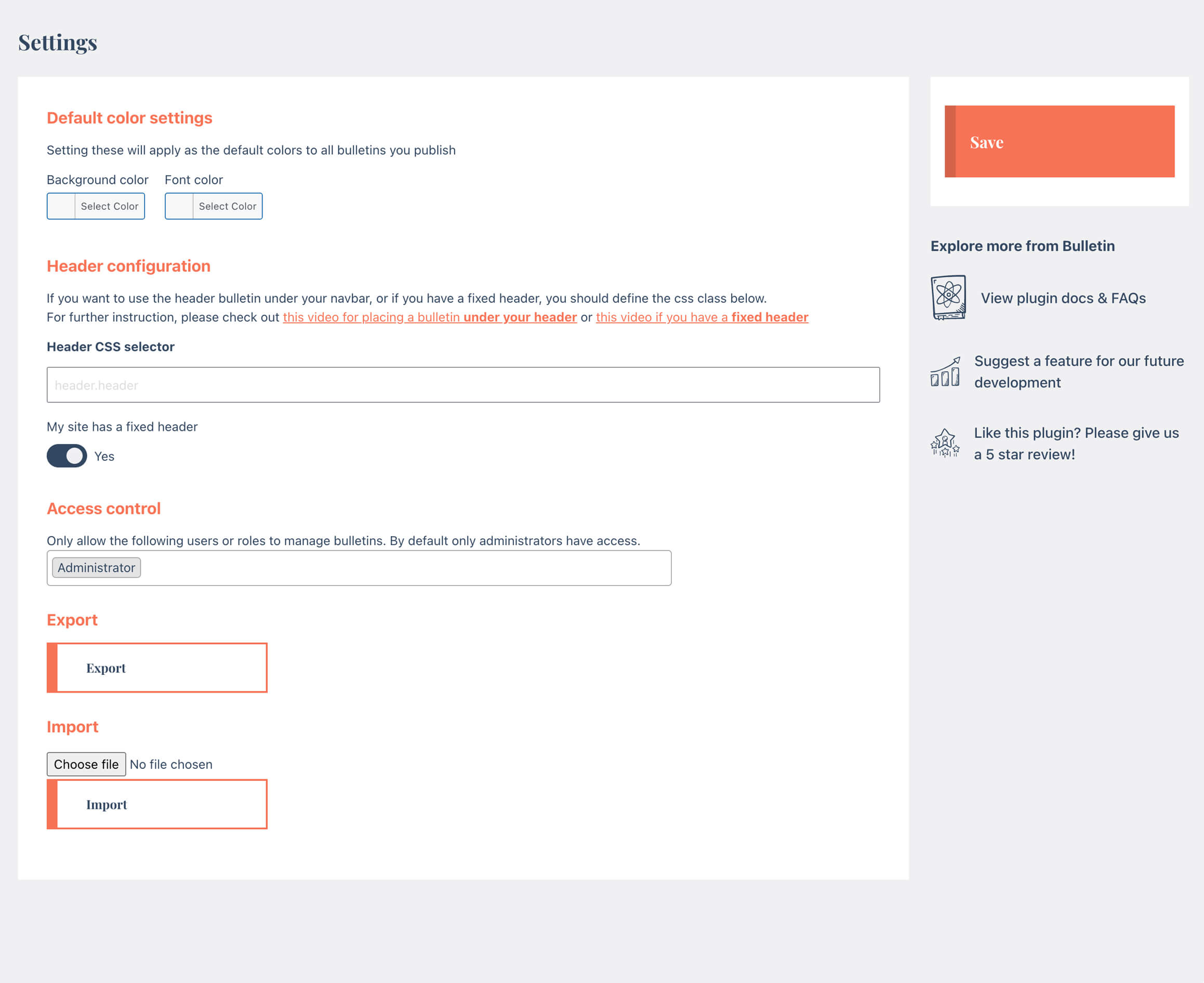
- Better controls for header banners with fixed headers.
- Ability to show header banners under your site header
- Fixed issue with WPML and Polylang for bulletins with multiple messages
- Fixed issue with bulletins not appearing after upgrade to Pro
- Small bugfix to solve a PHP undefined error
- NEW! Ability to schedule bulletins
- Tweaks for button alignment option
- Small fixes & optimizations
- Slight tweak to look and feel to match WP default styling better
- Tweaks & Optimizations
- Small tweaks
- Bugfix on saving bulletins
- Fixed potential issue with apostrophes
- Fix issue with publishing bulletins
- Added Hebrew font
- Small tweaks & optimizations
- Fixed issue with countdown showing even if it was set to hide
- Small tweaks
- Added ability to set cycle speed for multiple messages
- Tweak to button action when adding new Bulletins
- Solve bug with enabling PRO version while FREE version also still enabled
- Solve issue with edit button on front-end showing for non-admins
- Add WPML and Polylang support
- Ability to duplicate bulletins
- Small fixes
- Small tweaks and bug fixes
- Add cookie icon (pro)
- Add ability to dismiss bulletin with button (pro)
- Add Arabic Google fonts
- Update Freemius SDK
- NEW: Corner display option
- Allow user roles other than Administrators to manage Bulletins
- Tweak to the expiry setting; you can now expire bulletins without showing a countdown
- Add speed control for marquees
- Initial translation support for German, French, Dutch and Chinese (SC)
- Small bug fixes and optimizations
- Aims to fix an issue with Favicon potentially dissapearing when Bulletin is activated
- Small fix to prevent themes from messing with font-size settings
- Added initial Customiser support
- Small updates and bug fixes
- Small tweaks & updates
- Update to side panel
- Add option to dismiss bulletin indefinitely (add -1)
- Add additional validations to prevent publishing bulletins with empty font-color
- Fix issue with some themes overriding the font colors set on bulletin
- Other enhancements / upgrades
- Add ability to use links (and open in new tab) in bulletins
- Add basic validation
- Compatibility fix with Buddypress that aims to solve https://wordpress.org/support/topic/conflict-with-buddypress-12/
- Activation issue fix
- Added font size setting
- Small tweaks
- Added setting for fixed headers
- First release