ByteJutsu Fixed Order Fee for WooCommerce
| 开发者 | ByteJutsu |
|---|---|
| 更新时间 | 2026年3月11日 22:26 |
| PHP版本: | 7.0 及以上 |
| WordPress版本: | 6.9 |
| 版权: | GPLv2 or later |
| 版权网址: | 版权信息 |
详情介绍:
ByteJutsu Fixed Order Fee For WooCommerce lets you add a fixed fee to WooCommerce orders, with an adjustable amount and label from the WooCommerce settings.
This plugin provides:
- A fixed fee configurable from the WooCommerce settings page.
- Options to set the fee amount and the fee label.
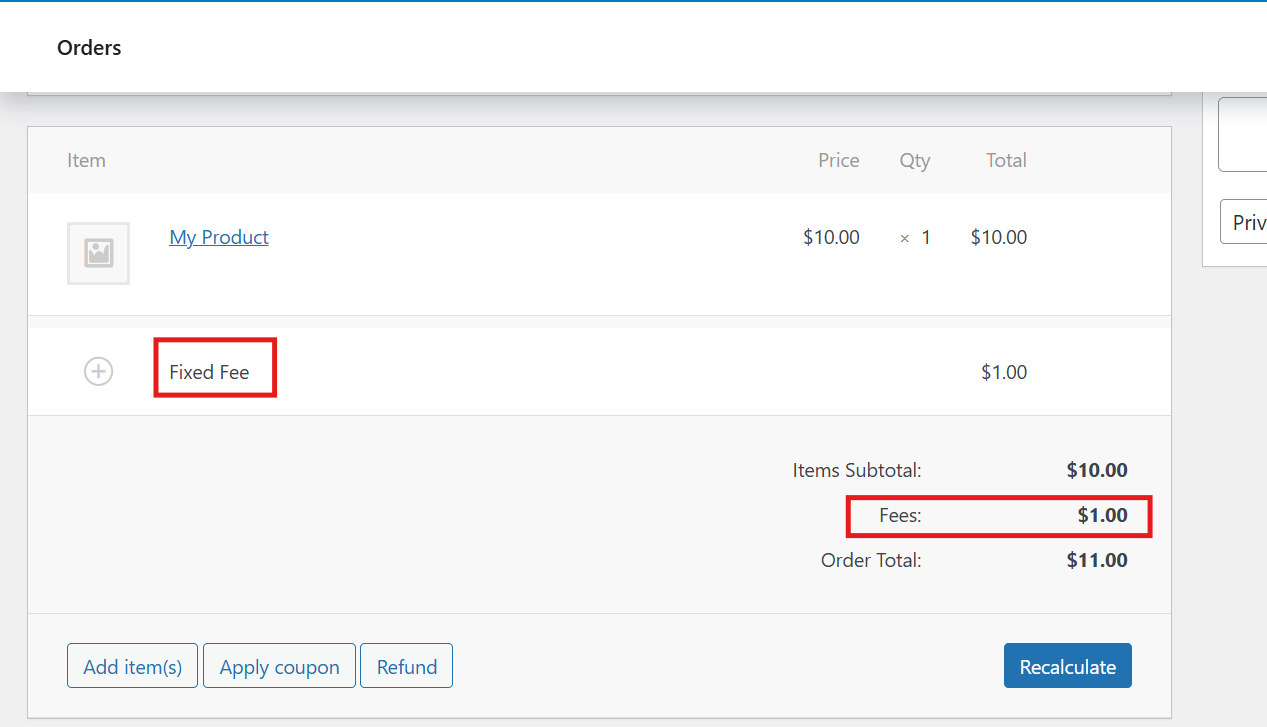
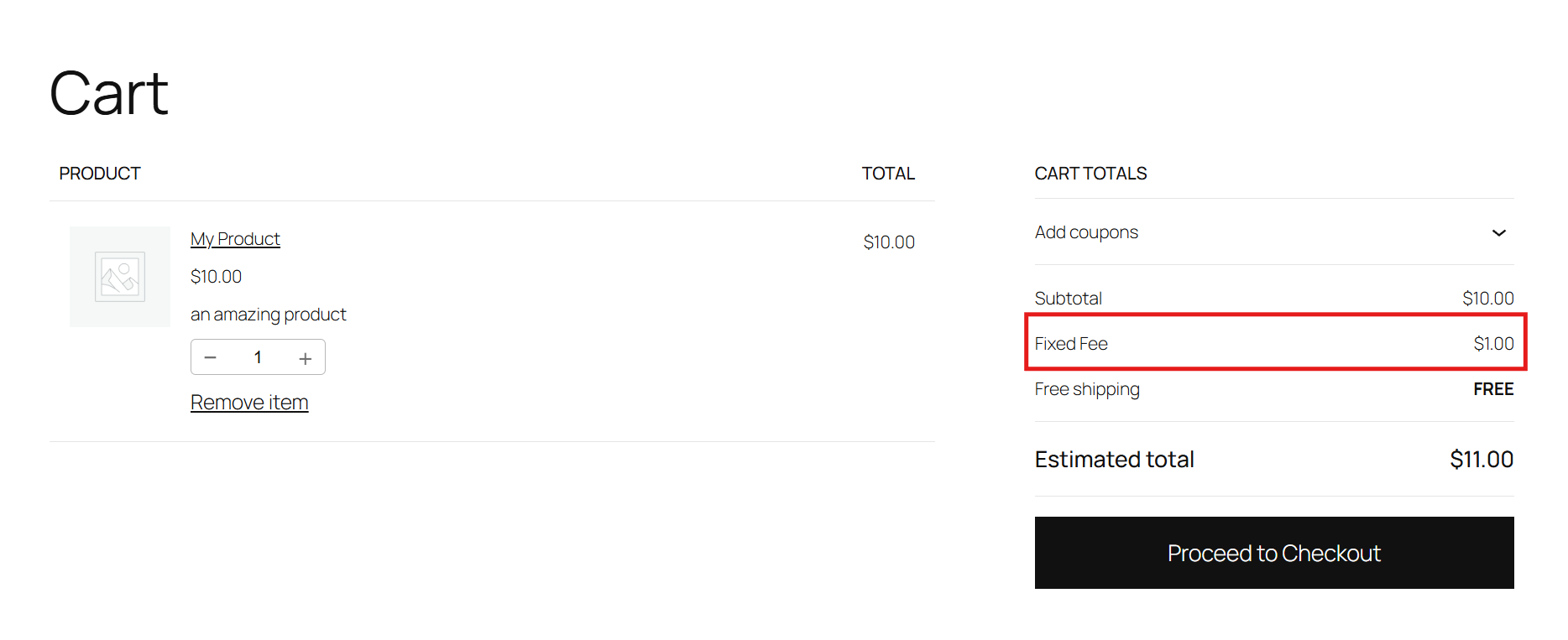
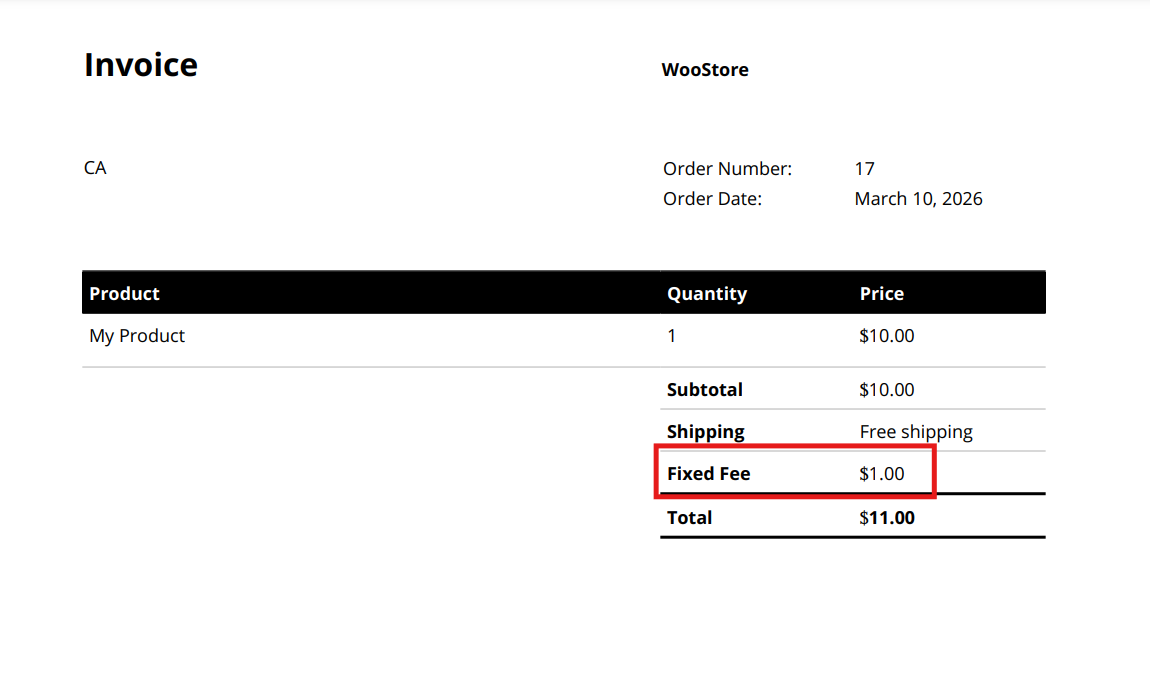
- The fee appears in the cart, checkout, and order totals.
- Automatically applies the fee for customers during checkout, and for admins when creating or editing orders. Key Features:
- Adjustable fixed fee for all orders.
- Customizable fee label.
- Lightweight implementation that does not modify WooCommerce core files.
- Install and activate the plugin.
- Make sure WooCommerce taxes are enabled (otherwise the Tax tab is hidden).
- Go to WooCommerce > Settings > Tax > Fixed order fee.
- Set the fixed fee amount and label, then save changes.
- The fee will be applied to new WooCommerce orders.
- WordPress 5.0 or higher.
- WooCommerce 4.0 or higher.
- PHP 7.0 or higher.
安装:
- Upload the plugin folder to the
/wp-content/plugins/directory. - Activate the plugin through the 'Plugins' menu in WordPress.
- Ensure taxes are enabled in WooCommerce so the Tax tab is visible.
- Go to WooCommerce > Settings > Tax > Fixed order fee to configure the fee settings.
屏幕截图:
常见问题:
Where can I find the plugin settings?
Go to WooCommerce > Settings > Tax > Fixed order fee. If you do not see the Tax tab, enable taxes in WooCommerce settings first.
Can I change the label of the fixed fee?
Yes. You can set the label in WooCommerce > Settings > Tax > Fixed order fee.
Can I set different fees for different products?
No. This version applies a single fixed fee to all WooCommerce orders.
Does the plugin support taxes on the fixed fee?
Currently, the fixed fee is added as non-taxable.
更新日志:
1.0.0
- Initial release.
- Adds a customizable fixed fee to WooCommerce orders.
- Settings are located under WooCommerce > Settings > Tax > Fixed order fee.