Bytepaper Click-to-Chat Widget
| 开发者 | abracket |
|---|---|
| 更新时间 | 2026年3月16日 12:58 |
| PHP版本: | 7.4 及以上 |
| WordPress版本: | 6.9 |
| 版权: | GPLv2 or later |
| 版权网址: | 版权信息 |
详情介绍:
Bytepaper WhatsApp Chat Widget allows you to easily add a floating WhatsApp chat button to your website. Visitors can instantly start a conversation with you via WhatsApp on desktop and mobile devices.
The plugin is lightweight, secure, and built following WordPress coding standards. It does not load unnecessary scripts or external resources.
Perfect for business websites, service providers, agencies, and online stores who want direct communication with visitors.
Key Features
- Floating WhatsApp chat button
- Custom phone number support
- Customizable default message
- Desktop and mobile URL support
- Open link in same tab or new tab
- Lightweight and optimized
- Fully translatable
- No external libraries or tracking
- Loads assets only when required
安装:
- Upload the plugin folder to the
/wp-content/plugins/directory, or install via the WordPress plugin screen. - Activate the plugin through the ‘Plugins’ screen in WordPress.
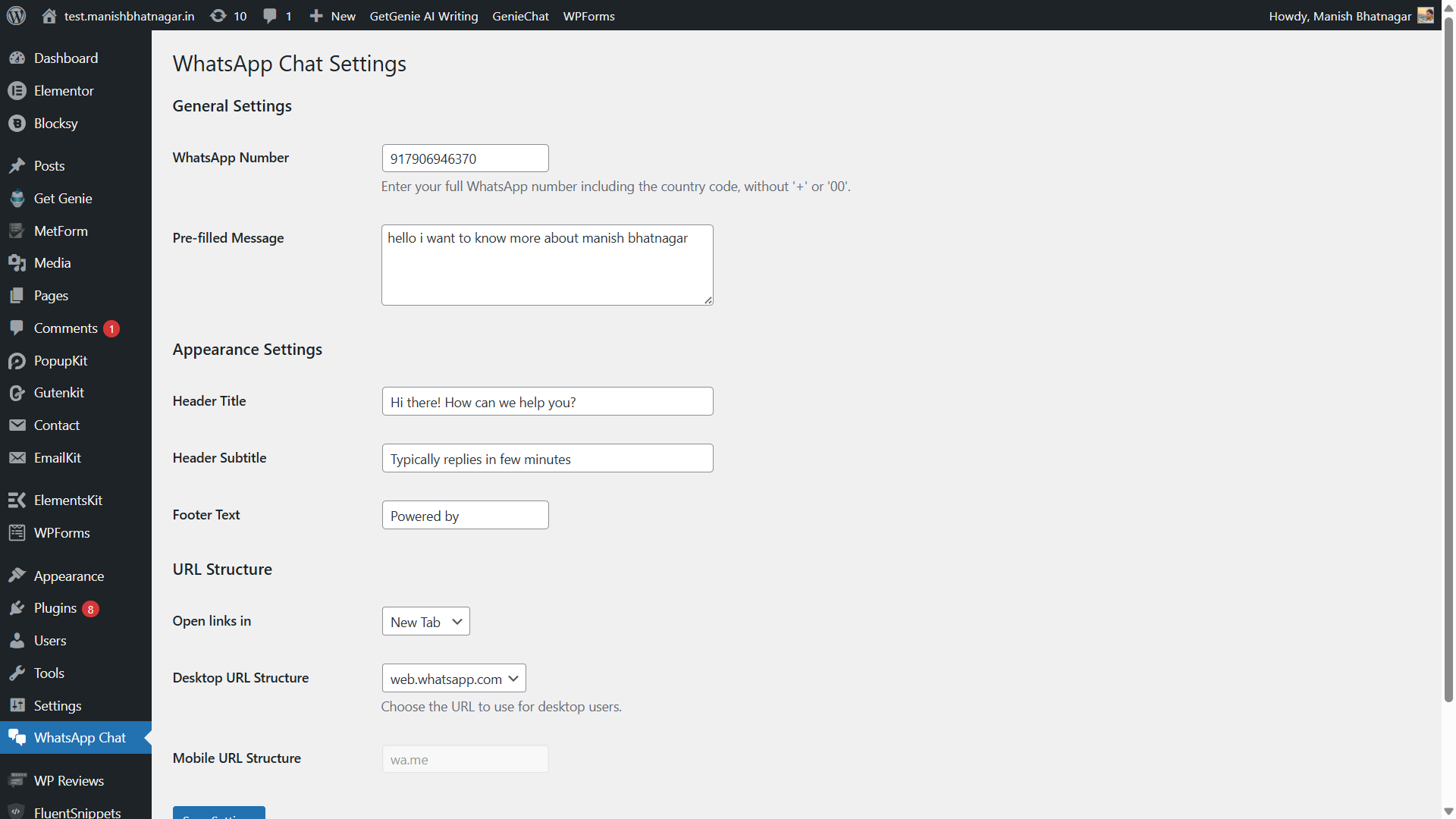
- Go to Settings → WhatsApp Chat Widget.
- Enter your WhatsApp phone number and configure options.
- Save changes.
屏幕截图:

常见问题:
Does this plugin require WhatsApp Business?
No. It works with both regular WhatsApp and WhatsApp Business accounts.
What format should I use for the phone number?
Enter your full international number without spaces or special characters.\ Example: 919876543210
Does it slow down my website?
No. The plugin is lightweight and only loads assets when a phone number is configured.
Is the plugin mobile responsive?
Yes. The chat button works properly on both desktop and mobile devices.
Does it use external scripts or tracking?
No. The plugin does not use any tracking scripts or external font libraries.
更新日志:
1.0.0
- Initial release
- Floating WhatsApp chat button
- Custom message support
- Desktop and mobile URL options
- Secure and optimized implementation