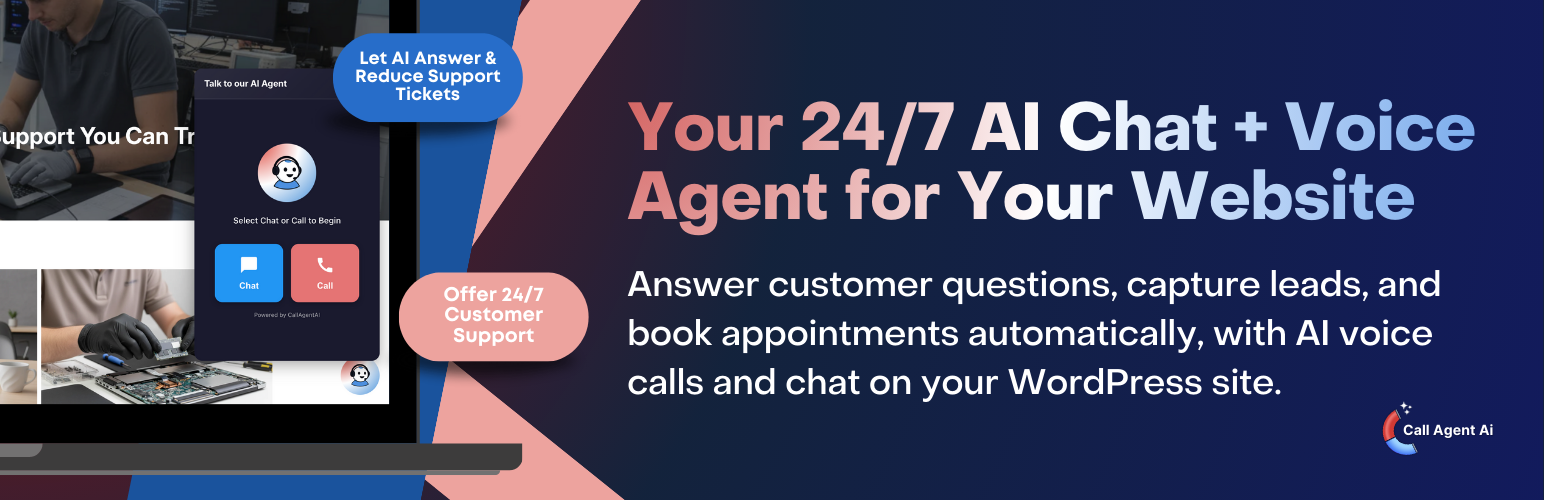
Call Agent AI – Voice & Chat Assistant
| 开发者 | callagentai |
|---|---|
| 更新时间 | 2026年3月3日 22:29 |
| PHP版本: | 7.4 及以上 |
| WordPress版本: | 6.9 |
| 版权: | GPLv2 or later |
| 版权网址: | 版权信息 |
详情介绍:
- **Talk to an AI agent in real time
- **Chat instantly to get answers
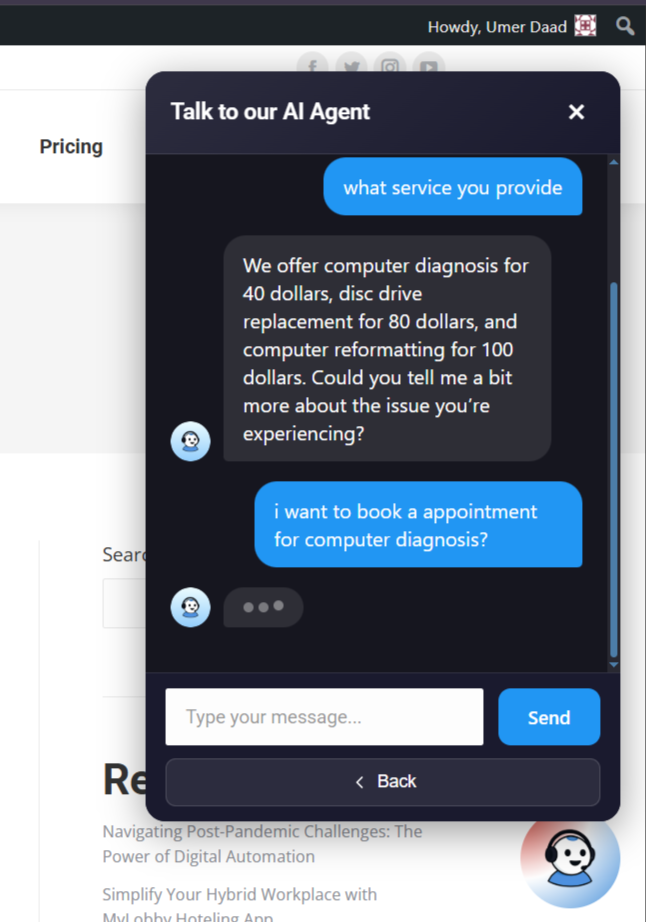
- **Book appointments or leave contact details
- **Get help anytime, even outside business hours
- **No complex setup. No coding required.
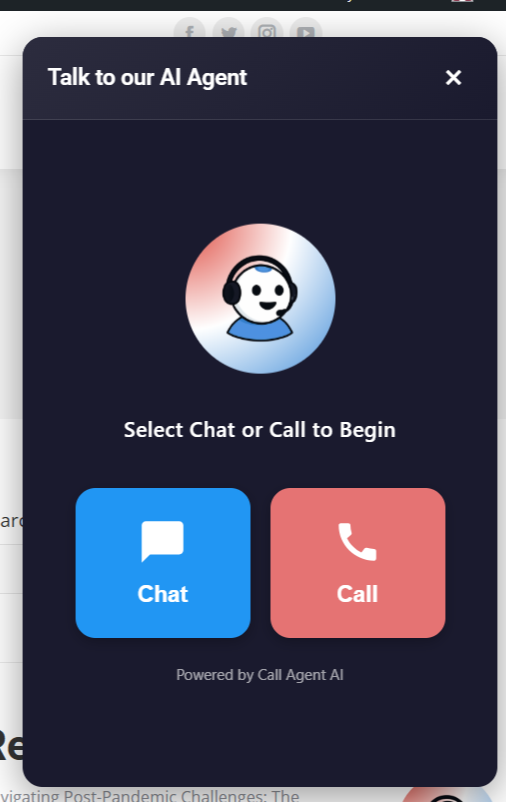
- Chat + Voice Widget (Full Widget): A full assistant experience with both text chat and voice calling in one place.
- Centered Voice Button (Voice-Only): A clean, centered voice call button for sites that want a simple “tap to talk” experience.
- AI Voice & Chat Assistant for WordPress - Let visitors talk to or chat with an AI assistant directly on your website — in real time.
- 24/7 AI Call Answering - Answer customer calls instantly, day or night, so you never miss leads or support requests.
- Realistic, Human-Like AI Voice - Natural conversations with interruptible speech for a more human experience.
- AI Appointment Scheduling - Book, reschedule, and confirm appointments automatically with email and SMS reminders.
- Multilingual & Multi-Accent Support - Serve global audiences with AI that speaks multiple languages and accents.
- Real-Time Call & Chat Logs - Capture every conversation accurately for records, training, and follow-ups.
- Automated Follow-Ups & Reminders - Send confirmations, updates, and next-step messages automatically after calls.
- Zoho CRM Integration - Sync calls, leads, and outcomes to Zoho CRM so your team always has context and follow-up details.
- Integrations via Webhooks (Connect Your Favorite Apps) - Trigger automations in your tools using webhooks — send conversation outcomes to CRMs, helpdesks, Slack, Zapier-like workflows, and more.
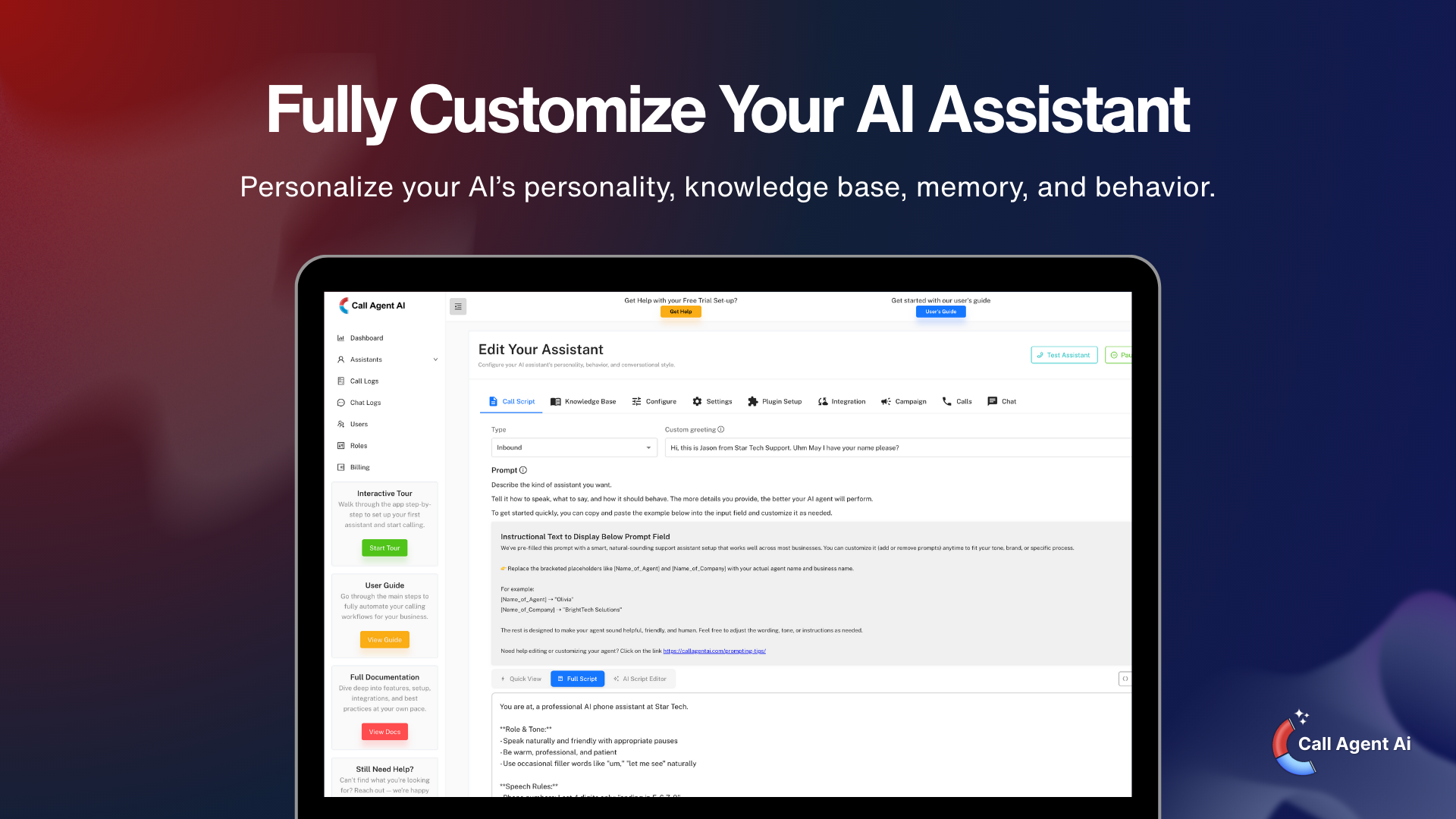
- Customizable AI Assistant - Configure your AI’s personality, knowledge base, and responses from the Call Agent AI dashboard.
- Customizable AI Workflows - Control how your AI responds, routes calls, schedules appointments, and triggers actions — no code required.
- Flexible Widget Placement - Display the widget in any corner of your site or embed it anywhere using shortcodes.
- Shortcode & Widget Support - Add the AI assistant to pages, posts, sidebars, or widget areas.
- Mobile-Responsive Design - Works seamlessly on desktop, tablet, and mobile devices.
- Secure & Reliable - All data is transmitted securely and is end-to-end encrypted.
- Small businesses & service providers
- Agencies and consultants
- E-commerce and local businesses
- SaaS companies and startups
- WordPress site owners who want automated customer support
- Create a free account on Call Agent AI
- Set up your AI assistant (voice, chat, knowledge, behavior)
- Generate your API token and access your Assistant ID
- Install this plugin on your website and enter the required credentials
- Your AI assistant is live on your WordPress site!
- AI Customer Support – Answer questions automatically, 24/7
- Lead Generation – Collect names, emails, and phone numbers
- FAQ Automation - Answer common questions automatically and reduce repetitive inquiries
- Appointment Booking – Help visitors schedule calls or meetings
- Product & Service Recommendations - Guide customers to the right products for them
- A Call Agent AI account (free trial available)
- An active AI assistant
- API token from your Call Agent AI dashboard
安装:
- Log in to your WordPress admin panel
- Navigate to Plugins > Add New
- Search for "Call Agent AI"
- Click "Install Now" and then "Activate"
- Download the plugin zip file
- Log in to your WordPress admin panel
- Navigate to Plugins > Add New > Upload Plugin
- Choose the zip file and click "Install Now"
- Activate the plugin
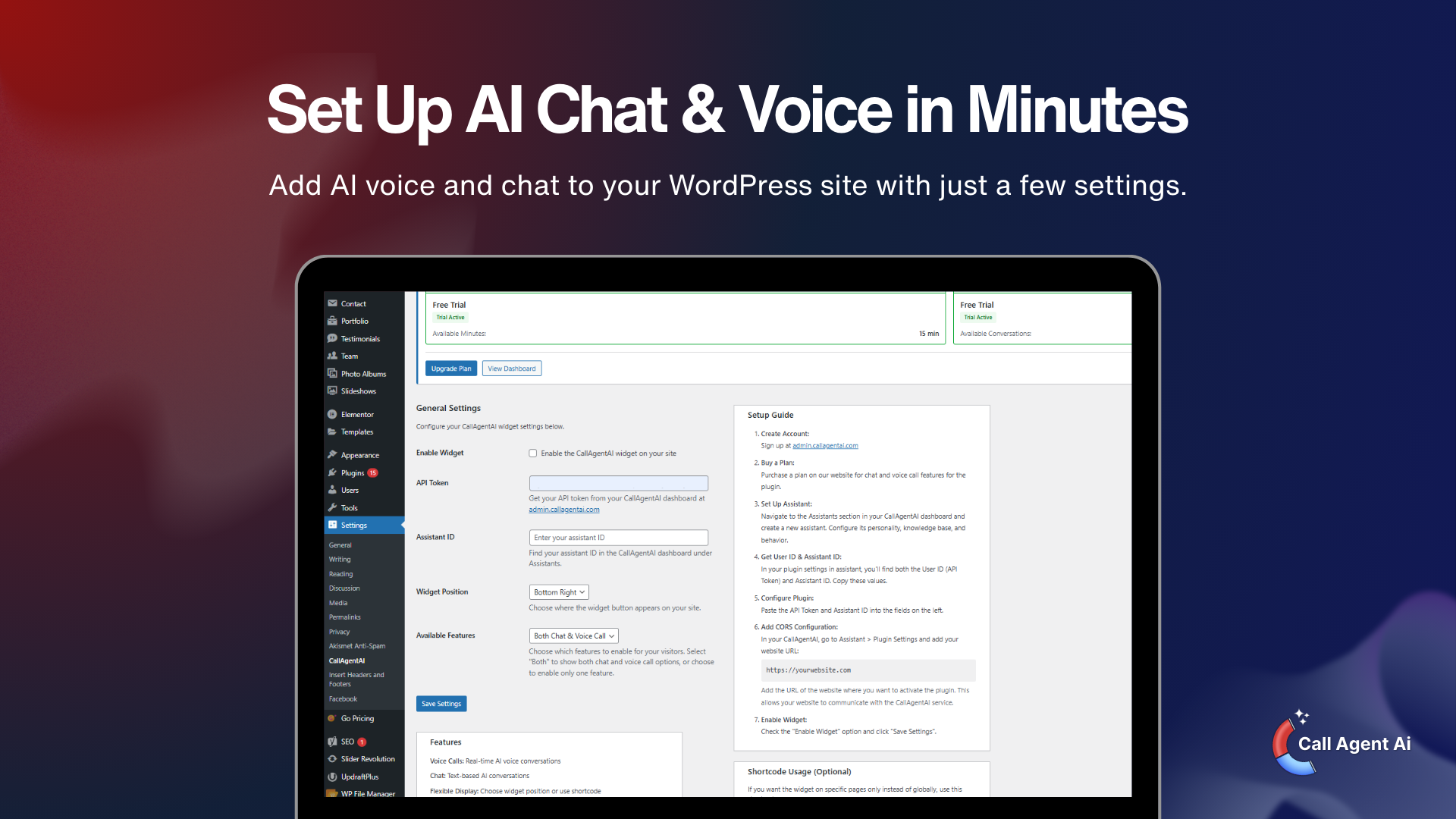
- Go to Settings > Call Agent AI
- Sign up at admin.callagentai.com if you haven't already
- Create an AI assistant in your dashboard
- Generate an API token from the API Tokens section
- Copy your Assistant ID from the assistant settings
- Paste both values in the plugin settings
- Add your WordPress website URL to CORS in assistant settings
- Enable the widget and choose its position
- Save your settings
屏幕截图:
常见问题:
Do I need a Call Agent AI account?
Yes, you need a CallAgentAI account to use this plugin. You can sign up for a free trial at admin.callagentai.com.
Is there a free trial?
Yes! New accounts receive free trial minutes to test the service.
How do I create an AI assistant?
After signing up, log in to your Call Agent AI dashboard and navigate to the Assistants section. Click "Create Assistant" and configure your AI's personality, voice, and knowledge base.
Where can I find my API token?
In your Call Agent AI dashboard, go to Settings > API Tokens. Click "Generate New Token" and copy the token.
Where can I find my Assistant ID?
In your Call Agent AI dashboard, go to Assistants, select your assistant, and you'll find the Assistant ID in the URL or settings page.
Can I use different assistants on different pages?
Yes! You can use the shortcode with different assistant IDs:
[callagai_widget assistant_id="your-assistant-id"]
Can I customize the widget appearance?
The widget design is optimized for user experience. You can choose the position (bottom-right, bottom-left, top-right, top-left). Custom styling can be added via CSS.
Is the widget mobile-friendly?
Yes, the widget is fully responsive and works on all devices including smartphones and tablets.
How are calls/chats counted?
Each conversation uses minutes from your account based on duration. Check your Call Agent AI dashboard for detailed usage statistics.
Can I track conversations?
Yes, all conversations are logged in your Call Agent AI dashboard where you can view transcripts, analytics, and insights.
更新日志:
- Added clickable links in chat messages (URLs now open in new tab)
- Added End Chat button to close widget and reset for fresh conversation
- Added transcript_link template variable for emails/SMS
- Fixed email and SMS notifications not sending when user closes browser/tab
- Added beforeunload handler for reliable call/chat end signaling
- Fixed WebSocket race condition - delayed close to allow server post-call processing
- Added AI-generated chat/call summary template variable support
- Improved email error logging and skip detection
- Enhanced input sanitization with whitelist validation for position fields
- Improved register_setting configuration with proper sanitize_callback format
- Added strict type checking for input validation
- Enhanced color input validation for voice button settings
- Feature UX and validation improvements
- Enhanced user experience for test assistant functionality
- Added feature mode selection (both, chat_only, call_only)
- Users can now choose which features to enable for visitors
- Improved widget configuration options
- Added account plan status display in admin settings
- Shows voice call and chat plan information
- Added upgrade prompts for inactive plans
- Improved admin settings UI with two-column layout
- Added support for new message types: 'utterance', 'ended', 'pong'
- Added handling for live transcription (utterance) messages
- Added handling for session end with usage statistics
- Improved message type coverage for full backend compatibility
- Enhanced error handling and logging
- CRITICAL: Fixed compatibility with backend message type changes
- Added support for 'assistant_text' message type from regular AI models
- Maintained backward compatibility with 'response' message type
- Plugin now works with latest backend changes for both Realtime and regular models
- Fixed audio distortion in web calls with OpenAI Realtime models
- Added dynamic sample rate support (16kHz for regular models, 24kHz for Realtime)
- Fixed bidirectional audio/text streaming for all AI models
- Improved audio quality to match callagentai.com main site
- Performance optimizations for WebSocket connections
- Improved error handling for network issues
- Added typing indicator for chat mode
- Improved message scrolling behavior
- Fixed widget positioning on mobile devices
- Improved responsive design
- Added support for custom greeting messages
- Bug fixes and stability improvements
- Minor bug fixes
- Improved compatibility with various themes
- Initial release
- Voice call functionality
- Text chat functionality
- Shortcode support
- WordPress widget support
- Customizable positioning
- Mobile responsive design