
Captain Widgets Kit
| 开发者 | dipakdodiya |
|---|---|
| 更新时间 | 2026年5月12日 19:12 |
| PHP版本: | 7.4 及以上 |
| WordPress版本: | 6.9 |
| 版权: | GPLv3 |
| 版权网址: | 版权信息 |
详情介绍:
Captain Widgets Kit extends Elementor widgets by adding advanced controls and customization options directly inside the Elementor editor.
This plugin allows users to enhance existing Elementor widgets without modifying core files or building custom widgets from scratch. It introduces additional settings that integrate seamlessly with Elementor’s interface, improving design flexibility and workflow efficiency.
Key features include:
- Additional styling and layout controls for Elementor widgets
- Extended customization options within the Elementor editor
- Seamless integration with existing Elementor widgets
- Lightweight and performance-focused architecture
- Developer-friendly structure following WordPress coding standards
- Dual Button
- Separator
- Site Logo
- Social Icons
- Text Block
- Grid Listing
- Device Type Visibility
- Operating System Detection
- Browser Compatibility
- Geo Location Targeting
- URL Conditions
- Page Conditions
- Date & Time Visibility
- Weekdays Visibility
- Custom CSS
- Custom JavaScript
- Wrapper Link
- Disable Gutenberg
- Disable Elementor Icons
- Duplicate Post Type
安装:
- Upload the plugin files to the
/wp-content/plugins/captain-widgets-kitdirectory, or install the plugin through the WordPress plugins screen. - Activate the plugin through the 'Plugins' screen in WordPress.
- Make sure Elementor is installed and activated.
- Open the Elementor editor on any page.
- Edit any supported widget to access additional controls provided by the plugin.
屏幕截图:
常见问题:
Does this plugin require Elementor?
Yes, this plugin works only with Elementor installed and activated.
Does it work with all themes?
Yes, it works with any theme that supports Elementor.
What makes this plugin unique?
It provides advanced visibility conditions and custom code injection without needing separate plugins.
Is this plugin beginner-friendly?
Yes. All added controls appear directly inside the Elementor editor and work like native options.
Do I need coding knowledge?
No, everything is managed through Elementor UI.
更新日志:
1.1.1 (12/05/2026)
- New: Added Grid Listing widget
- New: Added Duplicate Post Type Wordpress Extensions
- New: Added Disable Gutenberg Wordpress Extensions
- New: Added Disable Elementor Icons Wordpress Extensions
- New: Added separate “WordPress Extensions” submenu in the Dashboard menu.
- Improve: Updated Dashboard menu text labels for better clarity and usability.
- Improve: Reorganized Dashboard menu sequence for improved navigation experience.
- Improve: Enhanced performance.
- Fix : Few Minor Bug Fixes & Improvements
- New: Added Dual Button widget
- New: Added Separator widget
- New: Added Site Logo widget
- New: Added Social Icons widget
- New: Added Text Block widget
- New: Added Device Type visibility Extensions
- New: Added Operating System visibility Extensions
- New: Added Browser Compatibility visibility Extensions
- New: Added Geo Location visibility Extensions
- New: Added URL Conditions visibility Extensions
- New: Added Page Conditions visibility Extensions
- New: Added Date & Time visibility Extensions
- New: Added Weekdays Visibility Extensions
- New: Added Custom CSS extension
- New: Added Custom JavaScript extension
- New: Added Wrapper Link extension
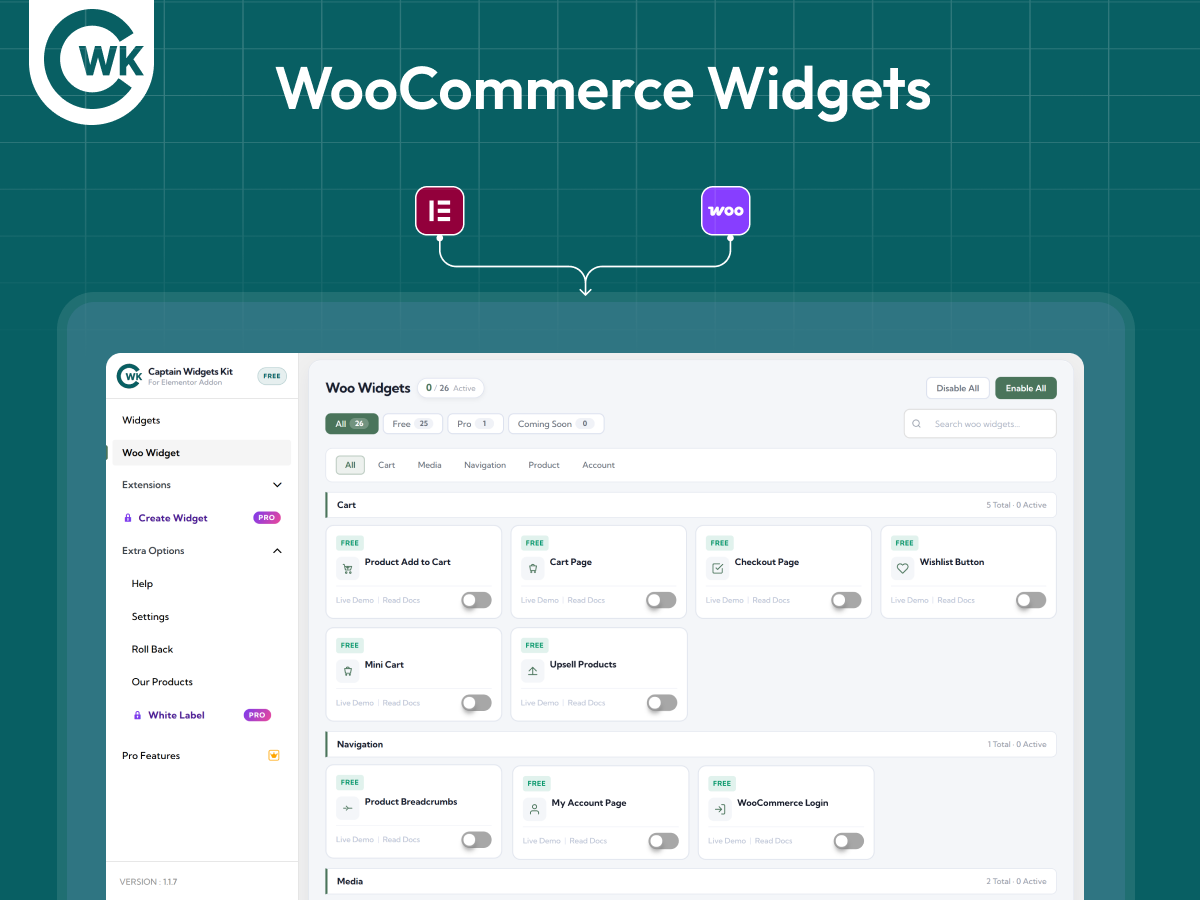
- New: Added upcoming WooCommerce widgets (Coming Soon)
- Improve: Side Navigation Menu Design
- Improve: Setting Page Design
- Improve : Performance Enhancements
- Fix : Few Minor Bug Fixes & Improvements
- Compatible : WordPress 6.9
- New: Navigation Menu widget added
- New: Admin menu added
- Improved: UI Updates
- Improved : Performance Enhancements
- Fixed : Few Minor Bug Fixes & Improvements
- Compatible : WordPress 6.9
- Initial release