CartSplitter - Partial Checkout for WooCommerce
| 开发者 | rebelliousdigital |
|---|---|
| 更新时间 | 2026年4月20日 19:53 |
| PHP版本: | 7.4 及以上 |
| WordPress版本: | 6.9 |
| 版权: | GPLv2 or later |
| 版权网址: | 版权信息 |
详情介绍:
- Fewer lost sales from sticker shock — Shoppers can complete a smaller order instead of abandoning a large cart.
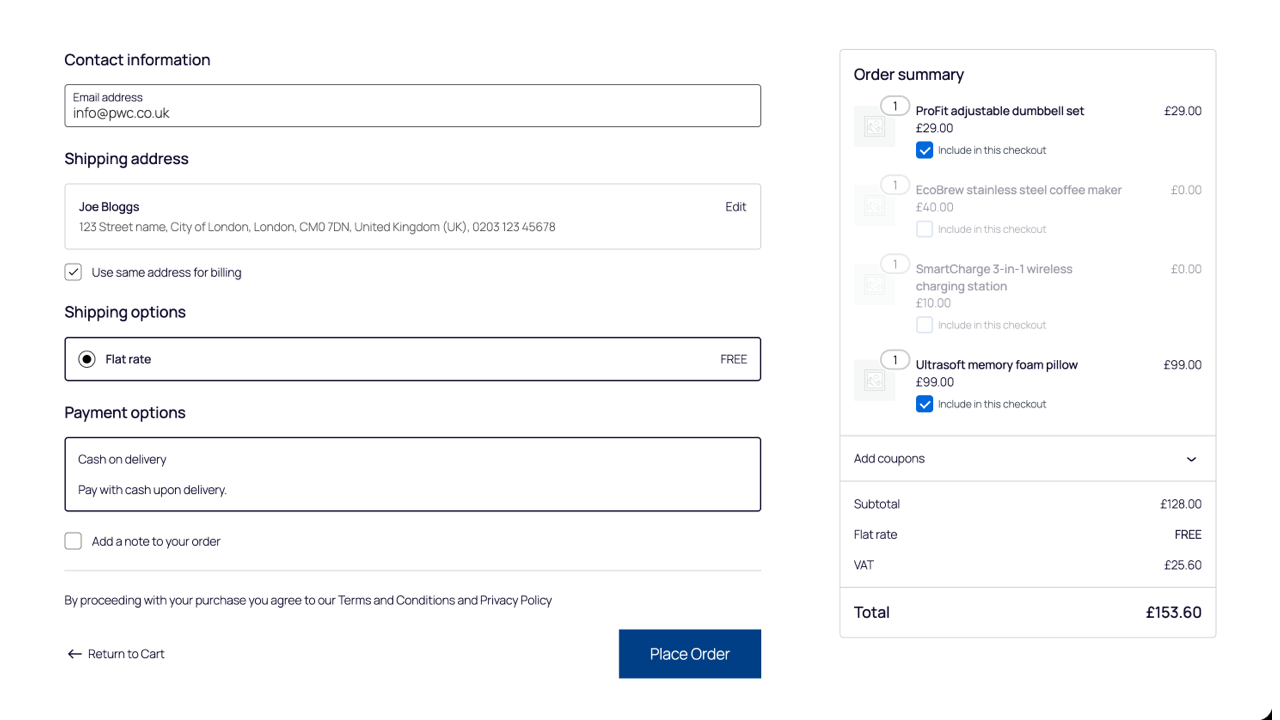
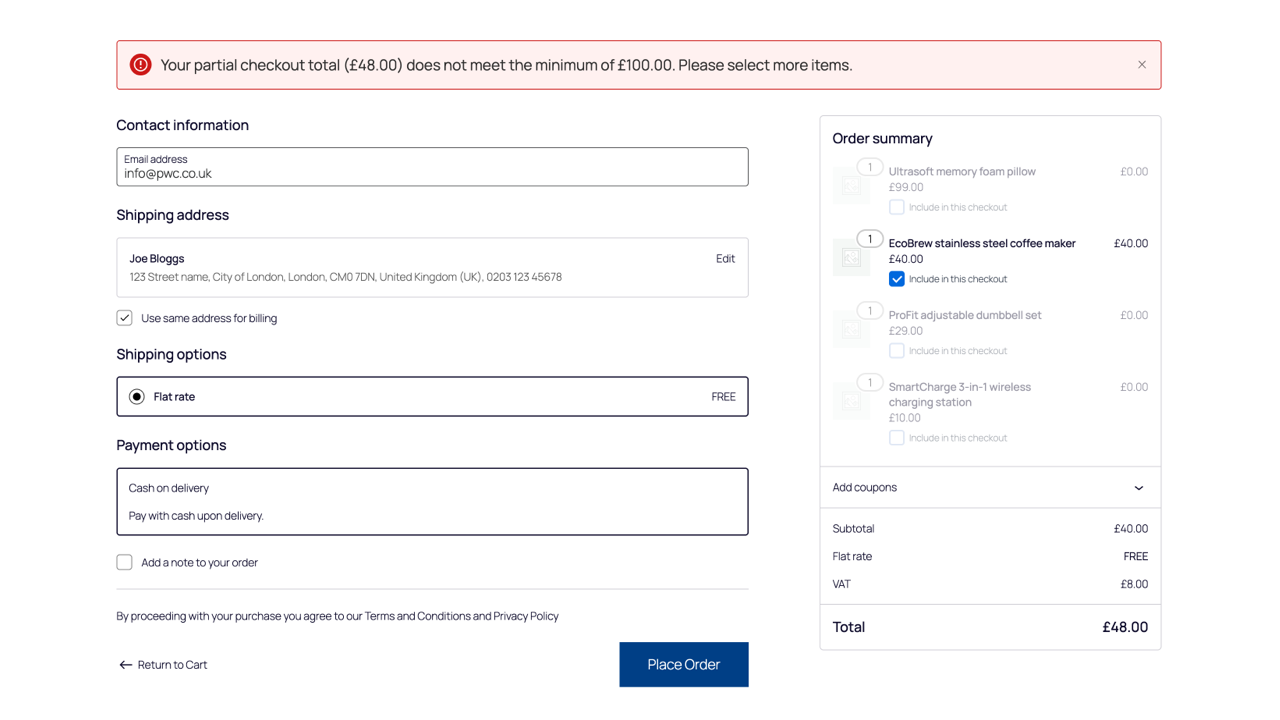
- Honest totals at checkout — Shipping and discounts follow the selected subset, so customers aren’t surprised at pay time.
- Inventory stays honest — Nothing is silently deleted; unselected items remain in the cart with quantities restored after totals run.
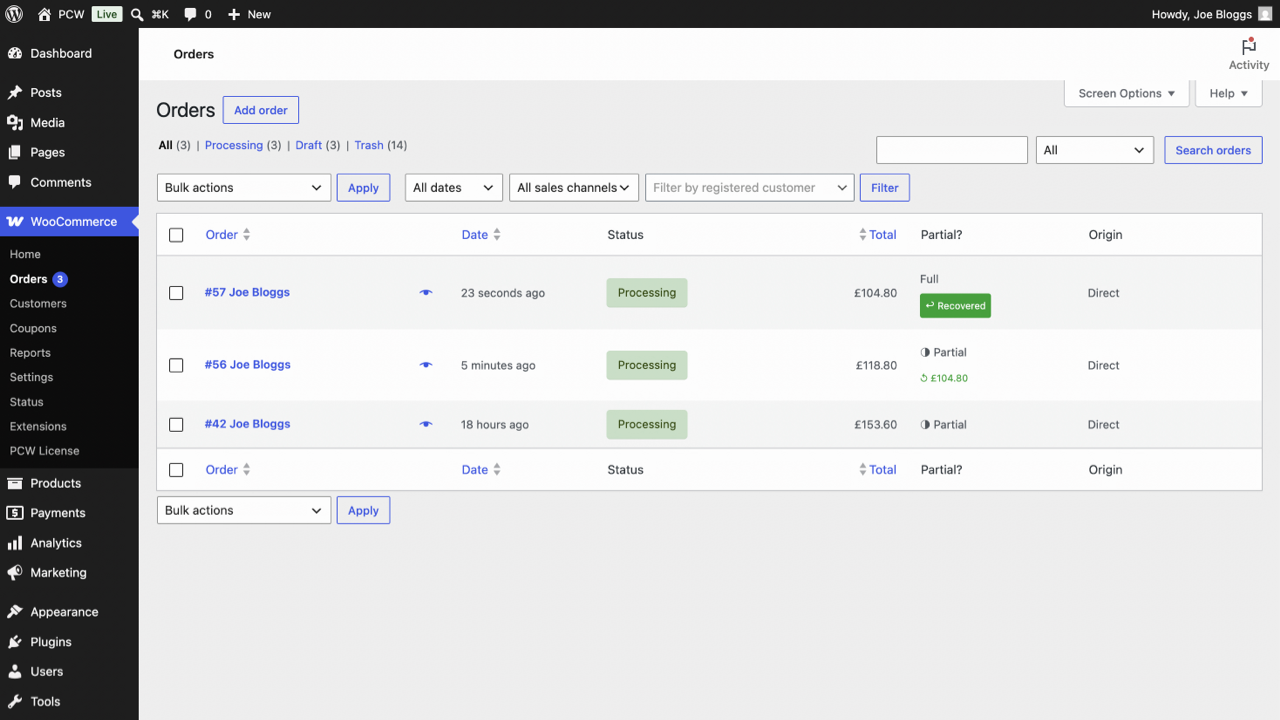
- Clear operations — Partial orders can show a Partial badge in the admin order list so support and fulfilment know what happened.
- Built for modern Woo — Works with the classic cart/checkout and the Cart & Checkout blocks (Store API), and is HPOS-compatible.
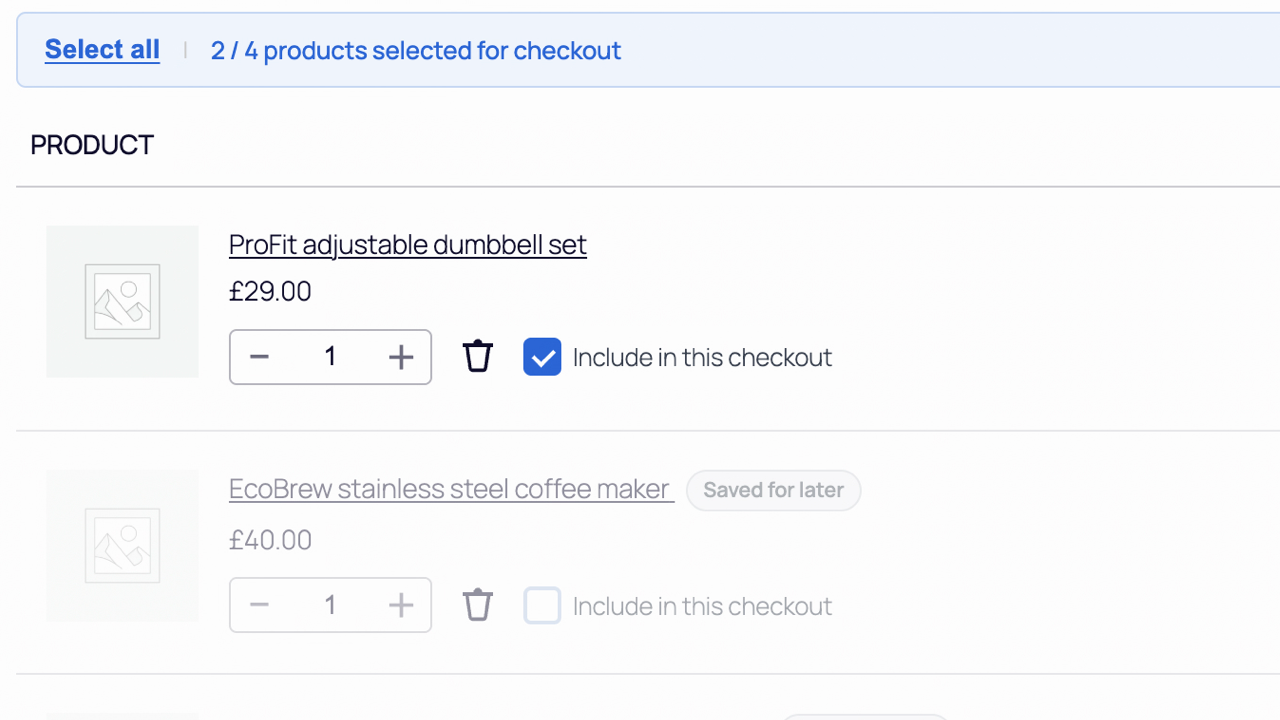
- Per-item checkboxes (checked by default)
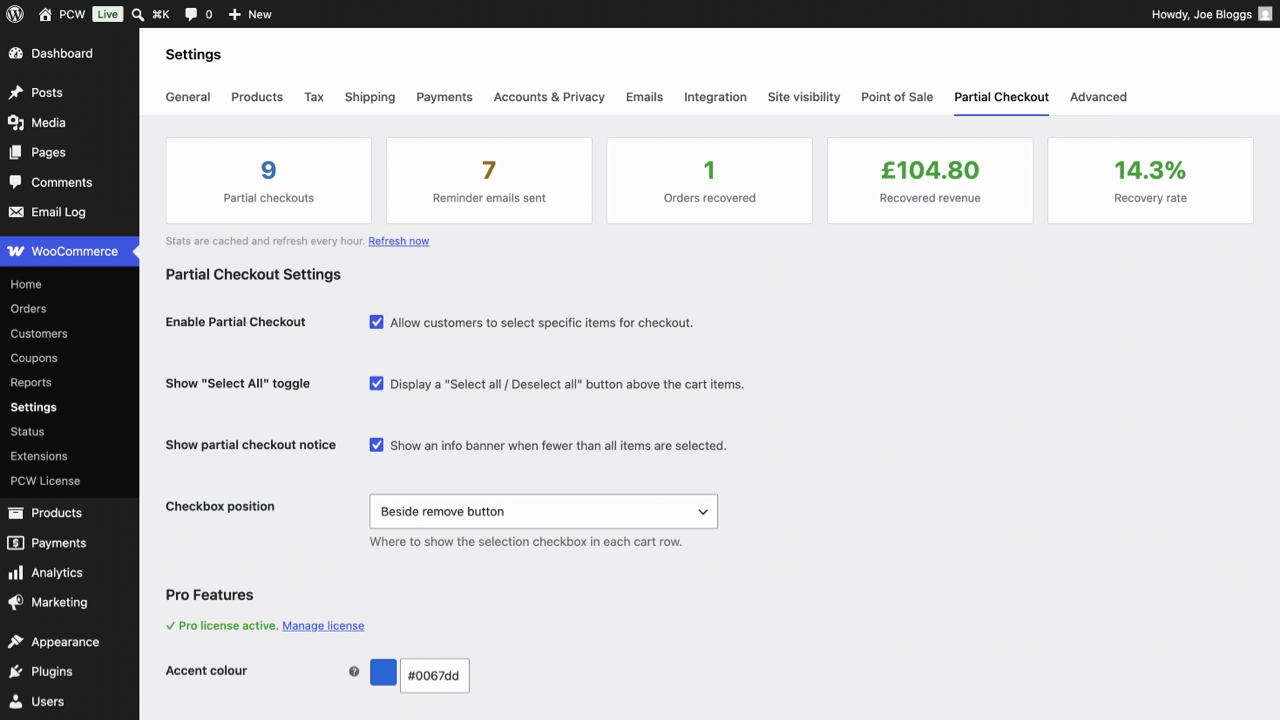
- Optional Select all / Deselect all
- Configurable partial-checkout notice on the cart
- Choice of where the checkbox appears in each cart row
- Session-backed selection (AJAX on classic cart; REST API for blocks)
- After checkout, remaining items are ready for the next purchase
- Settings under WooCommerce → Settings → CartSplitter
安装:
- Upload the plugin folder to
/wp-content/plugins/or install from the WordPress Plugins directory. - Activate the plugin.
- Ensure WooCommerce is installed and active.
- Go to WooCommerce → Settings → CartSplitter and adjust options.
屏幕截图:
常见问题:
Who is this plugin for?
Any WooCommerce store where customers sometimes want to buy part of the cart now—mixed budgets, staggered purchases, or simply avoiding an oversized single order—without deleting products or leaving the site.
Does this work with the block-based cart and checkout?
Yes. The plugin registers REST routes under cspc-partial/v1 for block flows and uses the same selection rules as the classic cart.
What happens to coupons and shipping?
During calculation, unselected lines are temporarily excluded from totals so coupons and shipping methods see only the selected items; then quantities are restored so nothing is removed from the cart.
Is High-Performance Order Storage (HPOS) supported?
Yes.
Will unselected items disappear from the cart?
No. They stay in the cart; only the checkout order reflects the selected lines.
External services — does this plugin connect to third parties?
Free plugin: Cart, checkout, and orders are handled on your WordPress site. Routine storefront traffic does not send customer or order data to external APIs for CartSplitter’s core behaviour.
CartSplitter Pro licensing: If you use Pro and use the license management flow, the plugin may connect to SureCart at https://api.surecart.com for license activation, deactivation, and validation when an administrator uses that screen—not during normal shopping.
- Privacy Policy: https://surecart.com/privacy-policy/
- Terms & Conditions: https://surecart.com/terms-and-conditions/
Does the free plugin send data to external servers?
No. Cart, checkout, and order processing run on your site. External calls apply only if you use CartSplitter Pro licensing through SureCart, as described in the previous question and in External services above.
更新日志:
- Initial release under the CartSplitter brand (
cspcprefix, text domaincartsplitter-partial-checkout-for-woocommerce).