
Causefolk Embed
| 开发者 |
causefolk
elevation1support |
|---|---|
| 更新时间 | 2026年10月26日 23:10 |
| PHP版本: | 8.0 及以上 |
| WordPress版本: | 7.1 |
| 版权: | GPLv2 or later |
| 版权网址: | 版权信息 |
详情介绍:
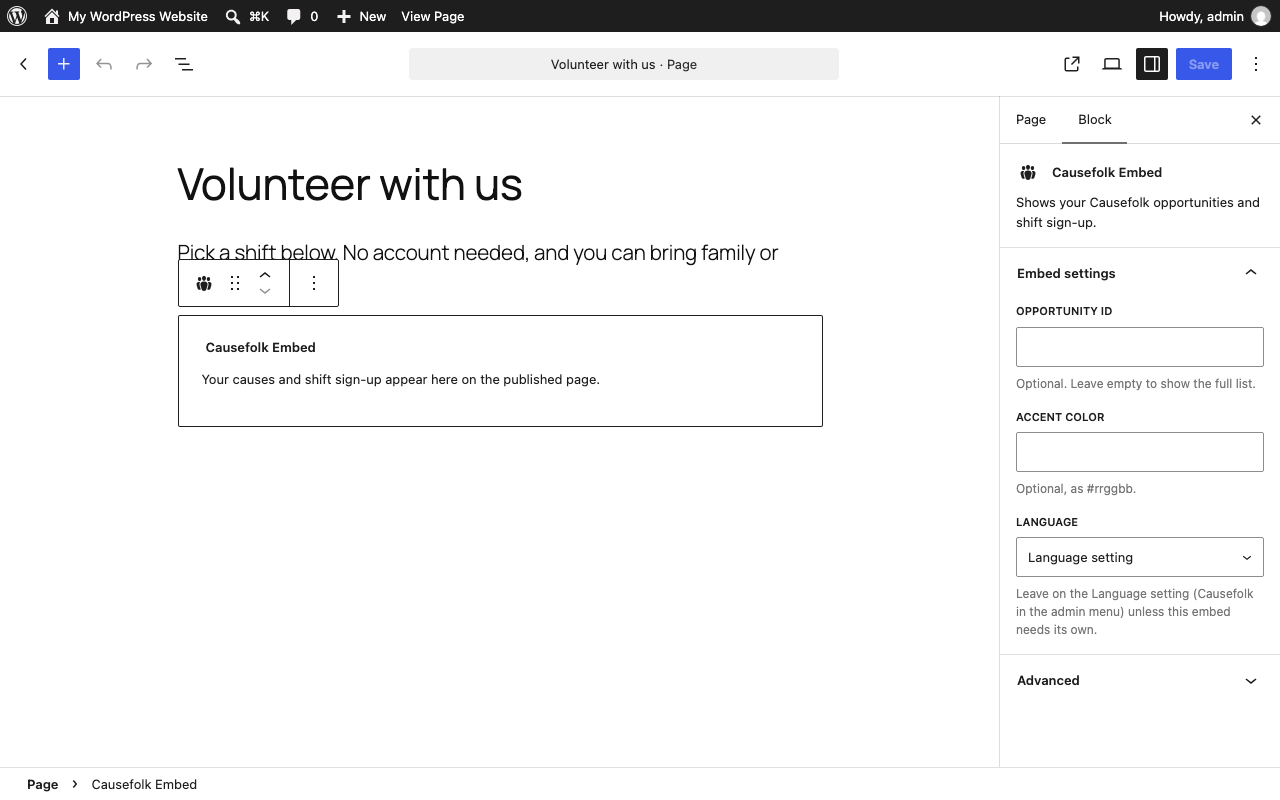
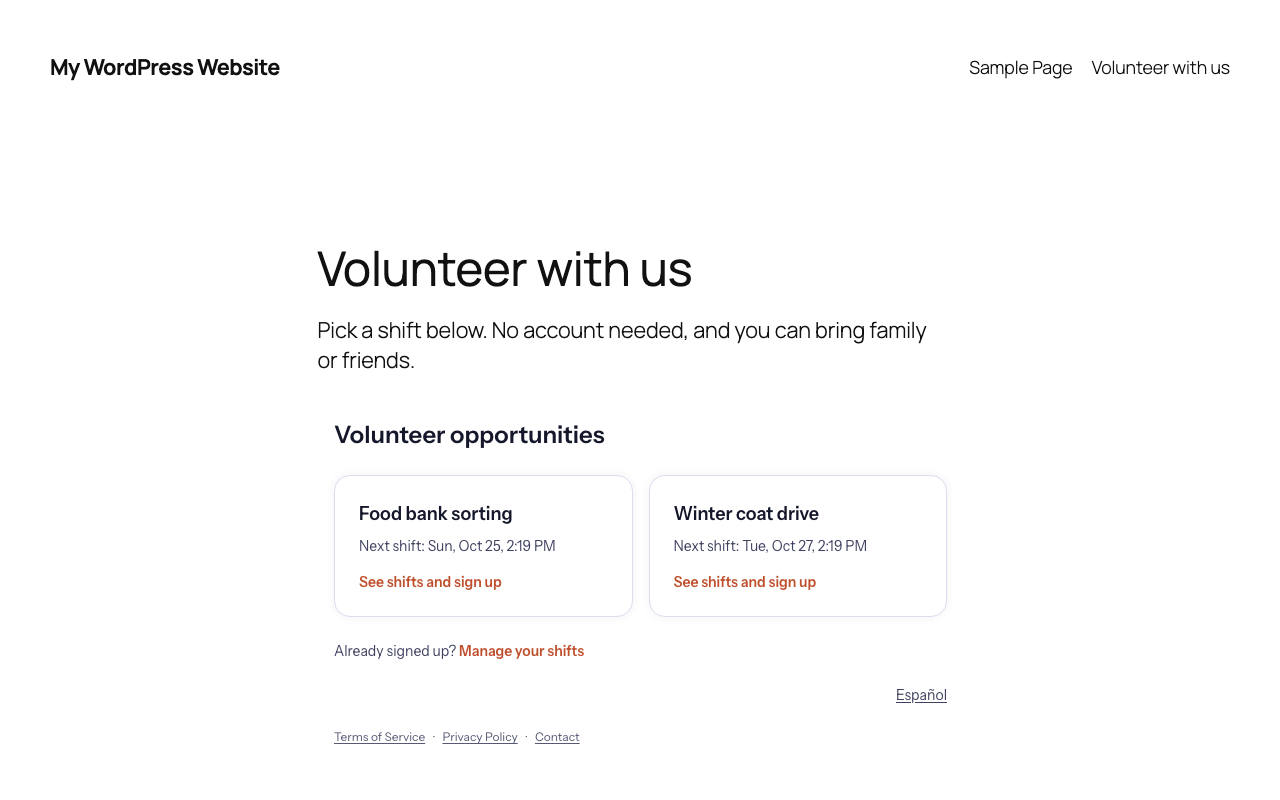
- Adds a "Causefolk Embed" block and a
[causefolk_embed]shortcode that show your causes and their shifts, with sign-up, on any page or post. - Shows one cause only when you want a dedicated page (
opportunity="…"), matches your accent color (accent="#rrggbb"), and opens in English or Spanish (lang="en|es"). - Keeps a short settings page under Causefolk in your admin menu, with links to your Causefolk dashboard and portal once you enter your organization slug.
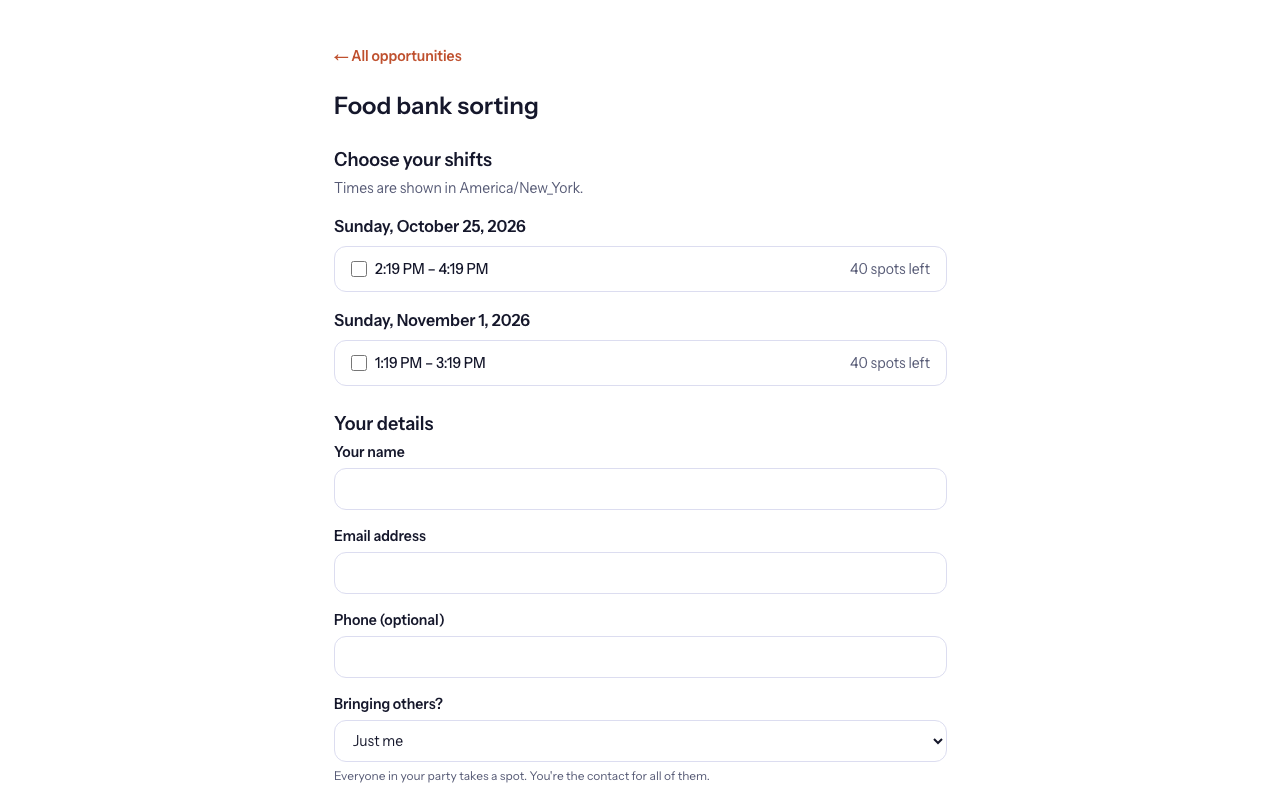
- One-off and recurring shifts (weekly, monthly), with capacity counted in people and a waitlist that offers freed spots automatically.
- Group sign-ups: one person brings their family, team or friends.
- Reminders and waitlist offers by email and, with consent, by text, in English or Spanish.
- Applications with document uploads, approvals that expire and renew, and background checks through your own Checkr account.
- Check-in by QR poster, daily code or location, and reports by period, cause and person with CSV export.
安装:
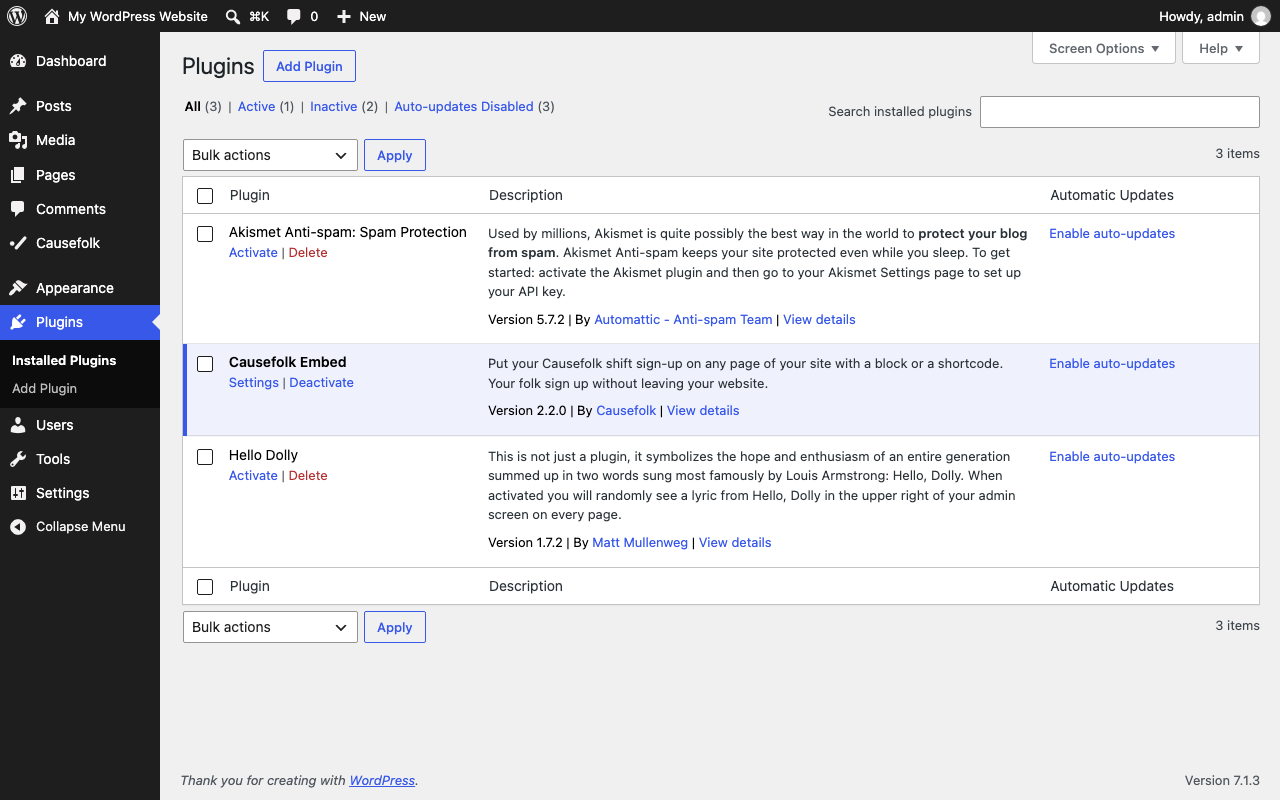
- Install and activate the plugin. It opens its page, Causefolk in the admin menu.
- No Causefolk organization yet? Click "Start your free trial" to create one on causefolk.com; when it exists, the service offers a "Back to" link that returns here with the slug filled in, so you only save. Already have one? Click "I already have an organization": you sign in to Causefolk if needed and come straight back with the slug filled in (after choosing, if you belong to several). You can also type the slug: it is the
data-orgvalue in the embed snippet on the Settings page of your Causefolk admin, and the first part of your portal address. Until a slug is saved, a dismissible notice on the dashboard and the plugins list offers the same choices. - Add the "Causefolk Embed" block to a page, or place
[causefolk_embed]where the list of causes should appear. An unconnected site sees the same choices inside the block too.
causefolk.com and only changes for a staging or self-hosted Causefolk service.屏幕截图:
常见问题:
Do my volunteers need an account?
No. They sign up with their name and email, and manage their shifts from the links in the confirmation and reminder emails. People who help several organizations can sign in once at causefolk.com to see everything in one place.
Where do I get my organization slug?
From the Settings page of your Causefolk admin, which shows the embed snippet; the slug is the data-org value. It is also the first part of your portal address, such as yourorg.causefolk.com.
Can I show a single cause on its own page?
Yes. Use the block's "Opportunity ID" field or [causefolk_embed opportunity="…"] with the ID shown in the snippet on that cause's page in your Causefolk admin.
Does the embed follow my site's language?
The Language setting chooses the language the embed opens in: English, Spanish, or the volunteer language set in Causefolk. The block and the shortcode can override it per page. Visitors can always switch language inside the embed.
Nothing shows on my page.
The plugin prints nothing until an organization slug is saved. Administrators see an HTML comment in the page source saying so. Check the slug under Causefolk in the admin menu, and that the page is published.
What data does the plugin collect?
The plugin itself collects nothing: it stores four settings in your WordPress database and prints a script tag. The script and the sign-up form come from the Causefolk service, so a page that contains the embed loads it from causefolk.com in the visitor's browser (see External services below), and the service handles the data your volunteers enter under its Privacy Policy.
更新日志:
- The wordpress.org listing: a full readme with the description, installation steps, FAQ, screenshots and changelog, plus the banner and icon assets.
- A Causefolk entry in the admin menu, with its own icon, replaces Settings > Causefolk.
- A "Get started" panel with a free-trial link, and dashboard and portal links once the slug is set.
- Activation opens the plugin's page; until a slug is saved, a dismissible notice on the dashboard and plugins list, and the block's placeholder, offer the free trial or the slug field.
- "Start your free trial" and "I already have an organization" both go through the service and come back here with the slug filled in; the settings page accepts it, and still takes a slug typed by hand.
- The Root domain defaults to causefolk.com; the placeholder is gone.
- A Settings link on the Plugins list.
- The old
[volunteers_embed]shortcode alias is removed; use[causefolk_embed].
- Renamed to Causefolk Embed; the
[volunteers_embed]shortcode kept working for one release.
- Language: a Language setting and a
langattribute on the shortcode and the block (enores) choose the language the embed opens in.
- First release: settings page, shortcode and block.