CB Countdown Timer Widget for Elementor
| 开发者 | hmbashar |
|---|---|
| 更新时间 | 2025年12月2日 15:18 |
| PHP版本: | 7.4 及以上 |
| WordPress版本: | 6.9 |
| 版权: | GPLv2 or later |
| 版权网址: | 版权信息 |
详情介绍:
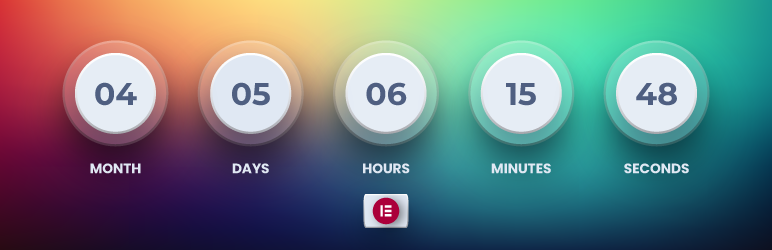
CB Countdown Timer Widget for Elementor is a custom widget that allows you to display a countdown timer on your Elementor-powered website. The widget provides a visually appealing way to showcase countdowns to events, product launches, sales, and more.
Countdown list:
- Months
- Days
- Hours
- Minutes
- Seconds
安装:
- Upload the 'cb-countdown-widget' folder to the '/wp-content/plugins/' directory, or install the plugin through the WordPress plugins screen directly.
- Activate the 'CB Countdown Timer Widget for Elementor' plugin through the 'Plugins' screen in WordPress.
- Drag and drop the 'Countdown Widget' element onto your Elementor page.
- Set the target date for the countdown in the widget settings.
- Customize the appearance and styling of the countdown widget to match your website.
屏幕截图:
![[screenshot-2.png] - An example of the Countdown Widget in action on a webpage.](https://cdn.jsdelivr.net/wp/cb-countdown-timer-widget-for-elementor/assets/screenshot-2.png)
常见问题:
How can I customize the countdown widget?
You can customize the appearance and styling of the countdown widget using the built-in styling options provided by Elementor. Simply select the widget, go to the Style tab, and modify the settings as desired.
Can I translate the countdown text?
Yes, the countdown widget is translation-ready. It uses the text domain 'cb-countdown-timer' for translations. You can translate the countdown text by providing translations in the corresponding language files or using a translation plugin.
更新日志:
1.2.0
- Initial release.
- Initial release.