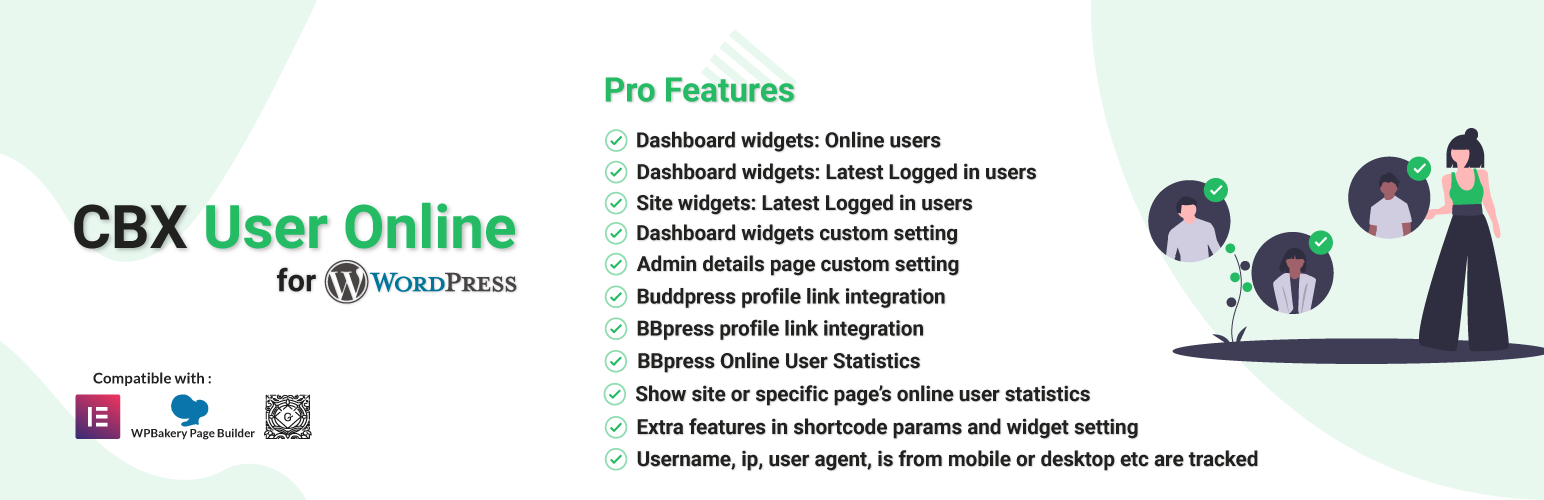
CBX User Online & Last Login
| 开发者 |
codeboxr
manchumahara |
|---|---|
| 更新时间 | 2026年9月2日 01:56 |
| PHP版本: | 5.3 及以上 |
| WordPress版本: | 7.1 |
| 版权: | GPLv2 or later |
| 版权网址: | 版权信息 |
详情介绍:
This plugin helps to show online users. Member, guest and bot can be tracked, their counts, most users online etc. This plugin also helps to records any user’s last login time, ip address and device.
CBX User Online & Last Login by Codeboxr
📺 Live Demo | 📋 Documentation | 🌟 Upgrade to PRO | 👨💻 Free Support | 🤴 Pro Support | 📱 ContactIf you think any necessary feature is missing contact with us, we will add in new release. Best way to check the feature is install the free core version in any dev site and explore 🛄 Core Plugin Features
- Cookie for guest user and login session check for registered user which tracks users perfectly.
- Most user online count and date
- Shortcode and widget based display
- Username, ip, user agent, is from mobile or desktop etc are tracked
- Simple plugin option to set refresh time
- Show logged in member as online list
- Show site or specific page's online user statistics
- Dynamically created cookie name for guest visitor
- [new] Records user's last login time, ip and device from v1.0.6
- [new] Elementor & WPBakery support from v1.0.9
[cbxuseronline]
🀄 Widgets
Classic Widgets
- Show Memberlist
- Link user to author page
- Show online count
- Show individual count
- Show member count
- Show guest count
- Show bot count
- Show bot count
- Show for current page
- Show most user online
- Show mobile or desktop logged in status
- Show Member list
- Link user to author page
- Show online count
- Show individual count
- Show member count
- Show guest count
- Show bot count
- Show bot count
- Show for current page
- Show most user online
- Show mobile or desktop logged in status
- Show Member list
- Link user to author page
- Show online count
- Show individual count
- Show member count
- Show guest count
- Show bot count
- Show bot count
- Show for current page
- Show most user online
- Show mobile or desktop logged in status
- Join our Facebook Page
- Learn from our tutorials on Youtube Channel
- Or rate us on WordPress
- Upload
cbxuseronlinefolder to the/wp-content/plugins/directory - Activate the plugin through the 'Plugins' menu in WordPress
- Go to Setting-> CBX Useronline to edit settings
- In any post or page you can write shortcode [cbxuseronline]
常见问题:
what's the cookie name left in browser ?
Cookie name is "cbxuseronline-cookie", value is created dynamically
更新日志:
2.0.0
- [improved] Improved Classic, Elementor and Bakery Widgets
- [new] Added index to db table for better performance for online user
- [updated] Hooks improved
- [updated] WordPress 7.1 compatible
- [updated] Plugin check 2.1.0 compatible
- [new] Pro addon 1.1.8 released
- [updated] WordPress 6.8 compatible
- [fixed] Most user online counter section year wrong error fixed
- [updated] Pro Addon V1.1.7 released
- [updated] WordPress 6.7.2 compatible
- [updated] Plugin dashboard style updated
- [updated] Pro Addon V1.1.6 released