Centous Integration for Contact Form 7 and Zoho
| 开发者 | Centous |
|---|---|
| 更新时间 | 2026年9月7日 17:53 |
| PHP版本: | 7.4 及以上 |
| WordPress版本: | 7.0 |
| 版权: | GPLv3 or later |
| 版权网址: | 版权信息 |
详情介绍:
The Centous Integration for Contact Form 7 and Zoho plugin allows you to seamlessly connect form submissions from Contact Form 7, WPForms, Elementor Pro, and Formidable Forms with Zoho CRM and Zoho Bigin.
Using this plugin, form submissions can be automatically sent to Zoho as Leads, Contacts, or other supported modules, helping you manage customer data efficiently without manual entry.
安装:
- Upload the plugin folder to '/wp-content/plugins/' OR install the plugin via Plugins → Add New → Upload Plugin
- Activate the plugin through the Plugins menu in WordPress
- Ensure Contact Form 7 is installed and activated (required). For additional form support, install WPForms and/or Elementor Pro as needed.
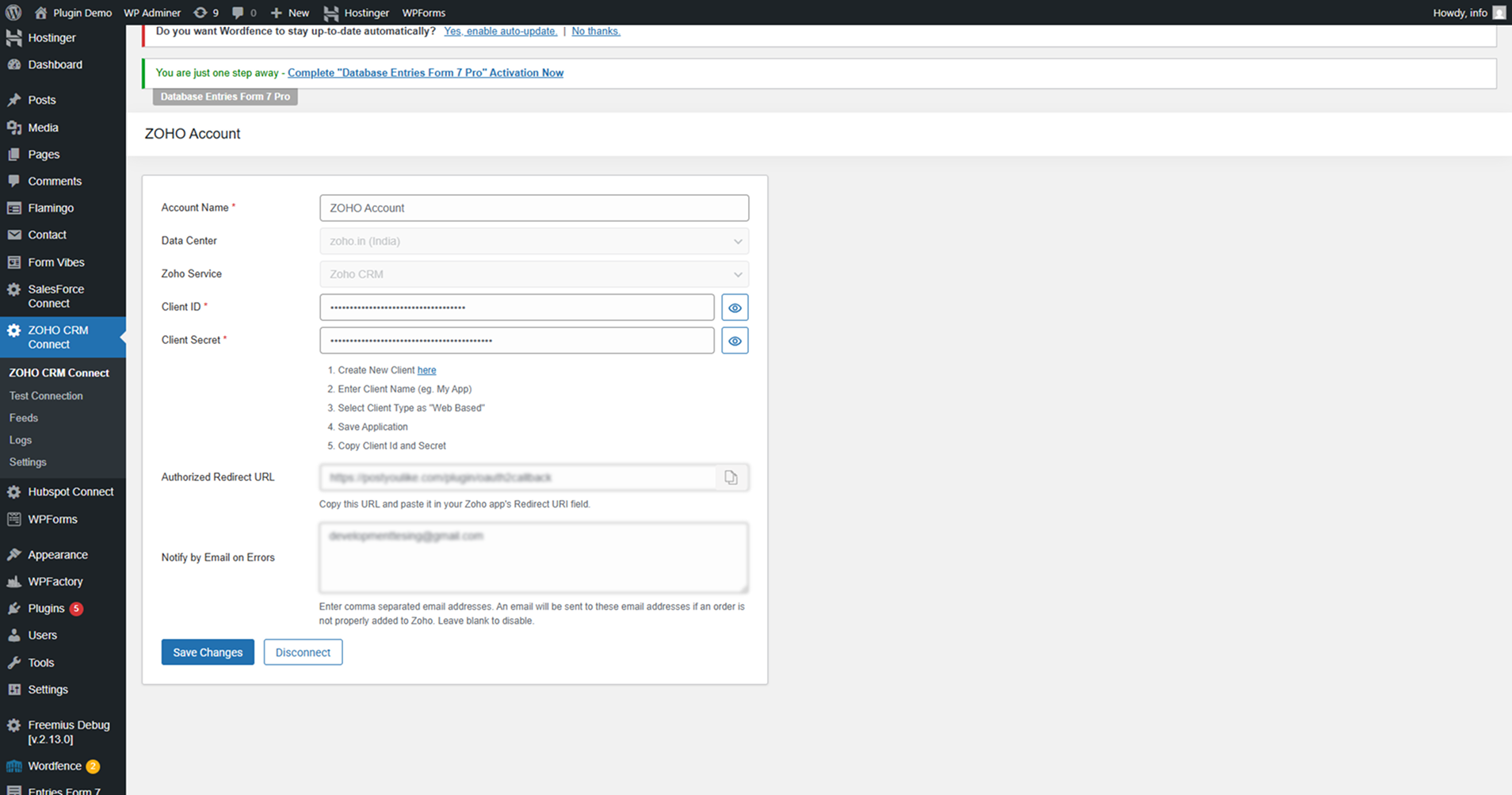
- Go to Zoho Connect → Zoho Connect from the WordPress admin menu
- Connect your Zoho account and complete the setup wizard
屏幕截图:
常见问题:
Is Contact Form 7 required?
Yes. This plugin works only when Contact Form 7 is installed and active.
Is Elementor supported?
Yes. Elementor Pro is required for Elementor form integration. Create a feed, select Elementor as the form type, choose your form, and map fields to Zoho.
Does it support WPForms?
Yes. Select WPForms as the form type when creating a feed.
Does it support Formidable Forms?
Yes. Select Formidable Forms as the form type when creating a feed and map fields to Zoho.
Does it support Zoho Bigin?
Yes, the plugin supports both Zoho CRM and Zoho Bigin.
Does the plugin delete data on uninstall?
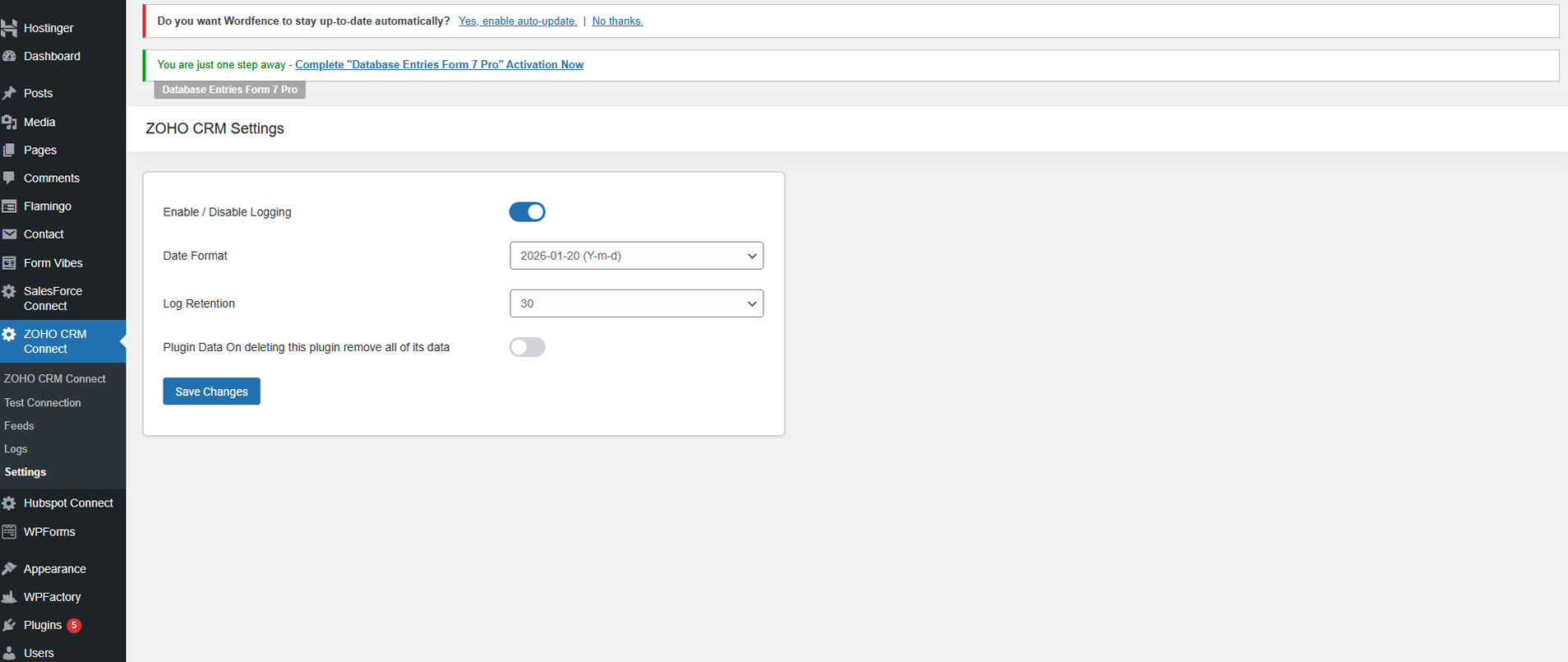
Data deletion depends on the plugin setting “Plugin data On deleting this plugin remove all of its data”.
Is OAuth authentication used?
Yes, secure OAuth authentication is used for Zoho connections.
更新日志:
1.1.3
- Added Formidable Forms integration
- Create, edit, and manage Zoho feeds for Formidable Forms
- Field mapping support for Formidable form fields
- Submission logging for Formidable form integrations
- Deferred form hook registration to
initfor reliable Formidable detection
- Added Elementor Pro form integration
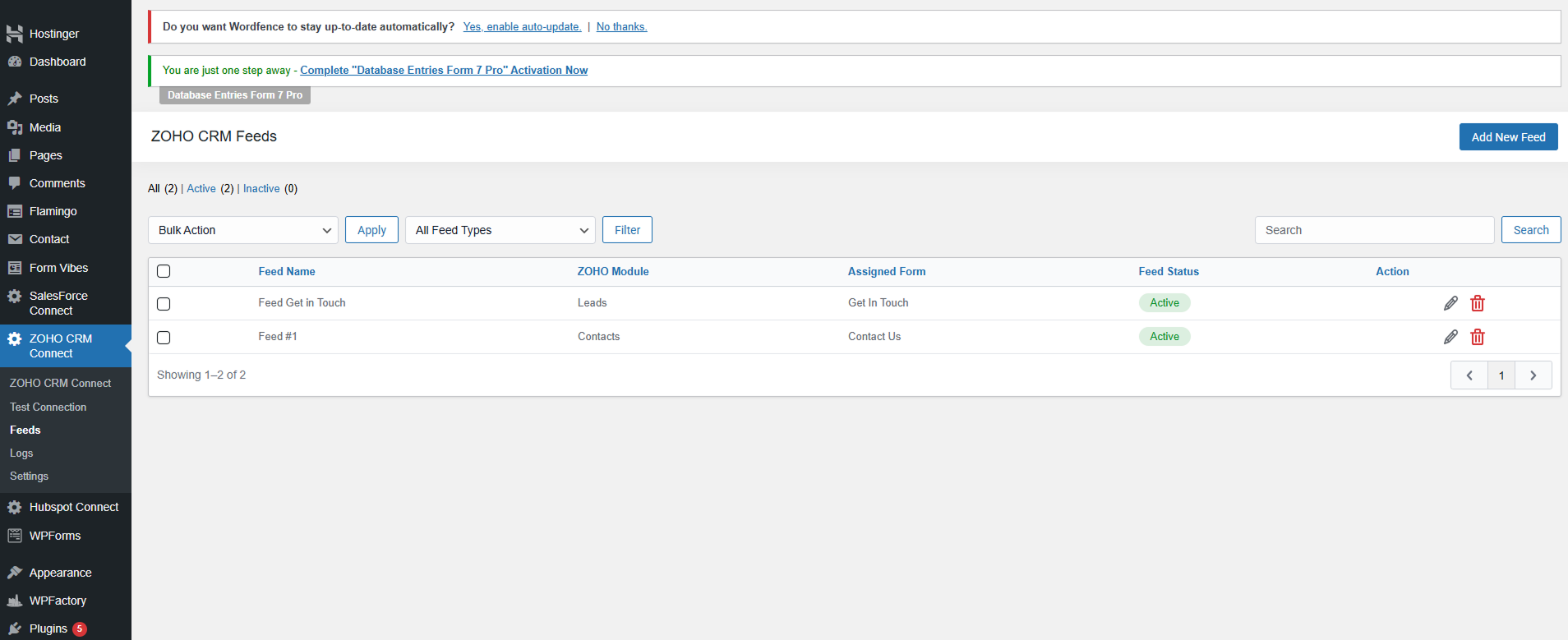
- Create, edit, and manage Zoho feeds for Elementor forms
- Field mapping support for Elementor form fields
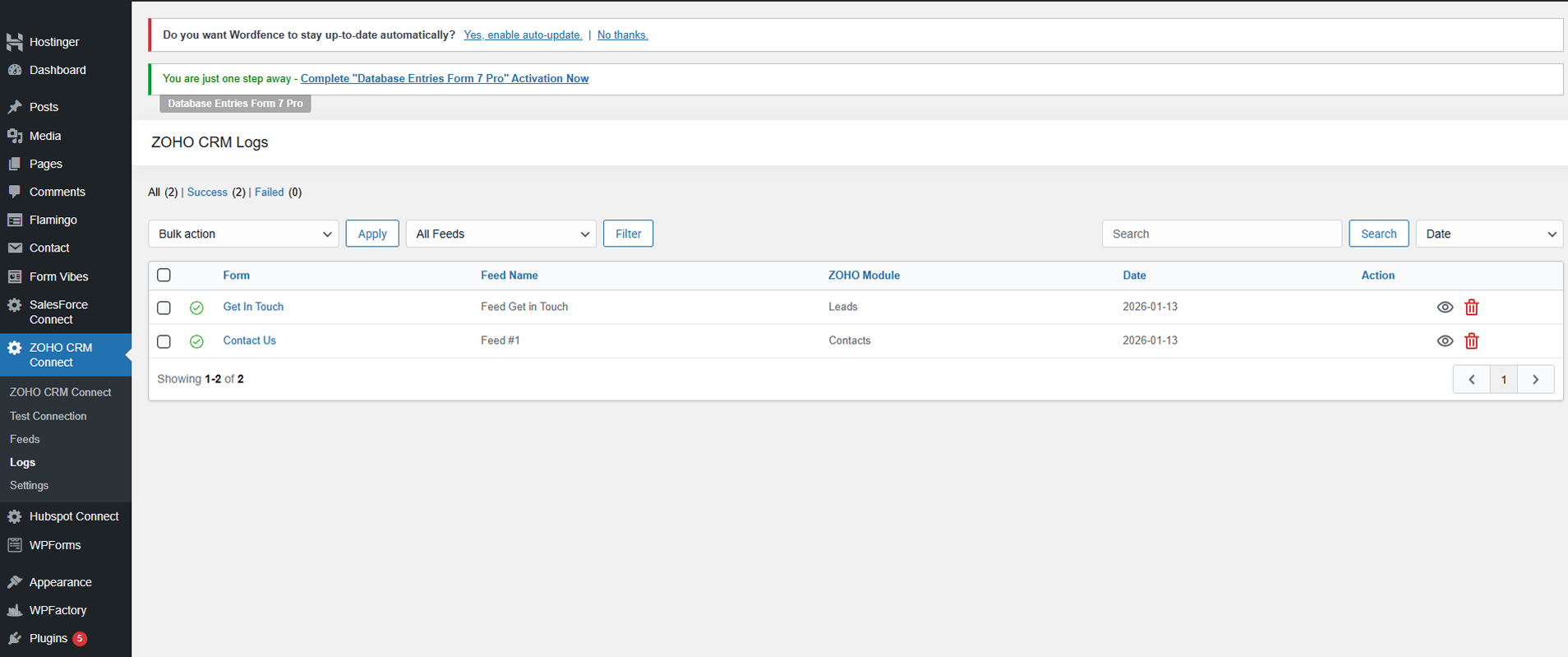
- Submission logging for Elementor form integrations
- Improved Elementor form field detection in the feed editor
- Added WPForms integration
- Create, edit, and manage Zoho feeds for WPForms
- Field mapping support for WPForms fields
- Submission logging for WPForms integrations
- Added WordPress 7.0 compatibility
- Fixed Zoho Canada datacenter OAuth URL issue by supporting
accounts.zohocloud.ca - Added support for unlimited Zoho field mapping
- Initial release
- Contact Form 7 integration
- Zoho CRM and Zoho Bigin support
- Feed management and field mapping
- OAuth authentication
- Logging and clean uninstall support