
Certloom – Certificate Verification
| 开发者 | ecapla |
|---|---|
| 更新时间 | 2026年8月17日 20:47 |
| PHP版本: | 7.4 及以上 |
| WordPress版本: | 7.0 |
| 版权: | GPLv2 or later |
| 版权网址: | 版权信息 |
详情介绍:
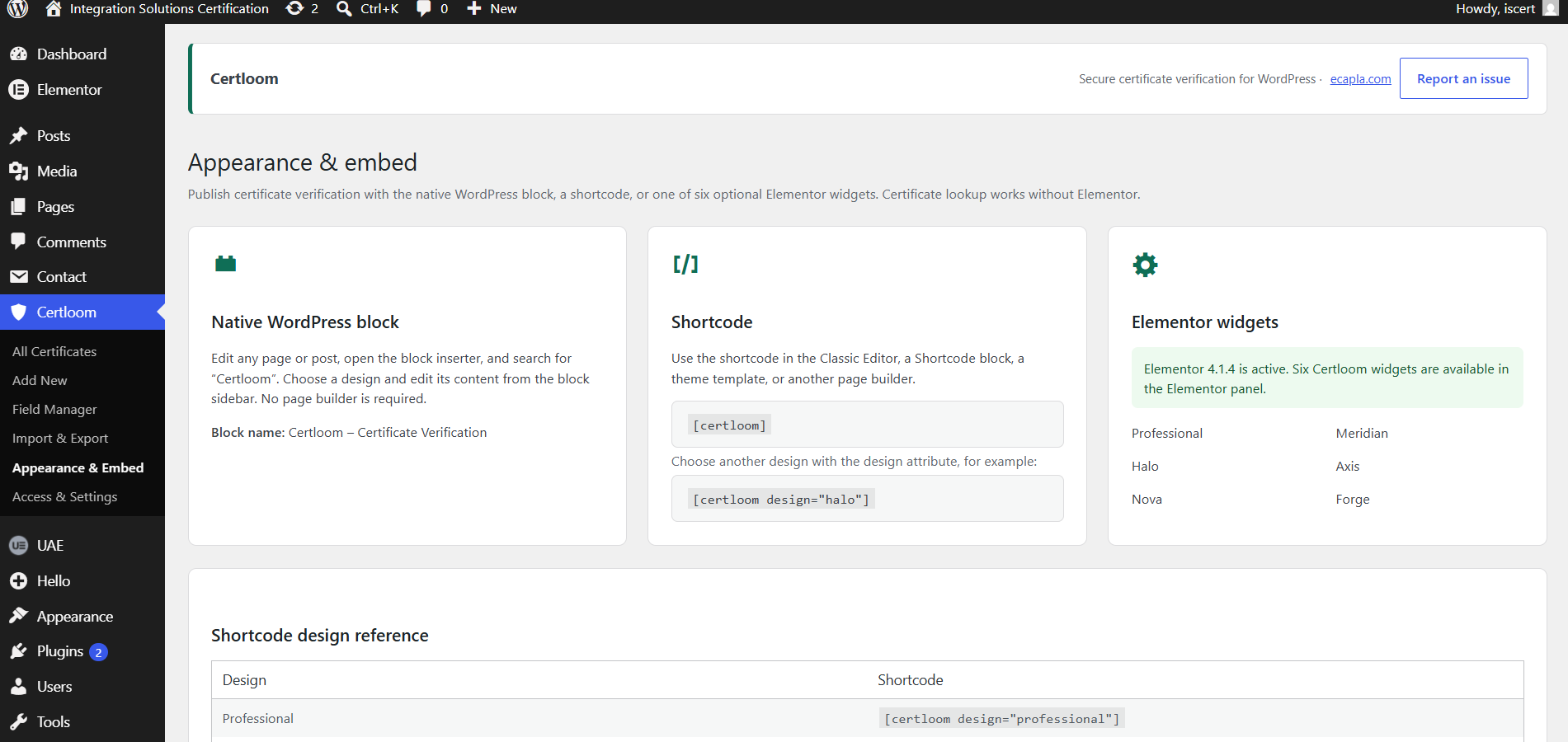
- Native WordPress block with six designs.
- Shortcode using
[certloom]in the Classic Editor, a Shortcode block, templates, or other page builders. - Direct links using
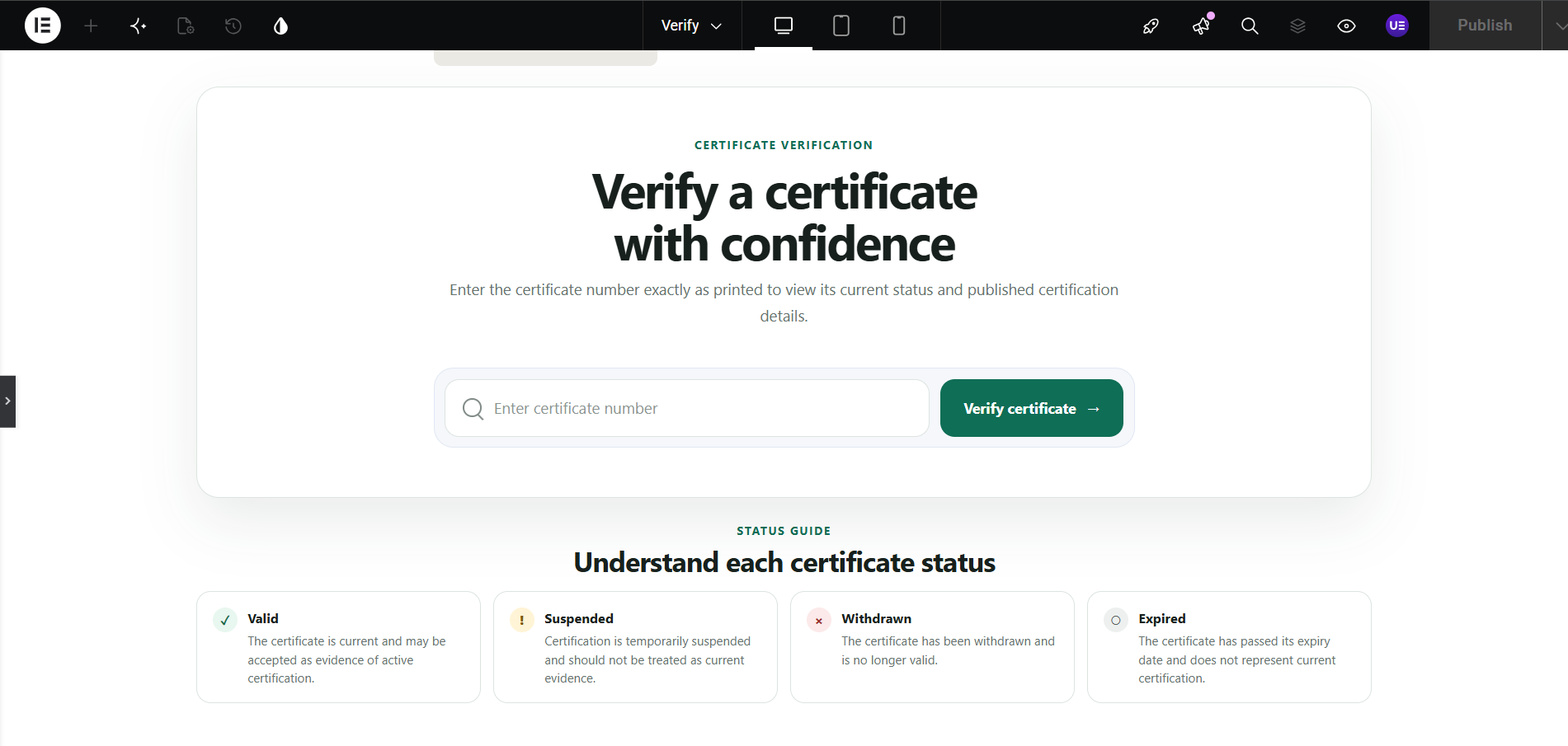
?certloom_number=YOUR-NUMBERfor QR-code destinations. These requests receive noindex and private-cache headers, although the number may still appear in browser history, infrastructure logs, or site analytics. - Optional Elementor widgets when Elementor 3.10 or later is active: Professional, Meridian, Halo, Axis, Nova, and Forge.
- Dedicated indexed database table.
- Add, edit, search, filter, sort, paginate, delete, and bulk-delete records.
- Valid, Suspended, and Withdrawn workflow statuses; Expired is normally calculated from the expiry date.
- Protected review handling for explicitly restored historical Expired records.
- Configurable core and custom fields with ordering and public-visibility controls.
- Fresh installations publish only certificate number and status by default.
- Removed custom fields are retired so their keys and stored values remain protected.
- Dedicated
manage_certverifycapability and optional Certificate Manager role.
- CSV template generated from the current field schema, followed by mapping review.
- Partial updates preserve fields not included in the import.
- Blank mapped cells preserve existing values unless clearing is explicitly enabled. Status cannot be cleared, and a new row with a mapped-but-blank Status is rejected.
- Per-row validation, formula neutralization, and bounded file, row, column, and cell limits.
- Administrator-only Historical restore mode for trusted Certloom exports containing protected legacy Expired records.
- Versioned streaming JSON backup for lossless restoration of certificates, settings, fields, retired values, workflow sources, and timestamps.
- Restore preview before choosing exact snapshot replacement or a non-destructive certificate merge.
- Restore locking pauses Certloom writes during commit while public verification remains available.
- Chunked imports, indexed prefetching, deferred counts, and keyset exports reduce memory and query pressure on large registries.
- Whole-number exact lookup; partial matches are never returned.
- Public output includes only fields explicitly enabled by the site owner.
- Private-cache and noindex headers for REST verification and supported direct-link requests.
- Bounded input, basic rate limiting, accessible announcements, and safe no-JavaScript verification.
- Identical same-page lookups share one in-flight request and stale responses cannot overwrite newer searches.
- No analytics, telemetry, remote scripts, remote fonts, or external certificate processing.
- Suggested privacy-policy wording is added to WordPress's Privacy Policy Guide.
- Certificate data and settings are retained on uninstall by default; administrators may opt into complete removal.
安装:
- Install the ZIP through Plugins > Add New > Upload Plugin, or upload the
certloomfolder to/wp-content/plugins/. - Activate Certloom.
- Review Certloom > Field Manager and choose any additional fields that may appear publicly.
- Add records manually or through Certloom > Import & Export.
- Open Certloom > Appearance & Embed and choose the block, shortcode, or optional Elementor method.
- Review Certloom > Access & Settings for permissions, branding, privacy, and uninstall preferences.
- After widget CSS changes, use Elementor > Tools > Regenerate CSS & Data and clear site caches.
屏幕截图:

常见问题:
Can I use Certloom without Elementor?
Yes. The native block, shortcode, administration, REST verification, CSV tools, direct links, roles, and status handling work independently.
What happens when a certificate expires?
Expiry is calculated from the expiry date during normal administration and CSV workflows. Extending the date renews the certificate unless it is Suspended or Withdrawn. Restored historical Expired records remain protected until reviewed.
Can a CSV update erase fields I did not import?
No. Unmapped values are preserved. Blank mapped cells on existing records are also preserved unless clearing is explicitly enabled. Status cannot be cleared.
What is the difference between CSV export and Complete backup?
CSV is intended for spreadsheet interchange. Complete backup is a versioned streaming JSON format for lossless restoration, including settings, field definitions, retired values, workflow sources, and timestamps.
Does verification work without JavaScript?
Yes. The form can submit a normal GET request and render the result on the server. JavaScript provides the faster in-page experience.
Is certificate data sent to Ecapla?
No. Records stay in the site's WordPress database and verification is performed by that site.
Is data deleted on uninstall?
Not by default. Enable permanent data removal in Certloom > Access & Settings before deleting the plugin only when that is intended.
Where can I get support?
After publication, use the Support tab on the WordPress.org plugin page. Include the WordPress, PHP, and Certloom versions, clear reproduction steps, and relevant error text. Never post private certificate data, backup files, credentials, or personal information in a public topic.
更新日志:
- Fixed Elementor Flexbox Container sizing so all Certloom widgets occupy the available row and remain centered; Professional stays capped at 680px.
- Finalized the public identity as Certloom – Certificate Verification with the requested WordPress.org slug and text domain
certloom. - Fixed an activation fatal introduced during the pre-release rename by restoring the correct settings, fields, and import include paths.
- Restored Elementor width safety after the rename so Professional remains centered at up to 680px and Meridian, Halo, Axis, Nova, and Forge fill their Elementor containers without overflow.
- Aligned the native block, admin navigation, shortcode, direct-link parameter, REST namespace, and Elementor widget identifiers with Certloom while preserving the existing database schema and stored data.
- Prepared the corrected WordPress.org review-resubmission package and directory assets.
- Added an expiring restore-maintenance lock that pauses Certloom writes during a resumable complete restore.
- Split restoration into exact Replace mode and non-destructive Merge mode with preview counts for current-only certificates.
- Added registry and configuration checks so unexpected changes abort before the atomic restore commit.
- Made complete-backup generation reject mixed-state files when records or configuration change during export.
- Preserved public verification during restore and expanded restore-state cleanup.
For the complete release history, see
changelog.txtincluded with the plugin.