Business Essentials for Contact Form 7
| 开发者 |
scottpaterson
wp-plugin |
|---|---|
| 更新时间 | 2026年9月26日 09:09 |
| 捐献地址: | 去捐款 |
| PHP版本: | 5.6 及以上 |
| WordPress版本: | 7.1 |
| 版权: | GPLv2 or later |
| 版权网址: | 版权信息 |
详情介绍:
Overview
Transform your Contact Form 7 into a complete business solution. Business Essentials adds the professional features you need to accept payments, fight spam, capture leads, schedule appointments, and create stunning forms - all without the complexity of multiple plugins.
The all-in-one toolkit designed for growing businesses. Choose from seven powerful modules and activate only what you need. No bloat, no confusion - just the features that matter to your business, working seamlessly with Contact Form 7.
Whether you're taking online payments, protecting against spam bots, storing customer submissions, or booking appointments, Business Essentials gives you enterprise-level functionality with the simplicity Contact Form 7 users love.
Available Modules
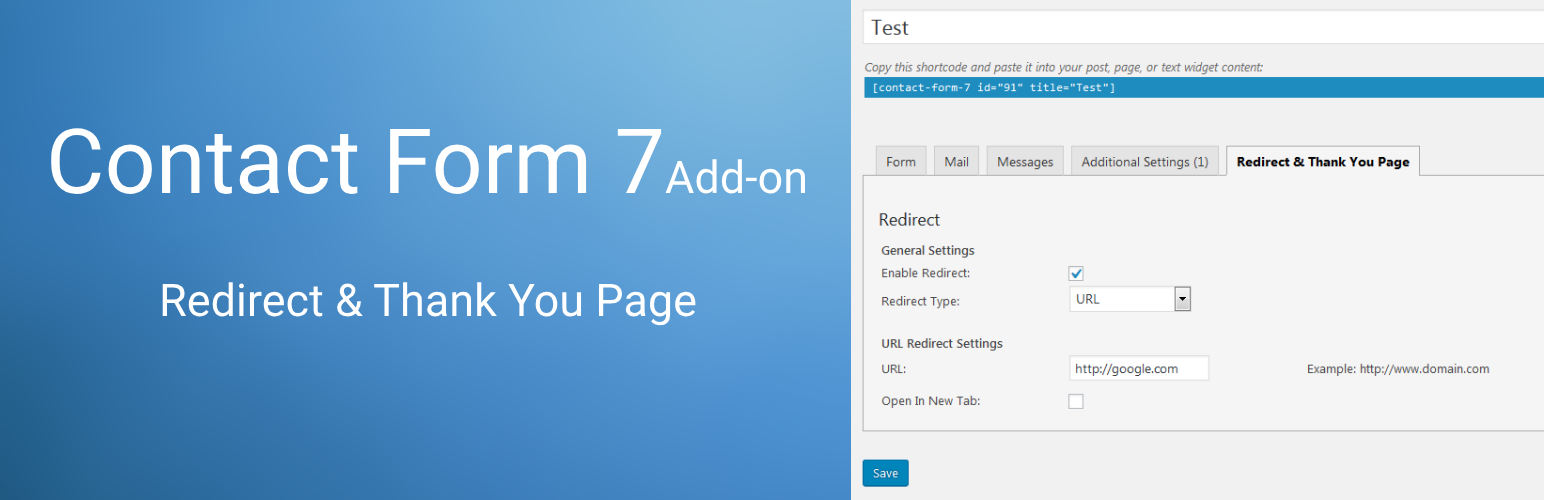
- Redirect & Thank You Page - Redirect users to a URL or display a custom thank you message after form submission
- PayPal & Stripe Payments - Accept payments through your forms using PayPal or Stripe payment gateways
- Google reCAPTCHA v2 - Protect your forms from spam with Google reCAPTCHA verification
- Country & Phone Fields - Add country dropdowns and international phone number fields with dial codes
- Database Submissions - Store all form submissions in your database and export to CSV
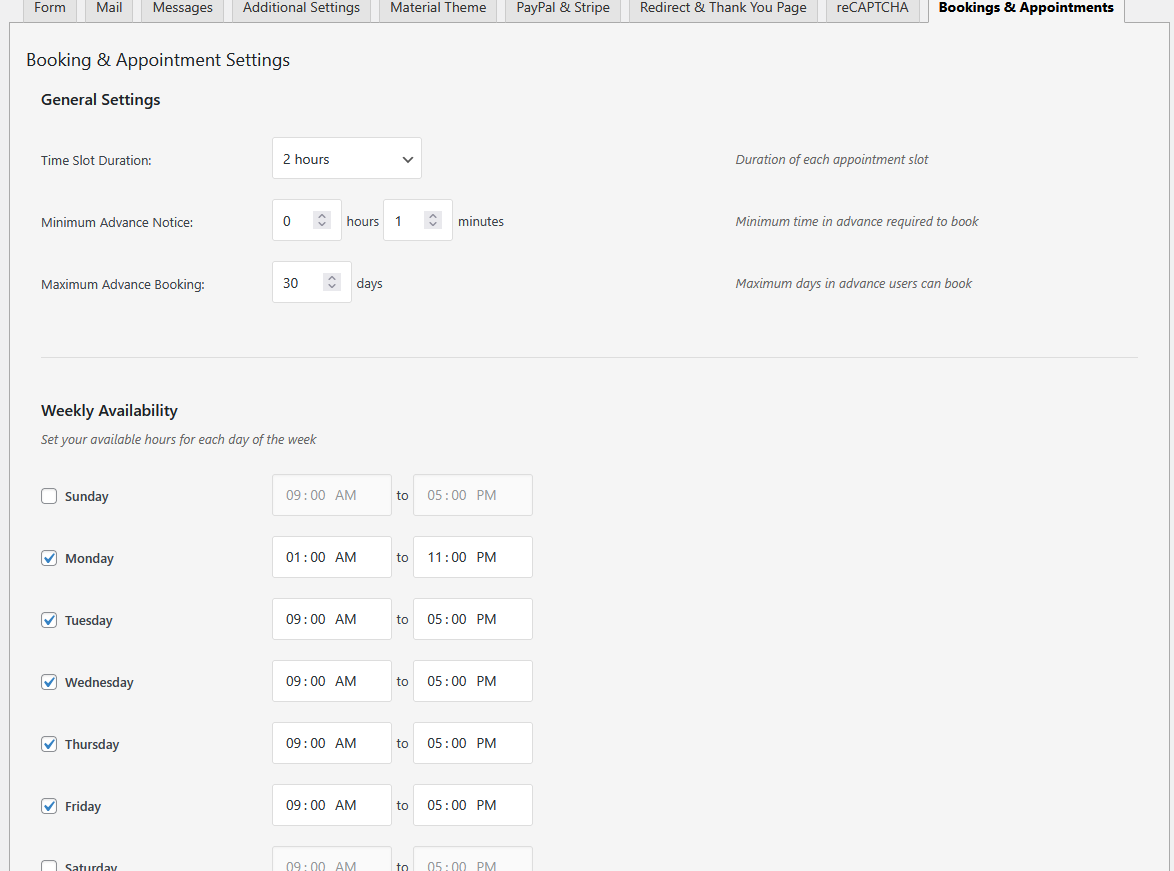
- Bookings & Appointments - Add date and time picker fields for appointment scheduling
- Material Design - Apply beautiful Material Design styling to your Contact Form 7 forms
- Modular system - enable only the features you need
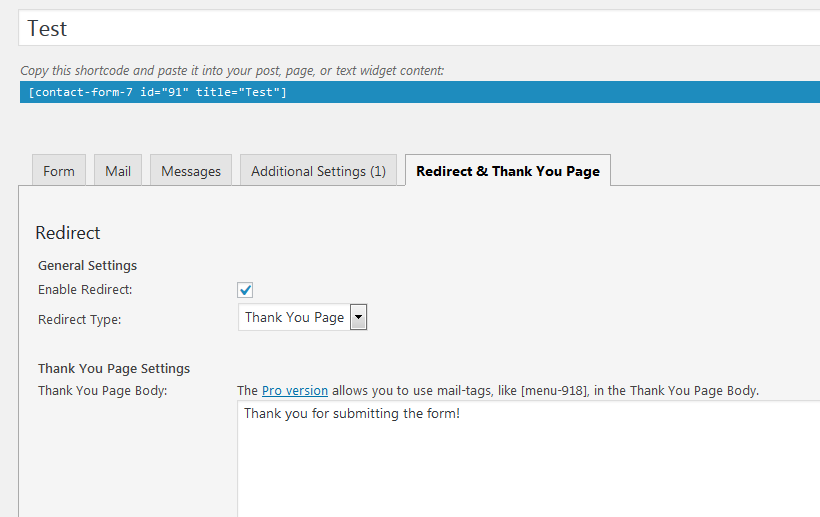
- Each Contact Form can redirect to its own URL
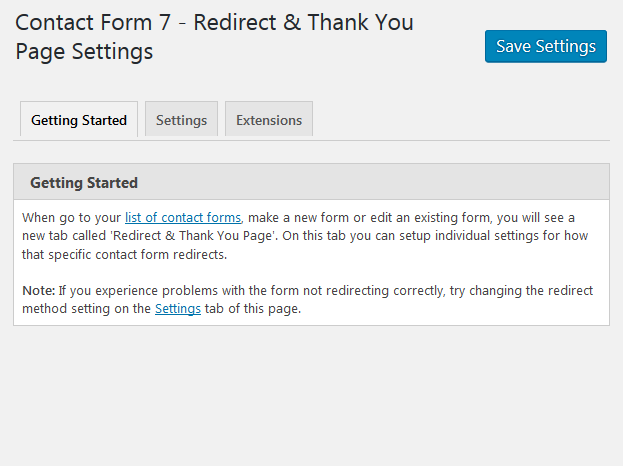
- Each Contact Form can redirect to a Thank You Page
- Accept PayPal and Stripe payments
- Google reCAPTCHA v2 spam protection
- Country dropdown and international phone fields
- Database storage with CSV export
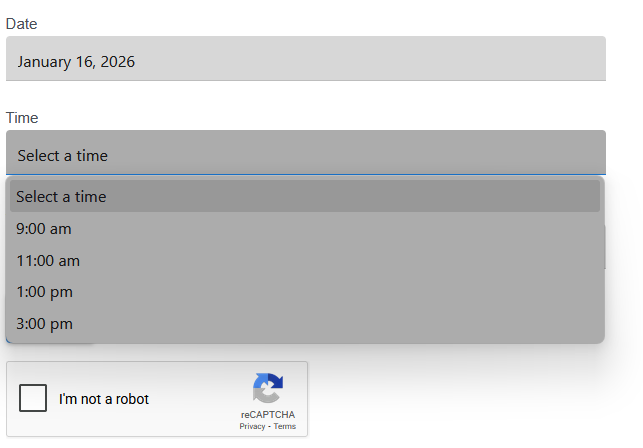
- Booking date and time pickers
- Material Design form styling
安装:
Automatic Installation
- Sign in to your WordPress site as an administrator.
- In the main menu go to Plugins -> Add New.
- Search for Business Essentials for Contact Form 7 and click install.
- That's it. You are now ready to you the plugin with your contact forms.
屏幕截图:
常见问题:
Does the plugin disables Contact Form 7 Ajax?
Not by default, however there is a setting which allows you to turn off Contact Form 7 Ajax if you want. This can be useful for certain situations where the form does not redirect correctly.
Does this plugin uses "on_sent_ok" additional setting?
No, on_sent_ok is not depreceated by Contact Form 7 and has been replaced by DOM events.
更新日志:
1.2.2
- 9/25/26
- Fix - Security issues.
- 1/12/26
- Fix - Fixed issue where redirect settings were not preserved when updating from version 1.1 to 1.2
- Fix - Security issues.
- 1/9/26
- New - Added modular system for managing plugin features
- New - Added Modules tab to settings page with toggle switches
- New - Redirect functionality can now be enabled/disabled via Modules tab
- New - Added 6 other modules, including payments, Google reCAPTCHA, Country and Phone Fields, Database Storage for Submissions, Booking and Appointments, and Material Design Theme.
- Change - Renamed plugin to "Business Essentials for Contact Form 7"
- 6/4/25
- Fix - Fixed issue with double slashes being added to redirect URL
- Fix - Fixed issue with enqueue css and js files having an ../ file path
- Fix - Fixed issue with redirect method 2 not working. The Contact Form 7 plugin was using wpcf7-mail-sent-ok which was discontinued for the data-status attribute.
- New - Added 1 week of using the plugin 'please review' admin notice.
- 6/2/25
- Change - Updated main PHP file to include PHP, WP minimum required version, and that the plugin requires Contact Form 7.
- New - Added banner images to plugin assests folder.
- 1/11/25
- Fix - Settings page small security issue.
- 11/8/24
- Fix - Settings page small security issue.
- 8/1/24
- Fix - Fixed issue with thank you page not showing after form is submitted.
- 7/31/24
- Fix - Changed redirection default settings. This will allow redirection to work for more websites without any configuration changes.
- 3/20/23
- Fix - Settings page security issue
- Tested - Tested up to 6.2.x
- 2/4/20
- Fix - CSS style issue on settings page, extensions tab.
- Tested - Tested up to 5.3.x
- 2/28/19
- Fix - Redirect issue with mutiple forms on the same page.
- 2/24/19
- Fix - Plugin page settings link was not showing
- 2/24/19
- Initial release