ChatReact – AI Chatbot, Smart Forms & FAQs
| 开发者 |
chatreact
adsimple |
|---|---|
| 更新时间 | 2026年4月23日 17:17 |
| PHP版本: | 7.4 及以上 |
| WordPress版本: | 6.9 |
| 版权: | GPLv2 or later |
| 版权网址: | 版权信息 |
详情介绍:
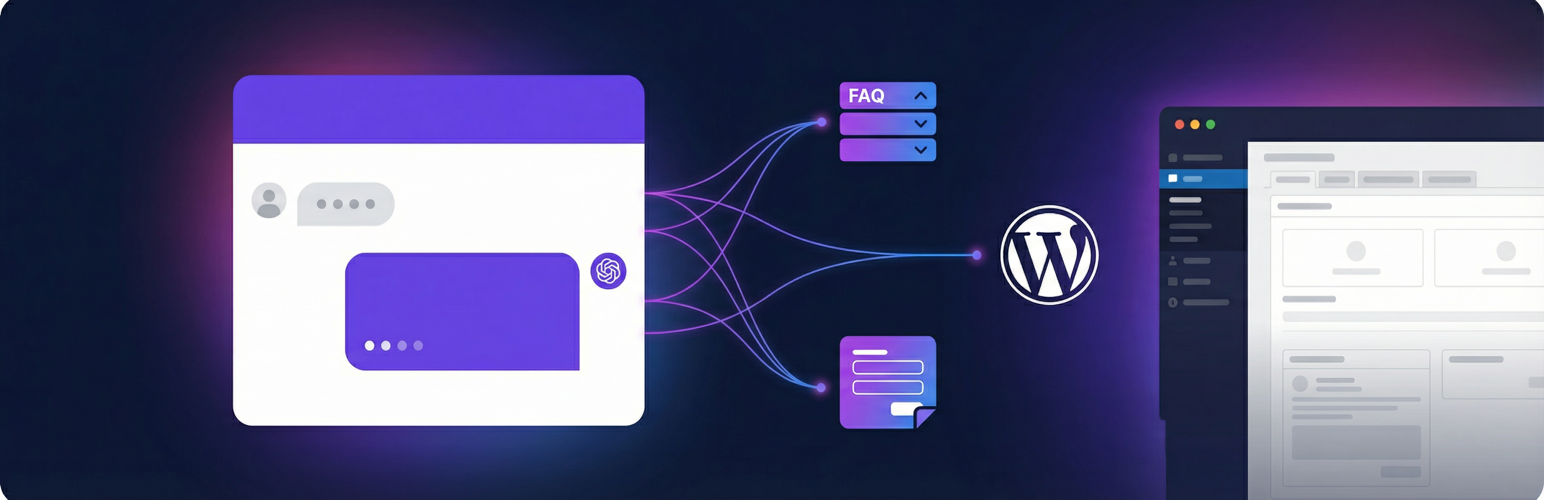
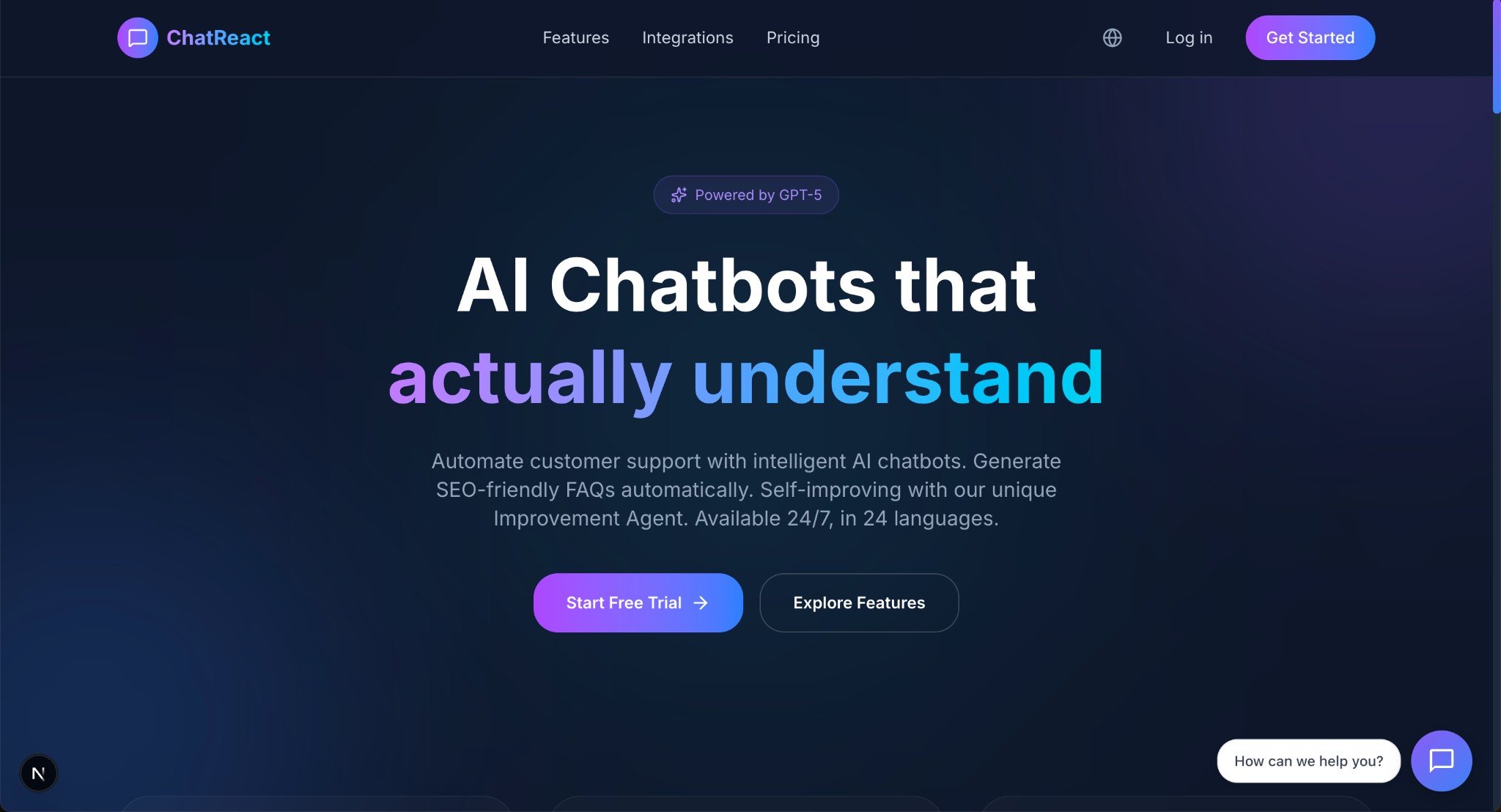
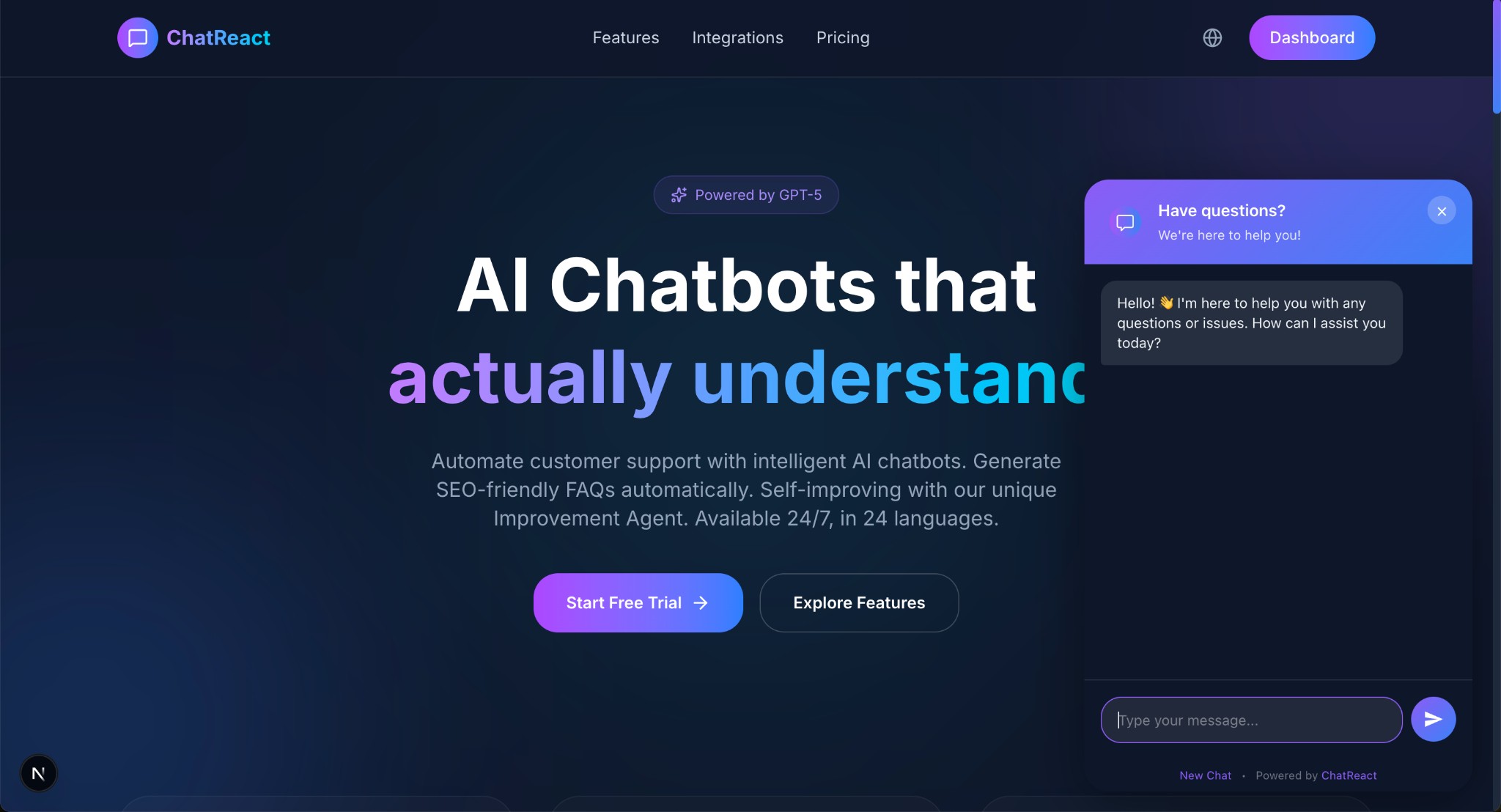
- AI That Actually Understands — Trained on your content, your chatbot gives accurate, context-aware answers instead of generic responses
- Self-Improving — The unique Improvement Agent continuously learns from conversations and improves answer quality over time
- 24 Languages — Reach a global audience with support for all 24 EU languages out of the box
- SEO-Friendly FAQs — Automatically generate FAQ content that search engines love
- Anti-Spam Contact Forms — AI-powered spam detection replaces annoying CAPTCHAs while blocking bots effectively
- Beautiful & Fast — Lightweight, async-loading widgets that won't slow down your site
- Gutenberg Blocks — Drag and drop widgets right into the block editor
- Elementor Widgets — Dedicated Elementor widgets for all three widget types
- Shortcodes — Drop a shortcode anywhere: posts, pages, templates, or theme files
- Widget Assignments — Assign chatbots to specific pages or post types directly from the plugin settings — no shortcodes needed
[chatreact id="YOUR_CHATBOT_ID"]
Contact Form:
[chatreact_form id="YOUR_FORM_ID"]
FAQ Accordion:
[chatreact_faq id="YOUR_CHATBOT_ID"]
Works With Your Favorite Tools
ChatReact is fully compatible with popular caching and optimization plugins, including WP Super Cache, WP Rocket, Autoptimize, LiteSpeed Cache, and more.
Get Started in Minutes
- Sign up for a free ChatReact account
- Create your chatbot and train it on your content
- Install this plugin and enter your Chatbot ID
- That's it — your AI assistant is live!
安装:
- Go to Plugins → Add New in your WordPress admin
- Search for ChatReact
- Click Install Now, then Activate
- Navigate to the ChatReact menu in your admin sidebar
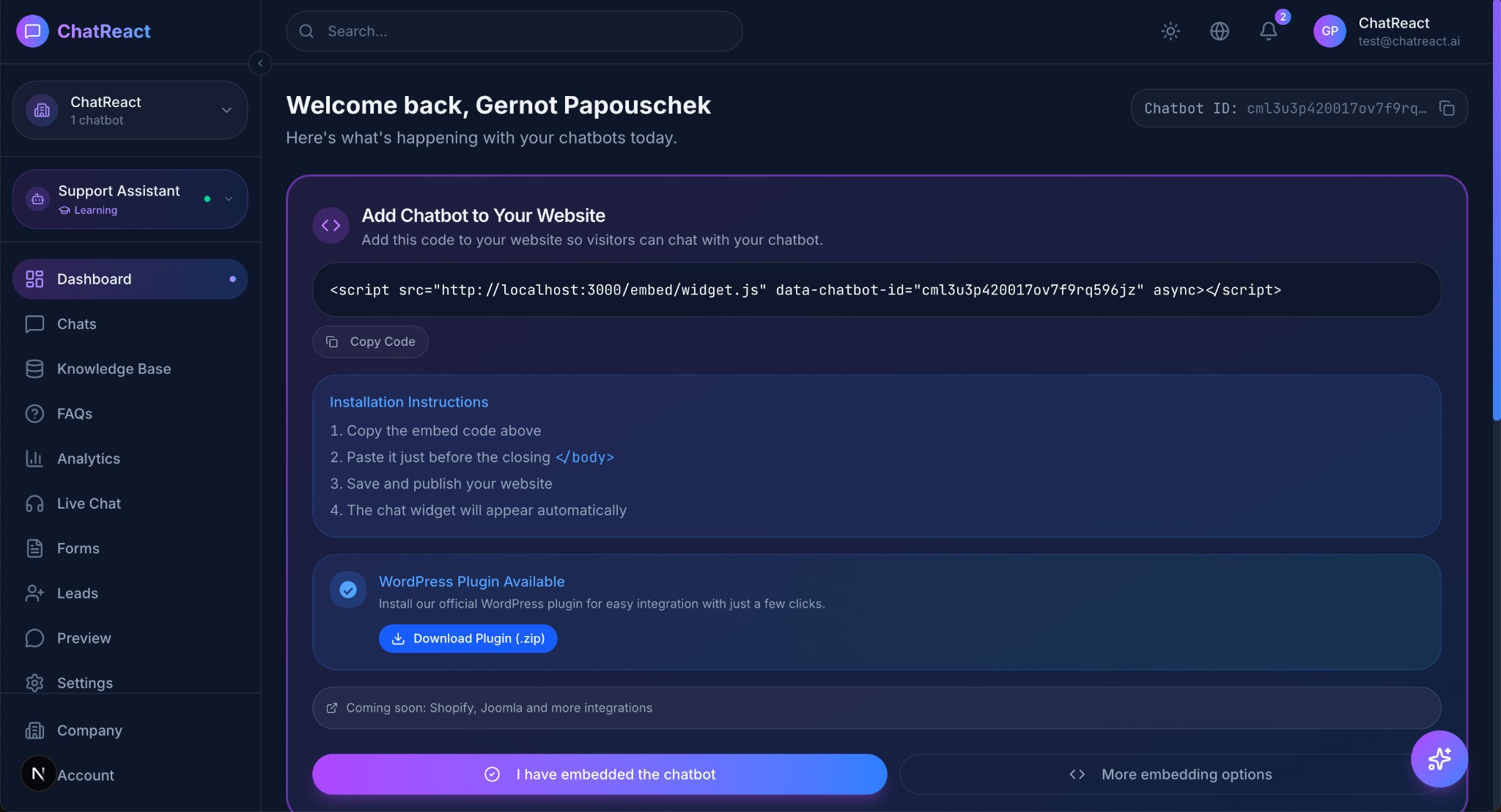
- Enter your Chatbot ID (found in your ChatReact Dashboard)
- Download the plugin ZIP file
- Go to Plugins → Add New → Upload Plugin
- Upload the ZIP file and click Install Now
- Activate the plugin
- Navigate to the ChatReact menu and enter your Chatbot ID
- Log in to your ChatReact Dashboard at www.chatreact.ai
- Select your chatbot
- Go to Settings → Embed
- Copy the Chatbot ID
屏幕截图:
常见问题:
Do I need a ChatReact account?
Yes. The plugin connects to the ChatReact platform where your chatbot is configured and trained. You can sign up for free to get started.
Where do I find my Chatbot ID?
Log in to your ChatReact Dashboard at www.chatreact.ai, select your chatbot, go to Settings, and copy the Chatbot ID from the Embed section.
Where do I find my Form ID?
Log in to your ChatReact Dashboard, go to Forms, select your form, and copy the Form ID.
Can I use different chatbots on different pages?
Yes! You can assign specific chatbots to individual pages or post types directly from the plugin settings using Widget Assignments. Alternatively, use shortcodes or Gutenberg blocks to place different chatbots on different pages.
Is the chat widget mobile-friendly?
Absolutely. All ChatReact widgets are fully responsive and optimized for mobile, tablet, and desktop.
What languages are supported?
ChatReact supports all 24 official EU languages: Bulgarian, Croatian, Czech, Danish, Dutch, English, Estonian, Finnish, French, German, Greek, Hungarian, Irish, Italian, Latvian, Lithuanian, Maltese, Polish, Portuguese, Romanian, Slovak, Slovenian, Spanish, and Swedish.
Does the widget slow down my site?
No. All widget scripts load asynchronously and do not block page rendering. Your site's performance and Core Web Vitals are not affected.
Does it work with caching plugins?
Yes. ChatReact is fully compatible with WP Super Cache, WP Rocket, Autoptimize, LiteSpeed Cache, and other caching/minification plugins.
Is it GDPR compliant?
ChatReact is designed with privacy in mind. All data is processed in the EU. Visit our Privacy Policy for details.
How does the anti-spam protection on the contact forms work?
ChatReact contact forms use AI-powered spam detection to automatically filter out bot submissions and spam messages. Unlike traditional CAPTCHAs, there is no extra step for your visitors — the spam filtering happens invisibly in the background.
Can I customize the appearance of the chat widget?
Yes. You can customize colors, position, welcome messages, and more directly in your ChatReact Dashboard. Changes apply instantly to your WordPress site.
Do I need to keep the plugin updated?
We recommend keeping the plugin updated to ensure compatibility with the latest WordPress version and to benefit from new features and improvements. Updates are easy — just click "Update" in your WordPress plugin manager.
更新日志:
- Added: Bundled translations for all 24 official EU languages (Bulgarian, Croatian, Czech, Danish, Dutch, Estonian, Finnish, French, German, German formal, Greek, Hungarian, Irish, Italian, Latvian, Lithuanian, Maltese, Polish, Portuguese, Romanian, Slovak, Slovenian, Spanish, Swedish)
- Added: Readme translations for all 24 EU locales
- Fixed: Single-category FAQ widgets no longer show unnecessary "All" filter button and category badges
- Fixed: SSR category filter bar now correctly hidden when only one category is displayed
- Added: Server-side rendering (SSR) for FAQ widgets — FAQs are visible to search engines and LLMs without JavaScript
- Added: JSON-LD structured data (FAQPage schema) for improved SEO and rich results
- Added: llms.txt endpoint for AI/LLM discoverability
- Added: Remote cache purge — FAQ cache is automatically cleared when content changes in the ChatReact Dashboard
- Added: Inline styling and category filtering for SSR FAQs (works without external JavaScript)
- Fixed: Widget no longer shows "Loading" flash when server-side content is already present
- Fixed: Inline filtering script yields to the JavaScript widget to prevent conflicts
- Fixed: Plugin Check compliance (removed deprecated load_plugin_textdomain call, removed hidden files)
- Improved: FAQ i18n labels (e.g. "All"/"Alle") now use API settings instead of hardcoded English
- Fixed: Romanian translation updated to use WordPress glossary term "piesă" instead of "widget"
- Fixed: Dutch translation updated to use informal address (je/jouw) per WordPress NL style guide
- Added: Missing translations for Integration tab in Romanian and Dutch
- Added: CMS Integration (Smart Sitemap) — share structured content data with your ChatReact chatbot
- Added: Integration tab in plugin settings for API key management
- Added: Content type selection with priority levels (High, Medium, Low)
- Added: Custom REST API endpoint for ChatReact crawler
- Added: "Exclude from ChatReact Sitemap" option per post/page
- Fixed: Widget not loading when caching/minification plugins (WP Super Cache, WP Rocket, Autoptimize, LiteSpeed Cache) rewrite the script URL
- Added:
data-api-urlattribute to script tag for reliable API base URL detection - Improved: Widget now works correctly regardless of script URL modifications by caching plugins
- Added: Exclude URLs feature for "Everywhere" widget assignments
- Added: Wildcard URL pattern support for exclusion rules (e.g.
/blog/*) - Added: Inline editing for exclude URLs directly in the assignments table
- Added: Widget Assignments — assign chatbots to specific pages or post types directly from plugin settings
- Added: Post Types configuration for widget assignment search
- Added: Modern tabbed admin interface (Chat Widget, Forms, FAQ Widget)
- Improved: Simplified plugin architecture — all widget settings are now configured centrally in the ChatReact Dashboard
- Removed: Redundant shortcode attributes (position, language, primary_color, auto_open) — settings now come from the Dashboard
- Removed: Classic Sidebar Widgets — use Gutenberg Blocks, Shortcodes, or Elementor instead
- Fixed: FAQ Widget not loading when URL contains a version parameter
- Fixed: FAQ Widget embed code category filter formatting
- Updated: All 24 language translations
- Initial release
- AI Chat Widget with shortcode, Gutenberg block, and Elementor widget
- AI-Powered Contact Form widget with shortcode, Gutenberg block, and Elementor widget
- FAQ Accordion widget with shortcode, Gutenberg block, and Elementor widget
- Elementor integration with dedicated widgets for all three widget types
- Widget Assignments for page-specific chatbot display
- 24 EU language translations included