Cimo - Free Instant Image Optimizer & WebP Converter
| 开发者 |
bfintal
gambitph |
|---|---|
| 更新时间 | 2026年4月10日 12:44 |
| PHP版本: | 8.0 及以上 |
| WordPress版本: | 7.0 |
| 版权: | GPLv2 or later |
| 版权网址: | 版权信息 |
详情介绍:
- Unlimited usage - upload as many images as you want
- Instant optimization - virtually no waiting time
- No extra server load
- No extra bandwidth
- No external image-processing services
Note: Cimo works in all modern browsers (Chrome, Firefox, Edge, Opera). Image optimization currently doesn't work in Safari, images would just upload as they normally would, please use any of the browsers listed.Image Optimization options:
- WebP quality – set the quality level for WebP conversion (1-100), defaults at 80%
- Max image dimension – automatically resize images to a maximum dimension while preserving aspect ratio
- WordPress automatic scaling – disable WordPress's built-in 2560px image scaling
- Thumbnail generation – disable all WordPress thumbnail generation to save disk space
- Individual thumbnail sizes – selectively enable/disable specific thumbnail sizes
- Preset configurations – one-click "Recommended" settings for optimal performance
- Statistics dashboard – view total storage saved, compression ratio, and optimization metrics
- Completely Free & Unlimited – Image optimization and compression are completely free with no quotas, no limits, and no paywalls. Optimize as many images as you want, forever.
- Instant, Lightning-Fast Processing – Images are optimized instantly in your browser as you upload, with no waiting for server-side or external processing.
- Privacy-First – Your images never leave your device until they’re uploaded to WordPress. No third-party servers, no external processing, complete control over your media.
- Zero Server Load – All optimization happens in your browser, so your website and server stay fast and responsive.
- Smart Optimization – Advanced compression algorithms deliver the best quality-to-size ratio, with automatic WebP conversion for maximum efficiency.
- Future-Proof Format – Automatic WebP conversion ensures your images use the most efficient format, reducing file sizes by up to 80%.
- Instant Results – Experience faster uploads, smaller file sizes, and optimized images that load faster on your website.
- Universal Compatibility – Works seamlessly with the WordPress Block Editor, Elementor, Beaver Builder, and all major page builders.
- Developer Friendly – Clean, lightweight code that won’t interfere with other plugins or slow down your WordPress admin.
- Unlimited optimization – compress and optimize without quotas
- WebP conversion – next‑gen format without external services
- Client‑side processing – faster uploads, no server load
- Privacy‑first – nothing sent to third‑party servers
- Lightweight – no API keys, no background jobs, no server processing
- Advanced settings – full control over quality, dimensions, and thumbnail generation
- Statistics dashboard – track storage savings and optimization performance
- Smart presets – one-click recommended or default configurations
- The native WordPress Block Editor / Gutenberg
- Should work with any plugin, but we made sure it works with these:
- Popular Page Builders
- Elementor
- Divi (partial: dropping files is not yet supported)
- Breakdance
- Bricks Builder
- Oxygen
- Beaver Builder
- WP Bakery
- Popular Block Editor Builders
- Stackable
- Spectra
- Kadence
- Greenshift
- GenerateBlocks
- Popular plugins
- WooCommerce
- Bulk Optimization – optimize your existing media in your Media Library in one click, no server processing as well
- Optimize Files Uploaded via Form Plugins – automatically optimize images, videos, and audio uploaded through popular form plugins (Gravity Forms, WPForms, Ninja Forms, Formidable, Fluent Forms, etc.)
- Video Optimization – automatically optimize and optionally downscale the resolution of videos as you upload them
- Audio Optimization – auotmatically optimize audio files as you upload them
- Low Quality Image Placeholders (LQIP) – for native image blocks, display a subtle image placeholder while waiting for images to load, then fade the loaded image in.
- Stealth Mode – completely hides all Cimo branding and interface elements, while all optimization features continue to work seamlessly in the background.
安装:
- Upload the
cimofolder to the/wp-content/plugins/directory - Activate the plugin through the 'Plugins' menu in WordPress
- That's it! Cimo automatically optimizes images when you upload
常见问题:
What makes Cimo different from other image optimizers?
Unlike server-side plugins, Cimo processes everything in your browser. No external APIs, no server processing, no waiting - just instant optimization as you upload.
How will I know if it worked?
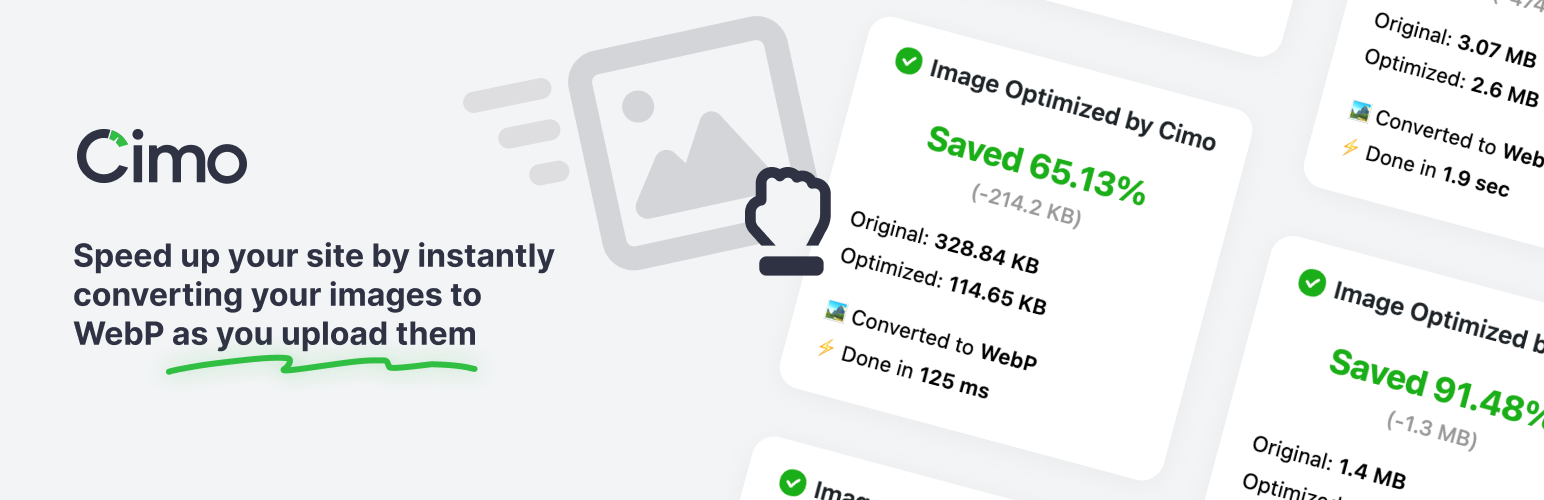
When you upload an image into your Media Manager (let's say a .jpg), you'll notice that after uploading, it will be a .webp image! You will also find some additional information in the Media Manager about your uploaded image.
Does Cimo work in all browsers?
Cimo works in all modern browsers including Chrome, Firefox, Edge, and Opera. This currently does not work with Safari, please use one of the browsers mentioned. If you use Safari, the image will just upload as it normally would.
Does Cimo really have no limits?
Yes! Unlike other plugins that charge per image or have monthly quotas, Cimo's image optimization and compression is completely unlimited and free forever.
Is my data sent to external servers?
No! Cimo processes everything locally in your browser. Your media assets never leave your device until they're uploaded to your WordPress site, nor do they go to another server for processing.
How does Cimo's client-side processing work?
Our browsers right now are quite powerful and already have the capabilities for converting images to different formats. At the very core, the conversion is done via a clever use of JavaScript's Canvas API to process your images in the browser right before they're uploaded to WordPress. This means faster uploads, no server load, and complete privacy.
What image formats does Cimo support?
Currently WebP conversion is fully supported.
Does Cimo work with existing images?
Cimo optimizes images during the upload process. For existing images, we have bulk optimization available in Cimo Premium. Learn more on our pricing page.
Does Cimo convert video and audio files?
Yes Cimo can convert video and audio files, but that's in our premium version, check out website for more information on it.
Will Cimo slow down my uploads?
Actually, it speeds them up! Since images are compressed before upload, they transfer faster and take up less storage space.
How do I access the settings page?
Go to Settings > Cimo in your WordPress admin. There you can configure options such as WebP quality, set maximum image dimensions, control thumbnail generation, and view optimization statistics.
What are the recommended settings?
Click the "Recommended" button in the settings page to apply optimal settings:
- WebP Quality: 80% (best balance of quality and file size)
- Max Image Dimension: 1920px (perfect for modern web)
- Thumbnail Generation: Disabled (saves disk space) These settings work great for most websites and provide excellent performance.
Can I see how much storage I've saved?
Yes! The settings page includes a statistics dashboard showing:
- Total storage saved
- Percentage reduction
- Number of media files optimized
- Original vs optimized file sizes
更新日志:
- Fixed: Optimization metadata may not be attached if uploading images with the same filename #40
- Fixed: Added view all stats link
- Fixed: Added upgrade links
- New: Bulk optimization without server processing (premium)
- New: Frontend file uploads can now be optimized (premium)
- New: Integrations to popular WordPress Form plugins (premium)
- New: Added stealth mode (premium)
- New: Added settings link in plugins page entry
- New: Added support for dropping images in WooCommerce descriptions
- Fixed: Cimo settings page improvements
- Fixed: Improvements on stats metabox styling
- New: Added SVG Optimization (premium)
- New: Added HEIC image format support (premium)
- Fixed: Dropping files stopped working in some instances #32
- Fixed: Uploading an image via Media > Add Media File doesn't show stats #4
- Fixed: Dragging multiple images in quick succession sometimes doesn't optimize the image #3
- Fixed: LQIP doesn't work correctly when the image has a srcset attribute #11
- Fixed: Closing the upload button on the block toolbar stops uploading of media #9
- Fixed: Uploading images with the same name in the same session doesn't add the metadata correctly #8
- New: If the resulting optimized image is bigger than the original image, the image is now skipped and the original image is kept.
- Fixed: Fixed license activation issue
- New: Video Optimization (premium)
- New: Audio Optimization (premium)
- New: Low Quality Image Placeholders (premium)
- New: Added rating notice at the right time
- Fixed: Now intercepts media uploads when performed inside the block editor iframe
- Fixed: When uploading images, the original image is also uplaoded.
- Fixed: When uploading images using Safari, images will just upload as they normally would.
- New: Statistics dashboard showing total storage saved, compression ratio, and media optimized
- New: Admin settings page under Settings > Cimo
- New: WebP quality control slider (1-100%) for custom compression levels
- New: Maximum image dimension setting to automatically resize large uploads
- New: WordPress automatic scaling control (disable the 2560px scaling threshold)
- New: Granular thumbnail generation control - disable all or select specific thumbnail sizes
- New: "Recommended" preset for one-click optimal settings
- Fixed: Metadata saving fails if WP is installed in a subdirectory
- New: Added partial support for Divi
- Fixed: File prefixes are no longer used during the optimization process. The original file names are now retained.
- Fixed: Dragging images on a blank editor or on top of other blocks now converts images
- Fixed: Dragging images into the block editor now converts images
- Fixed: Clicking on the Upload button on an image block directly now converts images
- Fixed: Uploading images from Media > Library and in grid view now converts images
- Fixed: Minor console JS error in some admin pages
- Change: Added admin notice to let user know what to expect
- Fixed: Minor string translation tweaks
- Initial release
- Client-side image optimization
- WebP conversion support
- Unlimited compression
- Privacy-first approach