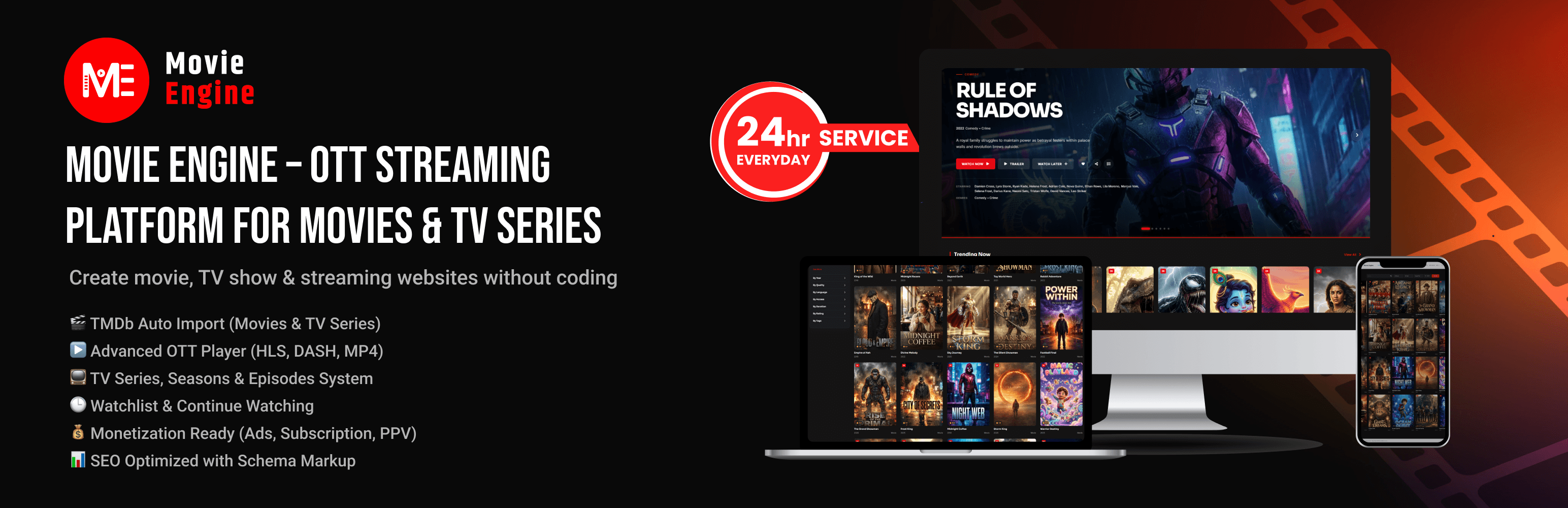
Movie Engine – OTT Streaming Platform for Movies & TV Series
| 开发者 | themepul |
|---|---|
| 更新时间 | 2026年10月9日 22:01 |
| PHP版本: | 7.4 及以上 |
| WordPress版本: | 7.1 |
| 版权: | GPLv2 or later |
| 版权网址: | 版权信息 |
详情介绍:
安装:
- Upload the
cine-movie-enginefolder to/wp-content/plugins/. - Activate the plugin via the Plugins screen.
- Go to Settings → Permalinks and click Save once.
- Add your TMDb API key under Movie Engine → API Settings.
- Start building your streaming library.
屏幕截图:
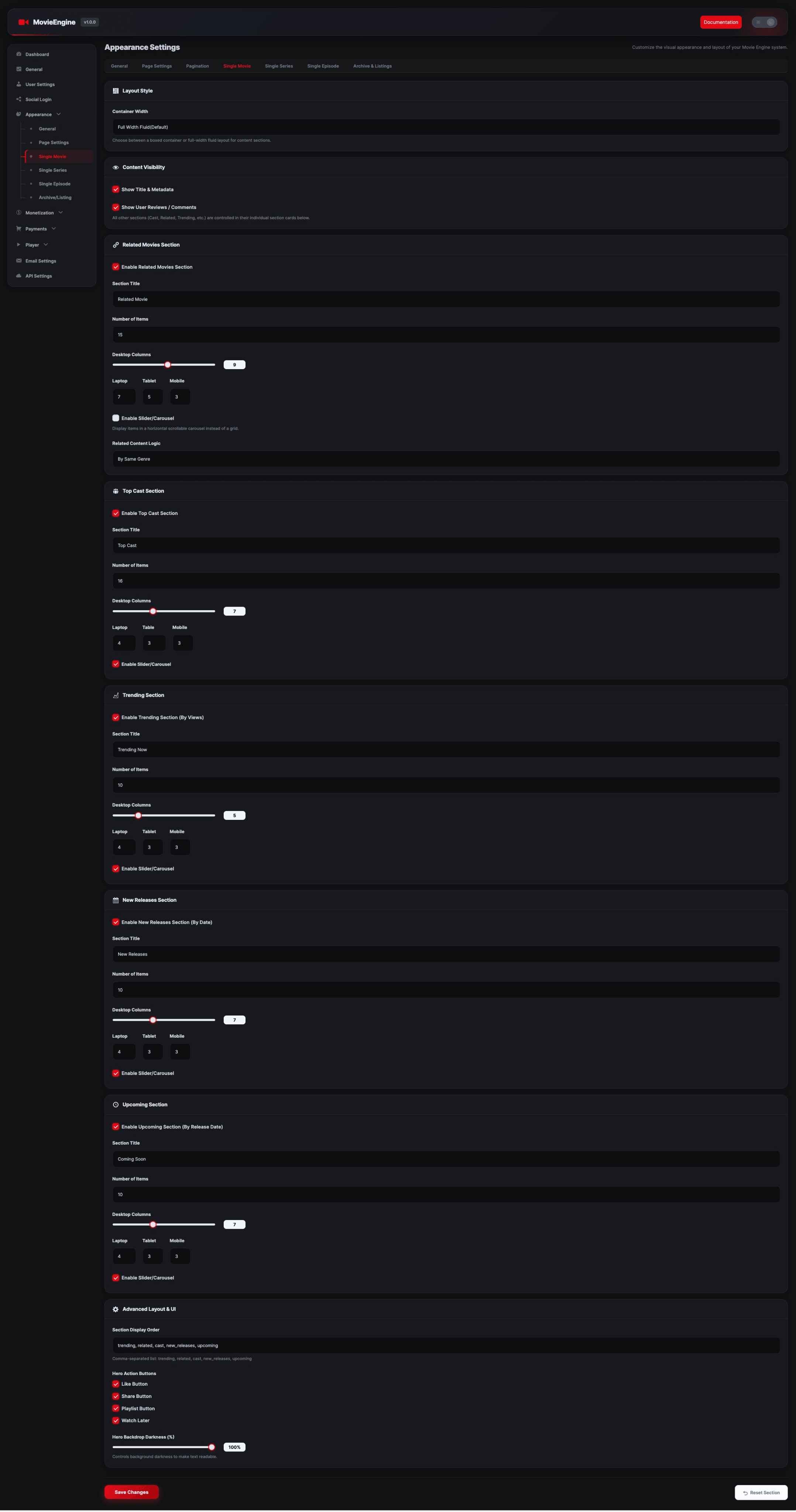
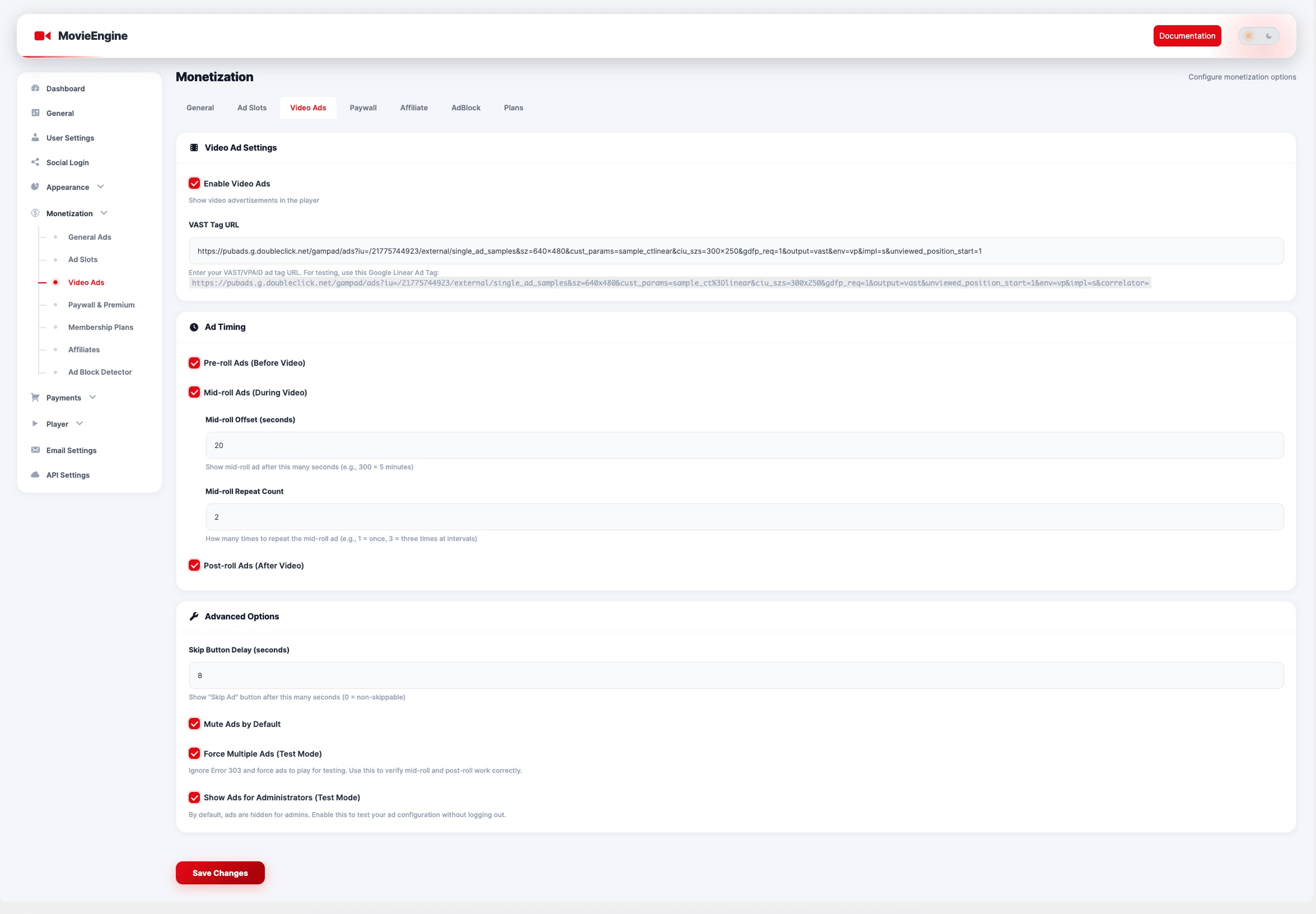
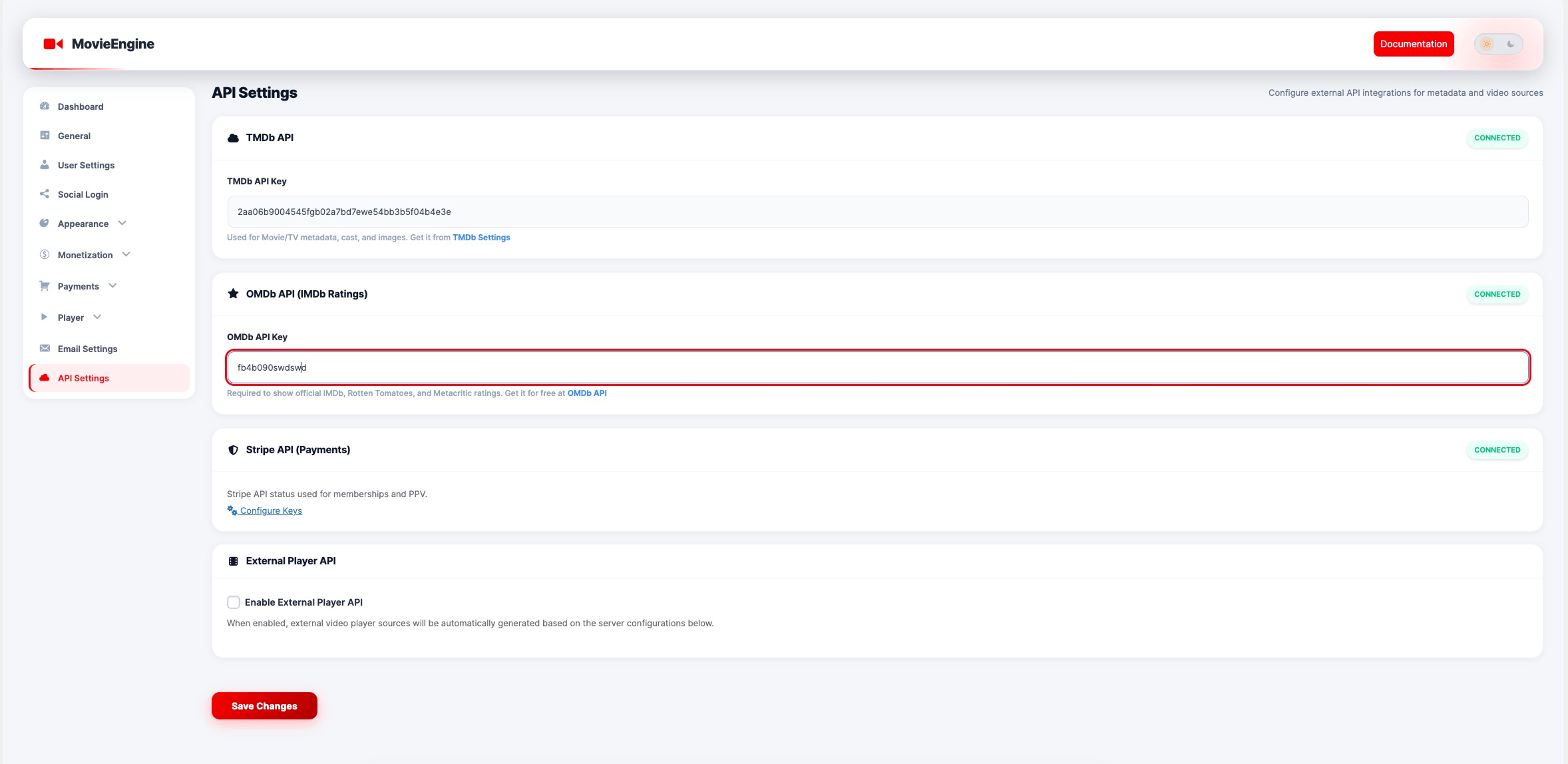
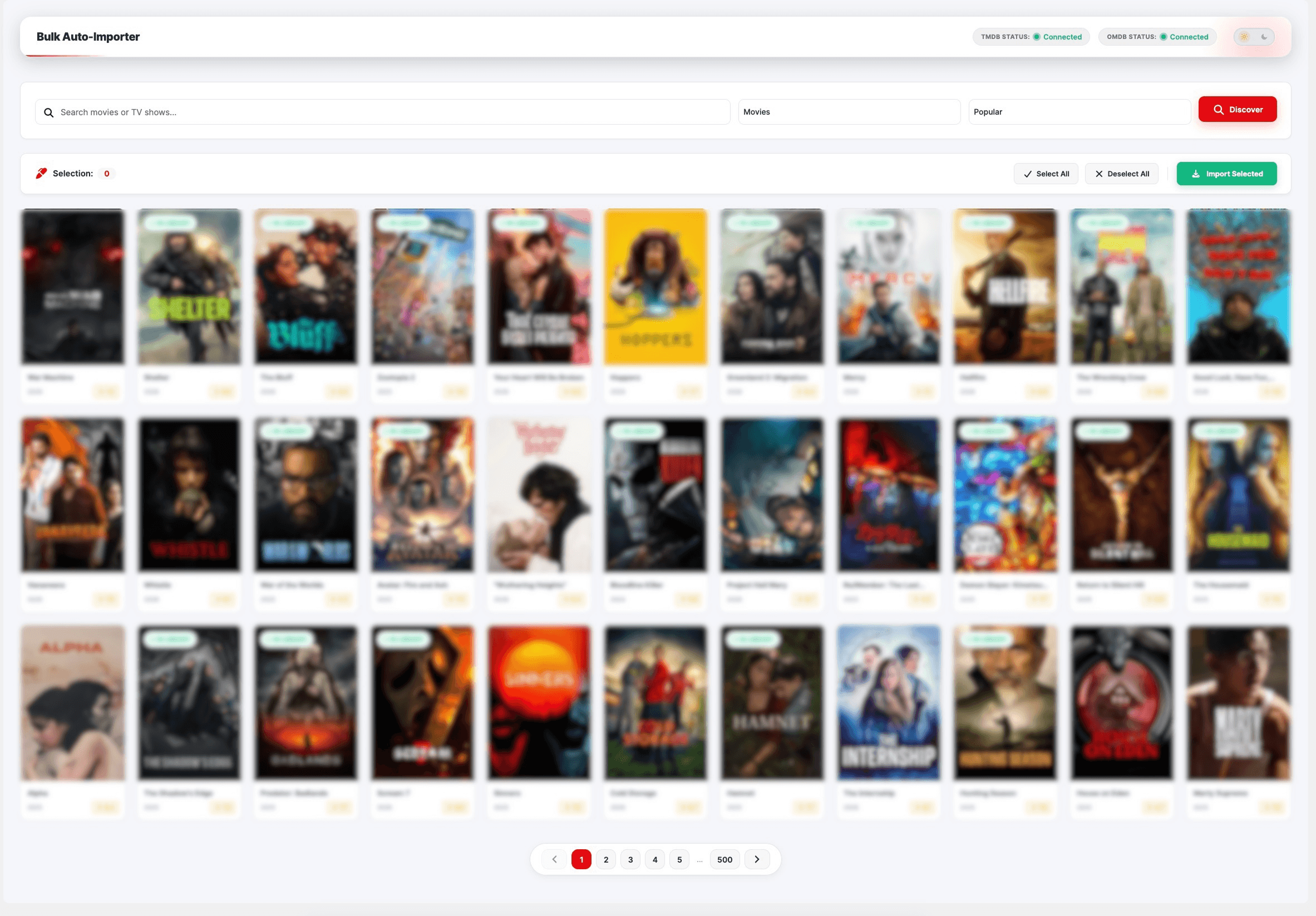
常见问题:
Can I build a Netflix-style website with WordPress?
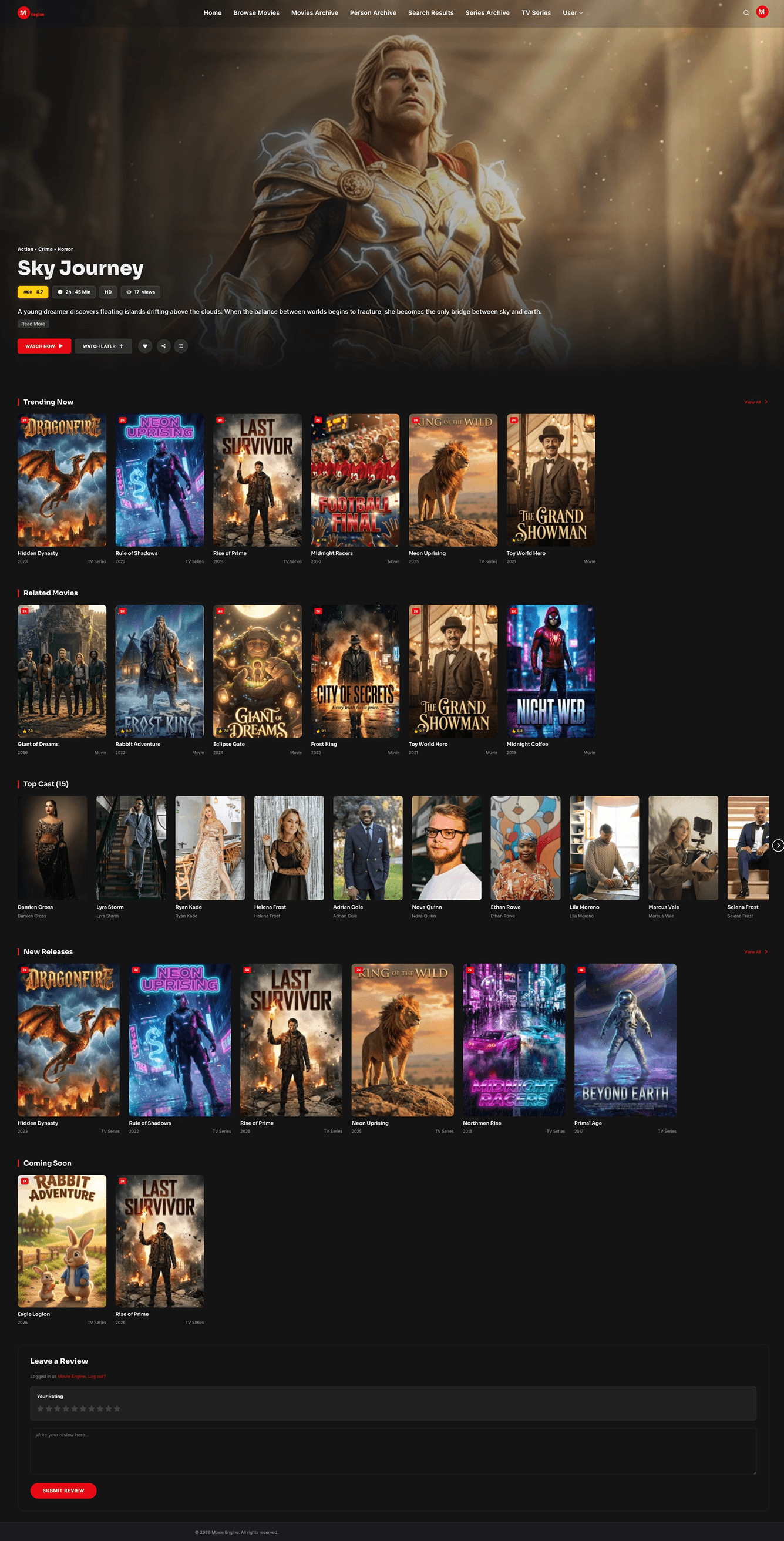
Yes. Movie Engine provides the full structure for movies, TV series, seasons, and episodes with streaming support.
Does it support HLS streaming?
Yes. The player supports HLS (.m3u8), DASH, and MP4 formats.
Can I create a subscription video platform?
Yes. The Pro version includes subscription and pay-per-view monetization.
Is TMDb import included?
Yes. You can automatically import metadata from TMDb (The Movie Database).
Does Movie Engine support the block editor (Gutenberg)?
Yes. The plugin registers custom blocks under the Movie Engine category in the block inserter. You can add Library, Grid, Search, Search Bar, Hero, Live Search, Person List, User Menu, and Taxonomies blocks without shortcodes.
Which Gutenberg blocks are available?
- Movie Engine Library
- Movie Engine Grid
- Movie Engine Search
- Movie Engine Search Bar
- Movie Engine Hero
- Movie Engine Live Search
- Movie Engine Person List
- Movie Engine User Menu
- Movie Engine Taxonomies
Can I use shortcodes instead of blocks?
Yes. The same layouts are available via shortcodes (for example [movie_engine_library], [movie_engine_grid], [movie_engine_taxonomies]). Use blocks in Gutenberg or shortcodes in the classic editor / Shortcode block—your choice.
How do visitors request a movie or TV series?
Enable Content Requests under Movie Engine → Requests → Settings, then add [movie_engine_request_form] to a page. You can also show the form on empty search results and in live search. Manage submissions under Movie Engine → Requests.
Is it beginner-friendly?
Yes. No coding is required, but developers can extend it.
Is there an official theme for this plugin?
Yes. Hello Movie Engine is the official free theme built for Movie Engine. It provides optimized layouts for movies, TV series, seasons, and episodes, and is designed specifically for OTT streaming websites. You can install the Hello Movie Engine theme from the WordPress theme directory, or directly from the Theme Marketplace section inside Movie Engine.
更新日志:
- New: Library, Grid, and Search can show a TMDb list. Add
tmdb_type="day"for today’s trending,weekfor this week,now_playingfor movies in cinemas or series on the air,popular,top_rated, orupcoming. Example:[movie_engine_library post_type="movie_engine_movie" tmdb_type="day" limit="16"]. Only movies and series already imported on the site appear, in the same order as TMDb. The list is saved for one hour, so the page does not call TMDb on every visit. - New: In the block editor, select the Library, Grid, or Search block. Under Query, choose TMDb list. Leave it on None to keep sorting the titles already on your site.
- Fix: Trending, Top rated, New releases, and Upcoming still sort your own library. Choosing one of those no longer falls back to the newest posts.
- Fix: The TV Series list keeps the real episode total when episodes are added after the season. Later imports update that saved number without counting the whole catalog on every list load.
- New: Content Requests — visitors can ask for a movie or TV series with
[movie_engine_request_form]. The form can also show on empty search results and in live search when enabled under Movie Engine → Requests → Settings. - New: Movie Engine → Requests admin — filter by status, search, bulk delete, and mark requests pending, approved, available, or rejected. HTML emails notify admins of new requests and requesters when status changes (optional reply message).
- New: After a title is imported, a matching request can link automatically and move to Available. With Movie Engine Pro, Find content opens Bulk Import with the request prefilled.
- Fix: Form fields and live search use a single focus ring (no stacked outline + shadow).
- New: Library, Grid, and Search can list titles from Available content requests. Add
content_requests="available". Example:[movie_engine_library content_requests="available" limit="20" pagination="true"]. Only linked (Already added) movies and series appear. Limit and pagination work like a normal library. In the block editor, under Query, choose Content requests → Available (linked).
- Deleting a TV series also removes its seasons and episodes. Deleting a season removes that season’s episodes. Deleting one episode removes only that episode. Restoring from Trash restores the linked items too.
- Fix: Watch Page on small screens keeps server buttons in two columns inside the page. Long server names stay on one line. Slider arrows no longer stick out and create a sideways scroll.
- Fix: Episode page on small screens stacks the series title and season label, keeps the date and runtime on one line, and keeps Add to Watchlist on one line.
- Fix: A slider with no width no longer freezes the page while building dots.
- Fix: The TV Series admin list saves season and episode totals on each series, so opening the list does not count every episode again.
- Fix: A series page keeps an ordered list of season and episode IDs. Later views load only the current episode page, not metadata for the whole catalog.
- Fix: Related titles are chosen from a short recent set. Rating and views lists reuse a saved ID list for 15 minutes.
- New: Disable Right Click ads link (Player → Security). When the option is on, a link field appears.
- Right-click, Inspect shortcuts, and an already-open Inspect window send the visitor to that link. If the link is empty, the page stays covered until Inspect is closed.
- Right-click is blocked on the page and on ad slots (header, sidebar, footer, popup, corner, and player ads).
- Fix: External Player URL templates keep placeholders such as
{tmdb_id}when settings are saved.
- New: Import Images setting (Settings → API) — choose Load from TMDb (remote URLs) or Download to Media Library for movie, TV series, season, and episode posters/stills.
- New: Poster Image URL meta and Media tab field — Featured Image overrides remote URL when set (same pattern as person photos).
- Improved: Frontend poster resolution uses Featured Image → TMDb poster URL → episode still fallback across cards, heroes, player, SEO, widgets, and search.
- New: Person Profile Image URL (TMDb) — import stores a remote URL instead of downloading every actor photo into the Media Library.
- New: Person photo priority — Featured Image first, then TMDb profile URL, then placeholder (single, cards, cast, admin list).
- Fix: Watch Page sidebar no longer prints raw
[movie_engine_ad_sidebar]when ads are disabled. - Fix: Admin Persons “Photo” column shows TMDb URL when no Featured Image is set.
- Added Popup ads control with delay, dismiss memory, and optional re-show after close.
- Added Sticky bottom-right ads with minimize strip and optional full close.
- Added Sidebar ad slot (300x250) in Monetization → Ad Slots for Watch Page and
[movie_engine_ad_sidebar]. - Added Single Movie layout style: Classic (
/player/) or Watch Page (inline player). - Added TMDb Discover helpers for language, country, and genre filters.
- Fixed Container Max Width setting (removed hardcoded 1290px override).
- Fixed Watch Page Player Top ad so only one ad shows above the player.
- Fixed empty or placeholder-only ad codes (e.g.
#) so they are not rendered.
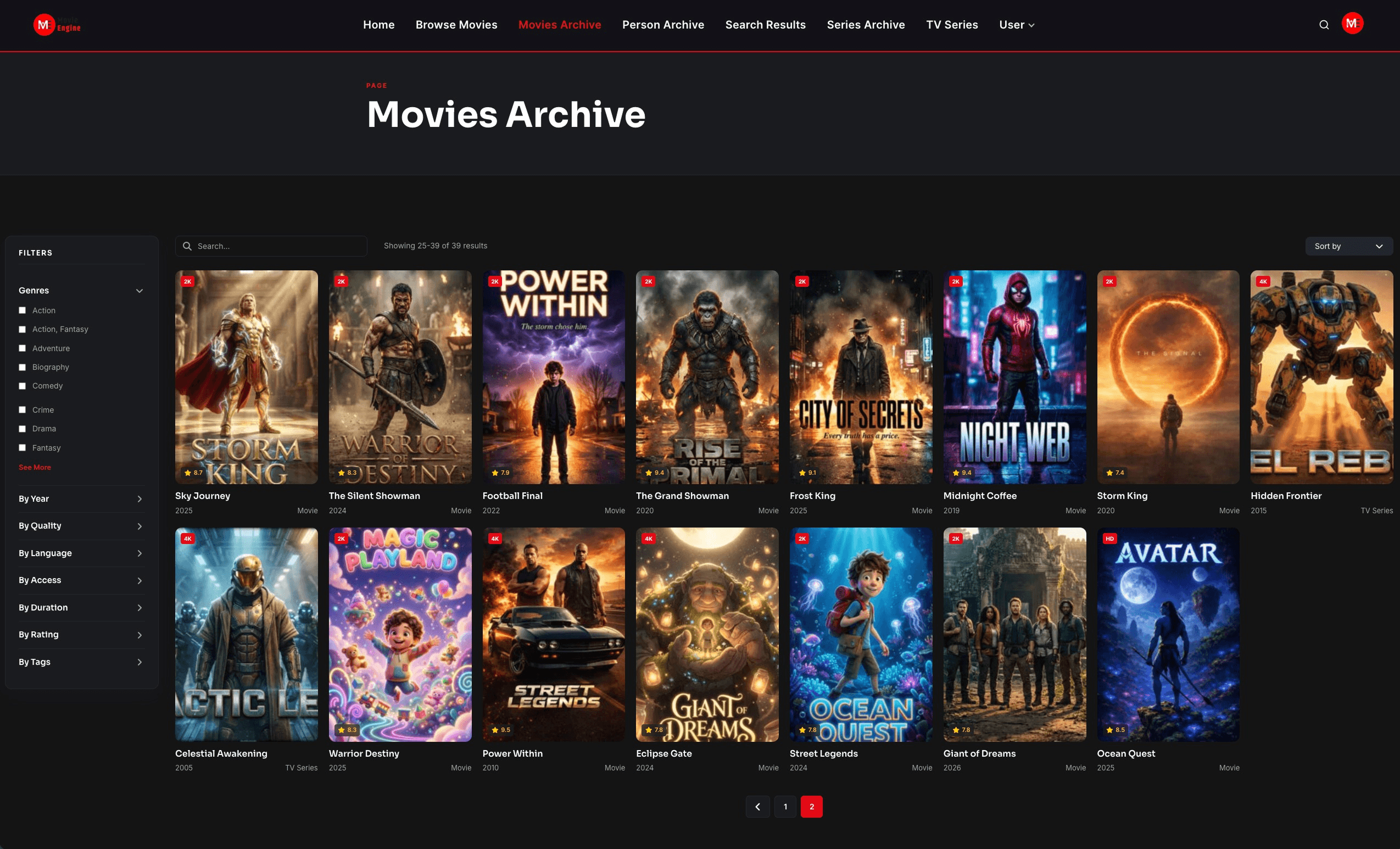
- Movie Engine Library — full library with filters, layouts, and pagination options.
- Movie Engine Grid — movie/series grid without the search UI.
- Movie Engine Search — library with search enabled.
- Movie Engine Search Bar — standalone search bar.
- Movie Engine Live Search — live search experience.
- Movie Engine Hero — hero section for featured content.
- Movie Engine Person List — cast/crew and person archives.
- Movie Engine User Menu — user account menu for the header.
- Movie Engine Taxonomies — genres, years, tags, and other term grids or sliders.
- Grid & spacing gap now applies to the card grid (library, person list, taxonomies shortcodes).
- Update The Pot File
- Initial release
- TMDb Smart Import integration
- Advanced OTT Player (HLS & DASH)
- Season & Episode management
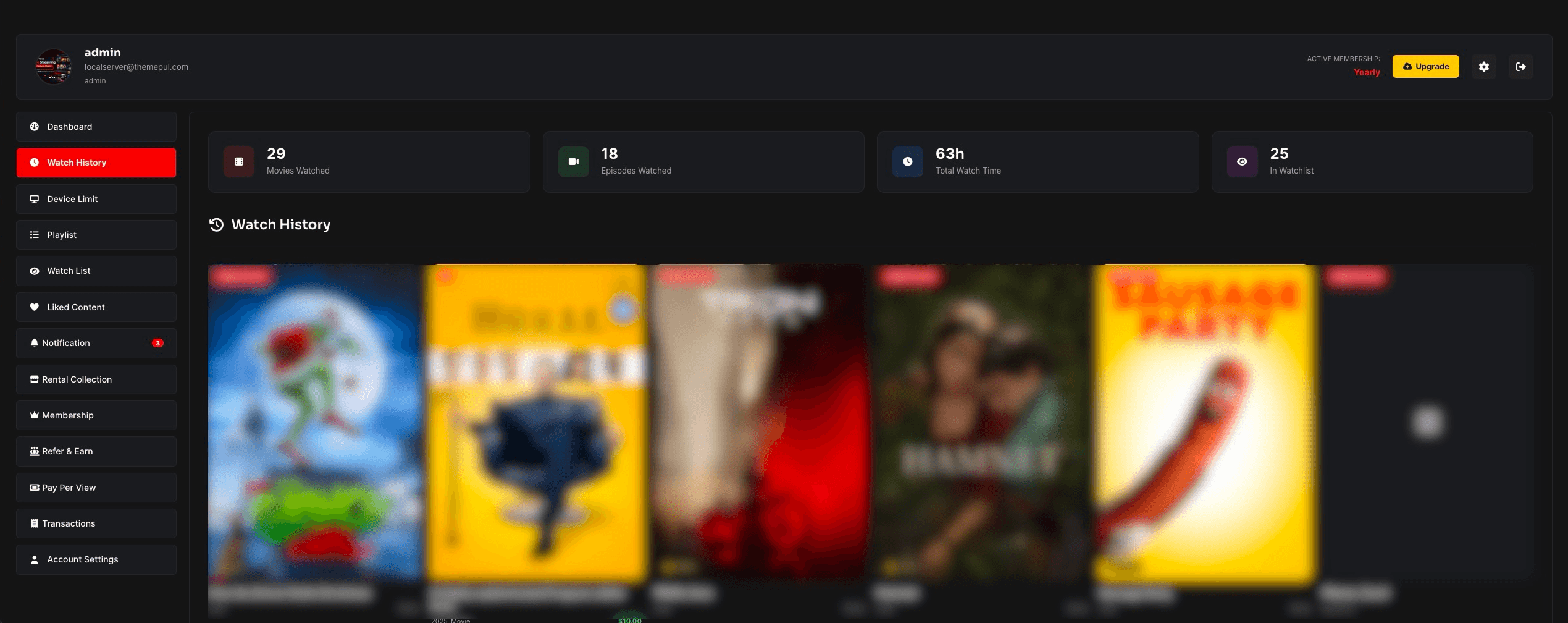
- User dashboard & engagement system
- JSON-LD Schema integration