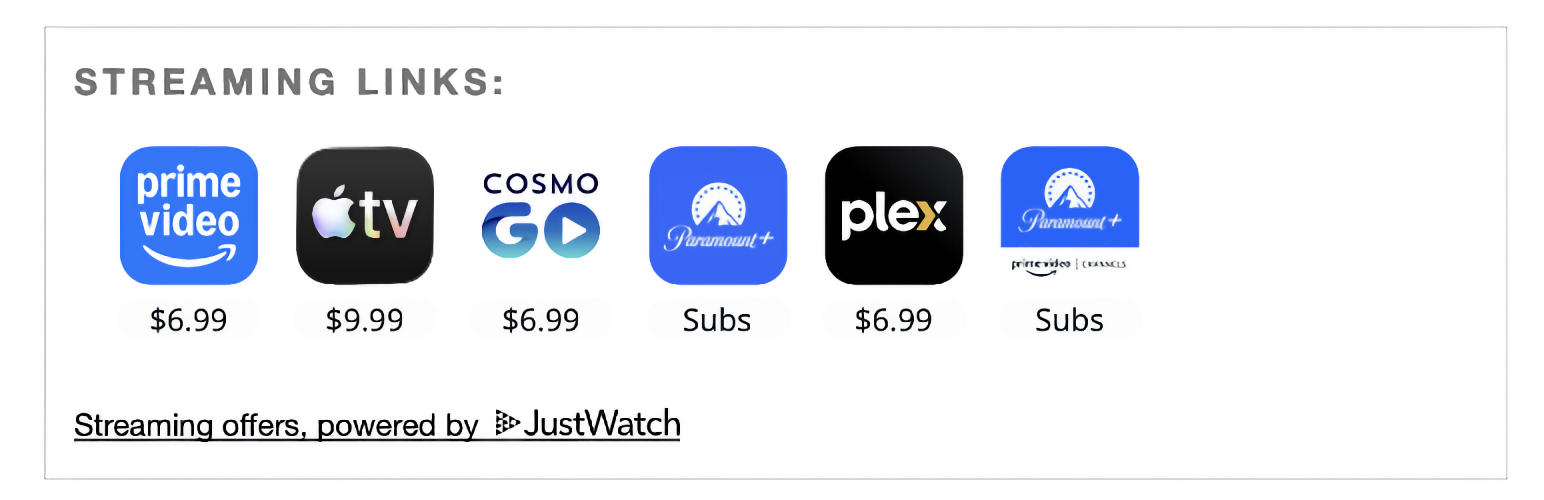
CineLink Embeds for JustWatch
| 开发者 | posterboy81 |
|---|---|
| 更新时间 | 2026年3月18日 16:29 |
| 捐献地址: | 去捐款 |
| PHP版本: | 7.4 及以上 |
| WordPress版本: | 6.9 |
| 版权: | GPL-2.0-or-later |
| 版权网址: | 版权信息 |
详情介绍:
CineLink Embeds for JustWatch adds a Gutenberg block for embedding JustWatch widgets using TMDB or IMDB IDs.
Features include:
- Global plugin defaults in WordPress admin settings.
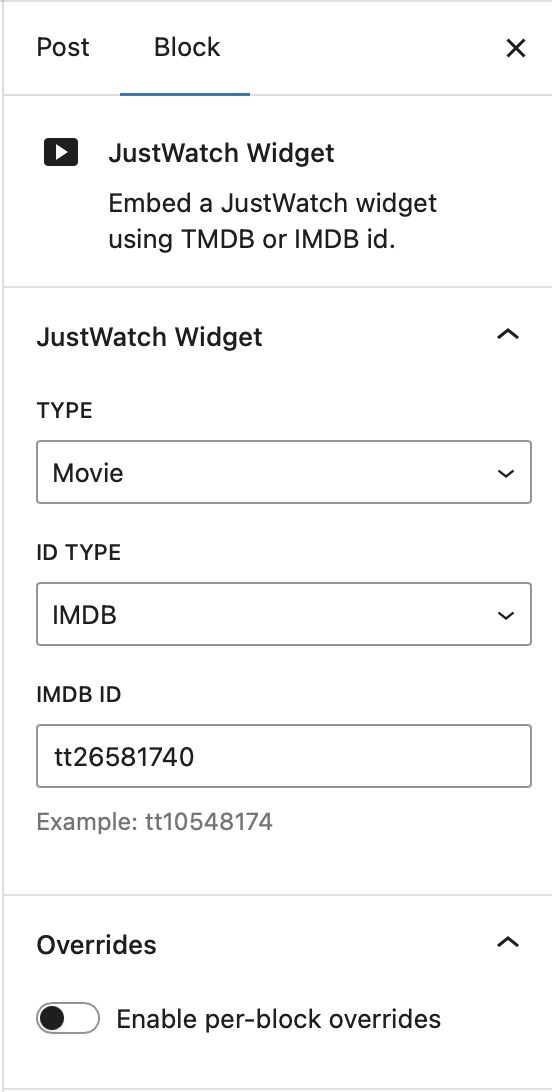
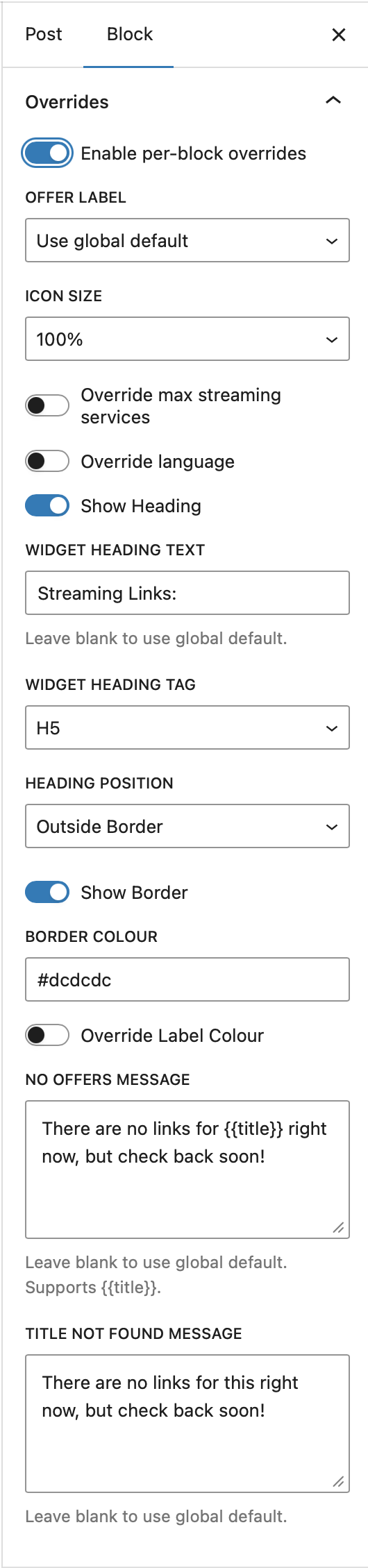
- Per-block overrides in the editor.
- Shortcode support for use with Divi, Elementor, and other page builders.
- Language override support (tested languages only).
- Offer label, max offers, icon scale, and message customization.
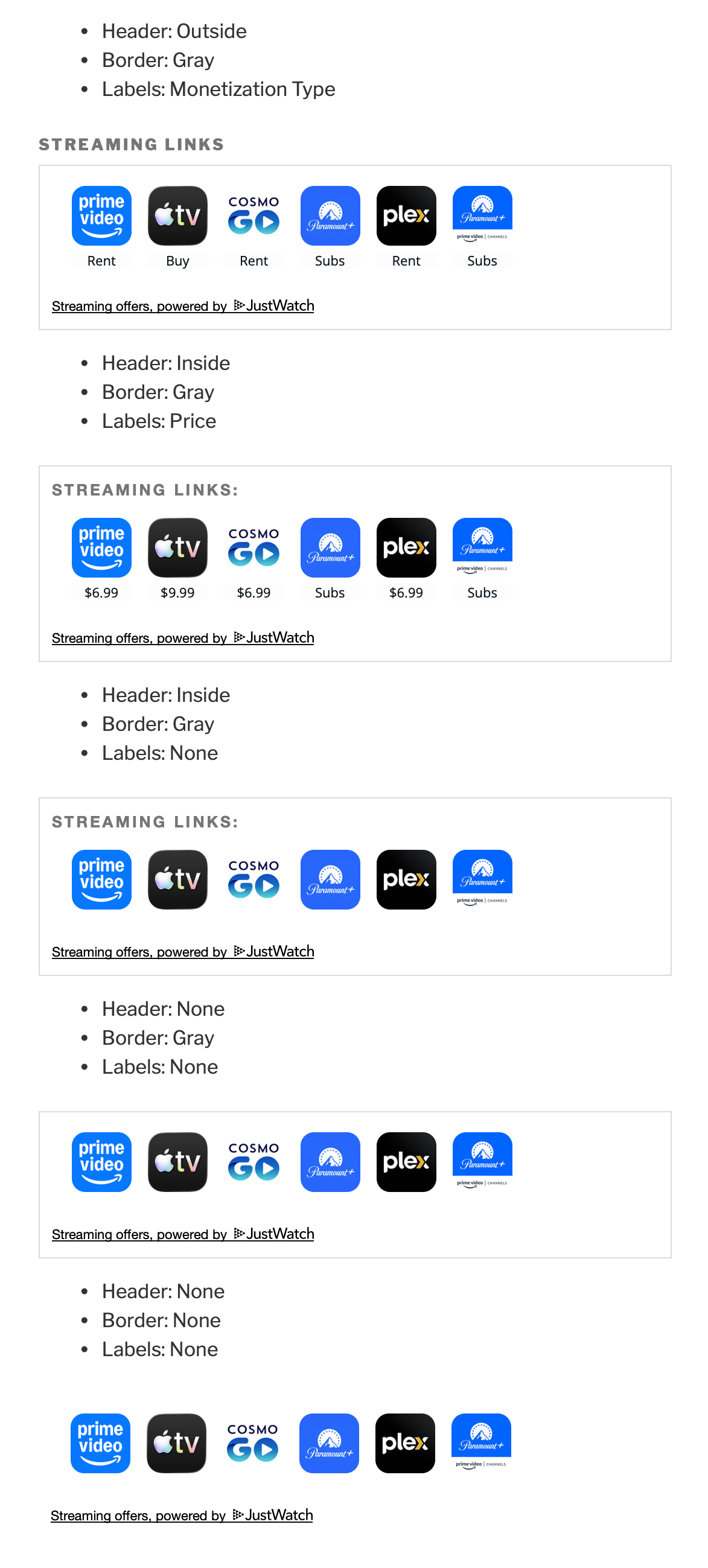
- Heading and border display controls.
- Configurable wrapper margin globally and per block.
- Optional public attribution link, disabled by default and can be enabled by admin.
- Arabic
- Chinese
- Czech
- French
- German
- Italian
- Polish
- Portuguese
- Romanian
- Russian
- Spanish
安装:
- Upload the plugin folder to the
/wp-content/plugins/directory, or install it as a ZIP via Plugins > Add New. - Activate the plugin through the Plugins menu in WordPress.
- Open CineLink Embeds for JustWatch settings in wp-admin and add your API key.
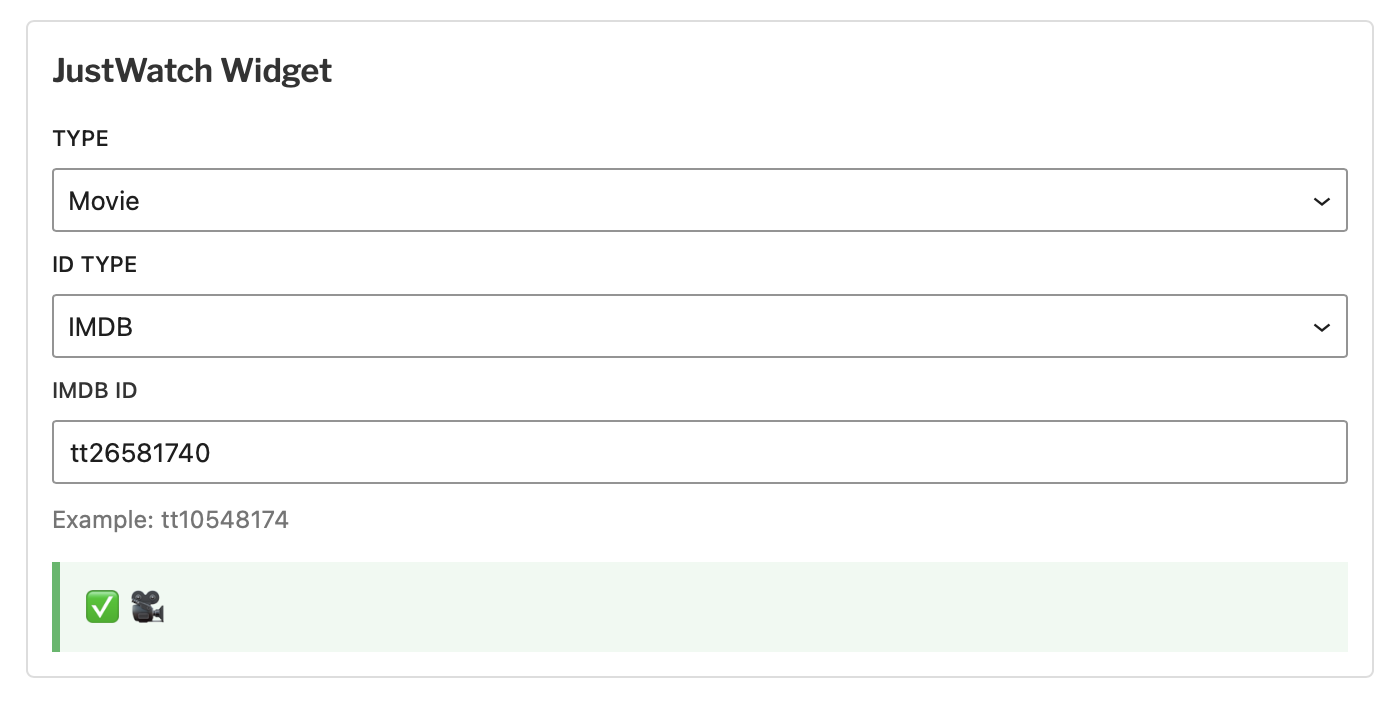
- Insert the CineLink Embed for JustWatch block into a post or page and configure ID type + ID.
屏幕截图:
常见问题:
Do I need a JustWatch API key?
Yes. Add your API key in the plugin settings page before using the widget.
Can I override settings per block?
Yes. Use the Overrides panel in the block inspector.
Does this plugin work with Divi, Elementor, or other page builders?
Yes. Use the [cinelink] shortcode in your page builder's code or text module:
Movie, with IMDB:
[cinelink object_type="movie" id_type="imdb" external_id="tt31190636"]
TV Show, with TMDB:
[cinelink object_type="show" id_type="tmdb" external_id="245927"]
The three required attributes are object_type (movie or show), id_type (tmdb or imdb), and external_id (the title's ID). All other display settings (heading, border, colours, language, etc.) are inherited from the plugin's global settings page.
What happens when I uninstall the plugin?
On plugin uninstall (delete), plugin options are cleaned up from the database.
更新日志:
1.0.2
- Add shortcode support for use with Divi, Elementor, and other page builders.
- Add custom admin footer on settings page.
- First stable release.
- Admin defaults and block-level overrides.
- Language override support with tested language list.
- Uninstall cleanup for saved plugin options.