Accessibility Checker & WCAG Scanner — Cirv Guard
| 开发者 | cirvgreen |
|---|---|
| 更新时间 | 2026年6月8日 15:51 |
| PHP版本: | 7.4 及以上 |
| WordPress版本: | 6.9.4 |
| 版权: | GPLv2 or later |
| 版权网址: | 版权信息 |
详情介绍:
- Legal protection - ADA/EAA compliance reduces lawsuit risk
- Larger audience - 1.3 billion people worldwide live with disabilities
- Better SEO - Accessible sites rank higher (Google rewards usability)
- Higher conversions - Usable sites convert better for everyone
- Brand reputation - Demonstrate your commitment to inclusion
for attribute, wrapping <label>, aria-label, or aria-labelledby.
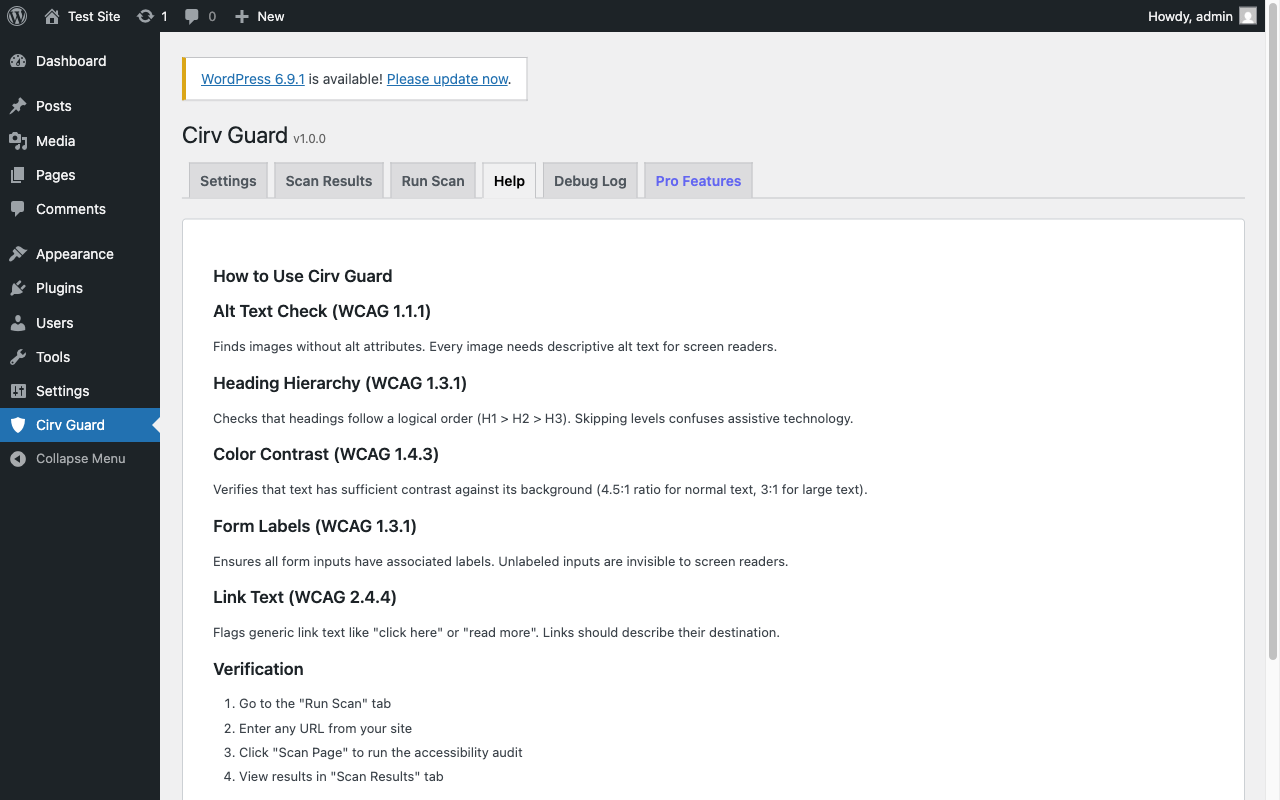
Link Text Checker (WCAG 2.4.4)
Flags generic link text like "click here" and "read more". Detects empty links and links with no accessible name.
How It Works
- Install & Activate - One-click from the WordPress plugin directory
- Go to Cirv Guard - New top-level menu item with shield icon
- Run a Scan - Scan any page or post on your site
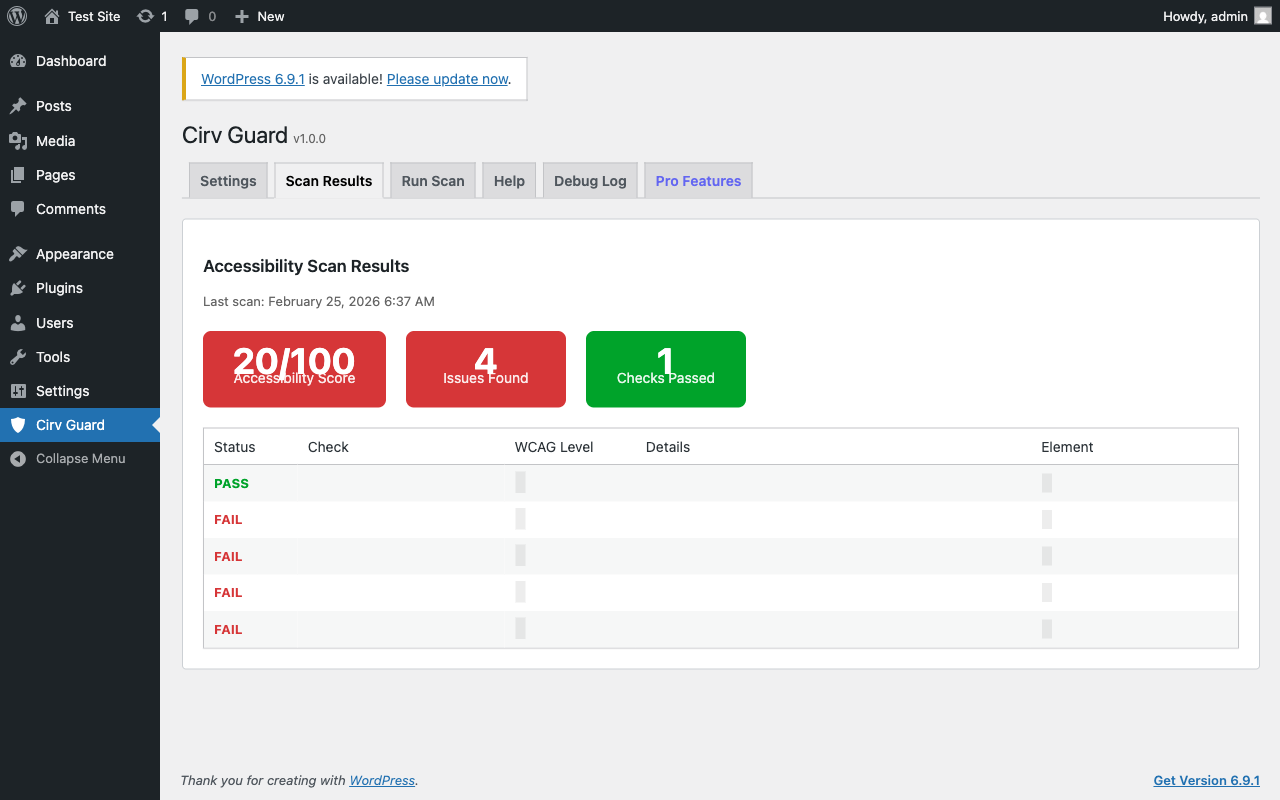
- Review Results - Color-coded pass/fail results with accessibility score
- Fix & Rescan - Make changes and verify compliance
- Agencies - Audit client sites and deliver compliance reports
- E-commerce - Meet EAA requirements for online stores
- Government & Education - Section 508 and WCAG compliance
- Content publishers - Ensure blog posts meet accessibility standards
- Anyone who wants to avoid a $75,000+ ADA demand letter
- Lightweight single-file architecture (no bloat)
- Server-side scanning via PHP DOMDocument (no external APIs)
- Transient caching for fast repeat scans
- Multisite compatible with cache isolation
- GDPR compliant (no data collection)
- Translation ready
- Works alongside any theme or page builder
安装:
- Log in to your WordPress dashboard
- Navigate to Plugins > Add New
- Search for "Cirv Guard"
- Click Install Now
- Click Activate
- Go to Cirv Guard in your admin menu
- Download the plugin ZIP file
- Navigate to Plugins > Add New > Upload Plugin
- Choose the ZIP file and click Install Now
- Click Activate
- Go to Cirv Guard in your admin menu
- Navigate to Cirv Guard in your admin sidebar
- Enable the checks you want (all 5 are on by default)
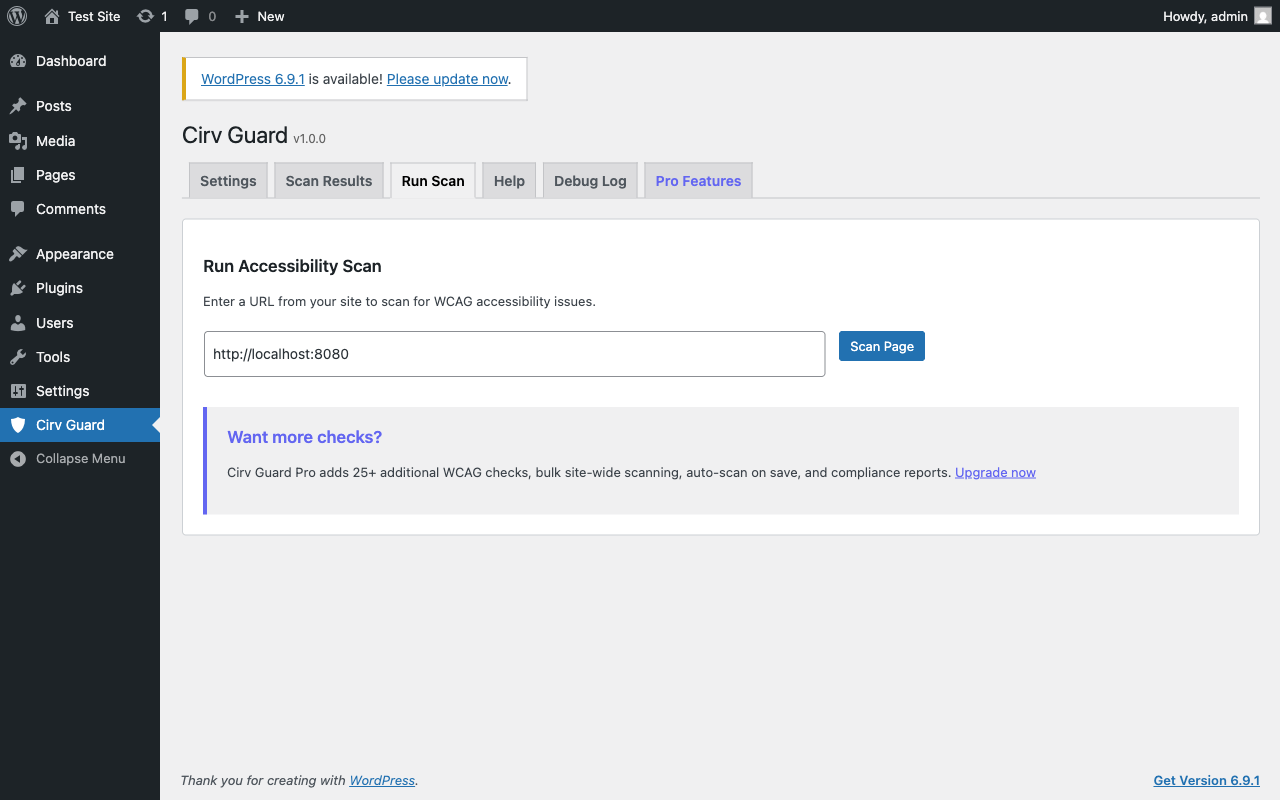
- Go to the Run Scan tab
- Enter a page URL and click Scan Page
- Review results and start fixing issues
屏幕截图:
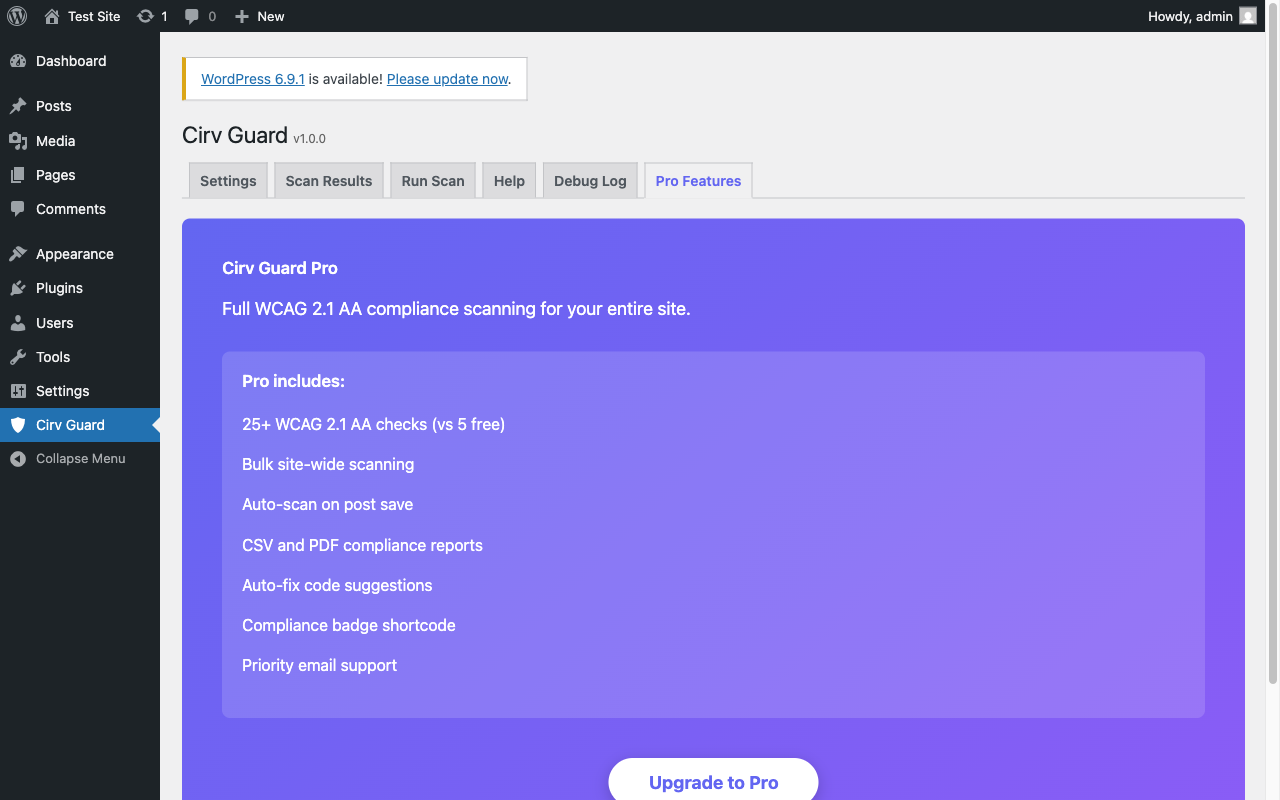
常见问题:
What is WCAG?
WCAG (Web Content Accessibility Guidelines) is the international standard for web accessibility, published by the W3C. WCAG 2.1 Level AA is the most commonly referenced compliance level for legal requirements like the ADA and EU Accessibility Act.
Will this make my site fully WCAG compliant?
Automated tools can detect approximately 30-40% of WCAG violations. Cirv Guard catches the most common and impactful issues. A complete accessibility audit also requires manual testing with screen readers and keyboard navigation.
Does this slow down my site?
No. Cirv Guard only runs scans when you trigger them from the admin dashboard. It does not add any code to your frontend or affect page load time for visitors.
Does this work with page builders?
Yes. Cirv Guard scans the rendered HTML output of your pages, so it works with Elementor, Divi, Beaver Builder, WPBakery, Gutenberg, and any other builder.
What is the EU Accessibility Act?
The European Accessibility Act (EAA) requires websites and apps serving EU customers to meet accessibility standards. Enforcement began in June 2025. Non-compliance can result in fines and legal action.
Can I use this with other accessibility plugins?
Yes. Cirv Guard focuses on automated scanning and reporting. It works alongside other tools like WP Accessibility, One Click Accessibility, and UserWay.
How accurate is the color contrast checker?
Cirv Guard uses the W3C relative luminance formula specified in WCAG 2.1 Success Criterion 1.4.3. It checks inline CSS color/background-color pairs. For complete contrast testing, also test with browser dev tools.
更新日志:
- Discoverability: keyword-first listing title, optimized tags, and short description. Tested up to WordPress 6.9.4. No functional changes.
- Added Cirv Sight cross-sell. No functional changes.
- Initial Release
- 5 WCAG 2.1 checks: alt text, heading hierarchy, color contrast, form labels, link text
- Accessibility score dashboard (0-100)
- Transient caching for performance
- Multisite support with cache isolation
- Debug logging system
- 6-tab admin interface