
Citrus
| 开发者 | edenhance |
|---|---|
| 更新时间 | 2026年7月20日 17:57 |
| PHP版本: | 7.4 及以上 |
| WordPress版本: | 7.0 |
| 版权: | MIT |
| 版权网址: | 版权信息 |
详情介绍:
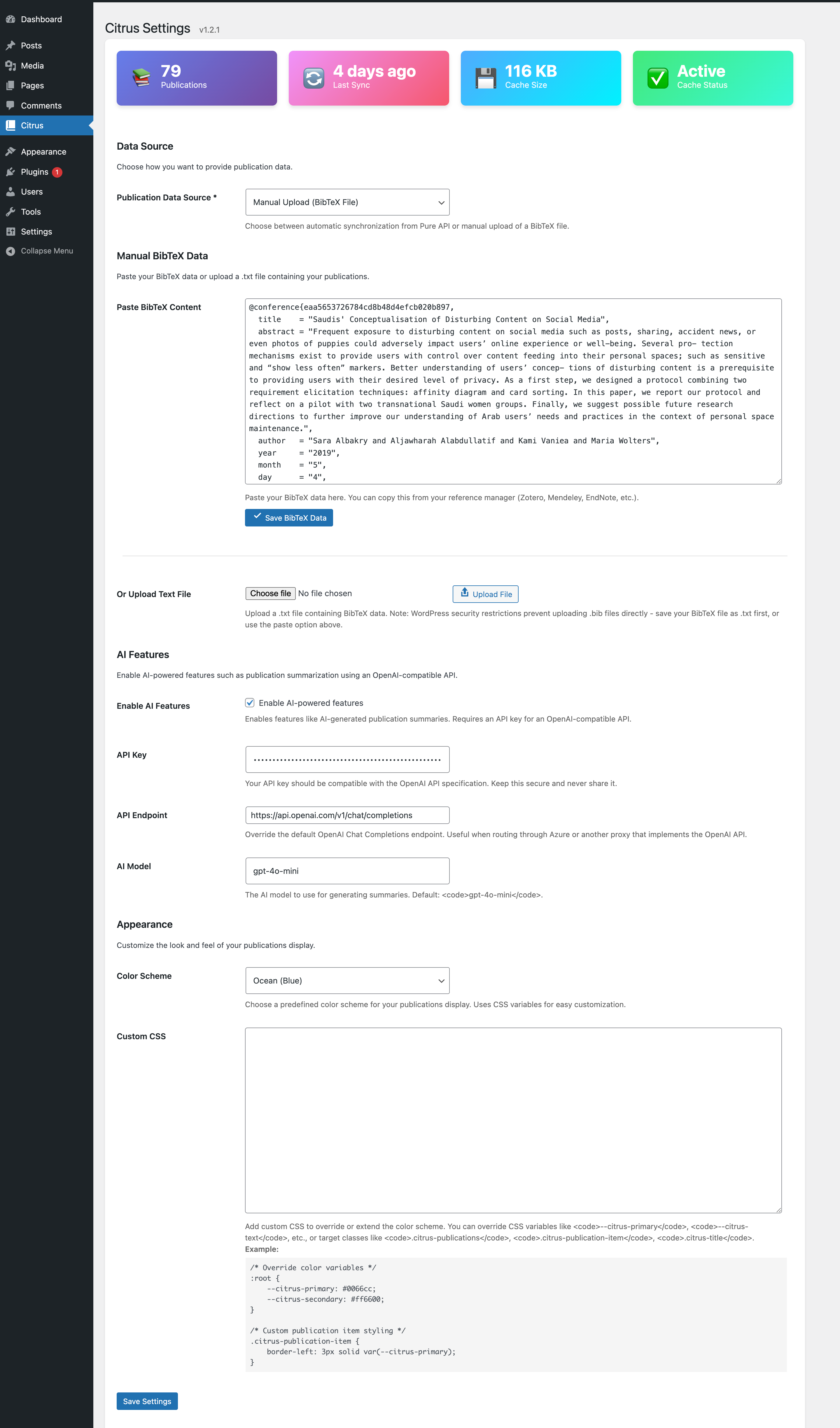
- Flexible Data Sources: Use Pure API automatic sync OR manually provide BibTeX data (paste or upload)
- Automatic synchronization from Pure API (schedule hourly, twice daily, or daily)
- Manual BibTeX entry: Paste content directly or upload .txt files
- Smart caching with WordPress transients to reduce API calls
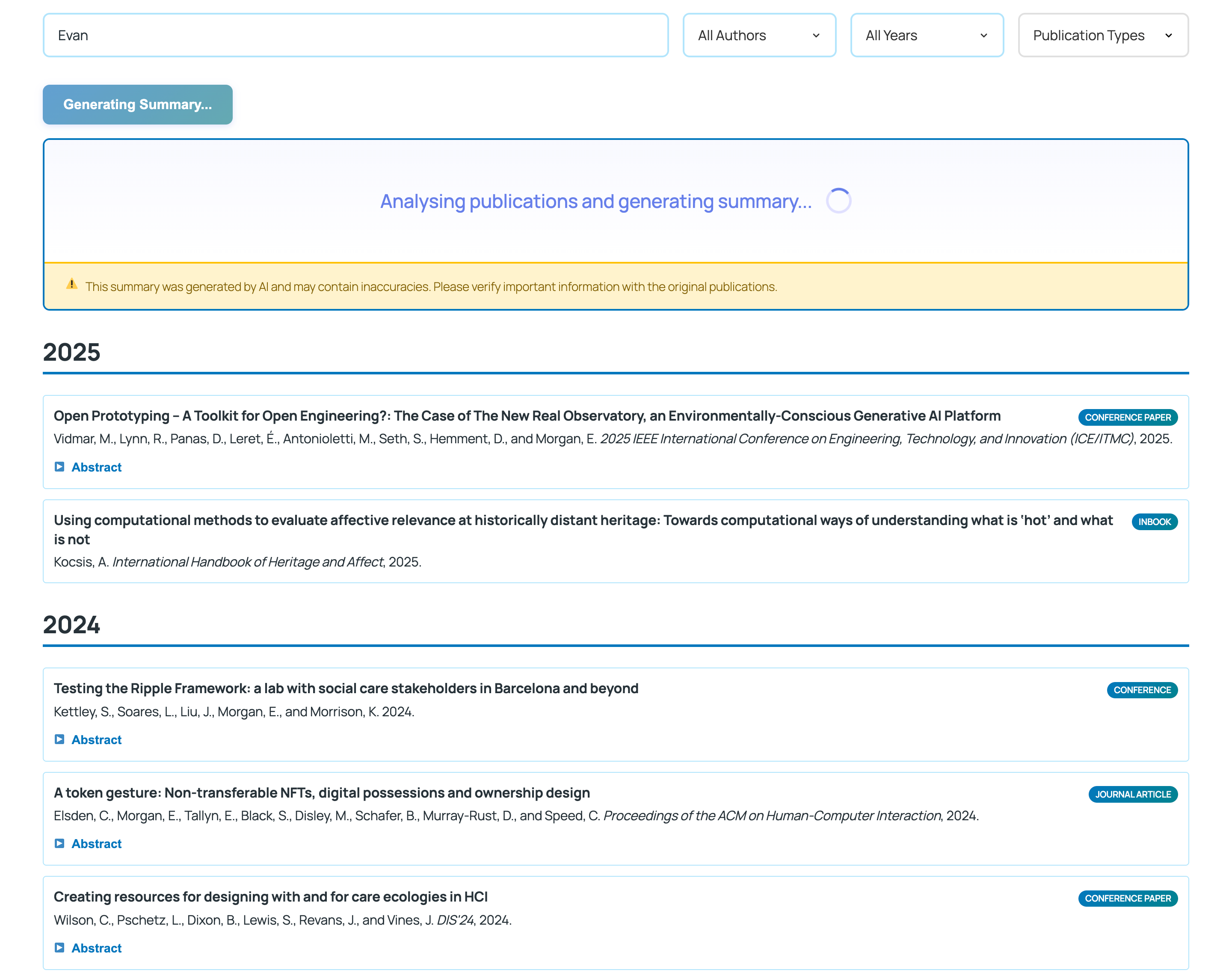
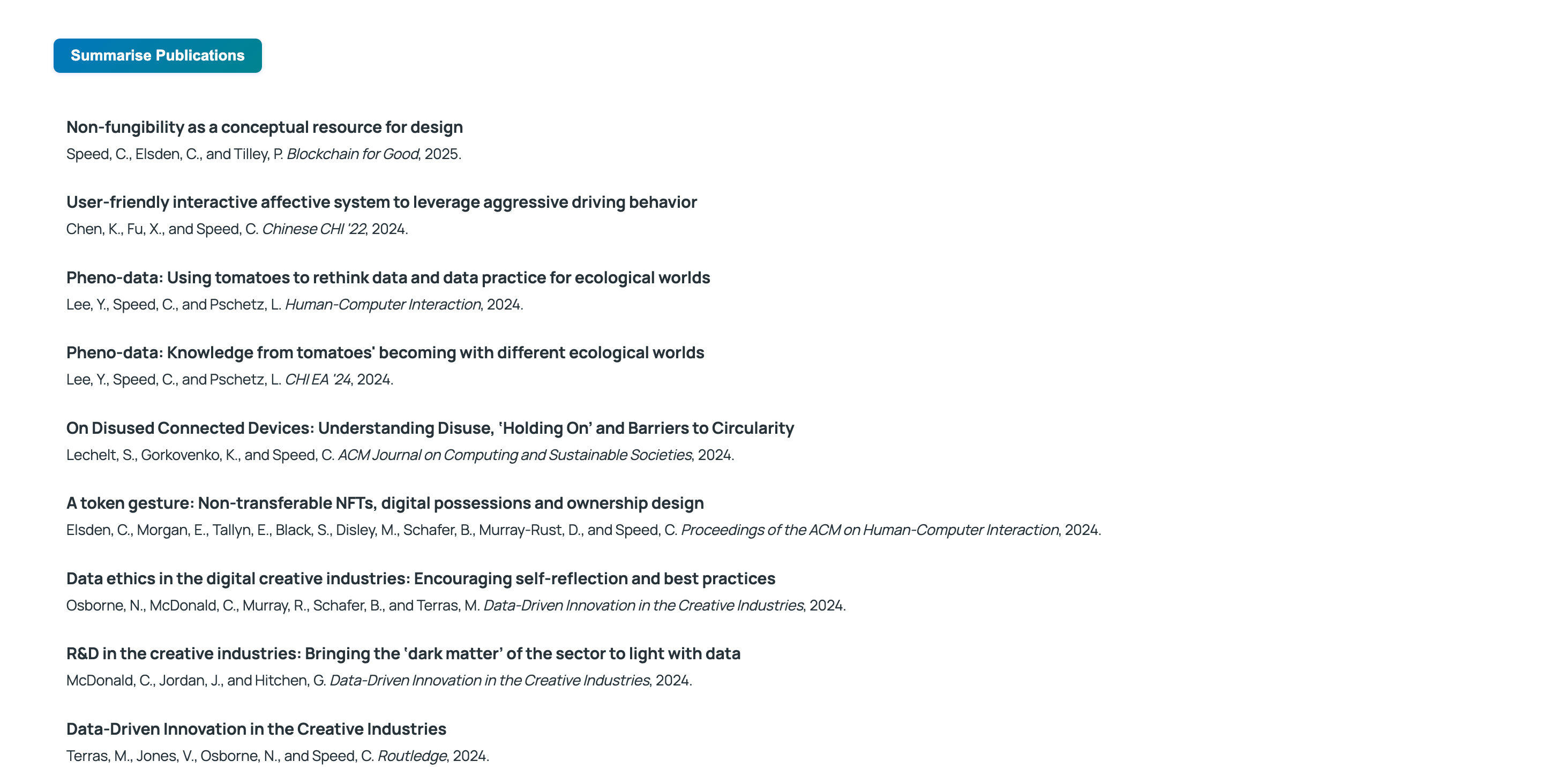
- Beautiful, responsive publication listings with search and filters
- Multiple integration options: shortcode, Gutenberg block, and REST API
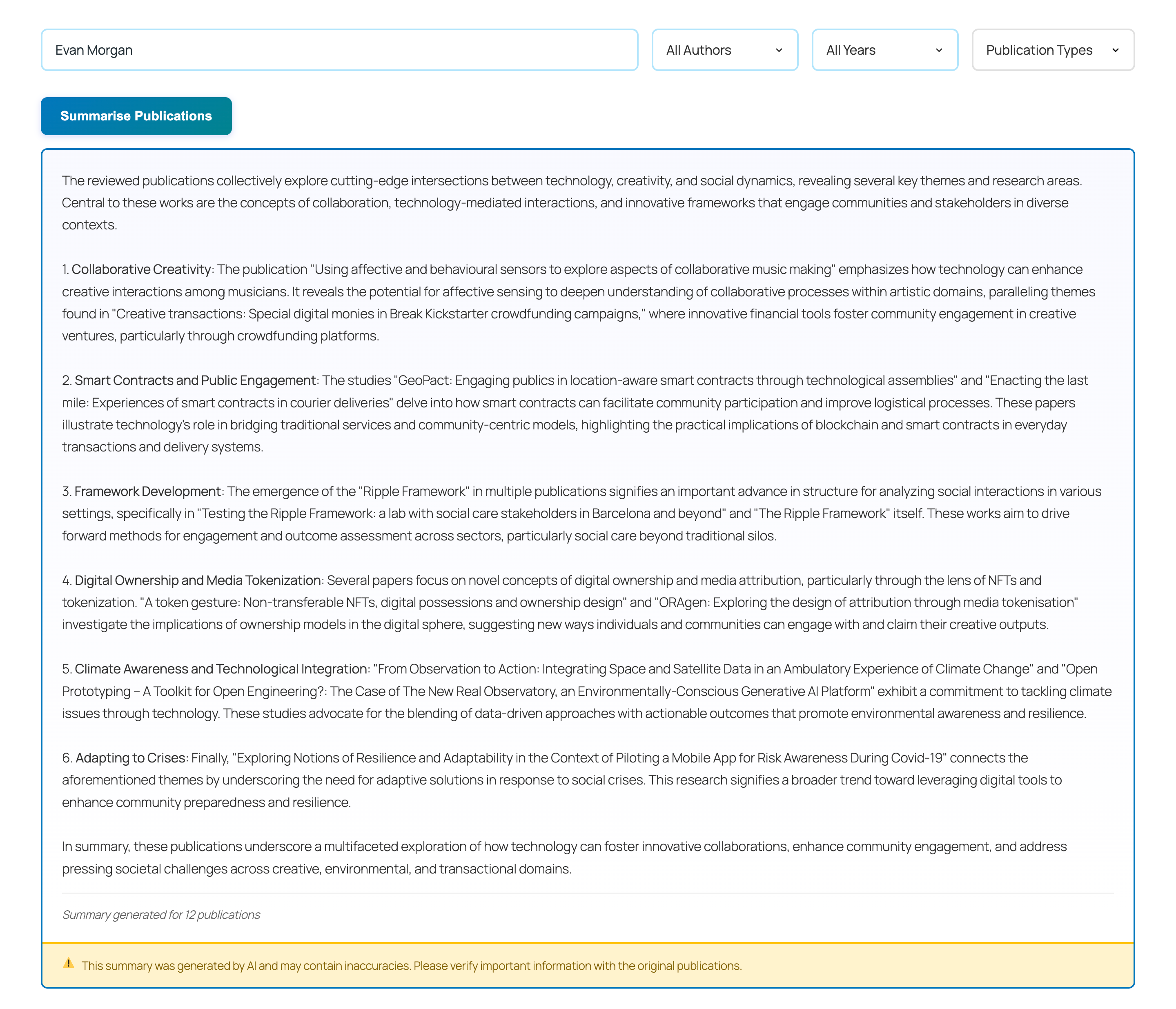
- Optional AI-powered summaries (OpenAI-compatible) with 24-hour caching and rate limiting
- 6 color schemes + custom CSS support
- Accessible, responsive design with dark mode
- Secure options handling and nonce-protected REST endpoints
- WordPress 5.8 or higher
- PHP 7.4 or higher
- For Pure API mode: Pure API version 5.24 (legacy versioned Web Service) access credentials (API key and organization ID)
- For Manual Entry mode: BibTeX data from your reference manager (can be pasted or uploaded as .txt file)
- (Optional) OpenAI-compatible API key for AI features
安装:
- Upload the
citrusfolder to the/wp-content/plugins/directory, or install the plugin via the WordPress Plugins screen. - Activate the plugin through the 'Plugins' menu in WordPress.
- Go to Citrus in the WordPress admin menu.
- Choose your data source:
- Pure API: Enter your Pure API credentials (API key and Organization ID) for automatic synchronization.
- Manual Entry: Paste your BibTeX data directly or upload a .txt file containing your publications.
- (Optional) Configure AI features and appearance settings.
屏幕截图:
常见问题:
Can I use this plugin without Pure API access?
Yes! As of version 1.2.0, you can manually provide BibTeX data instead of using the Pure API. Simply select "Manual Upload" as your data source in the settings, then either paste your BibTeX content or upload a .txt file.
Do I need Pure API access?
No, Pure API access is optional. You can choose between:
- Pure API mode: Automatic synchronization from your institution's Pure system (requires API credentials)
- Manual Entry mode: Paste BibTeX data or upload a .txt file For Pure API mode, you need credentials from your institution's Pure system (API key and organization ID). This plugin is designed for Pure API version 5.24 (the final version of the legacy versioned Web Service) and may not be compatible with the new Pure API. Contact your Pure system administrator.
Why can't I upload .bib files directly?
WordPress restricts certain file types for security reasons, including .bib and .bibtex files. To work around this, you have two easy options:
- Paste your BibTeX data directly into the text area (recommended)
- Save your .bib file as .txt and upload that instead Both methods work perfectly - the plugin processes the BibTeX content the same way.
How do I get BibTeX data from my reference manager?
Most reference managers can export to BibTeX format:
- Zotero: File → Export Library → Format: BibTeX
- Mendeley: File → Export → BibTeX (*.bib)
- EndNote: File → Export → Output Style: BibTeX Export After exporting, you can either:
- Open the .bib file in a text editor, copy the content, and paste it into Citrus
- Rename the .bib file to .txt and upload it
What BibTeX format should I use for manual upload?
Any standard BibTeX format will work. Your data should contain entries like @article, @inproceedings, @book, etc. The plugin parses standard BibTeX fields including title, author, year, journal, booktitle, publisher, and more.
Can I switch between Pure API and manual entry?
Yes, you can change your data source at any time in the plugin settings. When you switch modes, the plugin will use the appropriate data source for displaying publications.
Are AI features required?
No. AI features are optional. The plugin works perfectly without AI. If enabled, you will need an OpenAI-compatible API key.
Where is data stored?
BibTeX data and cached files are saved to wp-content/uploads/citrus/, not inside the plugin directory. This keeps data safe during plugin updates and avoids asking users to edit plugin files.
Is my data secure?
Yes. API keys are stored securely in WordPress options and never exposed to the frontend. Only publication metadata (titles, abstracts, years) may be sent to the AI provider when summaries are generated.
Does it work with my theme?
Yes. Citrus uses clean, modern CSS that adapts to any theme and supports dark mode.
How can I customize the appearance?
Choose from 6 built-in color schemes or add custom CSS via the settings page. CSS variables are available for easy theming.
更新日志:
- WordPress 7.0 compatibility release
- Updated block registration metadata for the iframed editor
- Improved Citrus admin action button icon alignment under refreshed admin styles
- Updated compatibility metadata to WordPress 7.0
- New Feature: Manual BibTeX data entry (paste or upload)
- Added textarea for pasting BibTeX content directly
- Support for uploading .txt files containing BibTeX data
- Added data source selection: Pure API or Manual Entry
- Enhanced flexibility for users without Pure API access
- Improved admin interface with better user guidance
- Updated documentation for both data source modes
- Added comprehensive external services documentation for Pure API and OpenAI API
- Clarified REST API endpoint permissions with inline comments
- Migrated publications endpoint to WordPress-powered routes for improved security
- WordPress directory compliance improvements
- Maintenance release and documentation updates
- Minor adjustments and polish to align with directory guidelines
- AI Features – OpenAI-compatible API integration for publication summaries
- Appearance Settings – 6 color schemes with custom CSS support
- Enhanced Security – Rate limiting and improved API key handling
- Performance Improvements – 24-hour AI summary caching
- Better UX – Improved admin interface with visual dashboard