Clean Image for Google Merchant (WC)
| 开发者 |
merchantpure
davidepuzzo |
|---|---|
| 更新时间 | 2026年6月2日 23:11 |
| PHP版本: | 7.4 及以上 |
| WordPress版本: | 7.0 |
| 版权: | GPLv2 or later |
| 版权网址: | 版权信息 |
详情介绍:
安装:
- Upload the plugin ZIP file via Plugins → Add New → Upload Plugin.
- Click Install Now, then Activate.
- Ensure WooCommerce is installed and activated.
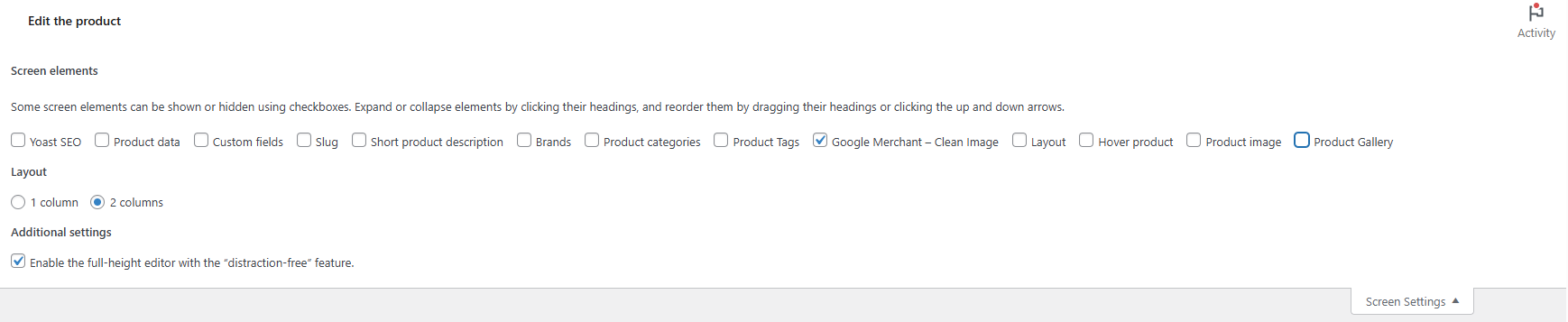
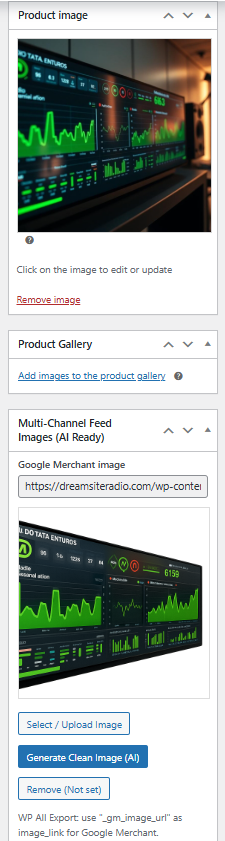
- Edit any product and look for the "Google Merchant – Clean Image" metabox in the sidebar.
- Select or upload a clean product image (without text or logos) and save the product.
屏幕截图:
常见问题:
Does this plugin require WooCommerce?
Yes. This plugin is built specifically for WooCommerce and requires WooCommerce to be installed and active in order to work. It integrates directly with WooCommerce products and product data to manage separate feed images without modifying your original product images.
Which WooCommerce versions is this plugin compatible with?
This plugin is built specifically for WooCommerce and is regularly tested with the latest stable WooCommerce releases. At the time of the latest update, the plugin has been tested up to WooCommerce 10.4.x, including the most recent patch releases. As with any WooCommerce extension, keeping WooCommerce up to date is recommended for the best compatibility.
What is a "clean" image for Google Merchant?
A clean image is a product picture without logos, watermarks, discount badges, promotional text or any overlays that violate Google Merchant Center image policies.
Why should I use WooCommerce Google Merchant Clean Image?
Because many stores want promotional images on their website, but Google Merchant requires neutral and compliant images. This plugin lets you keep both: promotional images on your storefront and clean images for Google Merchant Center feeds.
Does the plugin modify or overwrite my original product images?
No. The plugin does not edit, crop or clean your images. It only stores an additional reference (ID + URL) to a separate "clean" image you choose or upload.
Why do I need separate feed images?
Because platforms like Google Merchant reject images with overlays, text, watermarks, or promotional elements.
What happens if I do not set a clean image for a product?
If you do not set a clean image manually, the plugin falls back to the product featured image. You should still provide a true clean image to be fully compliant.
Which meta keys are used by the base plugin?
Base plugin meta keys:
- _gm_image_id
- _gm_image_url
Is the plugin compatible with WP All Export / WP All Import?
Yes. The clean image URL is stored as post meta and can be exported or imported using WP All Export/WP All Import.
Does it work with CTX Feed, Product Feed PRO and other feed managers?
Yes. Any feed manager that supports custom meta fields can use the "_gm_image_url" field.
Can I bulk-edit clean images?
Yes, using WP All Import, WP All Export and many others or custom scripts that update the meta keys.
Does the plugin affect the frontend of my store?
No. It only affects admin data and feed/export information, not the product display.
What does the PRO version add?
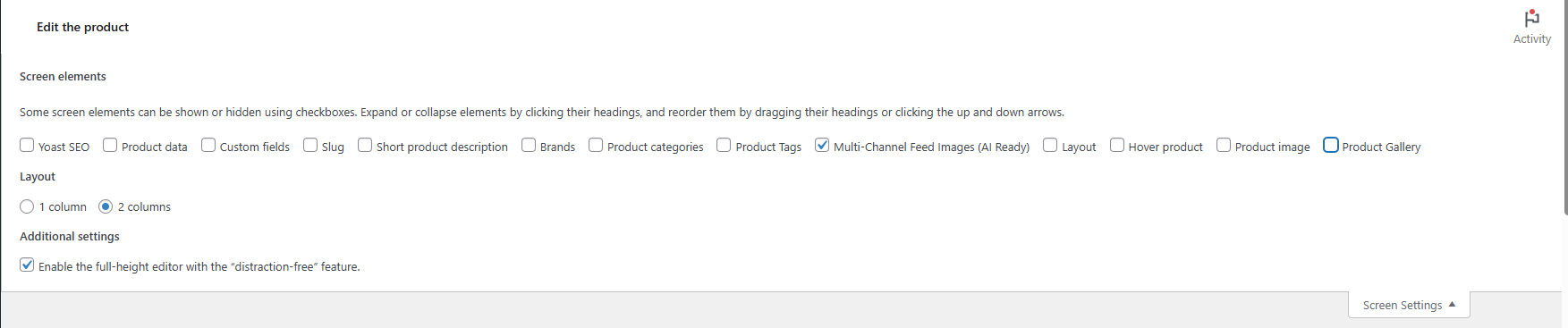
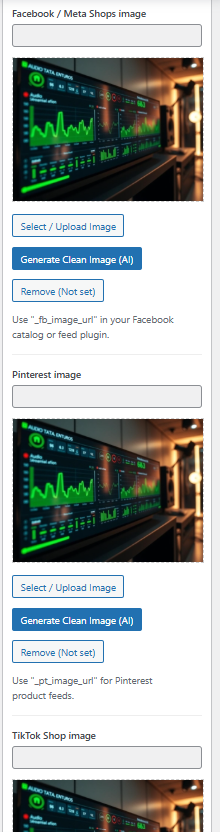
WooCommerce Clean Image PRO adds dedicated clean image fields for:
- Meta / Facebook & Instagram Shops
- Pinterest Catalog
- TikTok Shop
- AI Clean Feed Image Generator
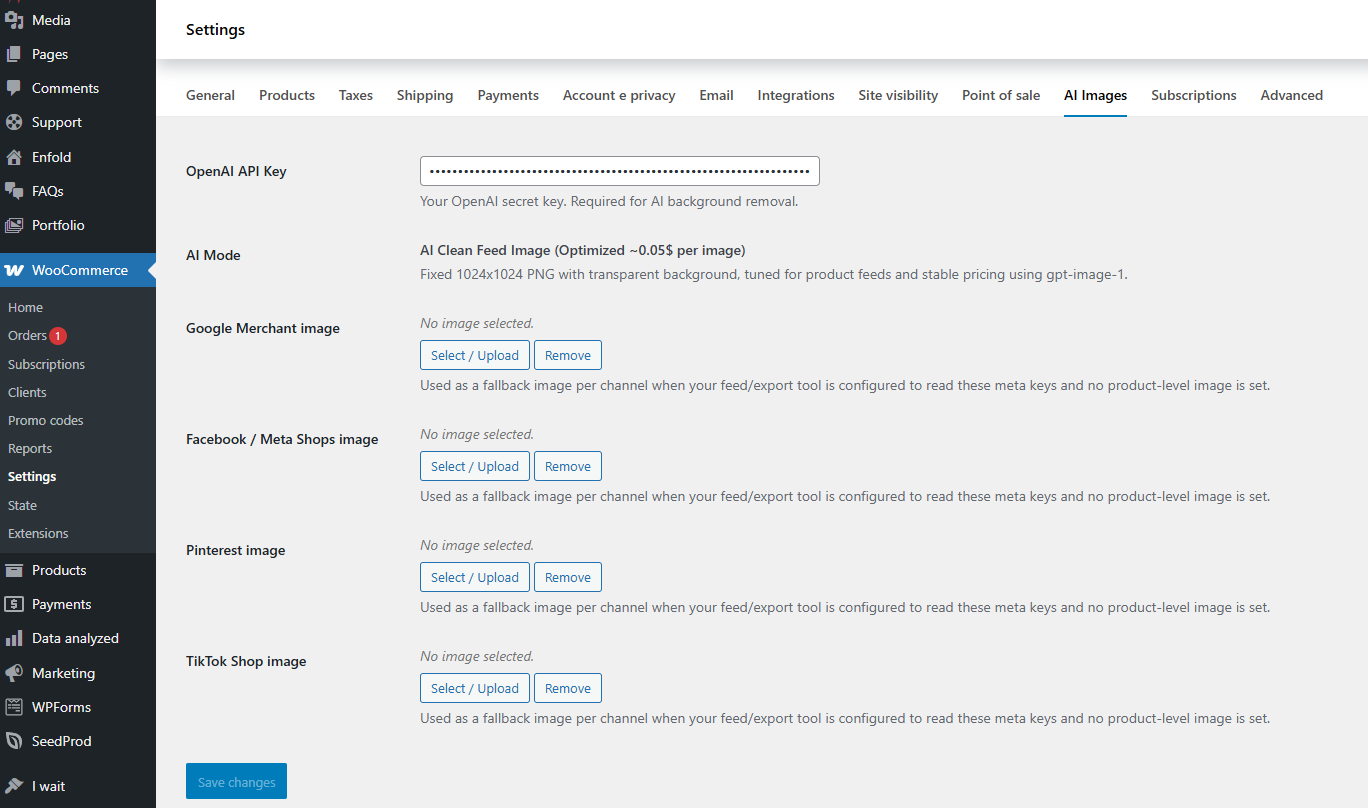
- OpenAI API Key Integration
- Global Default Images (Per Channel)
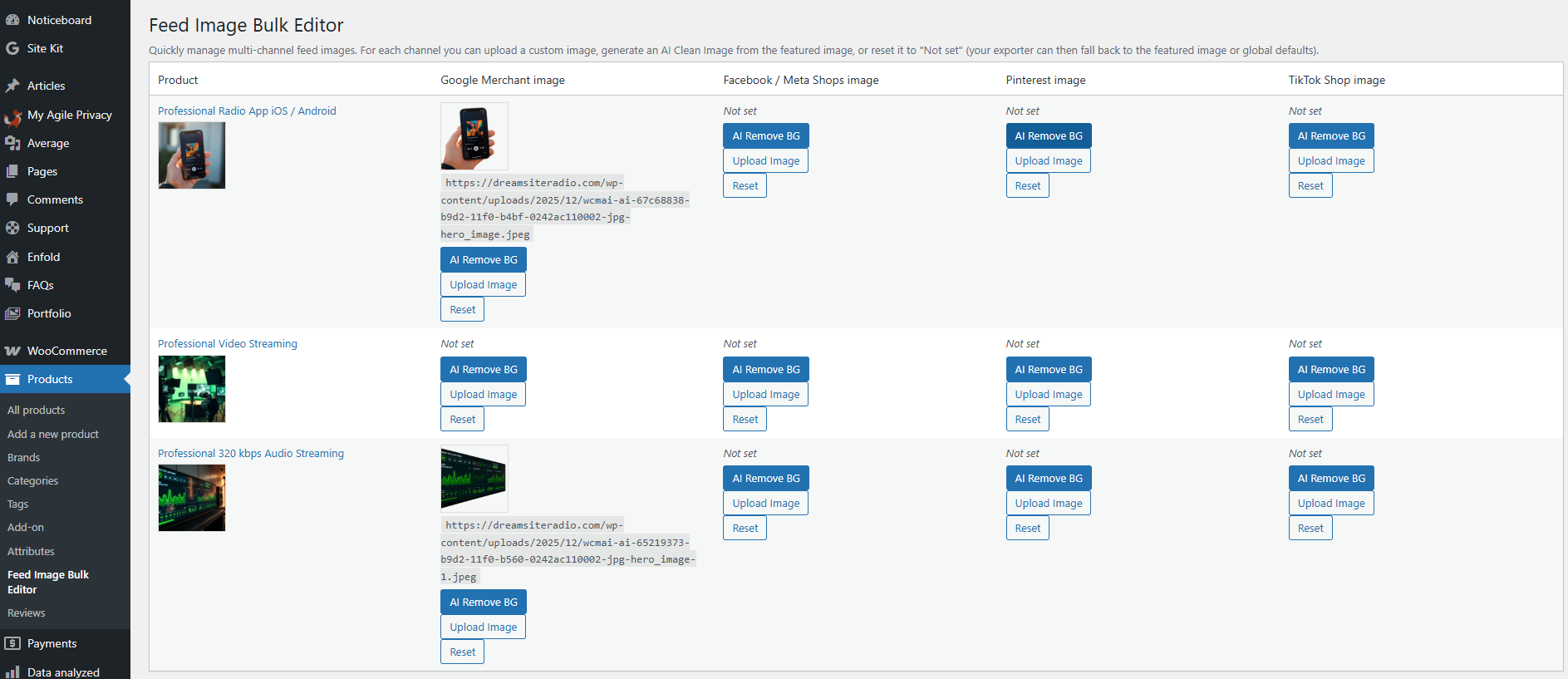
- Feed Image Bulk Editor
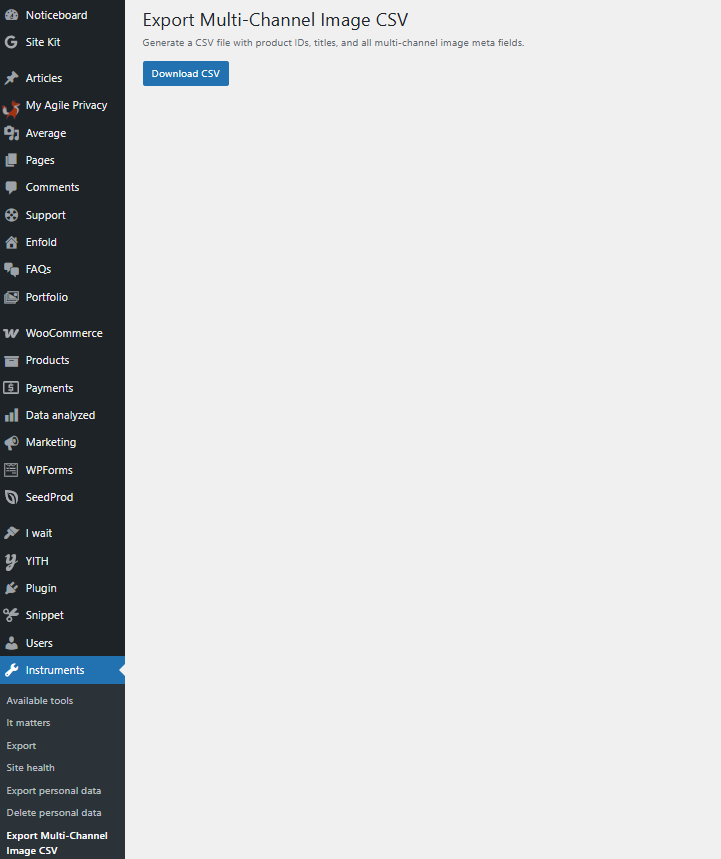
- Export Multi-Channel Image CSV
- AI Clean Image Button Inside Product Page Each platform has its own ID + URL meta keys and CSV export columns.
Which meta keys does the PRO version use?
PRO meta keys:
- Meta/Facebook: _gm_image_id_meta / _gm_image_url_meta
- Pinterest: _gm_image_id_pinterest / _gm_image_url_pinterest
- TikTok: _gm_image_id_tiktok / _gm_image_url_tiktok
Can I add my own custom channels in the PRO version?
Yes. Developers can use the "wc_gm_image_pro_channels" filter to add or modify channels and meta keys.
Are AI/automatic image cleaning features included?
Not in this FREE release. All images must be selected manually. AI/automatic image cleaning features is included in the PRO release.
Does the PRO version require an OpenAI API Key?
Yes, only for AI-generated clean images.
I don’t want to pay for AI. Will the plugin still work?
Absolutely yes. Using AI is completely optional. The plugin works perfectly even if you never use AI features or never spend a single cent on AI. AI background removal is simply an extra tool to speed things up, but you are never forced to use it. You can always manually upload clean, feed-safe images that are different from your main WooCommerce product image. Thanks to this plugin, you can manage separate images for Google Merchant, Facebook, Pinterest, and TikTok feeds — something that is not possible with standard WooCommerce alone. AI just makes the process faster, but manual image control works exactly the same.
How much will the AI cost me?
AI processing is extremely affordable. The cost is based ONLY on the image that OpenAI generates (a clean 1024×1024 image), not on the size of your original upload. Whether your product image is 500 KB or 18 MB, the AI generation cost stays almost the same. On average, a clean feed-ready image costs between $0.02 and $0.06 per image, depending on the OpenAI model used at the time.
I’ve heard about OpenAI, but I don’t know where to get my API Key
You can create an OpenAI account here: https://openai.com\ If you already have an account, log in here: https://platform.openai.com/login\ Once logged in, generate your API key on this page: https://platform.openai.com/api-keys
Can I export or migrate my multi-channel images?
Yes — with the PRO CSV export tool.
Does this plugin improve SEO?
Indirectly yes, because approved product listings increase your visibility on merchant platforms.
What happens if I deactivate the plugin?
The stored meta data remains in the database. Feeds may stop reading those fields, but nothing is deleted.
What are the minimum requirements?
- WordPress 5.0+
- WooCommerce 5.0+
- PHP 7.2+
更新日志:
- Stable Version compatible with the latest version of WordPress (7.0)and WooCommerce (10.8)
- Stable Version compatible with the latest version of WordPress and WooCommerce
- Stable Version
- Stable Version
- Bug fixed
- Added informational notice about the new PRO version.
- Improved description and compliance guidance for Google Merchant users.
- Bug fixed
- Restored the original metabox logic for max compatibility.
- Fixed cases where the metabox did not appear.
- Translated the UI into English and prepared localization.
- Improved JS/CSS loading.
- Added “Requires Plugins: woocommerce”.
- Initial release.