
ClipCloud - Image Generation
| 开发者 | clipai |
|---|---|
| 更新时间 | 2026年7月25日 08:23 |
| PHP版本: | 5.6 及以上 |
| WordPress版本: | 7.0 |
| 版权: | GPL-2.0-or-later |
| 版权网址: | 版权信息 |
详情介绍:
- Need images for articles or posts on your website?
- Don’t download images from other sites because you want to avoid copyright claims?
- Tired of generating images manually via ChatGPT or similar services: coming up with prompts, waiting, then uploading images by hand?
- Other auto-generation plugins are too expensive or have confusing pricing?
- Create images for your articles effortlessly — automatically (on publish) or manually (one click).
- Use automatic prompt enhancement: ClipCloud decides what to depict based on your article content.
- No complicated settings. You don’t need to pick a model or tweak parameters for your niche — everything is configured automatically.
- No paid subscriptions. 25 images per day — free. Need more? In paid mode, one image costs from just $0.0005. Or 2000 images for $1. Learn more >>
- Not only for the “featured image”. The plugin can also automatically add images near H headings (H2, H3, H4) if you need it.
- Auto-generation on publish. The plugin automatically queues image generation for newly published posts and pages (can be disabled in settings).
- Featured image generation. Creates and sets the main post image; with “Do not replace existing” enabled, it won’t touch an already set thumbnail.
- Images for H2 / H3 / H4 subheadings (your choice). Can automatically insert images near selected heading levels — above or below the heading (configurable).
- Manual control where you need it. Generate images from the post metabox, plus bulk generation from the posts list.
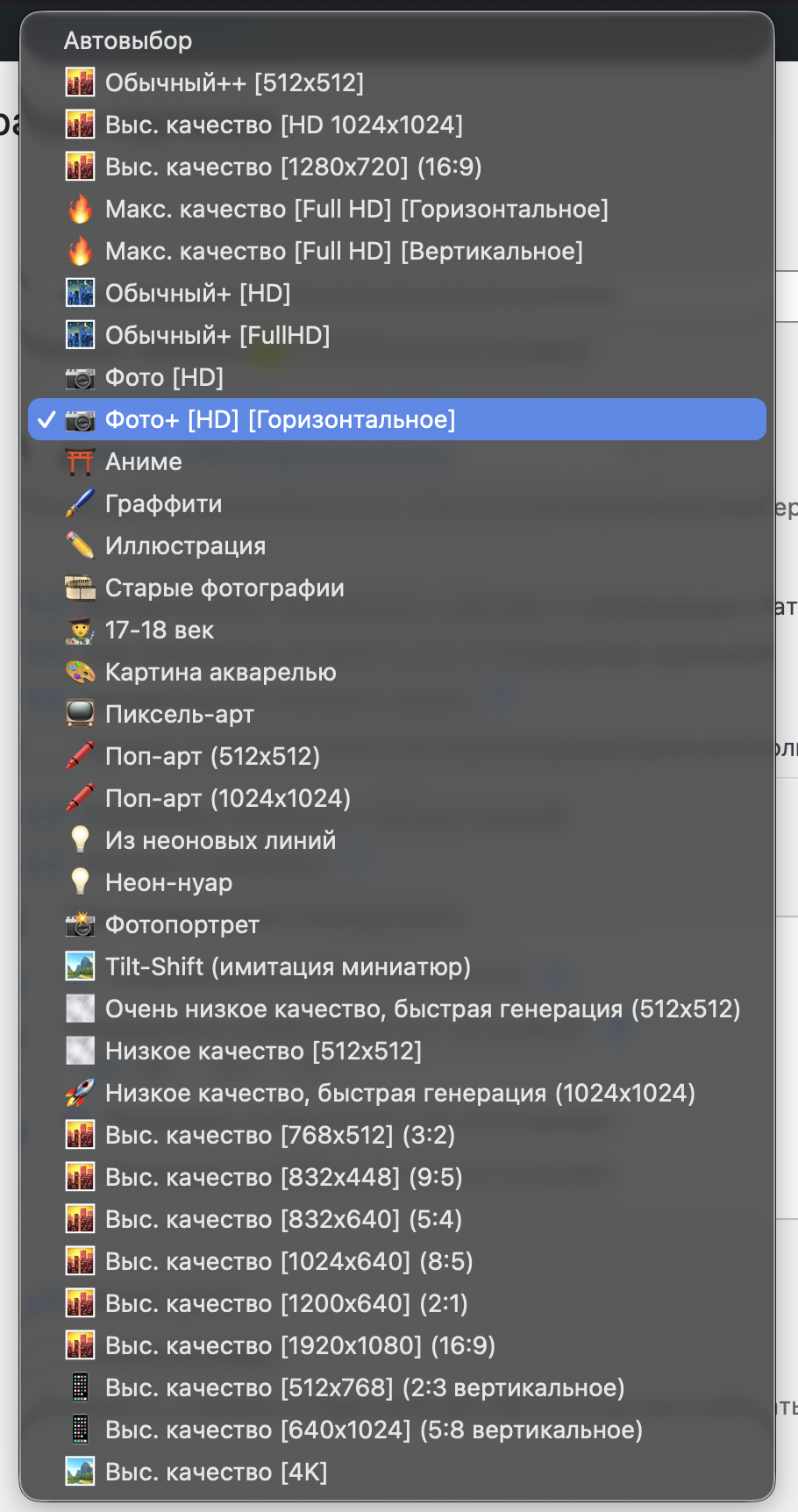
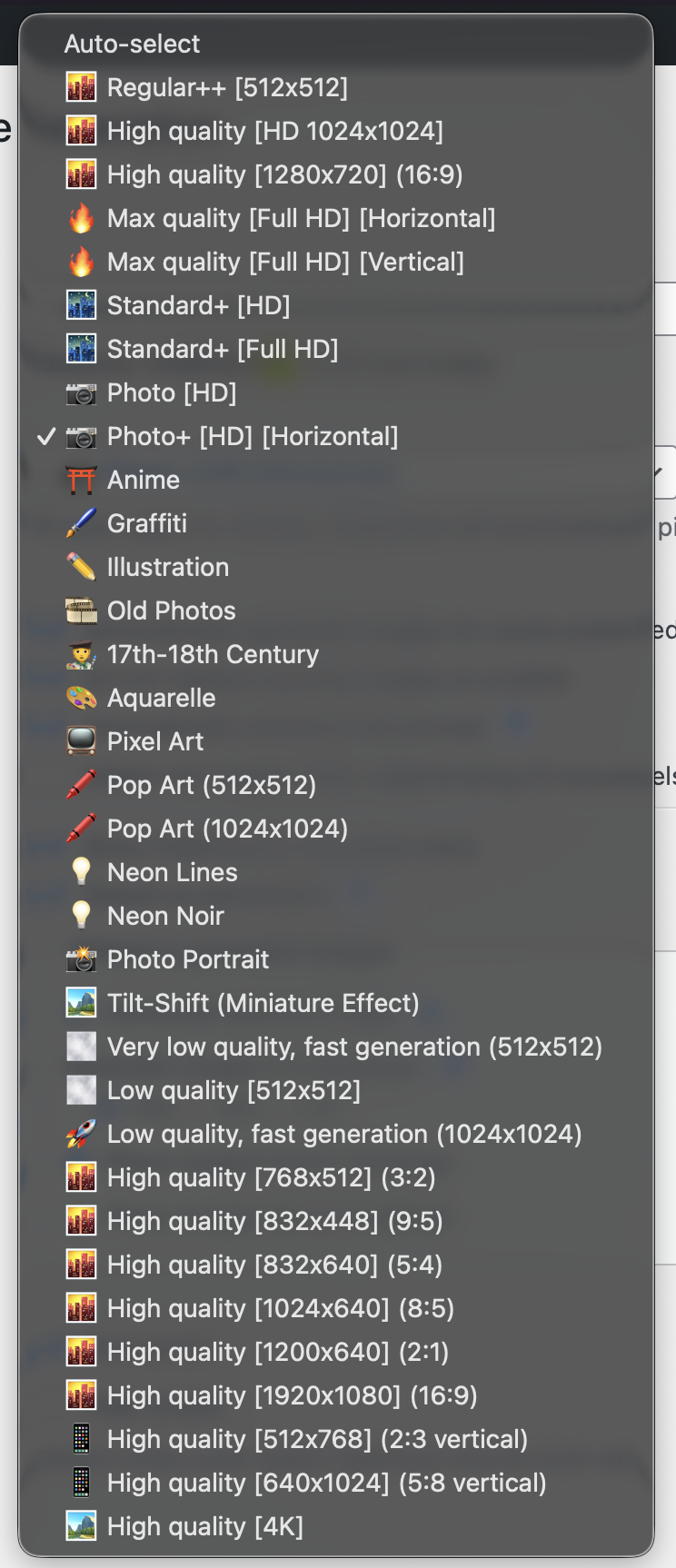
- Smart prompt building. Automatically improves the prompt based on the article title and the text of each specific subheading; also selects a suitable style.
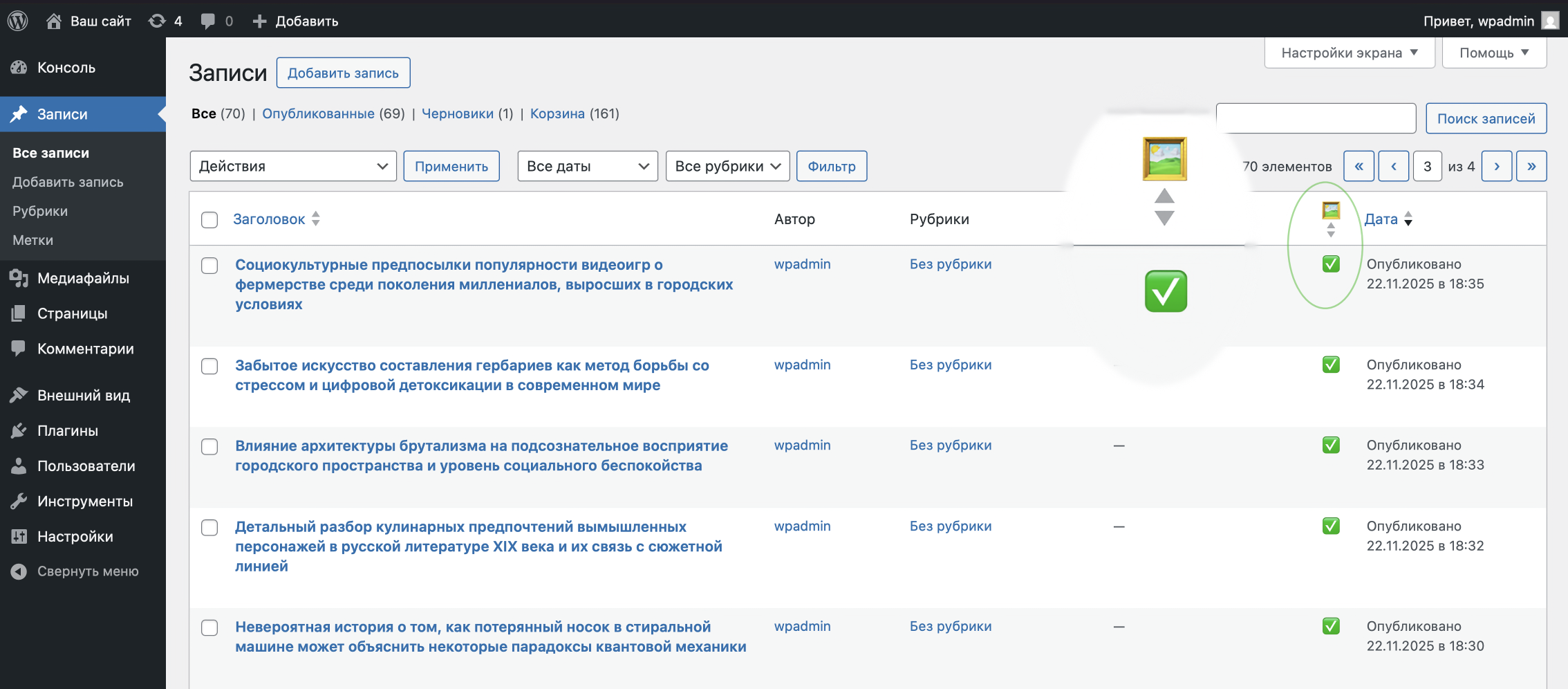
- Status right in the admin area. Shows generation progress in the posts table and inside the post editor, with auto-refresh.
- Protection from duplicates and clutter. The plugin synchronizes the heading structure and can optionally remove outdated items when the text/headings change.
- Additional WordPress AI integration. If your site has the WordPress AI Client/Connectors, ClipCloud is auto-registered as an AI provider connector.
安装:
- Install and activate the plugin.
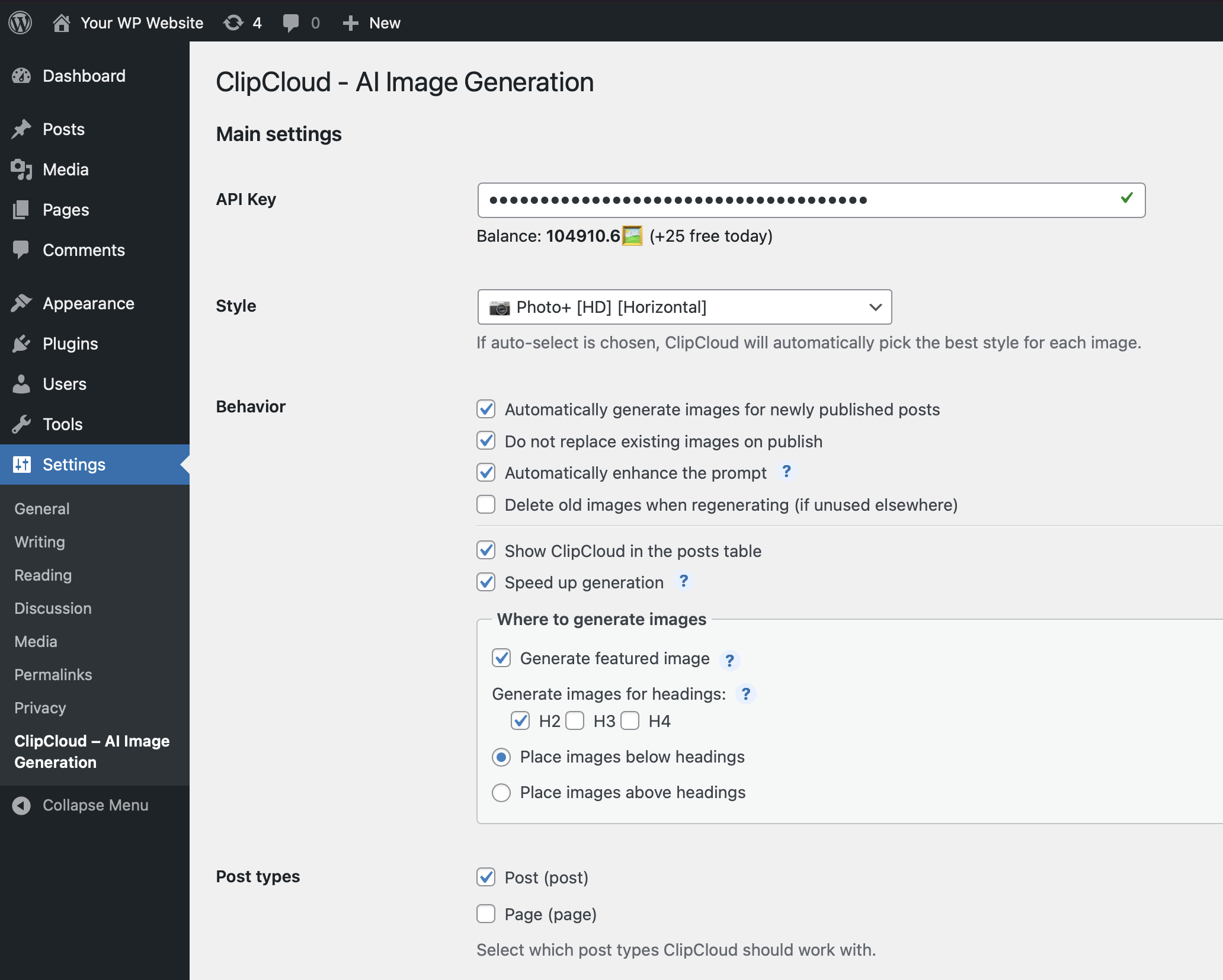
- Go to Settings → ClipCloud - AI Image Generation and enter your API key. You can get it for free in your ClipCloud personal account or via the ClipCloud Telegram bot.
屏幕截图:
常见问题:
How do I get started with the plugin?
- Install the plugin.
- Get an API key in your ClipCloud personal account or via Telegram (completely free).
- Open the plugin settings (WordPress left menu: “Settings” -> “ClipCloud - AI Image Generation”) and paste your API key.
Is free usage available?
Yes! You can generate up to 25 images per day for free. However, the free mode may include some limitations (for example, on image quality) and occasionally faint watermarks. The paid version has no limitations and no watermarks.
How much does image generation cost in paid mode?
From just $0.0005 per image, depending on the selected style and quality. Or 2000 generated images for $1. That’s:
- 10× cheaper than DALLE-2
- 12.5× cheaper than Flux Dev on TogetherAI
- 60× cheaper than DALLE-3
- 125× cheaper than GPT Image 1 And therefore much cheaper than other similar plugins that simply resell capacity from the services listed above. Pricing details >> Price comparison is based on data available at the time of the last plugin update. For all services (including ClipCloud), the maximum-quality style was compared.
How can I speed up image generation?
Due to how WordPress works — specifically, wp-cron — image generation may not happen immediately and can run only when your site has activity. If generation is slow, do any one of the following:
- While generation is running, keep the Posts list page open in the WordPress admin panel.
- Enable the “Speed up generation” option in the plugin settings.
- Set up a Cron job (on your hosting/server) to request /wp-cron.php as often as possible. You don’t have to disable wp-cron in WordPress configuration. If you’re not sure how to do this, email us or contact your hosting support. Nothing helped? Try disabling “Automatically enhance the prompt” in the plugin settings.
I still have questions. Where can I get help?
You can reach us in any of the following ways:
- Message us on Telegram.
- Email us at clipcloud@clipai.pro.
- Use the chat on our website.
更新日志:
1.4.5
- Added another way to bulk generate images: through the plugin settings, for all posts that match the selected filters.
- Added the ability to specify the maximum number of images per article.
- Added a link to register an API key directly on the ClipCloud website.
- Other minor fixes and improvements.
- Added experimental support for older PHP versions (5.6+).
- Added WordPress AI Connector.
- Significant performance improvements. Reduced load on the server and database.
- Other minor fixes and improvements.
- Minor fixes and improvements.
- The image title and alt tag now contain much more useful information. This is useful for website SEO.
- Image generation has been significantly accelerated.
- Fixed a very rare issue where one image might not be generated.
- Fixed API key saving in some WordPress installations.
- Other minor fixes and improvements.
- Another improvement to automatic prompt enhancement.
- Added backup server support.
- Improved automatic prompt enhancement.
- Internal reliability fixes.
- Added the ability to generate images for H-tags (subheadings) in your articles.
- Added an option to automatically delete regenerated images.
- Improved the interface.
- Bug fixes.
- Fixes and improvements.
- Added the ability to choose which post types ClipCloud works with.
- Initial release.