
CN Blog Mailer
| 开发者 | creativenoesis |
|---|---|
| 更新时间 | 2026年5月20日 19:19 |
| PHP版本: | 7.4 及以上 |
| WordPress版本: | 6.9 |
| 版权: | GPLv2 or later |
| 版权网址: | 版权信息 |
详情介绍:
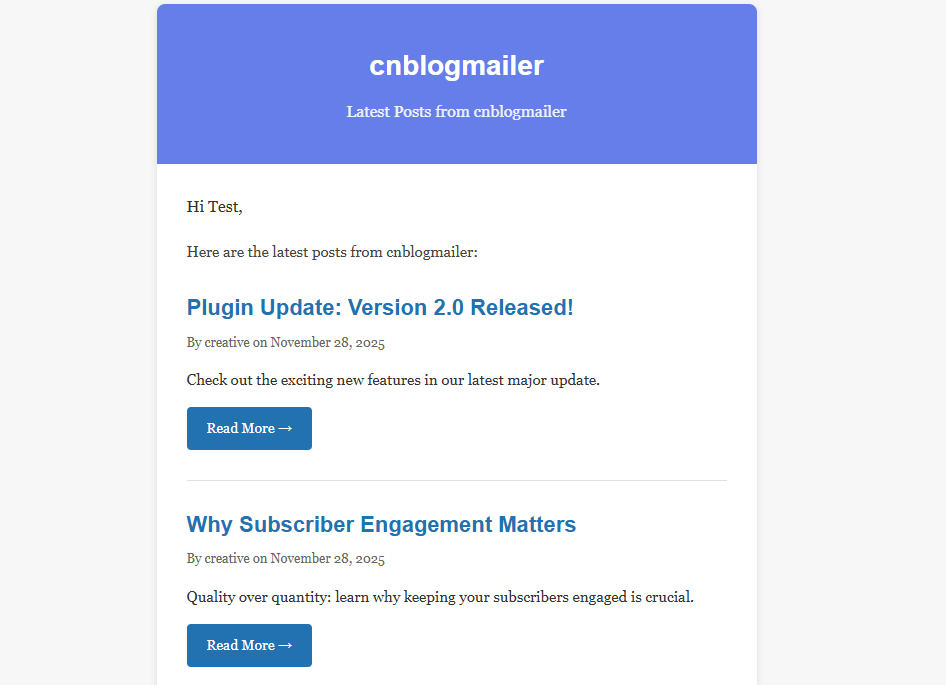
- Automated Newsletters - Schedule automatic newsletters with your latest posts
- Unlimited Subscribers - No subscriber limits
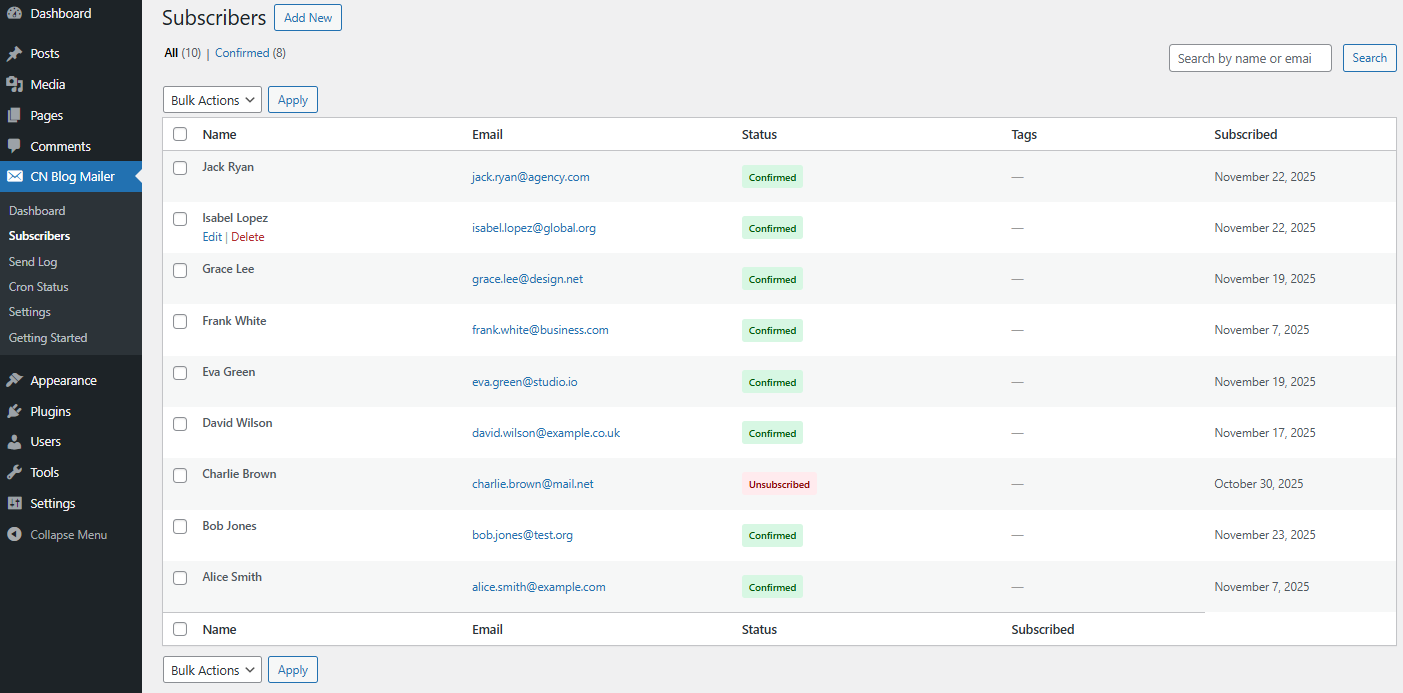
- Subscriber Management - Easy-to-use subscriber list management
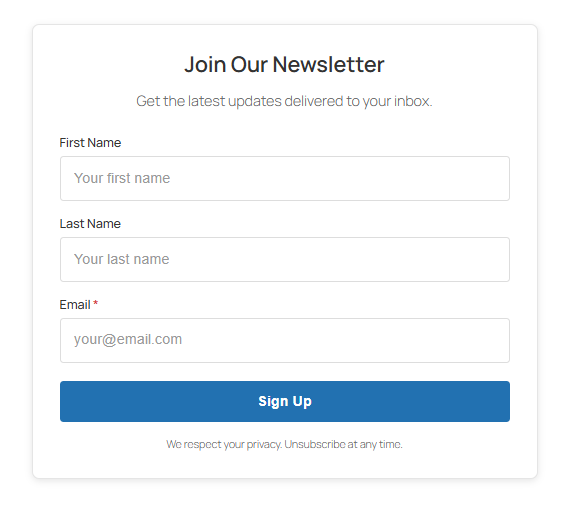
- Subscription Forms - Add subscribe forms anywhere with
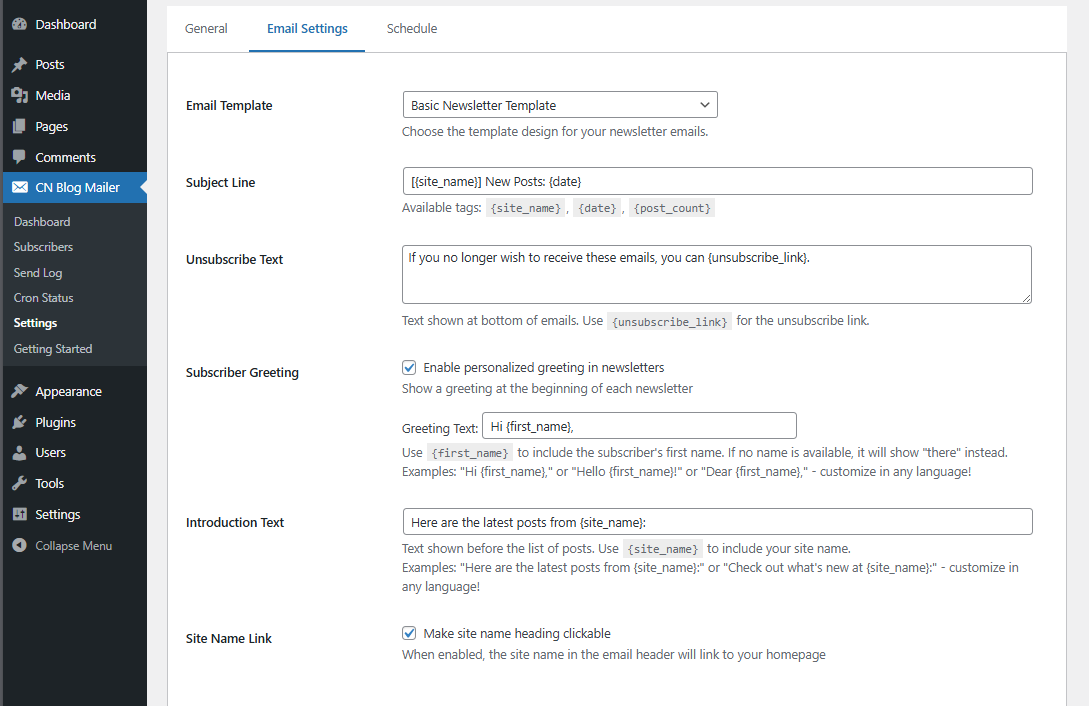
[cnbm_subscribe_form]shortcode - Customizable Templates - Email template customization (Colors, Fonts)
- Send Log - Track all sent emails
- Cron Monitoring - Monitor your automated sending jobs
- Manual Sending - Send newsletters on demand
- Test Emails - Preview newsletters before sending
- Reliable Queue System - Handle large subscriber lists efficiently
- Bloggers who want to notify subscribers of new posts
- Small businesses sharing updates
- Content creators building an audience
- Anyone wanting simple email automation
- Activate the plugin
- Configure your sending preferences
- Add the subscription form to your site
- Subscribers receive automatic newsletters with your latest posts
安装:
- Upload the
cn-blog-mailerfolder to the/wp-content/plugins/directory - Activate the plugin through the 'Plugins' menu in WordPress
- Go to CN Blog Mailer → Settings to configure your preferences
- Add the subscription form using the
[cnbm_subscribe_form]shortcode
- WordPress 5.8 or greater
- PHP version 7.4 or greater
- MySQL version 5.7 or greater OR MariaDB version 10.2 or greater
屏幕截图:
常见问题:
Do I need a third-party email service?
No! CN Blog Mailer uses WordPress's built-in wp_mail() function. However, for better deliverability with large lists, we recommend using an SMTP plugin like WP Mail SMTP.
How often are newsletters sent?
You can configure the sending frequency in settings. Options include daily, weekly, bi-weekly, monthly, custom interval, or manual sending only. A background process runs every 30 minutes to ensure newsletters are sent reliably even on low-traffic sites.
Can I customize the email template?
Yes! You can customize the email template including colors, fonts, and content length.
Is there a subscriber limit?
No, there are no subscriber limits. The plugin includes a reliable queue system to handle subscriber lists of any size. However, for large subscriber lists (1,000+), we recommend:
- Using an SMTP service (like SendGrid, Mailgun, or Amazon SES) instead of your hosting's mail server for better deliverability
- Monitoring your sending reputation and bounce rates
- Ensuring your server has adequate resources to process large batches
How do subscribers unsubscribe?
Every email includes an automatic unsubscribe link. Subscribers can opt-out with one click.
Is it GDPR compliant?
Yes! The plugin includes:
- Clear consent during subscription
- Easy unsubscribe process
- Complete data deletion on uninstall (if configured)
- No data sent to third parties
What happens to my data if I delete the plugin?
You can configure whether to keep or delete all subscriber data when uninstalling the plugin.
更新日志:
- Replaced background processor with robust failsafe mechanisms
- Added atomic locking to prevent race conditions during batched email sends
- Improved timeout handling and introduced fatal error isolation (Throwable catching)
- Added duplicate email prevention natively directly into the queue insertion
- Reliability improvements for shared/slow servers
- Added concurrent send prevention (distributed locking)
- Added graceful timeout handling (stops at 80% of execution time)
- Added campaign progress tracking table
- Added automated health checks to recover stuck emails
- Added: Reset Last Send Time feature for easier testing
- Added: 30-minute schedule reliability checker for consistent newsletter delivery
- Improved: Scheduling reliability on low-traffic sites
- Improved: Newsletter scheduling system
- Fixed: Bug Fix in Display Time
- Fixed: Emails getting stuck in 'processing' status now automatically recovered
- Fixed: Newsletter schedule being lost after sending - schedule now persists correctly
- Added: Automatic recovery mechanism for queue processing failures
- Added: Schedule persistence check after each cron execution
- Initial release on WordPress.org
- Automated newsletter sending
- Subscriber management
- Customizable templates
- Send log tracking
- Cron job monitoring
- Subscription form shortcode