
Cocktail Recipes
| 开发者 | iansgoldstein |
|---|---|
| 更新时间 | 2026年3月30日 05:43 |
| 捐献地址: | 去捐款 |
| PHP版本: | 7.4 及以上 |
| WordPress版本: | 6.9 |
| 版权: | GPLv2 or later |
| 版权网址: | 版权信息 |
详情介绍:
- Simple [cocktail] shortcode for embedding recipes
- Clean, responsive recipe layout
- Automated parsing and normalization of ingredients and garnishes
- Supports a complete range of mixing methods, glassware and ice types
- Unit detection and automatic conversions
- Imperial units for US and metric units for Europe, Japan and elsewhere
- Switchable summary and full step-by-step instruction views
- Controls for serving sizes and unit conversions
- Works with any theme; no frontend dependencies
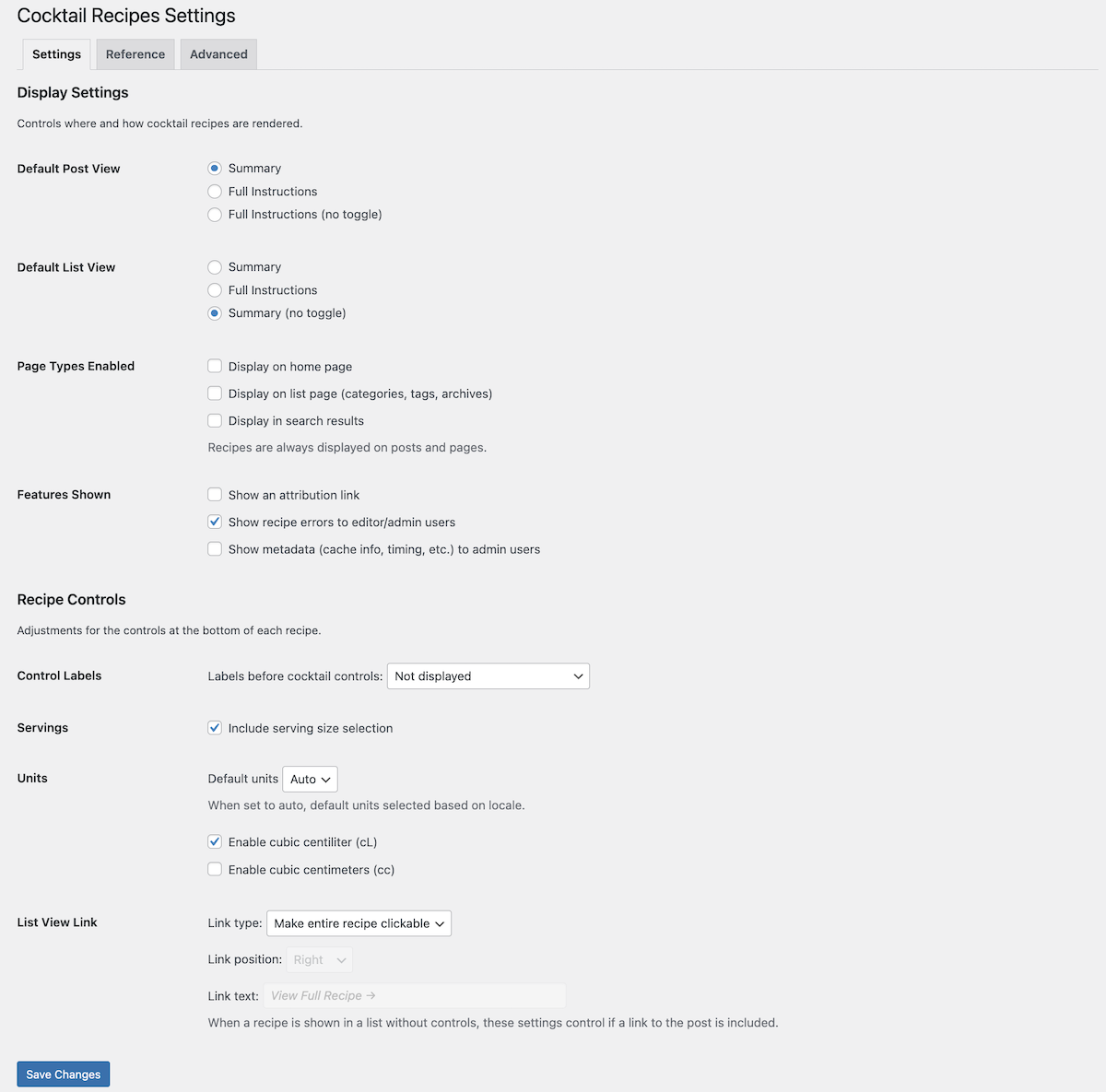
- Configurable rendering options and controls via settings page
- Customizable CSS for integration into any design
- Frontend assets loaded only when required
- Supports Gutenberg and the classic editor
- Caches parsed recipes for fast rendering
- Accessible, semantic markup with screen-reader-friendly structure and keyboard-friendly controls
- Supports localization and translation
安装:
- Go to your WordPress Dashboard and navigate to Plugins > Add Plugin
- Search for "Cocktail Recipes"
- Click Install, then Activate
- Download the plugin as a .zip file
- Extract the contents
- Copy the
cocktail-recipesdirectory into the/wp-content/plugins/directory - Go to your WordPress Dashboard and navigate to Plugins > Installed Plugins
- Find the "Cocktail Recipes" and click Activate
屏幕截图:
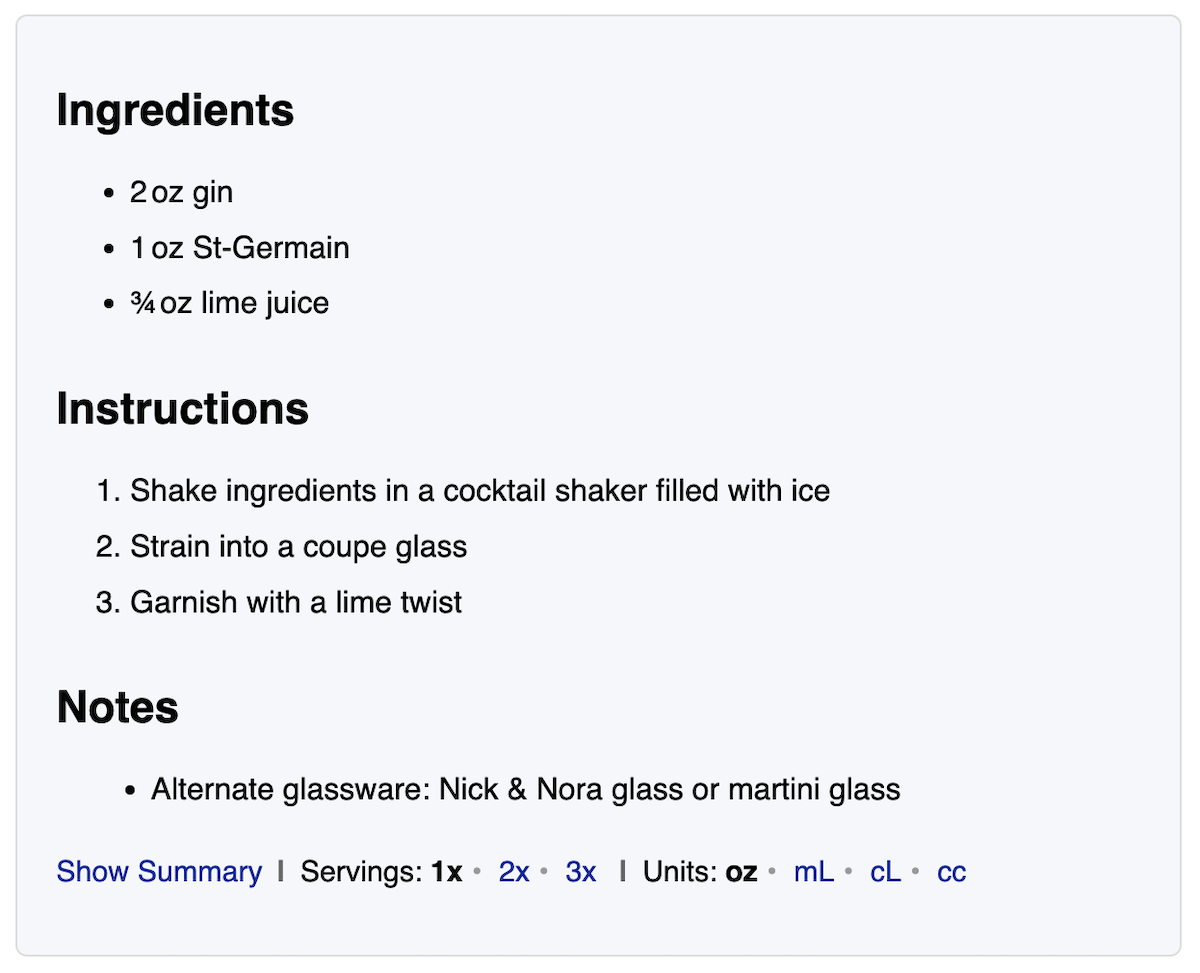
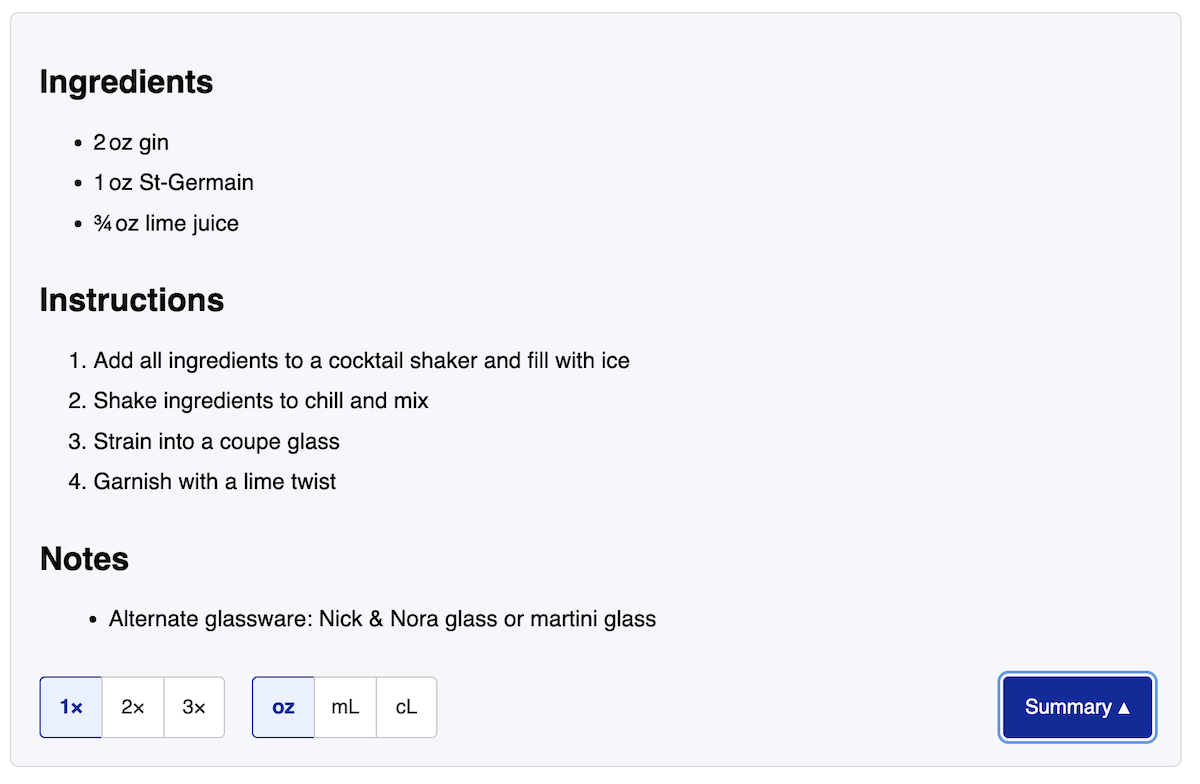
常见问题:
How do I add a cocktail recipe?
Insert the [cocktail] shortcode into any post or page and include your recipe lines inside it.
What can I include in a recipe?
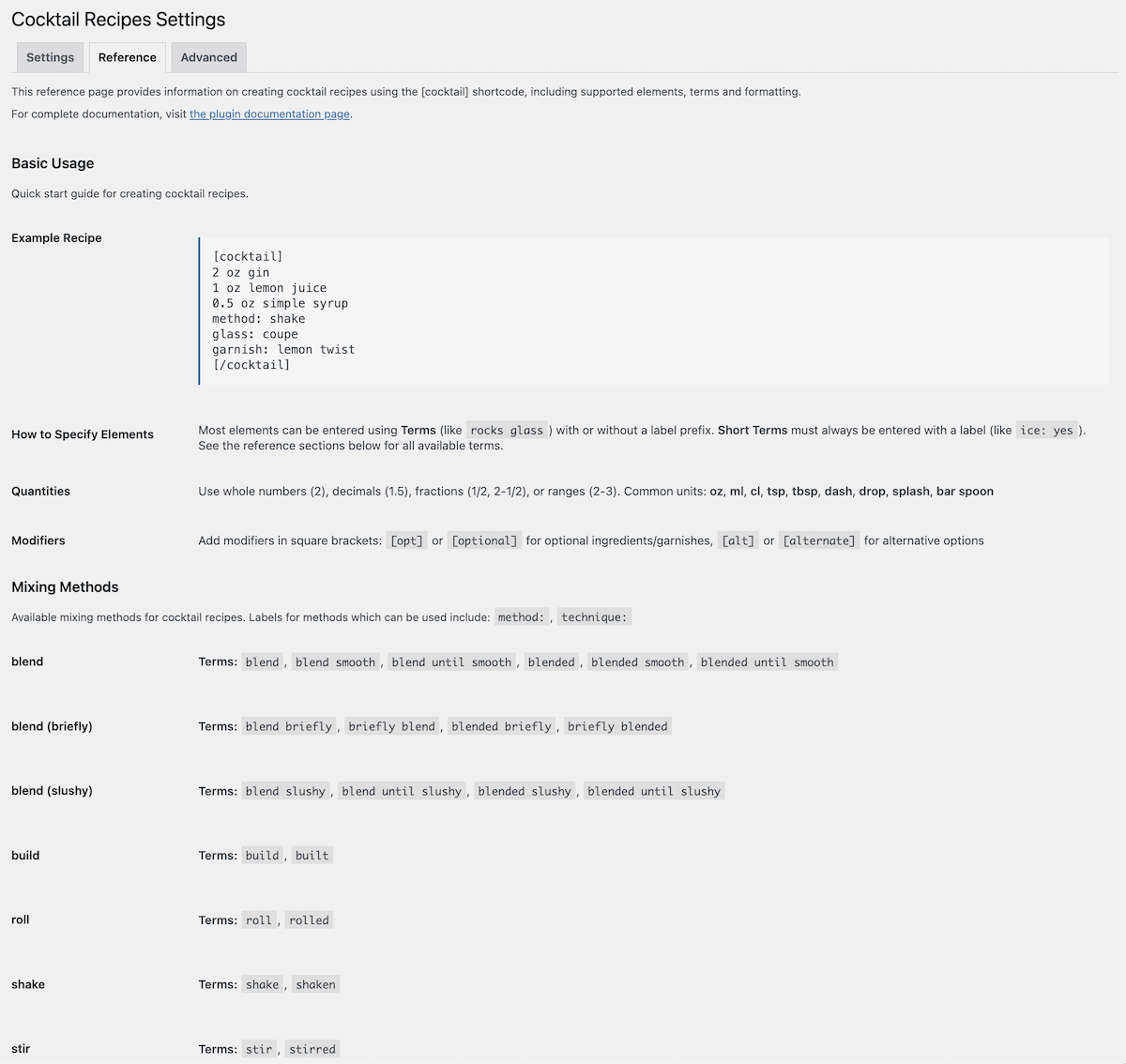
See our Documentation for a complete list of available options, including ingredients, methods, glassware, garnishes and more.
Can visitors change serving sizes or units?
Yes. The recipe display includes controls that allow visitors to adjust serving sizes and switch between imperial and metric units.
Do ingredients require units?
No. You can include quantities with or without units.
Why are some items treated as ingredients?
Unrecognized terms are assumed to be ingredients. For glassware or garnishes, prefix the line with glass: or garnish:.
Does it work in the block editor?
Yes. You can insert the shortcode into a Shortcode block or into classic blocks.
Does it support multiple cocktails on one page?
Yes. You can include multiple recipes on one page, and each will have its own controls.
Can I configure how recipes display in different contexts?
Yes. The settings page allows you to configure how recipes render in category and related lists versus individual posts. For example, you can show just a summary view without controls in lists, then show the full recipe with all controls when someone clicks through to the post.
Can I use my own CSS to style the recipe box?
Yes. You can adjust and override the styling in your theme or child theme. The default CSS is intentionally minimal and avoids theme-specific assumptions, making overrides predictable and safe.
Can I modify the recipe layout or template?
Yes. We recommend you create a child theme and then make a copy of the template you wish to modify.
Does the plugin store recipes in the database?
No. Recipes are stored as shortcode content within your posts and pages, parsed and cached when displayed.
Where can I report a bug or suggest a feature?
You can use the WordPress support forum or visit the Product Page for more options.
更新日志:
- Fixed [opt] modifier not working correctly in all cases
- Fixed unexpected modifier error messages
- Show optional ice as "Optional" instead of "Yes (opt)"
- Added optional recipe title and subtitle(s)
- Added support for ice as an optional element
- Added pre-chilled glassware support
- Added settings page with rendering options and display controls
- Added usage guide and reference documentation in admin
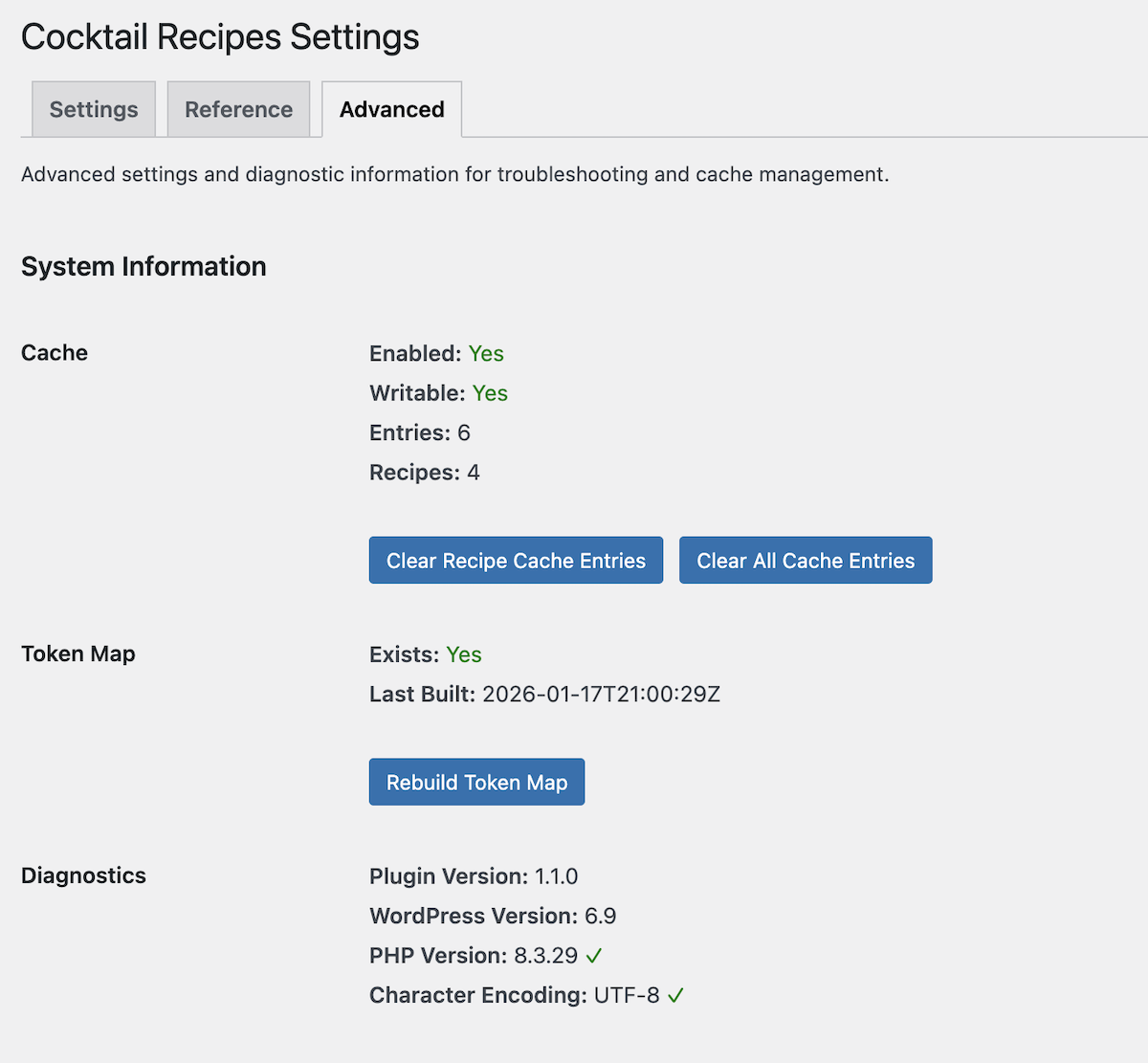
- Added diagnostic tools for cache and token map management
- Redesigned recipe controls with button-based interface for better usability
- Improved mobile responsiveness for recipe display
- Added configuration for different rendering in archive/list vs single post views
- Fixed source/credit rendering not displaying
- Fixed raw shortcode appearing on non-post/page content
- Initial release