
Codem Rewards Engine
| 开发者 | codemdotcom |
|---|---|
| 更新时间 | 2026年11月6日 14:22 |
| PHP版本: | 7.4 及以上 |
| WordPress版本: | 7.1 |
| 版权: | GPLv2 or later |
| 版权网址: | 版权信息 |
详情介绍:
- Customer tier automation from lifetime spend
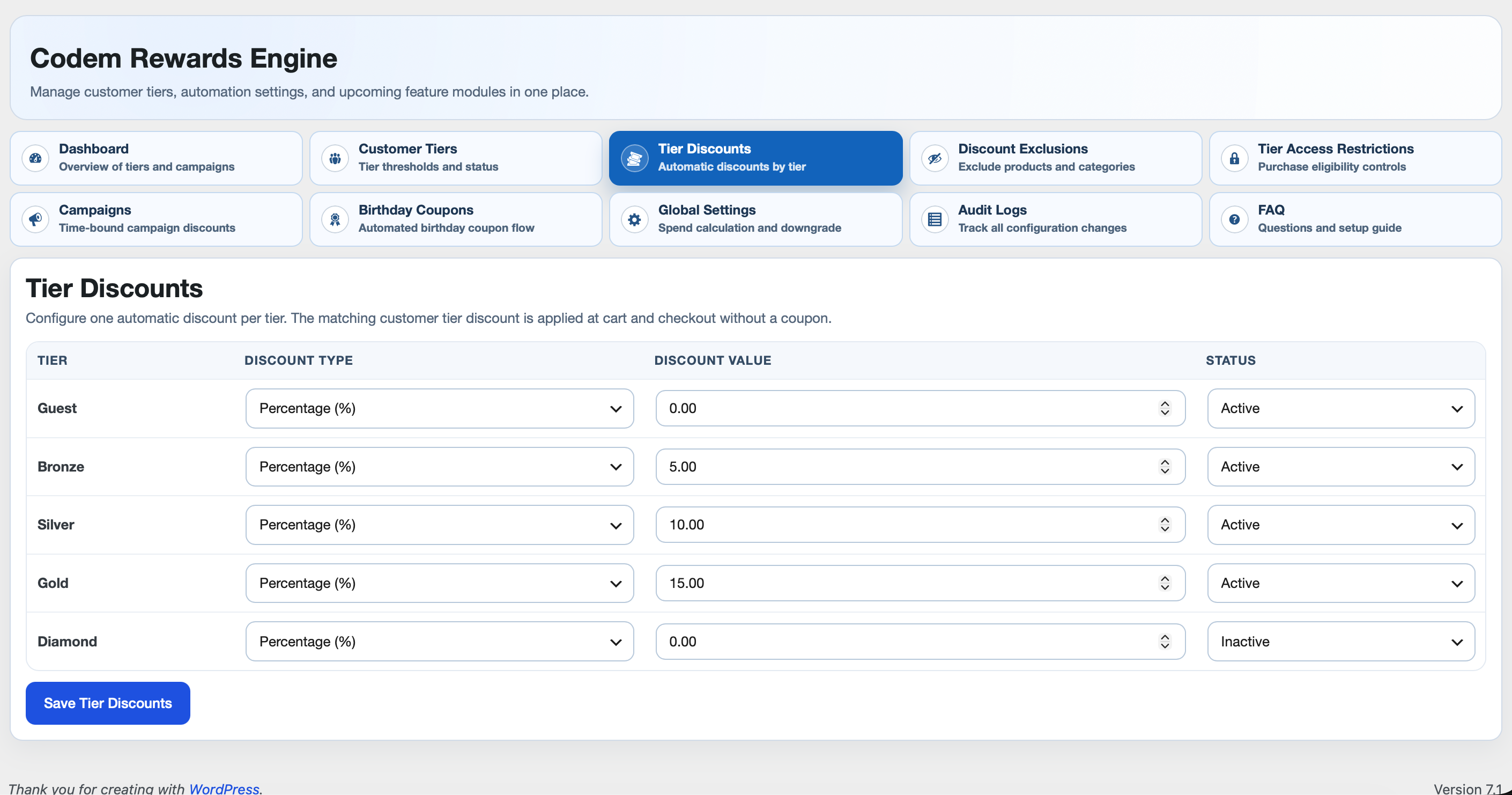
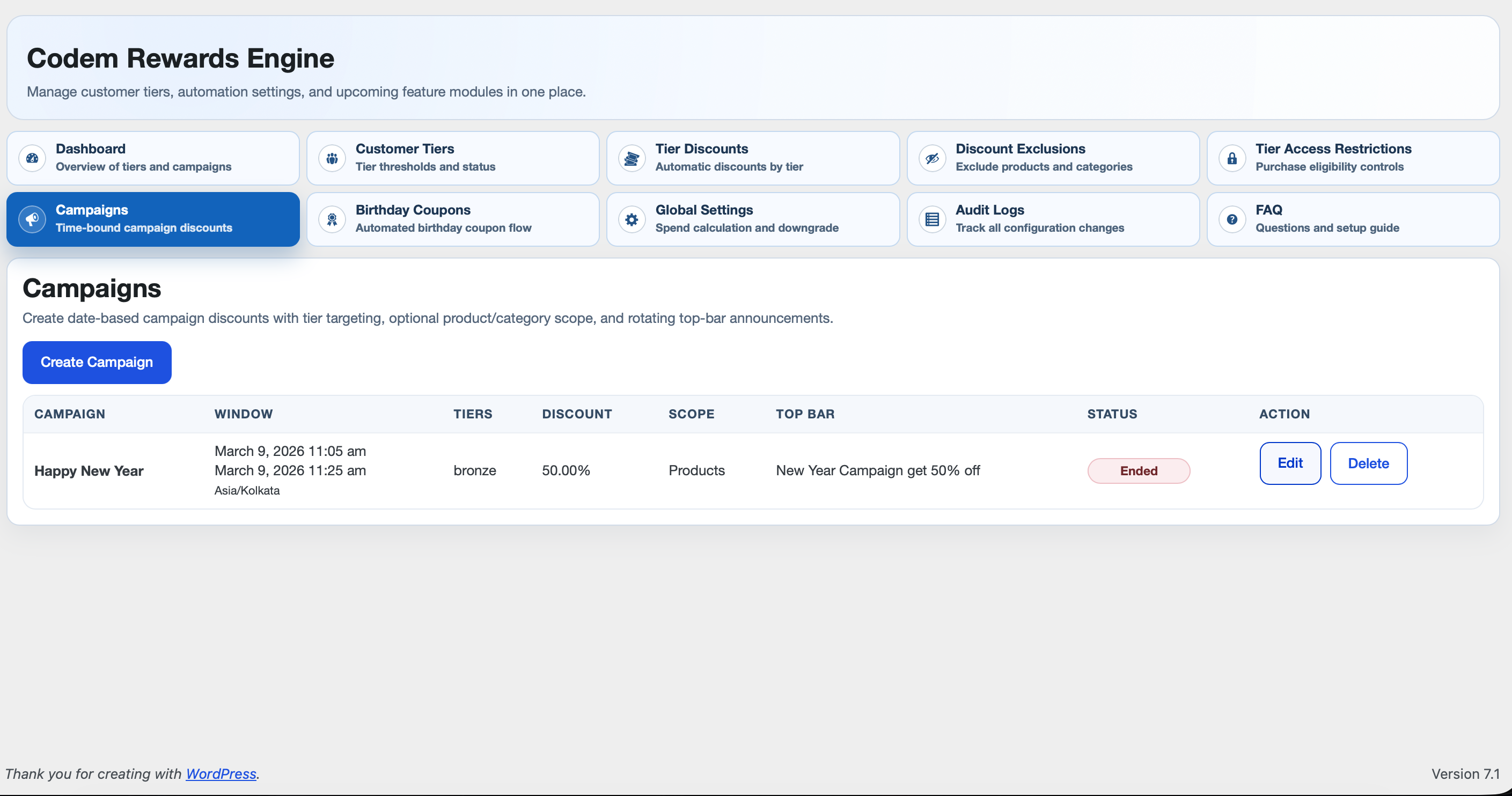
- Tier and campaign discounts
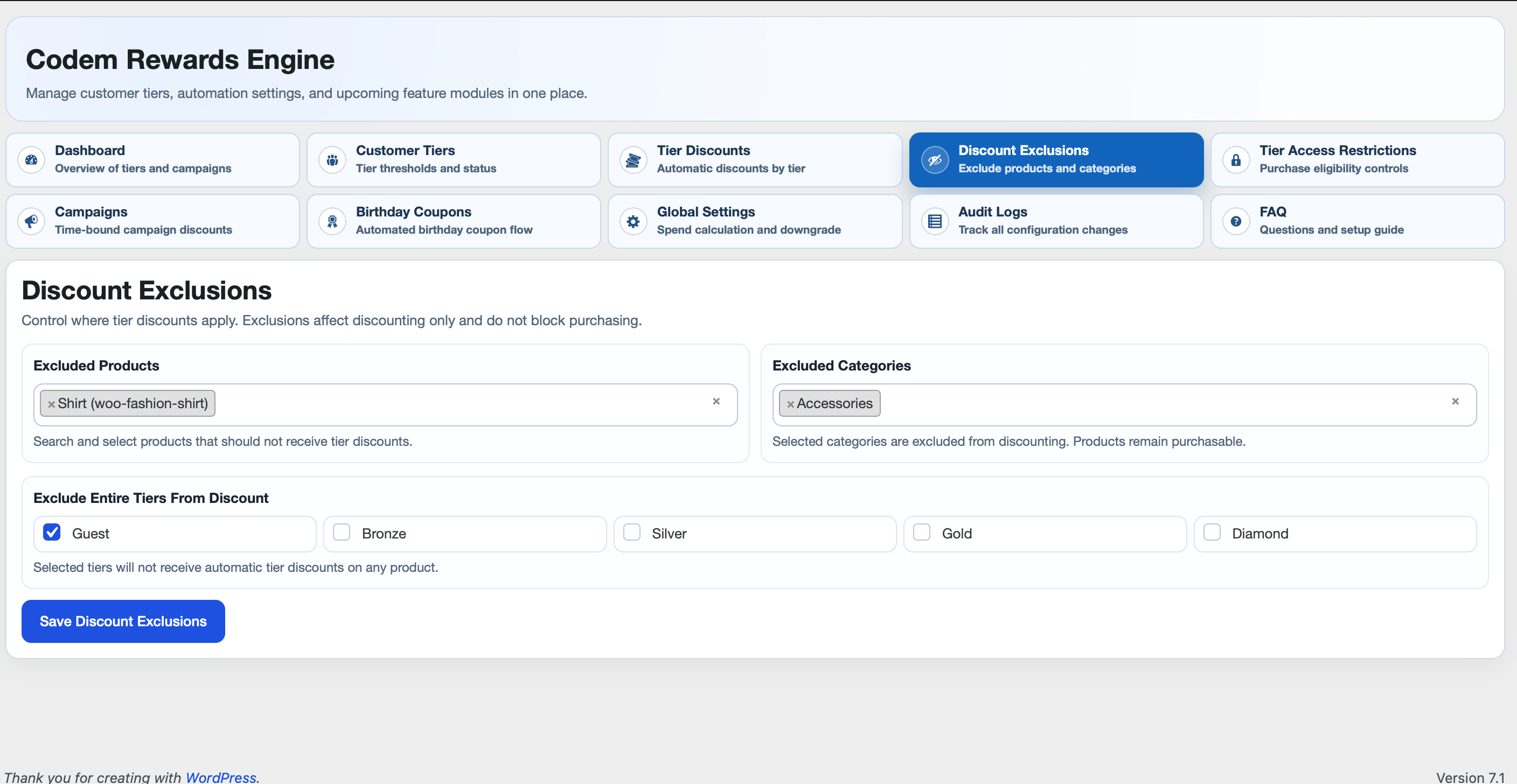
- Product/category discount exclusions
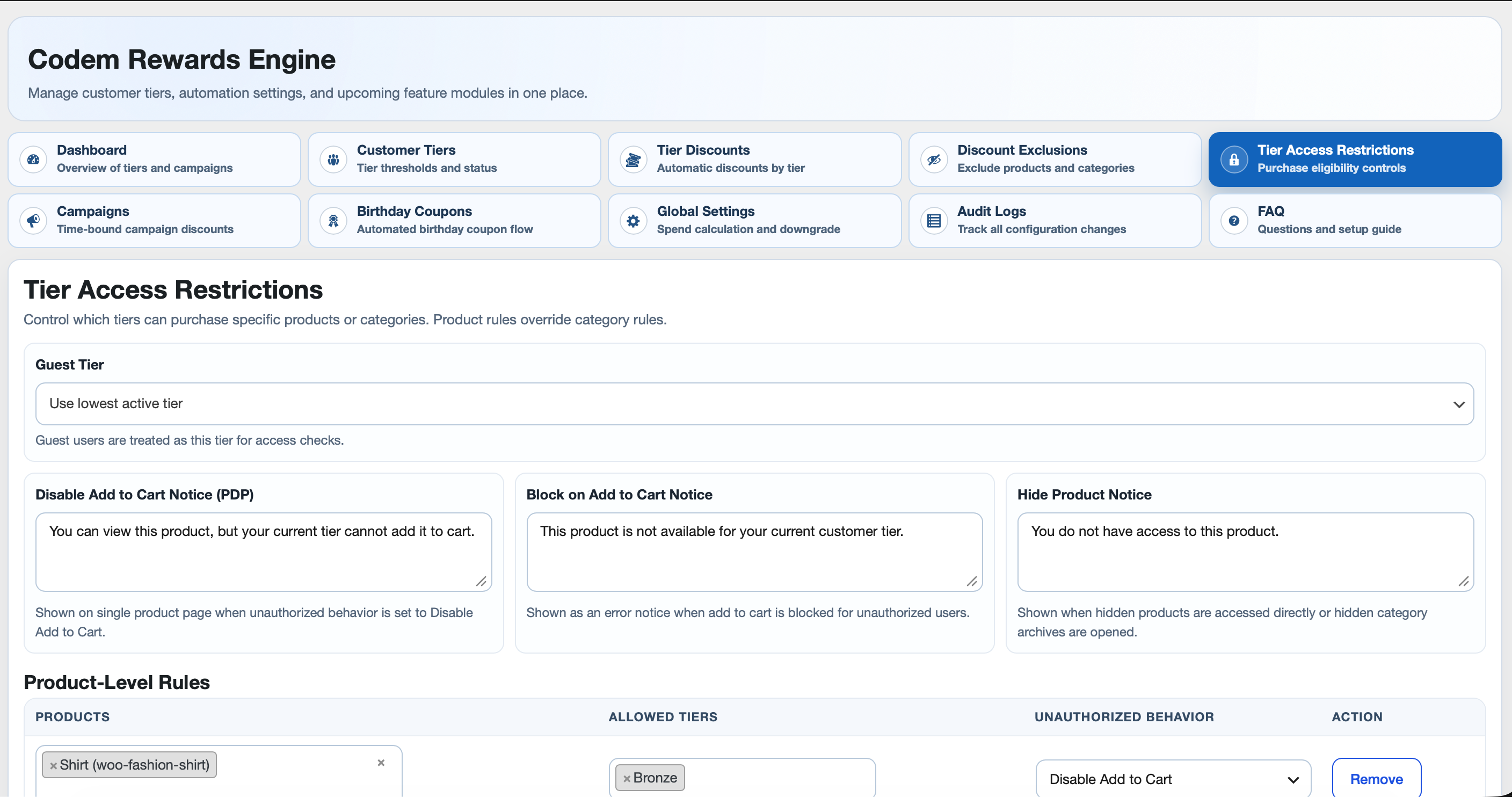
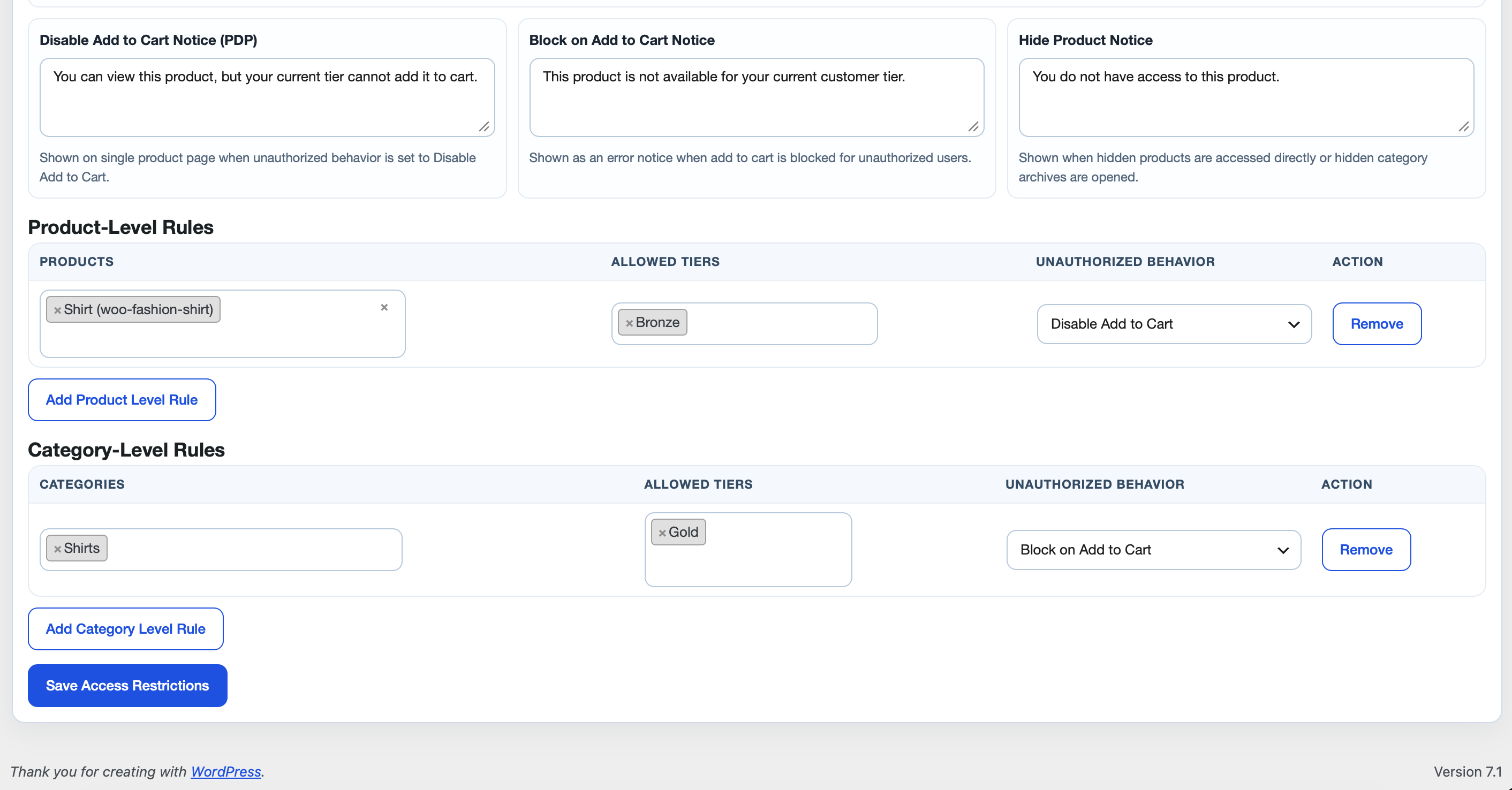
- Tier-based purchase restrictions
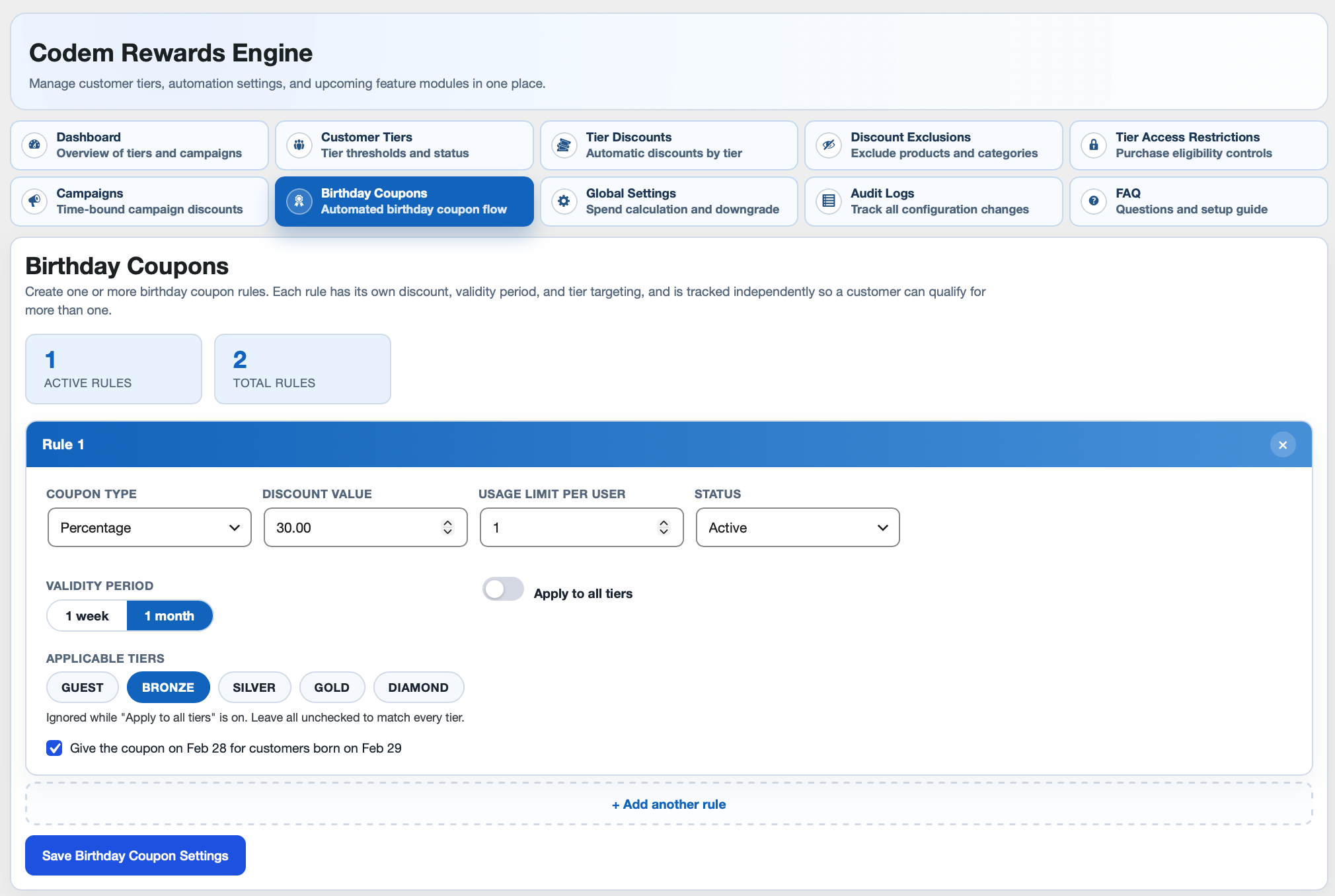
- Birthday coupon automation
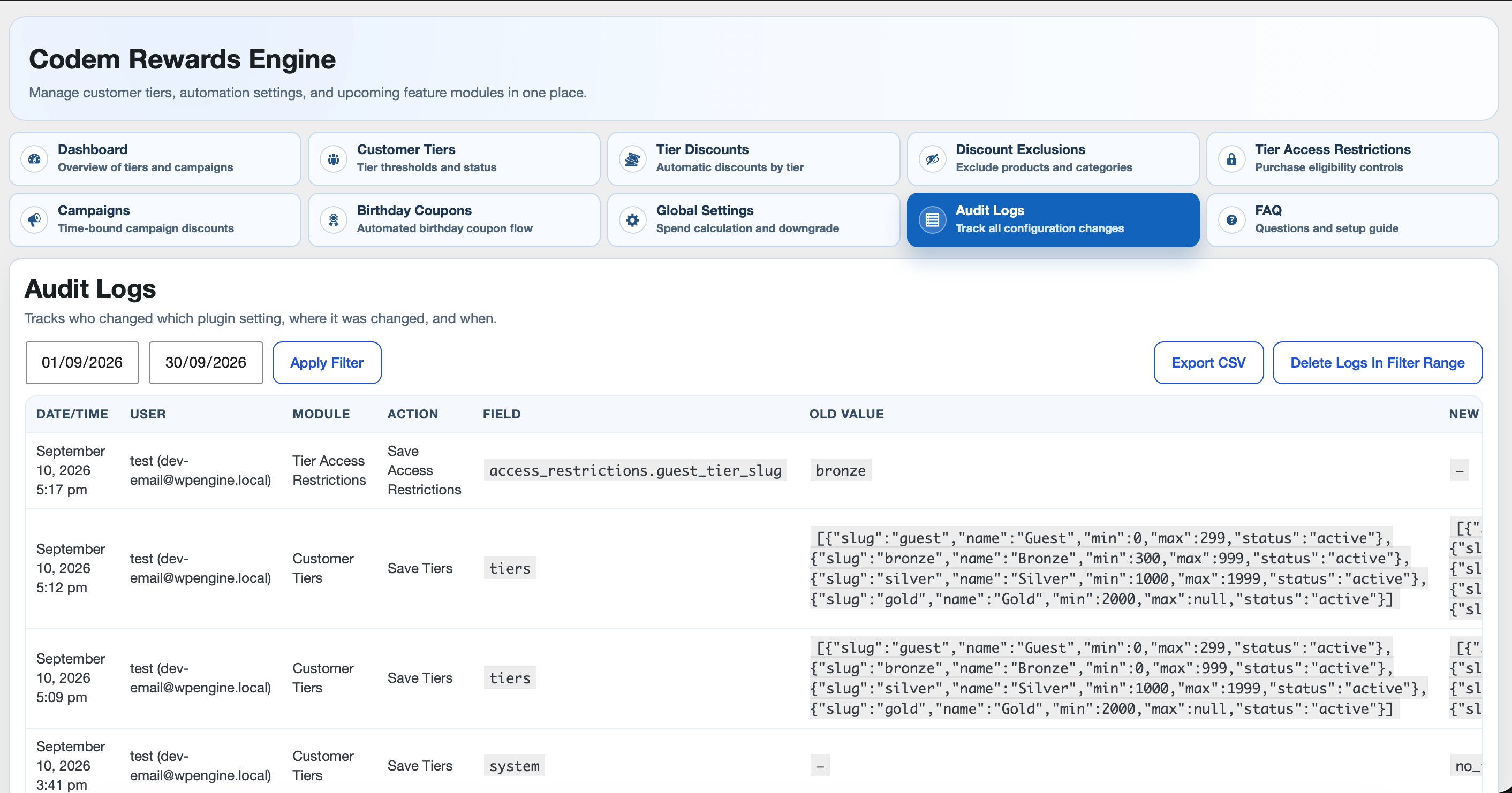
- Audit logging for configuration changes
安装:
- Upload plugin to
/wp-content/plugins/codem-rewards-engineor install via Plugins screen. - Activate plugin.
- Ensure WooCommerce is active.
- Open WooCommerce -> Codem Rewards Engine.
- Configure tiers and global settings first.
- Run recalculation for existing stores.
屏幕截图:
常见问题:
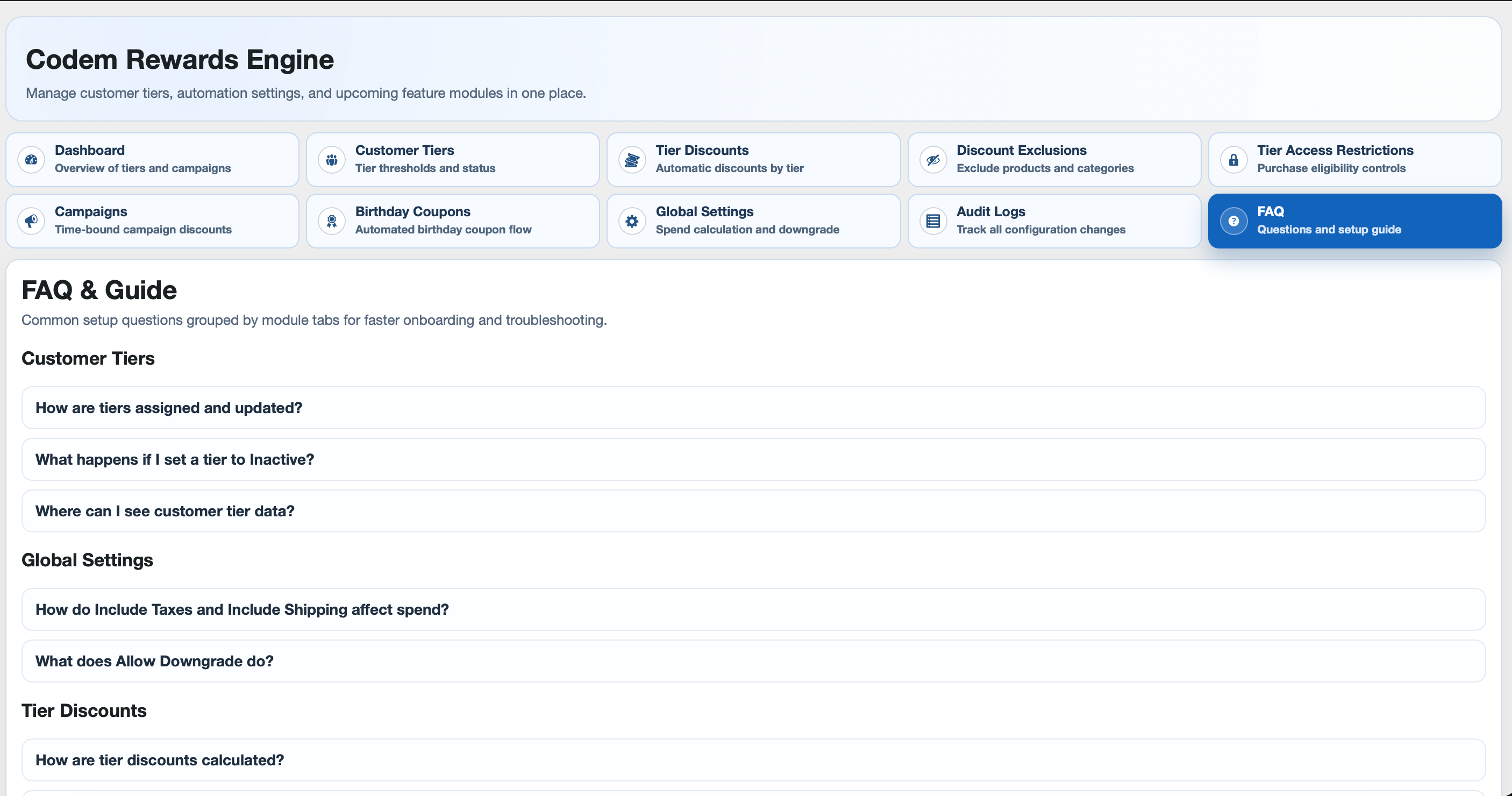
How exactly must an admin configure Customer Tiers for flawless operation?
- Lowest tier (Guest/Bronze) must start at Minimum Spend = 0.
- Use continuous, non-overlapping integer ranges (if lower Max = N, next Min must be >= N + 1).
- Intermediate tiers must have a numerical Maximum Spend; only the single highest tier leaves Maximum Spend blank (unlimited).
- All tiers must have unique Names and Slugs.
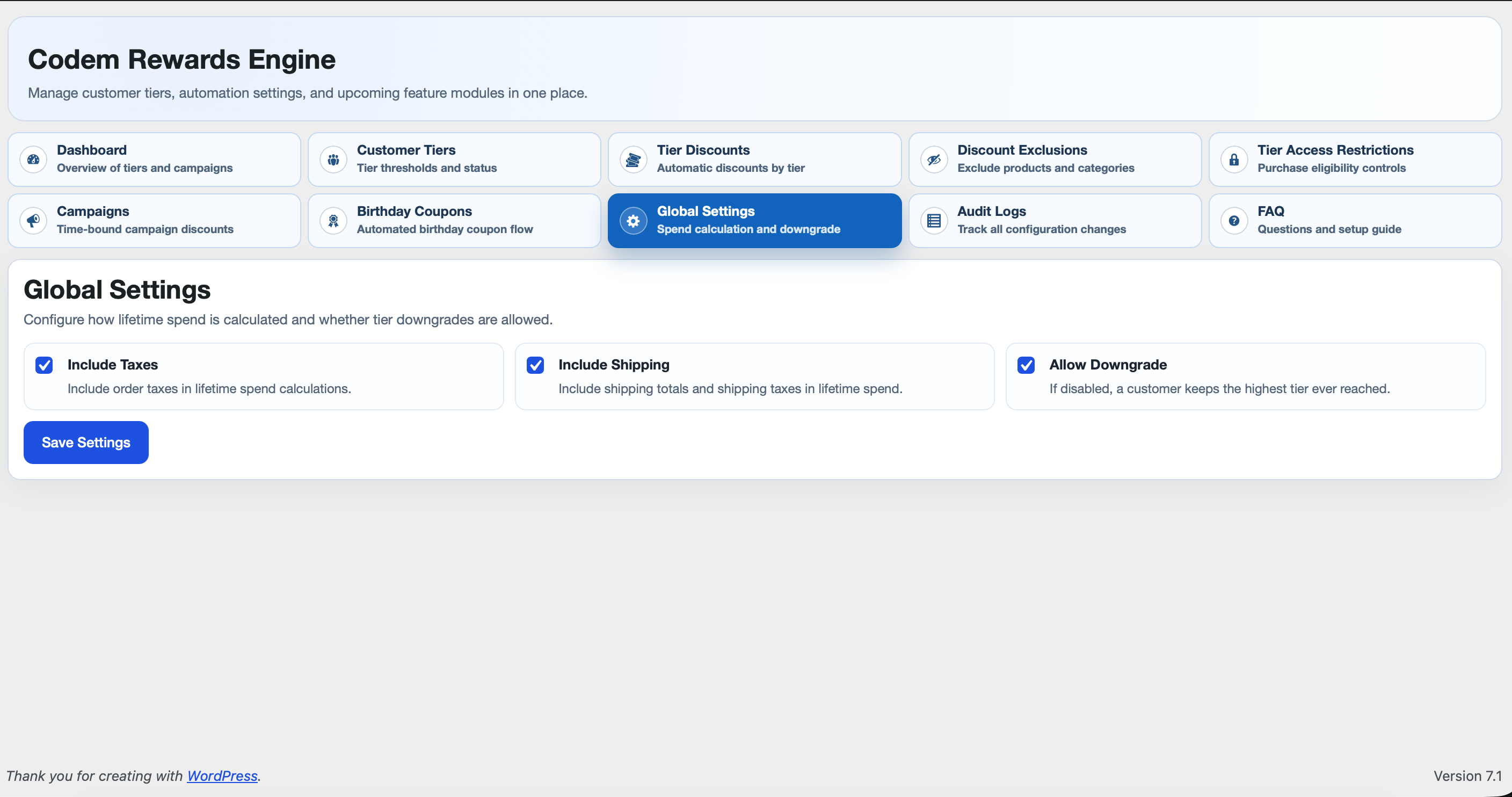
- Run "Recalculate All Customers" whenever you edit tier ranges or toggle tier status.
What happens if I mark a tier as Inactive?
Inactive tiers are ignored by runtime logic. Existing users with that tier are not immediately reassigned; run "Recalculate All Customers" to remap them.
Why is tier discount not applying?
Check: tier status, discount rule status/value, and discount exclusions (products/categories/tiers).
Is Block on Add to Cart enforced server-side?
Yes. Add-to-cart validation blocks unauthorized requests and cart checks remove unauthorized items.
Why does restricted category show no products?
Your current tier is unauthorized for that category rule. The plugin shows restriction notice and filters catalog query results.
How do campaign discounts interact with tier discounts?
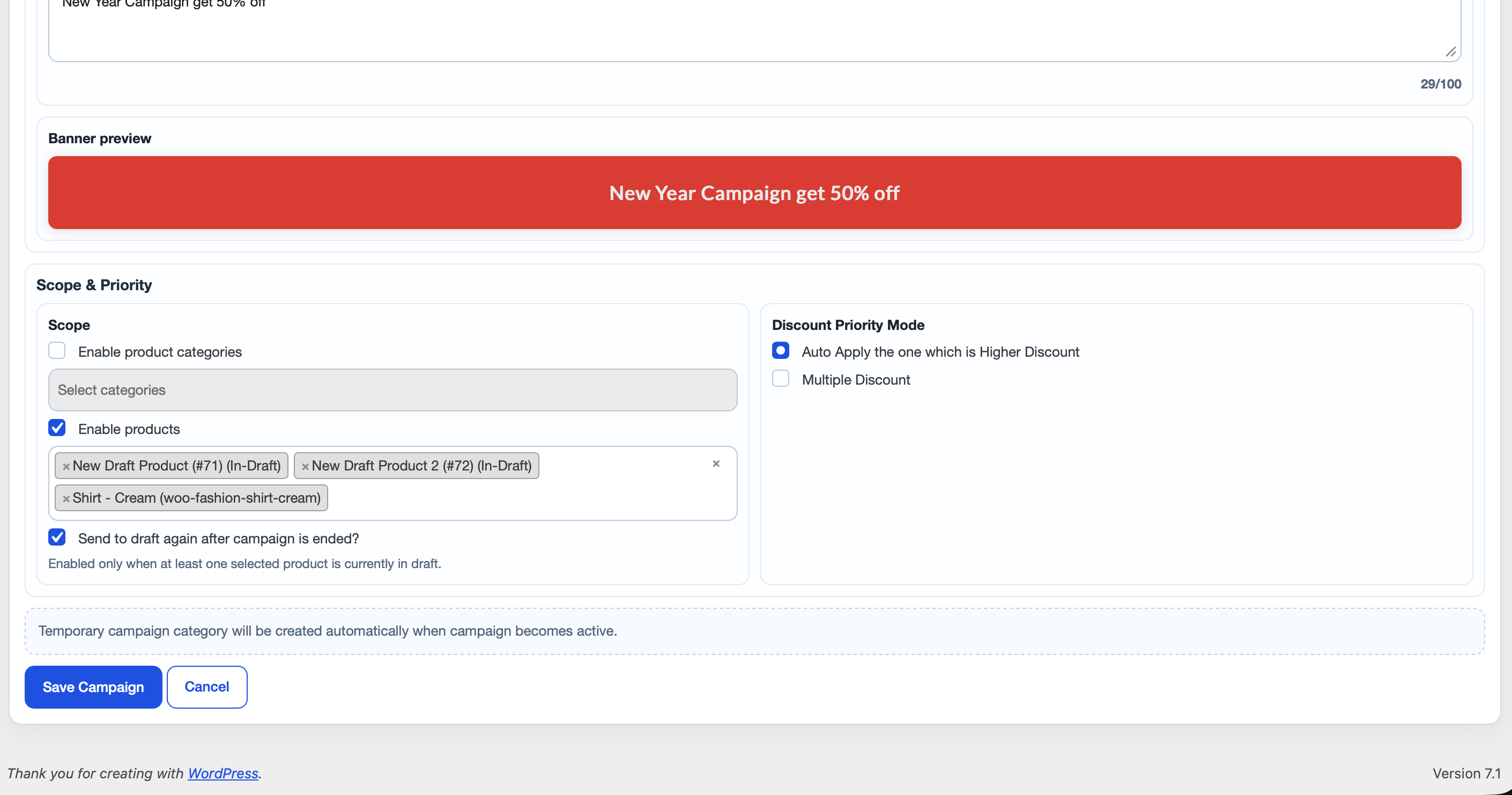
Campaign discounts are evaluated separately and then resolved using campaign priority mode (higher-only or multiple).
When is temporary campaign category created?
It is created by campaign lifecycle sync when campaign becomes live (if product scope is enabled and products are selected).
How can I track who changed plugin settings?
Use Audit Logs tab. It records user, module, action, field, old value, and new value.
Can I customize birthday coupon email content?
Yes. Use WooCommerce email settings for "Birthday Coupon" and placeholders in email body.
更新日志:
- Initial public release of Customer Tiers, Tier Discounts, Discount Exclusions, Tier Access Restrictions, Campaigns, Birthday Coupons, Global Settings, Audit Logs, and FAQ.
- Added an expandable per-product discount breakdown to the Tier Discount / Campaign Discount lines on the Cart and Checkout blocks.
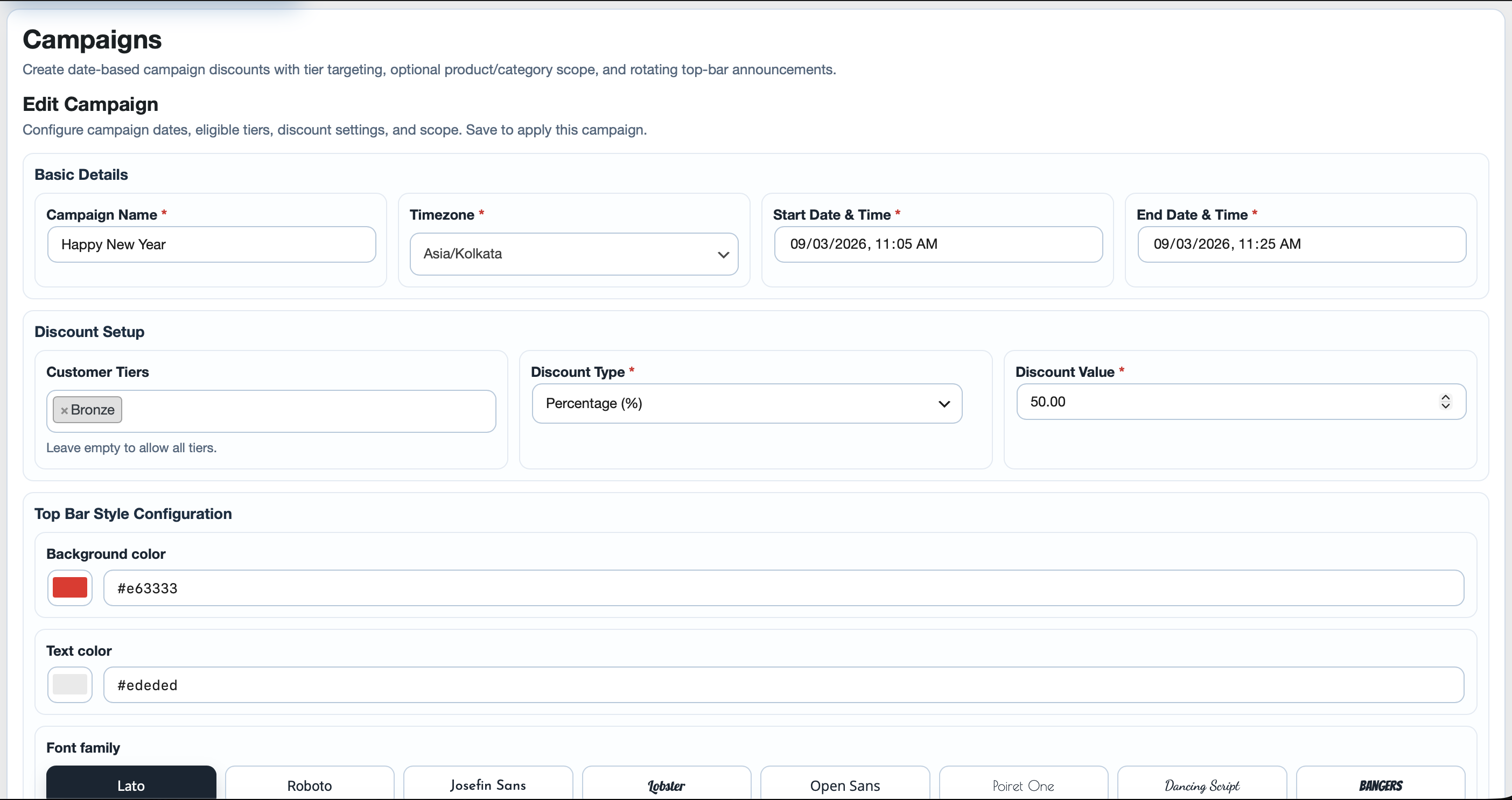
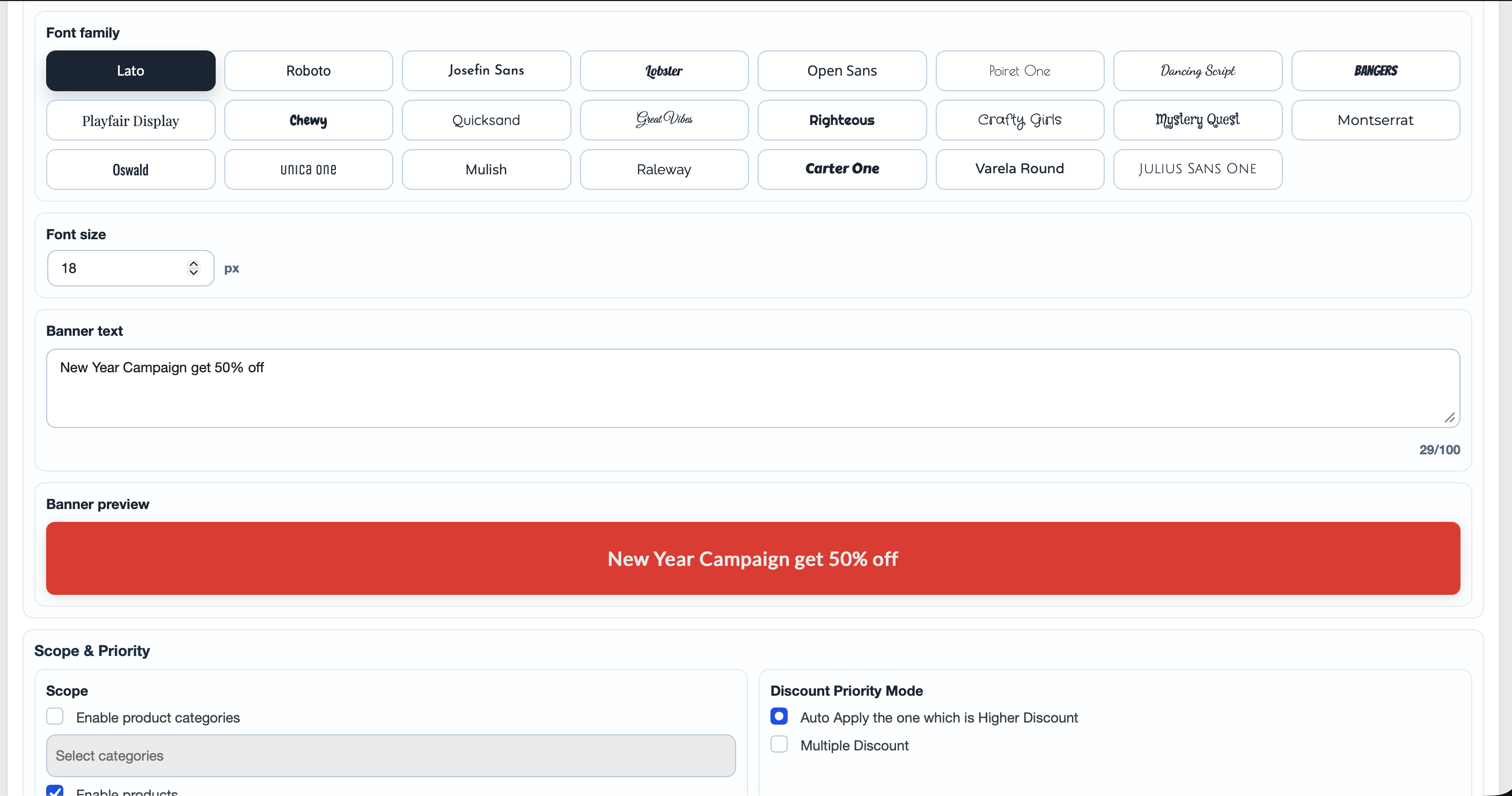
- Expanded campaign Top Bar Message into a full Top Bar Style Configuration (background/text color, font family, font size, banner text with live preview), with per-message style rotation on the storefront.
- Added a Dashboard tab with Overview cards, Tier Distribution chart, and Campaign Overview pie/table filter.
- Moved birthday coupon delivery to reliable Action Scheduler batches, sending on the first day of the customer's birthday month with duplicate locking and failure cleanup.
- Enqueued admin and storefront CSS/JS instead of printing script and style tags.
- Upgraded the bundled Chart.js library to 4.6.1.
- Stored audit logs in a protected uploads/codem-rewards-engine directory.