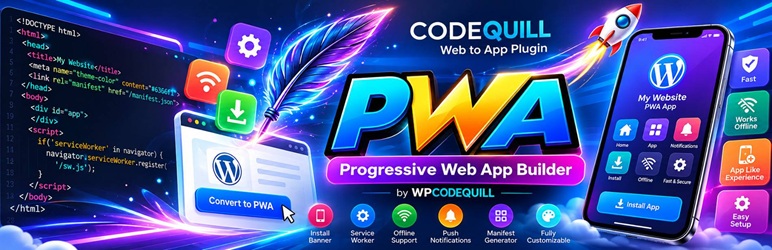
PWA – Progressive Web App Builder by WPCodeQuill
| 开发者 | wpcodequill |
|---|---|
| 更新时间 | 2026年9月25日 23:20 |
| PHP版本: | 7.4 及以上 |
| WordPress版本: | 6.8 |
| 版权: | GPLv2 or later |
| 版权网址: | 版权信息 |
详情介绍:
- Smart Auto-Cache Clearing (New): Automatically flushes the Service Worker cache on the user's device so they never see outdated content.
- Modern Dashboard UI (New): A beautiful, completely redesigned settings panel that makes configuration effortless.
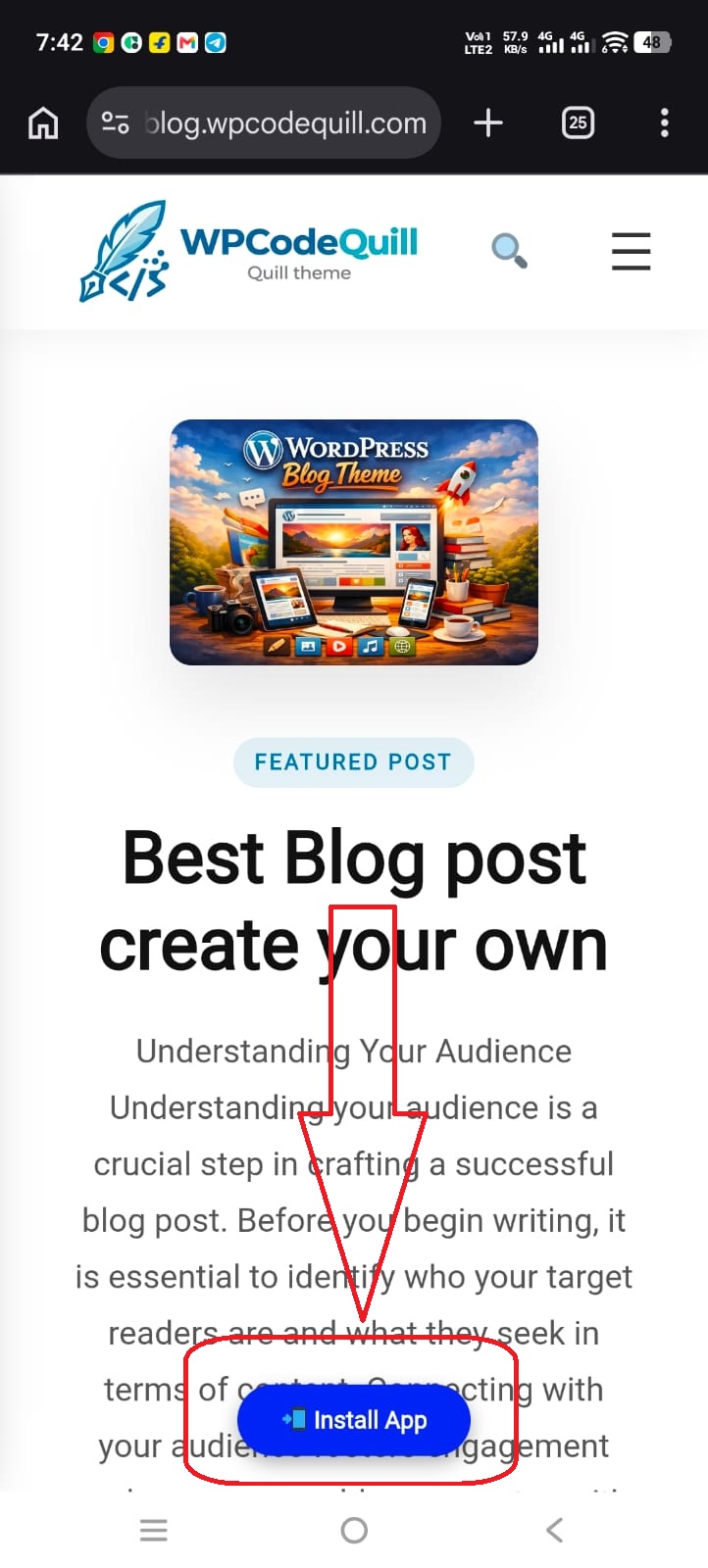
- One-Click Install Button: Automatically displays a sleek, floating "Install App" button for supported mobile and desktop browsers.
- Dashboard Management: Easily customize your App Name, Short Name, Theme Colors, and App Icons directly from the WordPress Admin area.
- Dynamic Manifest: Automatically generates and links your
manifest.jsonfile on the fly based on your customized settings. - Network-First Service Worker: Ensures users always see your latest live content, but automatically falls back to a cached version if their internet connection drops.
- Zero Scope Issues: Dynamically serves the Service Worker from the root of your site, bypassing the strict directory limitations that break most other PWA plugins.
- Safe for WP-Admin: Carefully excludes the WordPress dashboard and login pages from caching, ensuring you never get locked out of your site.
安装:
- Upload the entire
codequill-web-to-appfolder to the/wp-content/plugins/directory, or install the plugin through the WordPress plugins screen. - Activate the plugin through the 'Plugins' screen in WordPress.
- Navigate to PWA Settings in your WordPress Admin Menu.
- Fill out your App Name, choose your brand colors, and paste the direct URLs for your 192x192 and 512x512 app icons.
- Click Save Changes.
- Visit your website on an Android device or Google Chrome desktop to see the "Install App" prompt!
屏幕截图:
常见问题:
Why isn't the "Install App" button showing up?
Progressive Web Apps have strict browser requirements. If the button is hidden, ensure that:
- Your website is running on a secure
HTTPSconnection (SSL is mandatory). - You have successfully uploaded and saved BOTH a 192x192 and a 512x512 icon in the settings.
- You haven't already installed the app on your testing device. (If you have, uninstall it first to see the button again).
Does the install button work on iPhones (iOS)?
Apple iOS (Safari) currently blocks the automatic "Install Prompt" pop-up. iOS users can still install your PWA, but they must do it manually by tapping the "Share" icon in Safari and selecting "Add to Home Screen". The automatic install button will display perfectly on Android devices and desktop browsers like Chrome and Edge.
Will this cache my WordPress Admin area?
No. The included Service Worker is explicitly programmed to ignore the /wp-admin/ dashboard and /wp-login.php pages, ensuring your backend management remains completely dynamic and secure.
Do users have to clear their cache to see my new posts?
No! As of version 1.0.7, the plugin features Smart Auto-Cache Clearing. The Service Worker automatically detects when your site has updated and clears the old cache, guaranteeing users always see your freshest content.
更新日志:
- Major Feature: Added Smart Auto-Cache Clearing. The Service Worker now automatically flushes stale cache so users always see your latest content immediately.
- Optimization: Officially rebranded to "PWA – Progressive Web App Builder by WPCodeQuill" for better search discoverability.
- UI/UX: Further refinements to the admin dashboard interface for a cleaner, frictionless user experience. = 1.0.6 = Date: 20-05-2026
- New: Added a live "Total App Installs" tracking widget to the admin dashboard.
- New: Completely redesigned the plugin settings dashboard with a premium, modern UI.
- New: Added a WPCodeQuill product showcase to discover more premium plugins and themes.
- Fix: Resolved a critical issue where the Service Worker was not properly caching pages for offline use.
- Fix: Corrected the dynamic manifest generation to ensure the "Install App" prompt triggers reliably.
- Tweak: Restructured plugin core files (separated admin and frontend code) for better performance and security.
- Tweak: Resolved WPCS strict coding standards warnings for script enqueuing.
- Resolved minor code standard warnings for WordPress Repository compliance.
- Fixed output escaping issues.
- Complete refactor for WordPress Repository compliance.
- Implemented unique prefixing for all classes, options, and variables to prevent conflicts.
- Moved Service Worker and JavaScript logic to utilize
wp_enqueue_scriptandwp_add_inline_script. - Updated Service Worker to a true Network-First strategy with offline fallback.
- Solved Service Worker scope limitations using dynamic PHP header injection.
- Initial release.