
CodingCush Tweaks
| 开发者 | codingcush |
|---|---|
| 更新时间 | 2026年11月10日 14:52 |
| PHP版本: | 7.4 及以上 |
| WordPress版本: | 7.1 |
| 版权: | GPLv2 or later |
| 版权网址: | 版权信息 |
详情介绍:
- Disable XML-RPC – switch off the XML-RPC API, the X-Pingback header and the RSD link
- Require login for the REST API – visitors get a 401 from
/wp-json/ - Hide the WordPress version – generator tag, feed version and
?ver=on core assets - Disable the file editor – no theme or plugin code editing from the admin
- Stop user enumeration – blocks
?author=1scans and the public users endpoint - Generic login errors – never confirm whether a username exists
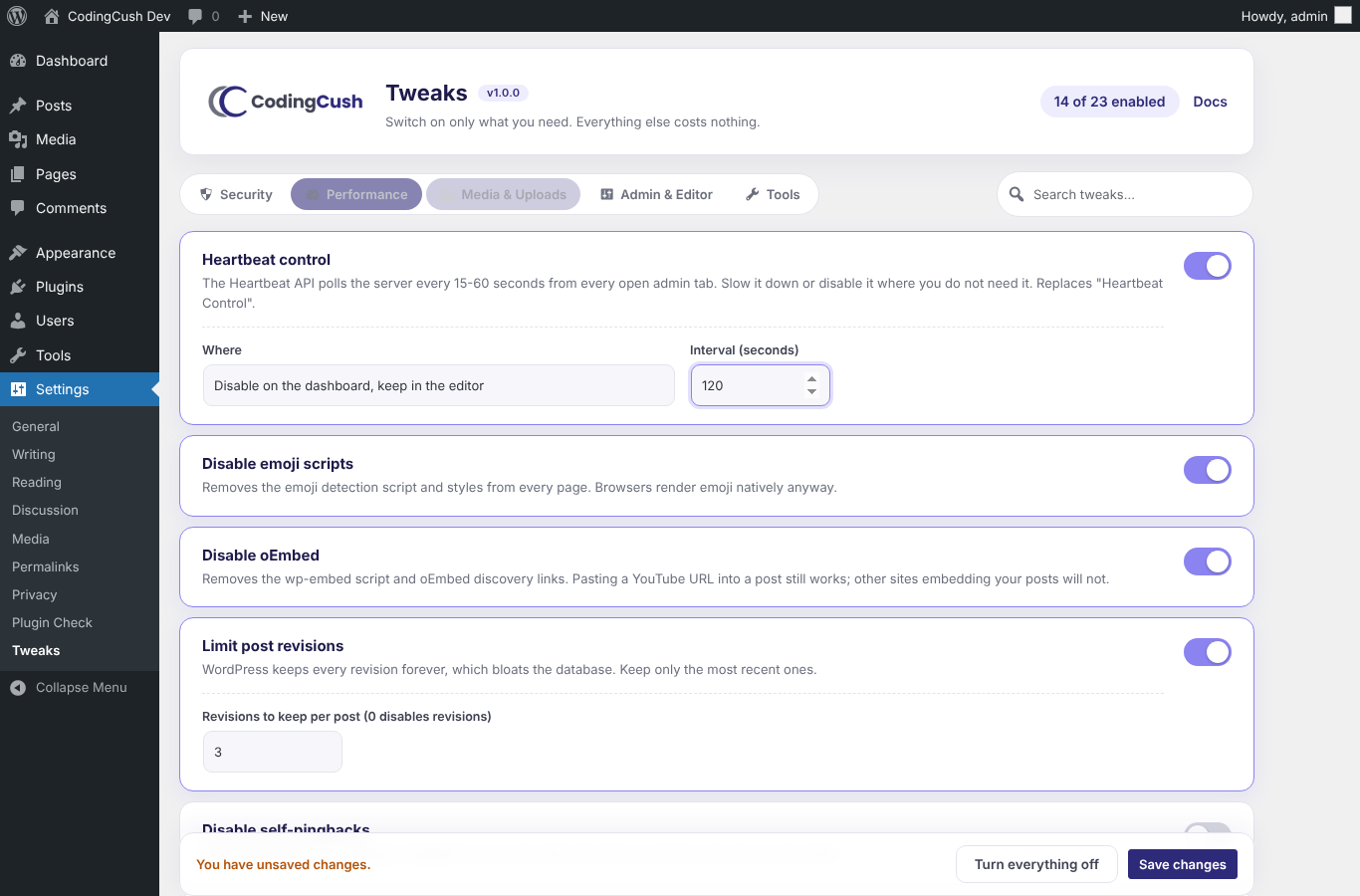
- Heartbeat control – slow the interval, or disable it on the dashboard, outside the editor, or everywhere
- Disable emoji scripts
- Disable oEmbed (wp-embed script and discovery links)
- Limit post revisions – keep only the last N
- Disable self-pingbacks
- Remove Dashicons for visitors
- Disable RSS feeds
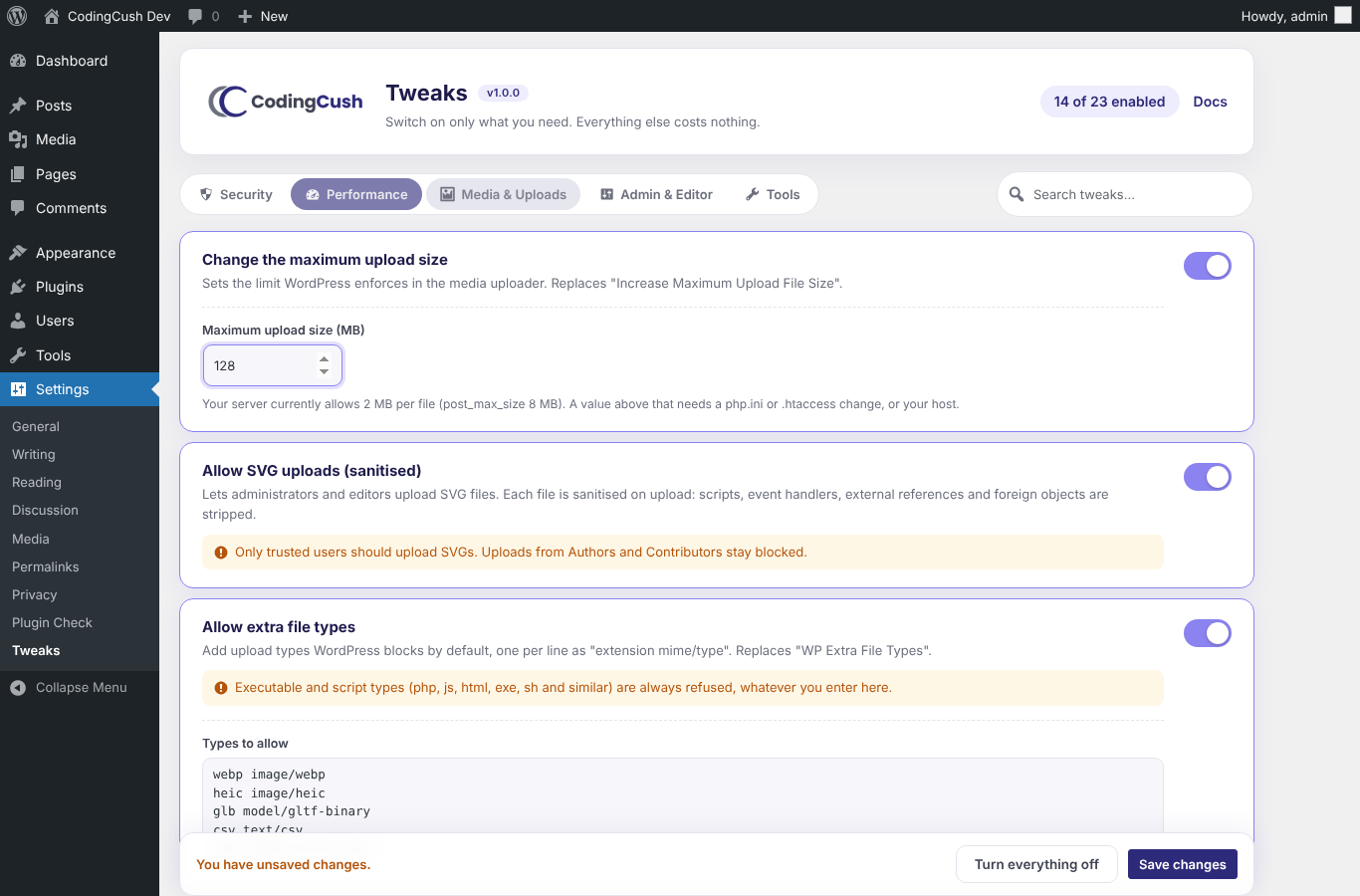
- Change the maximum upload size – with your real server limits shown next to it
- Allow SVG uploads – for administrators and editors only, every file sanitised on upload
- Allow extra file types – add
extension mime/typepairs; executables, scripts, web documents (HTML, CSS, SVG, XML) and other risky types are always refused - Keep original image size – turn off the 2560px big-image scaling
- Disable comments everywhere
- Use the classic editor for selected post types
- Stop automatic update emails
- Hide the admin bar for non-admins
- Clean up the dashboard
- Remove head clutter – wlwmanifest, shortlink, REST link, adjacent-post links
- One autoloaded option, no extra database tables
- No admin notices, no upsells, no tracking, no external requests
- Settings page CSS and JS load on that page only
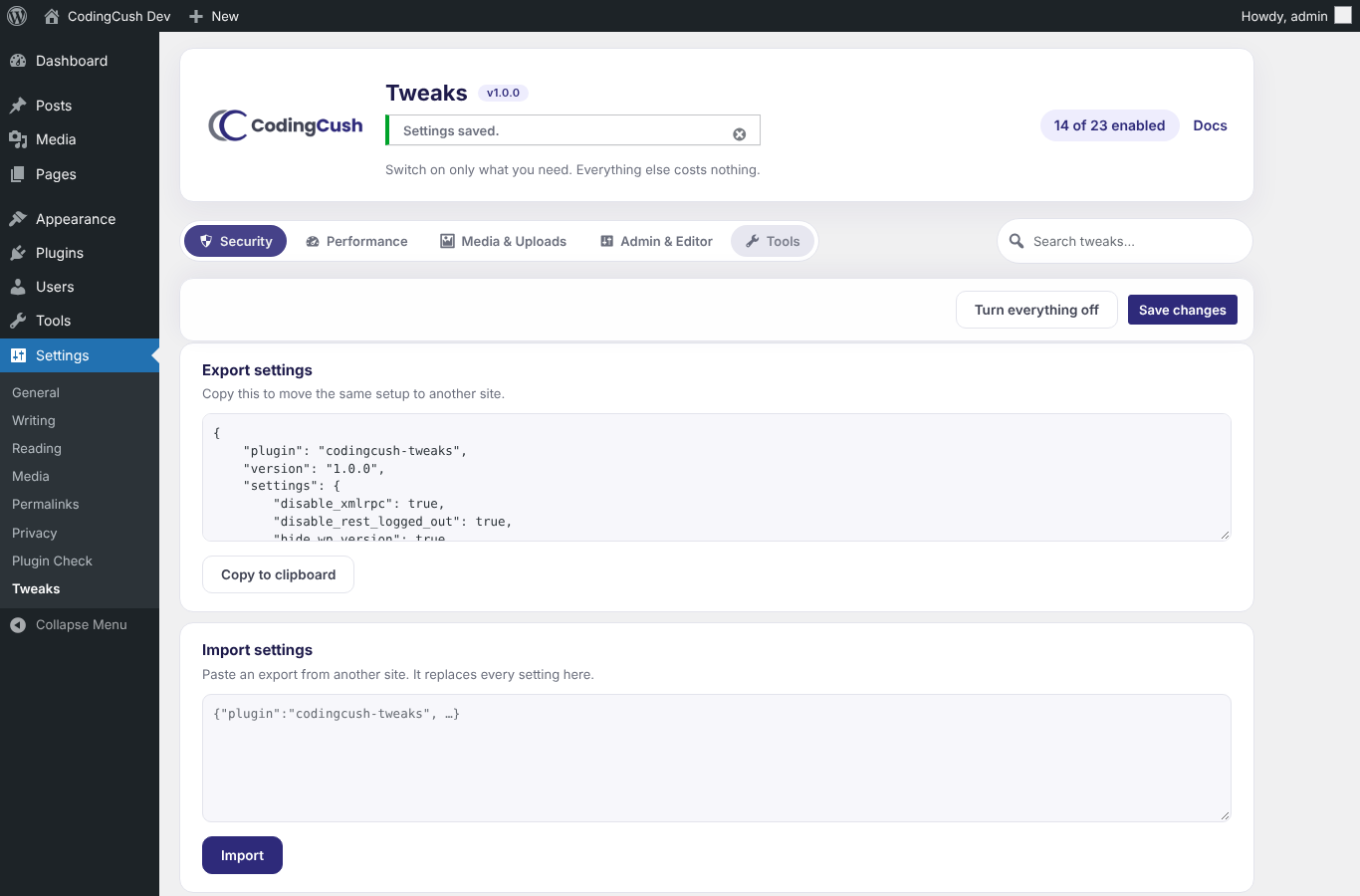
- Export and import your setup as JSON to reuse it on other sites
- Clean uninstall: removes its single option and nothing else
安装:
- Upload the
codingcush-tweaksfolder to/wp-content/plugins/, or install it from Plugins → Add New. - Activate the plugin.
- Go to Settings → Tweaks, switch on what you need, and save.
屏幕截图:
常见问题:
Does this slow my site down?
No. A tweak that is switched off is never loaded. The plugin reads one autoloaded option and registers only the hooks for enabled tweaks.
I enabled "Require login for the REST API" and my contact form stopped working.
Some form plugins, block themes and page builders call the REST API for visitors. Switch that tweak off, or keep it off on sites that depend on those plugins.
The upload limit did not increase.
WordPress can only enforce a limit up to what PHP allows (upload_max_filesize and post_max_size). The settings page shows your server's current values. Raising them needs a change in php.ini, .htaccess or .user.ini, or a request to your host.
Is allowing SVG uploads safe?
The tweak only allows SVG for users who can already post unfiltered HTML (administrators and editors), and every file is sanitised on upload: scripts, event handlers, external references, foreignObject and use elements are removed. Do not enable it on sites where you do not trust every editor.
Can I move my settings to another site?
Yes. Settings → Tweaks → Tools has Export and Import.
Where do I report a bug or ask for a tweak?
Use the support forum here on WordPress.org, or open an issue on GitHub.
更新日志:
- First release with 23 tweaks across Security, Performance, Media & Uploads and Admin & Editor.